A multi-brand CCTV project can look healthy during a short live-view demo and still fail during handover. One camera may appear in the NVR, while its second stream, motion events, audio, PTZ commands or user permissions remain unavailable. That gap is where integrators lose installation time and buyers inherit a system that is difficult to support.
An IP camera is more than an image sensor. The device captures light, processes and compresses video, then sends streams to an NVR or another platform. ONVIF can help products exchange information, but a protocol label does not make every feature behave identically across brands, firmware versions or recorders.
Treat ONVIF as a Starting Point for Interoperability
The useful question is not whether a camera carries an ONVIF label. It is which functions are available in the exact camera, firmware, NVR and software combination being purchased. Discovery is only the first gate. A device that is found automatically may still need manual profile selection, stream mapping or event configuration before it can pass project acceptance.
Discovery and User Access Need Separate Checks
During a bench test, record whether the NVR discovers the camera by name, address or manual addition. Then test the integrator account, an operator account and a restricted account. Verify live view, playback, time settings, reboot behavior and removal or re-addition. Do not treat an administrator login as proof that the final permission model works.
A security camera system also includes communication, software and service functions, not just the housing. The project knowledge base places communications, computing and sensors inside the wider security product chain, which is why a compatibility test must cover the operating path that the buyer will actually maintain.
Validate the Video Path Before Discussing Advanced Features
It distinguishes network cameras by their encoded and compressed digital output, including standards such as H.264 and H.265. That makes stream behavior a procurement item. Check the main stream, substream, resolution, frame rate, compression selection and whether the NVR records the intended stream rather than a fallback mode.
Compare Streams, Events, and Audio
Use the same test scene for each brand. Confirm that the NVR displays the expected image, records continuously, retrieves playback, and receives motion or other supported events. Test audio in both directions only when the hardware and project brief require it. Event names may appear differently in different interfaces, so the acceptance sheet should define the required result in plain terms.
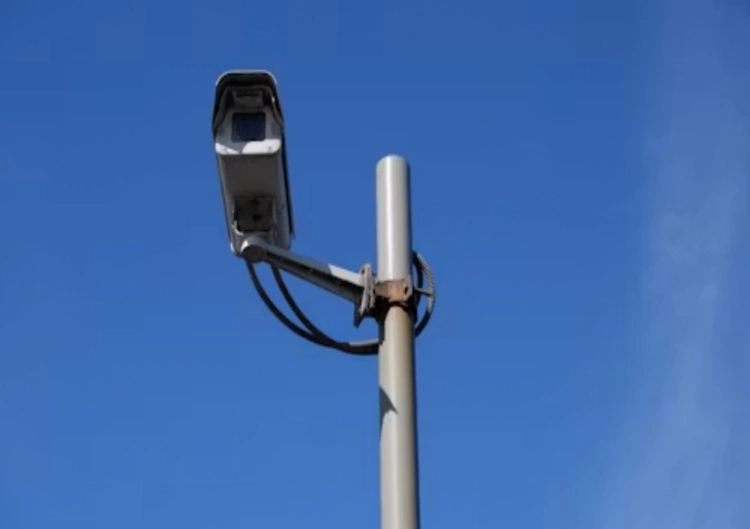
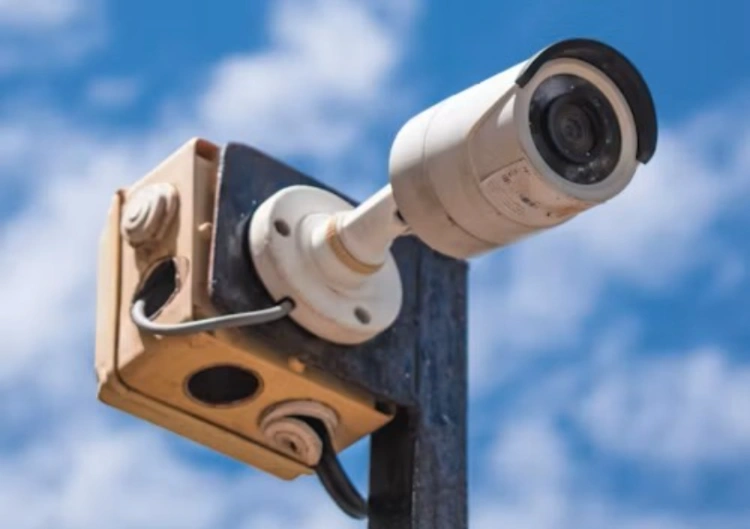
For a fixed network camera such as the JT-8177 outdoor camera, the final NVR test still needs the exact firmware and recorder. Specifications help narrow the shortlist; they do not replace an interoperability trial.
PTZ and Firmware Create the Hardest Edge Cases
PTZ commands expose differences quickly. A camera may show video while pan, tilt, zoom, presets, patrols or limits behave differently in the recorder. The same issue appears when a firmware update changes a menu, event label or authentication method. Multi-brand projects need a version-controlled acceptance record, not a screenshot taken on the first day.
Make PTZ and Firmware Part of Handover
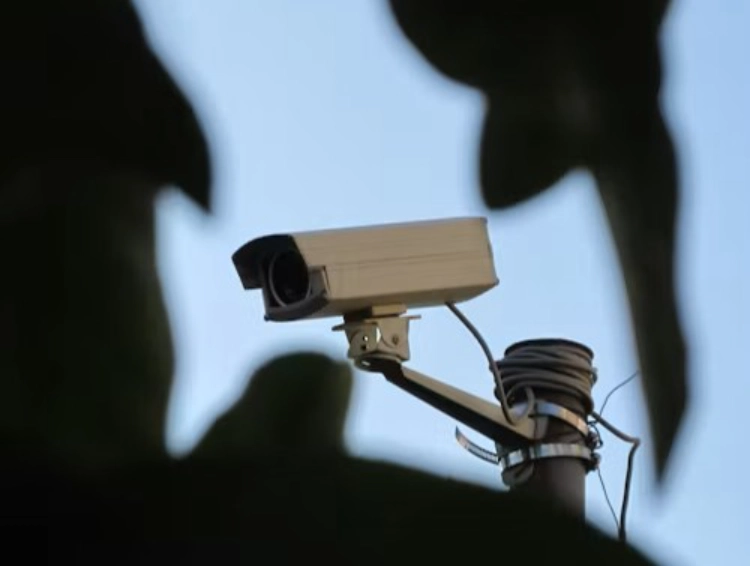
List every required command and test it from the NVR, the management client and the approved mobile workflow. Record the camera firmware, NVR firmware, date, user role and result. If the recorder only supports a reduced feature set, mark that limitation before shipment. A cheaper camera is not cheaper if the integrator must maintain separate workarounds for every site.
A PTZ-oriented model such as the JTZ-9690PRO PTZ camera can be evaluated against the project command list. The relevant question is whether the chosen recorder handles the required PTZ functions, not whether the camera can perform them in isolation.
Build a Repeatable Multi-Brand Acceptance Sheet
The acceptance sheet should follow the actual deployment sequence: add the device, assign credentials, select streams, set time, record, trigger an event, search playback, test permissions, reboot, and repeat after a network interruption. Keep one approved configuration per camera and recorder combination. This makes future replacements faster and gives procurement a defensible reason to reject an attractive but incomplete quote.
The broader Jortan security camera range includes different transmission paths and camera forms described, including network, WiFi, 4G, barrel, dome and PTZ categories. That variety is useful during solution design, provided the selected link, power path, storage route and recorder are checked as one system.
For a project with unusual NVR, event or firmware requirements, send the acceptance sheet with the request for quotation. multi-brand CCTV integration support is more useful when the supplier can review the exact recorder, target functions and test conditions before production.
A good acceptance record also protects the replacement process. Note which functions are essential, which are optional, and which must be handled in the recorder rather than in the camera. Keep the approved stream names, event labels, time zone, credential policy and firmware versions with the project file. When a failed unit is replaced months later, the technician should be able to reproduce the approved configuration without relying on memory. This matters especially when a site mixes fixed cameras, PTZ units, different network paths or more than one recorder brand. It also gives the buyer a practical basis for comparing future quotations: a replacement is acceptable only when it meets the same tested workflow, not merely when it produces a picture on a monitor.
Conclusion
ONVIF can reduce friction in a multi-brand CCTV project, but it is not a complete interoperability guarantee. Discovery, streams, events, audio, PTZ, permissions, firmware and recovery behavior all need practical checks on the target NVR. A written acceptance sheet protects the integrator from vague compatibility claims and gives the buyer a clear record of what the installed system can actually do.
FAQ
Q1: Does ONVIF guarantee that every camera feature will work with every NVR?
A1: No. ONVIF may support communication between devices, while profiles, firmware, recorder implementation and optional functions still affect the result. Test the exact combination.
Q2: What should an integrator test first in a multi-brand project?
A2: Start with discovery, credentials, live view, recording and playback. Then test streams, events, audio, PTZ, permissions and recovery using the final NVR and software.
Q3: Should a buyer reject a camera that needs manual NVR configuration?
A3: Not automatically. Manual configuration can be acceptable when it is documented, repeatable and supports the required functions. The risk is an undocumented limitation discovered after installation.