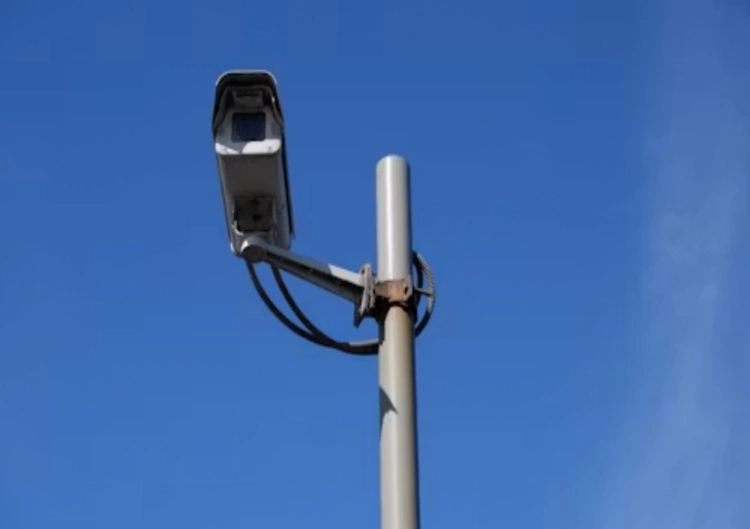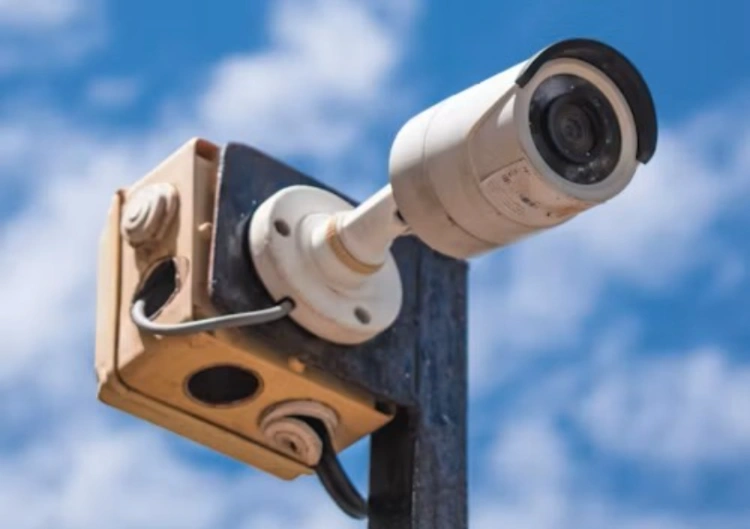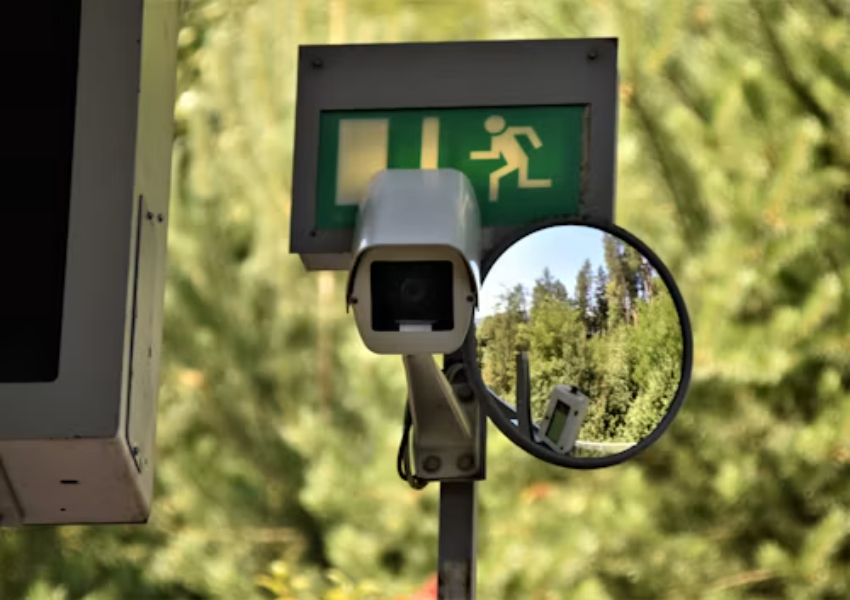
A sample can pass a quick bench check and still fail at the first customer site. The camera looks sharp beside the router, the app pairs in two minutes, and the box contains everything expected. Later, the installer mounts it higher, points it toward a reflective road, connects it to a different recorder and discovers that the night clip, storage path or network recovery does not match the sales promise.
That is why a security camera sample should be treated as a small project, not a product photo with power applied. The goal is to reproduce the conditions that matter to the buyer, record the results, and define which details must remain unchanged in the bulk order. A camera supplier should be comfortable with this level of checking.
Turn the Buying Brief Into Testable Conditions
Before opening the carton, write down the camera’s job. Include the scene, target distance, mounting height, field of view, expected motion, light sources, operating hours, network route, recording destination and required retention. If the camera will be used outdoors, add rain, dust, temperature, cable sealing, bracket position and service access. If it will be sold as an OEM camera, add app language, label, packaging and firmware requirements.
It separates camera image acquisition, encoding, transmission, storage, power and software into connected parts. The test should do the same. A clear image on a local monitor does not prove that the selected NVR can record it. A successful WiFi pairing does not prove reliable access at the planned distance. A listed storage option does not prove that a user can find and export the clip.
Check the Physical Package Before Powering Up
Photograph the carton, label, accessories, bracket, power adapter, antenna, waterproof parts and manual. Check model identity, connector type, screw pattern and cable length against the quotation. Missing or substituted accessories can stop an installation even when the camera body works. The same record later helps receiving staff identify a production change before the goods reach a customer.
Look at the enclosure and cable exit without treating appearance as proof of protection. For an outdoor camera, confirm the stated IP rating and inspect how the connector will be sealed at the intended mounting angle. Do not test only the shell on a desk. Install the complete camera with the bracket, cable and power arrangement that the project will actually use.
Run Day and Night Tests At the Real View
Resolution is only one part of evidence quality. Test a person approaching, crossing and leaving the scene. Check a face or other lawful target at the distance that matters, then review the recorded file rather than relying on a pause-free live image. Add text, shelving, foliage, reflective surfaces and moving vehicles when those elements exist in the final environment.
Night testing should include the camera’s actual light path. Check infrared reflections from walls, eaves, glass, rain and nearby objects. If white light or full-colour mode is included, see how the scene changes when illumination starts. Headlights and wet ground can create a very different image from a dark indoor test room. Record sample clips at the intended height and angle.
The JT-9687PRO camera provides a specific product page to place beside this kind of evaluation. The buyer can use it to identify the camera direction and then confirm the delivered resolution, lens, night mode, storage and app behaviour. The JT-8176XM camera offers another distinct model path for comparing the same acceptance checks without assuming that two camera bodies behave alike. The wider Jortan range can be assessed only after the test conditions are written down.
Measure Movement, Not Just A Still Frame
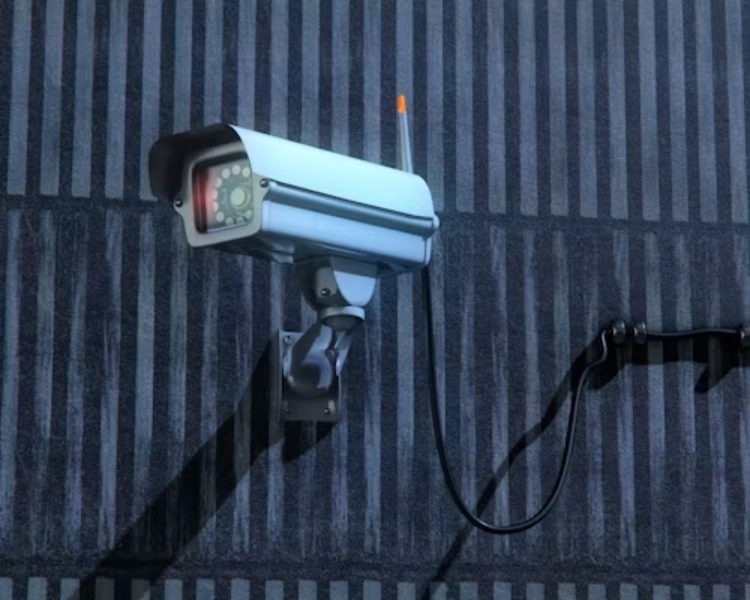
A still image can hide motion blur, low frame rate, aggressive compression and focus changes. Walk toward the lens, across the field and partly behind an object. Review the beginning, middle and end of the clip. If the camera includes detection or tracking, test alert timing and recovery as separate events. A feature name is not an acceptance threshold.
Where the camera will record to an NVR, use the intended recorder and stream settings. Check live view, continuous recording, event recording, playback, timestamp, export and overwrite behaviour. If the camera uses a card or cloud path, test that path too. A bulk order should not depend on a storage function that was never verified on the full system.
Stress the Network and Storage Path
A sample beside the access point says very little about a wireless installation at the edge of coverage. Move the camera to the planned distance, close the usual doors, add ordinary network traffic and test live view, alerts, playback and reconnection. For 4G projects, record signal conditions, SIM assumptions and data use. For wired projects, check the cable, switch, PoE source and recorder port as one path.
Storage should be tested over enough time to expose the recording policy. Compare continuous and event-led recording, daytime and night scenes, and the actual stream settings. Check whether a network interruption leaves local footage, whether later recovery works, and whether a cloud copy or NVR record carries the right timestamp. It describes local SD/TF, NVR, NAS and cloud-edge storage as separate routes with different behaviour.
Ask the supplier to state which result is guaranteed by the delivered configuration and which item remains a site-dependent check. That distinction prevents a buyer from turning an estimated bitrate, battery duration, signal range or cloud feature into an unqualified sales claim.
Test the User Workflow and The Failure Recovery
The camera is not ready for bulk purchase until an ordinary user can complete the basic workflow. Pair it, rename it, share access, remove access, change the password, view live video, find an event, download a clip and reset the unit. Repeat the process with the phone, network and account arrangement used by the target market. Small app obstacles become large dealer workload when multiplied across a batch.
Introduce controlled failures. Disconnect the network, restart the router, remove and restore power, fill the card to its stated working limit, and interrupt cloud access where the test environment permits. Observe what records locally, what becomes unavailable, how the warning appears and how the system recovers. The point is not to damage the sample. It is to discover the service steps before customers do.
Keep the approved sample, firmware, app version, drawings, accessory list, settings, test clips and defect notes together. If a production change is needed, run the relevant test again. This is especially important when an OEM camera carries a private label, because a small hardware or software substitution can create a brand-wide support issue.
Approve the Supplier, Not Only the Sample
A good test also asks how the camera supplier will reproduce the result. Confirm MOQ, lead time, batch identification, packaging, spare parts, warranty handling, replacement policy and technical response. A camera manufacturer with an in-house factory, mold and injection capability may be able to coordinate more of the product chain, but the buyer should still put the approved version and inspection points in writing.
Jortan’s production and OEM/ODM direction can be relevant when a distributor wants to turn a tested configuration into a repeatable product line. The practical discussion should include the test scene, sample quantity, production check, app and firmware record, accessory pack and after-sales handoff. Buyers can send the test brief with the target application and the acceptance list instead of sending only a model number.
Conclusion
A security camera sample earns bulk-order approval only after it survives the conditions that matter at the customer site. Check the physical package, real mounting view, night scene, motion, network path, storage, app workflow and recovery from common interruptions. Record the approved configuration and repeat the critical tests on production units. That process takes longer than a desk demonstration, but it gives the supplier and buyer a shared basis for quality, returns and after-sales support.
FAQ
Q1: How long should a security camera sample be tested?
A1: The period depends on recording mode, storage and site risk. Include representative day and night scenes, enough recording to check retention behaviour, and separate network or power recovery tests.
Q2: Should the sample be tested with the final NVR or app?
A2: Yes. A camera, recorder, app and storage path can behave differently as a complete chain. Test live view, recording, playback, export, alerts and recovery on the intended combination.
Q3: What documents should be frozen before ordering bulk cameras?
A3: Keep the approved sample, drawings, firmware and app versions, settings, lens, power, storage, accessories, packaging, test clips, inspection points, warranty and replacement terms.