
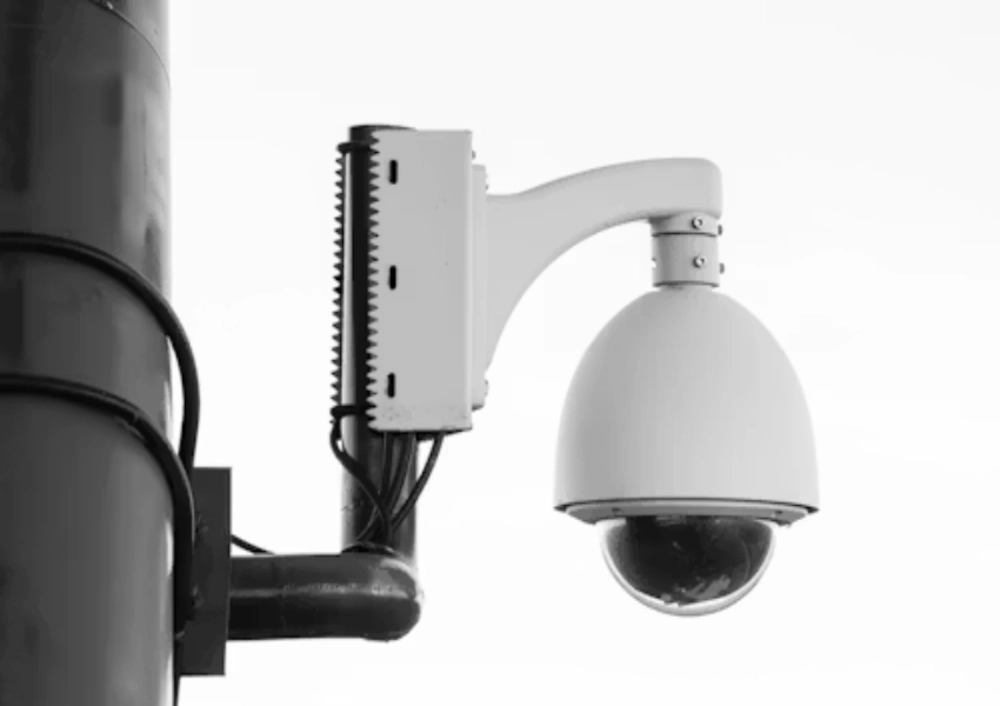
Hot weather can be harder on a solar security camera than a bright forecast suggests. More sun may improve charging, yet a panel, battery compartment, and camera body can spend long hours in direct heat. The usual result is not an instant failure. It is a slow mismatch between heat exposure, charging behavior, battery aging, recording load, and the location where the device was installed.
For distributors and project buyers, summer review should start before the first heatwave. A solar camera installed on a dark wall, a metal pole, or an unshaded roof may see a different thermal environment from the supplier’s normal test setup. Ask for the model’s declared operating range and charging conditions. Then assess the final mounting surface, airflow, cable route, and how much video the camera is expected to create at night.
Heat Raises The Cost Of A Poor Mounting Decision
Outdoor products need weather-resistant enclosures, but a good weather rating is not a full heat-management plan. Direct sun, reflected heat from concrete, and trapped air around an enclosure can all raise stress on the camera body. The installer should think about exposure during the hottest part of the day rather than inspecting only the picture angle at installation time.
Give The Camera Room To Shed Heat
Leave practical clearance around the body and avoid placing the camera where it is pressed against a surface that stores heat. A shaded position may be preferable when it does not compromise the view or the panel’s access to daylight. Check that a bracket, cable gland, and housing are suitable for outdoor work, and confirm the current data sheet for the 8185XM outdoor camera before using it as a repeat-order reference.
The same discipline applies to the panel. A panel should receive daylight, but it should not be added to a site without considering cable length, service access, debris, and the route of water after heavy rain. Outdoor camera housings are often specified with IP66 or IP67 protection directions. Sealing, connector placement, and mounting quality still decide whether that protection is useful over time.
Battery Aging Is A Lifecycle Issue
A camera battery is a consumable part of a solar system, even when it is not easy to reach. Long periods of heat can shorten practical service life, especially when the camera cycles through recording, alerts, remote sessions, and recharging. A buyer should not expect a fixed service life from a generic solar camera description. Cell chemistry, enclosure design, load profile, and the local climate all matter.
Plan For Replacement Rather Than Surprise
During product selection, ask whether the battery is serviceable, how low-battery behavior is reported, and which actions continue when charge is limited. Check whether the camera keeps local events, reduces live access, or requires a manual visit. Those answers affect installation cost as much as the initial purchase price. A product range should be assessed as hardware plus its support and replacement path, not as a sealed item with unlimited life.
For buyers building a retail or installer range, a model such as the JT-8699T outdoor camera can provide a concrete category starting point. The more useful follow-up is a written model list with approved power accessories, packaging, replacement parts, and documentation. That makes it easier to distinguish a solar camera designed for occasional event clips from one expected to carry frequent motion, audio, or remote-view sessions.
Charging Problems Often Begin With The Workload
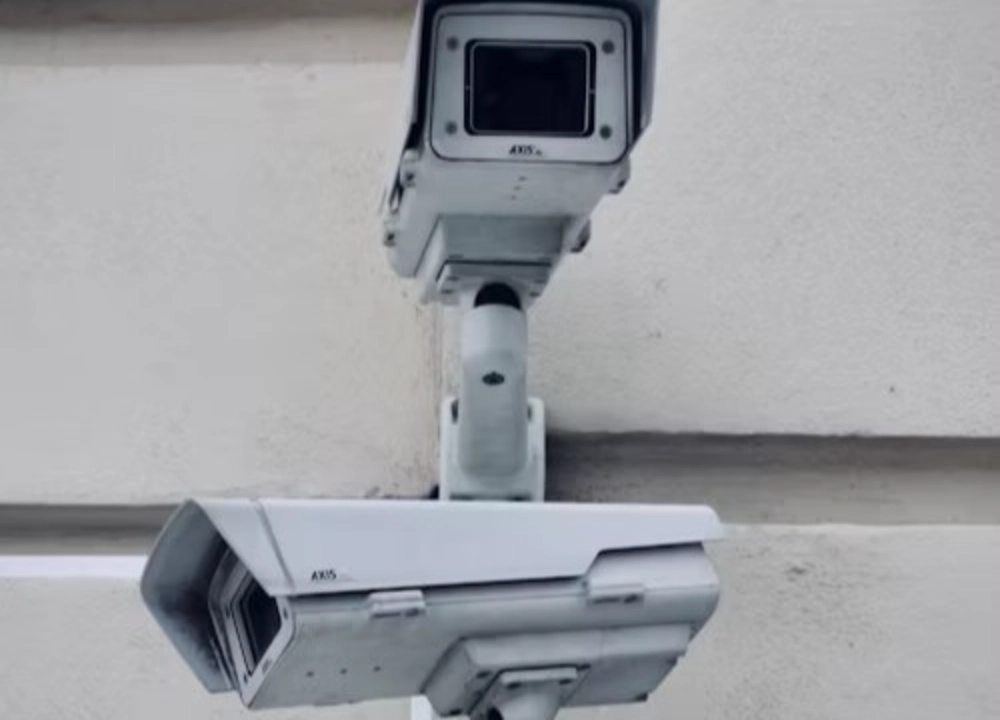
A camera can receive strong daylight and still struggle because its daily workload is too high. Low-power devices commonly use standby sensing and event-led recording to keep energy use manageable. Continuous remote streaming, frequent trigger events, bright night lighting, and repeated cloud uploads all add demand. Study the scene before blaming the panel or battery.
Set Recording Rules Around Real Risk
PIR sensing can wake a low-power camera when a relevant infrared change enters the detection zone. It works best when aimed at an entrance, vehicle route, or other purposeful path. A camera facing moving foliage, busy traffic, or reflected light may record far more than the customer expected. Review clips from day and night before making a decision about a larger battery or a different panel position.
The network is part of the load as well. WiFi and 4G are separate transmission routes, and a weak signal can lead to slow reconnects or unsuccessful uploads. Local storage may protect evidence when the remote path is unavailable, but storage policy still needs to be confirmed by the model. For a private-label project, the JT-9687PRO camera model can be reviewed alongside approved defaults, labels, accessories, and repeatable configuration.
Build Summer Checks Into Routine Maintenance
Summer maintenance should look at more than lens cleanliness. Inspect panel shading, surface dust, bracket movement, cable entry seals, and the operating history in the app or recorder. Compare charge recovery with alert activity. A pattern of failures at a particular time of day may point to heat or load, while random remote outages may point to the network rather than the camera itself.
Use A Hot-Day Acceptance Test
Run a trial during the warmest available period at the final site. Test event clips, local playback, remote viewing, alert delivery, and recovery after a network interruption. Record the camera position, panel angle, firmware version, storage selection, and power accessories. Jordán‘s JT-8258T outdoor camera can support a wider outdoor comparison, but acceptance should be based on the final model and physical location, not a broad marketing claim.
Installation teams should keep thermal risk separate from ordinary connectivity faults. If the app becomes unreachable, check local recording and battery status before assuming the device has overheated. If the camera stops after a predictable period in direct sun, inspect its physical location, enclosure clearance, and the supplier-approved operating conditions. A clear fault record prevents repeated parts swaps when the root issue is the installation environment.
Where a site has several solar units, compare their behavior instead of reviewing one camera in isolation. A single weak unit beside a reflective roof, dark facade, or blocked panel can reveal a location issue that would be missed in a general performance report. Photograph the approved installation position and retain the model-specific power accessories in the service record.
The handover should also state what counts as a warning and what requires a site visit. A low-battery notice, missing event clip, delayed alert, and complete loss of local recording are different conditions. Separating them helps an operations team respond in the right order and gives the supplier better information when a replacement or configuration review is needed.
Conclusión
Hot-weather reliability comes from a balanced design: sensible mounting, a realistic battery lifecycle plan, a clean charging path, and event rules that match the site. Do not treat bright weather as proof that every solar camera will perform the same way. A summer field trial is the clearest way to set expectations before a larger deployment.
Preguntas frecuentes
Q1: Does stronger summer sun always improve a solar camera?
A1: More daylight can help charging, but direct heat and a heavy recording workload can still create problems. Review both charge input and the camera’s actual daily demand.
Q2: Can an outdoor camera’s weather rating solve heat issues?
A2: No. IP ratings address dust and water ingress conditions. They do not replace correct mounting clearance, shade planning, cable sealing, or confirmation of the model’s approved temperature range.
Q3: What should buyers confirm before a hot-climate order?
A3: Confirm the model’s declared operating conditions, panel and battery arrangement, storage behavior, service access, mounting method, and test results at a comparable site.








