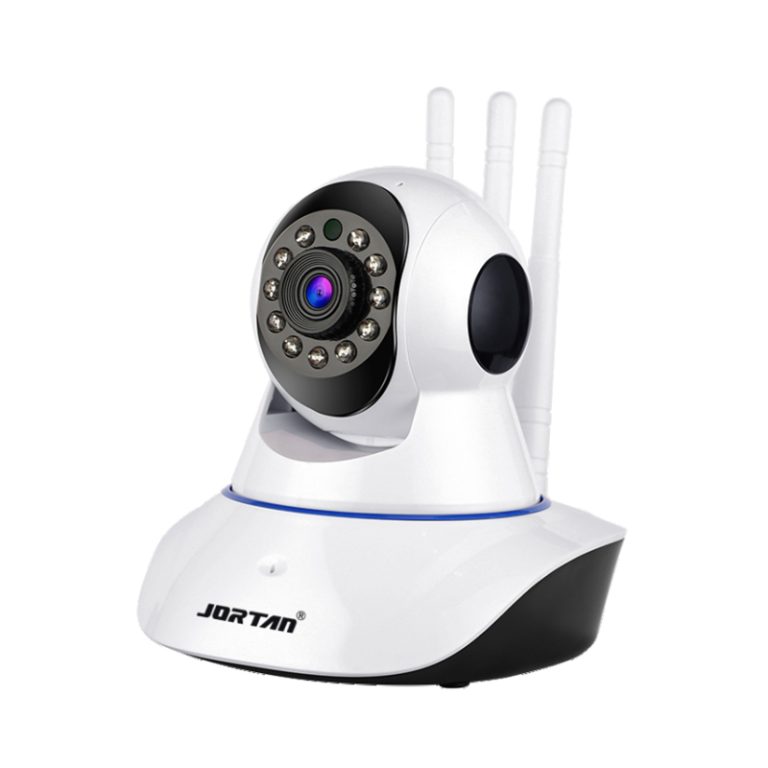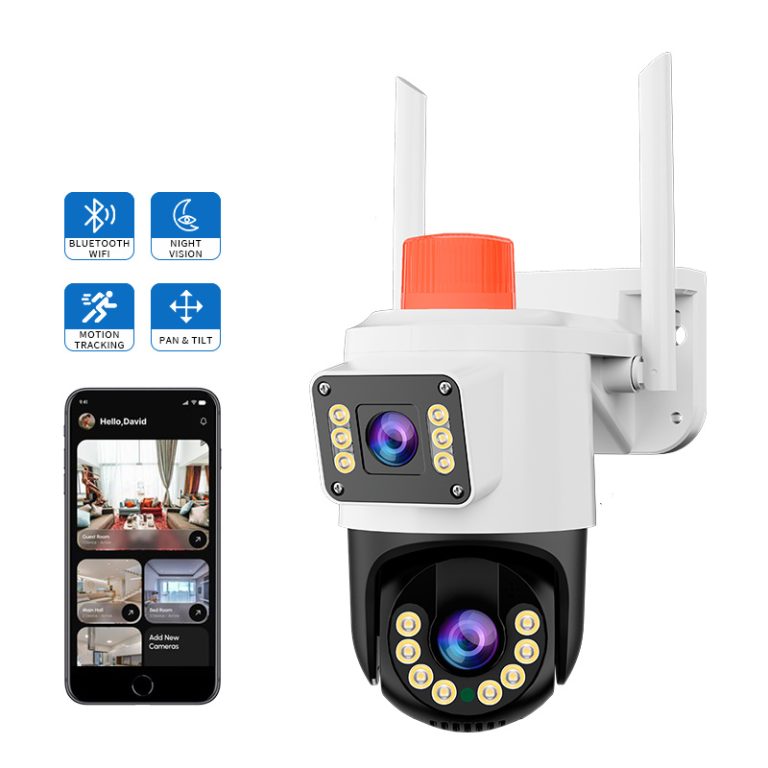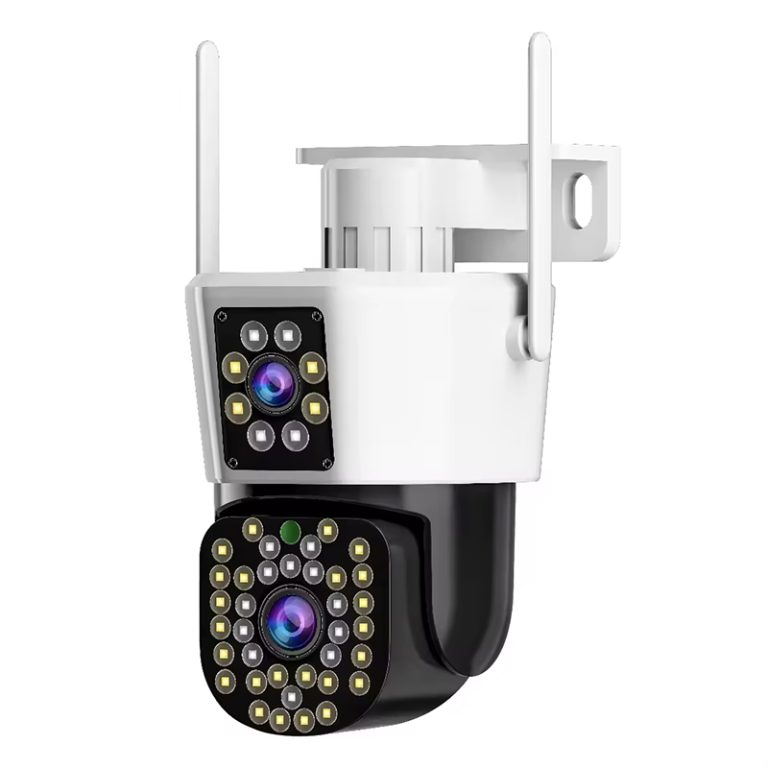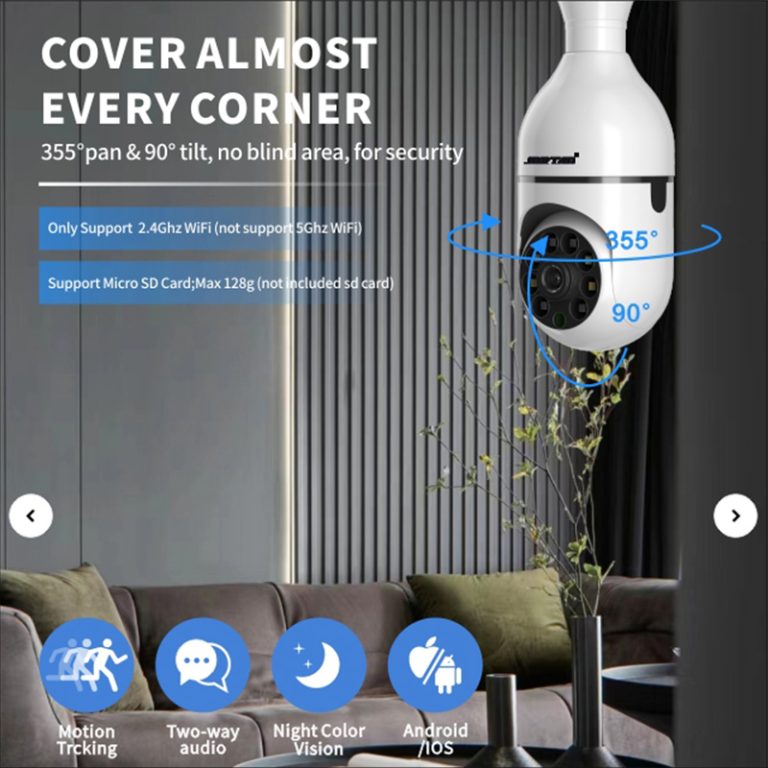
Two-way audio works great in a demo and less well in real installations than we would like to admit. The sales flow is obvious. Mic and speaker in the camera, app at the far-end phone, and network between. In the wild, each component of that path has its own failure mode, and they all scream their arrival in exactly the same way. The conversation on one side is cut off mid-sentence. Installers troubleshoot by guessing, and buyers specify the feature without a test that would catch the bug. The end of the path walked below, with a fast dropout sorter in a localization method.
The Audio Session is a Network Session
Two-way talk is a live two-way stream that rides the same Wi-Fi heft as the video, making it among the first things to get sacrificed by a burnout network. Buffered video will look bad if the network is too jittery, but audio is very unforgiving of packet loss. But a link good enough to not chop video can still kill audio all day. The first measure is the signal at a mount point, and perhaps more useful is sustained uplink throughput (estimate) and loss under real load. The access point that has a dozen cameras and a shelf of phones will first disengage the real-time session at will, simply because it contains the least slack. Roaming adds a clean cliff. A camera crossing a coverage boundary re-associates to the next access point, and the talk session dies at that instant without warning. A dropout that reproduces at one spot in a yard, and only while someone walks through it, is a roaming story.
Settings and Stream Structure Inside the Camera
A common cause hides in configuration. Audio is often carried in a composite stream on many cameras rather than in its own channel. If the channel type becomes video-only or has an inappropriate stream profile set on it, then the audio path opens whilst every light on the box remains healthy. Your first basic check for a no-audio complaint is just this: open the audio settings and verify that under video type, it indicates Composite Stream. Camera and app codec/sample-rate mismatch are all part of the same family. They usually only generate start, stutter, and die-tization audio rather than creating pure silence; that distinction is a critical split in the diagnosis.
Volume controls deserve their own pass because three of them stack. The speaker volume inside the app preview. The phone’s own media output. The camera-side speaker level. Any single one parked at zero manufactures a dropout complaint out of working hardware, and the classic appearance is audio that works on the installer’s phone and not on the client’s. Reading all three back from the device is faster than any theory.
Electrical and Acoustic Causes on the Camera Side
Units with external audio bring wiring into the picture. You inject hum by having an audio input at the output, which is incorrectly referenced against ground with a pickup and against negative with supply, whereupon the camera argues back and also tries to suppress noise. Aggressive suppression clips speech along with the noise, so anything electrical in the scene starting up is swallowed along with it. The pattern of the plugs matters as much as what goes through it: AUDIO-IN to the pickup signal line, ground to pickup negative and supply negative together, and positive with positive.
A routed ground reference for the shield and most of that dropout that looks random is gone. Echo accomplishes the identical symptom from the audio side. A loud scene-specific speaker, buried in a mount or aiming into a wall, will spit its own signal directly back into the microphone. Without acoustic cancellation restraining the loop, one side hears an ascending howl before silence as suppression closes the gate. The commissioning fix is to set speaker level at the installed position, inside the actual enclosure, not at the workbench where the acoustics are a different room entirely.
Testing that Actually Reproduces the Fault
A two-minute talk test at commissioning proves nothing, because dropouts are load-dependent and time-dependent. The meaningful field test runs the session for several minutes at the real mount position while normal video traffic runs on the same access point. It tests the app held in foreground and then backgrounded, since a phone suspending the app releases the talk session and is quietly one of the most frequent causes of a far end that vanishes. It repeats at the worst coverage point of the deployment rather than beside the router where everything works beautifully.
Buyers specifying the feature at volume should push this test upstream, such as Jortan. The load session belongs on the supplier’s outgoing checklist, because a dropout rate that only appears under load is exactly the defect a spot-check demo survives. The question to a security camera supplier comes earlier than that, at quotation: on this model, does audio ride the composite stream? That single fact determines how every future audio complaint on the fleet gets diagnosed, and an honest answer takes ten seconds.
Conclusion
Audio dropouts localize cleanly once the path is treated as a chain. A live session on shared Wi-Fi. Audio carried inside a composite stream. Three stacked volume controls. An analog microphone stage exposed to wiring and power noise. A speaker fighting its own echo. Work the chain in that order: sustained session tests at the real mount under real load, stream and volume settings read back from the device itself, speaker level tuned in the installed enclosure. Buyers ordering at volume add two contractual items. The load test as an outgoing check, and a written answer on whether audio rides the composite stream. Both are free at quotation and expensive to improvise during a warranty claim. Please feel free to get in touch with us.
FAQ
Q1: Why does two-way audio cut out while video stays smooth?
A1: Audio sessions are real-time and loss-sensitive; video is buffered and tolerant. The same marginal link still delivering acceptable video chops audio first. Test sustained uplink and packet loss at the mount point rather than reading signal bars.
Q2: The camera works but nobody hears anything. What is the first check?
A2: Three controls in order: the app’s preview speaker volume, the phone’s media output, and the camera’s own audio settings, including whether the channel is set to Composite Stream so the audio channel exists at all.
Q3: How should a buyer test two-way audio before accepting a bulk order?
A3: Multi-minute sessions at a representative mount position under normal network load, enclosure fitted, both directions tested, repeated with the app backgrounded. A bench demo call says nothing real about dropout behavior in service.