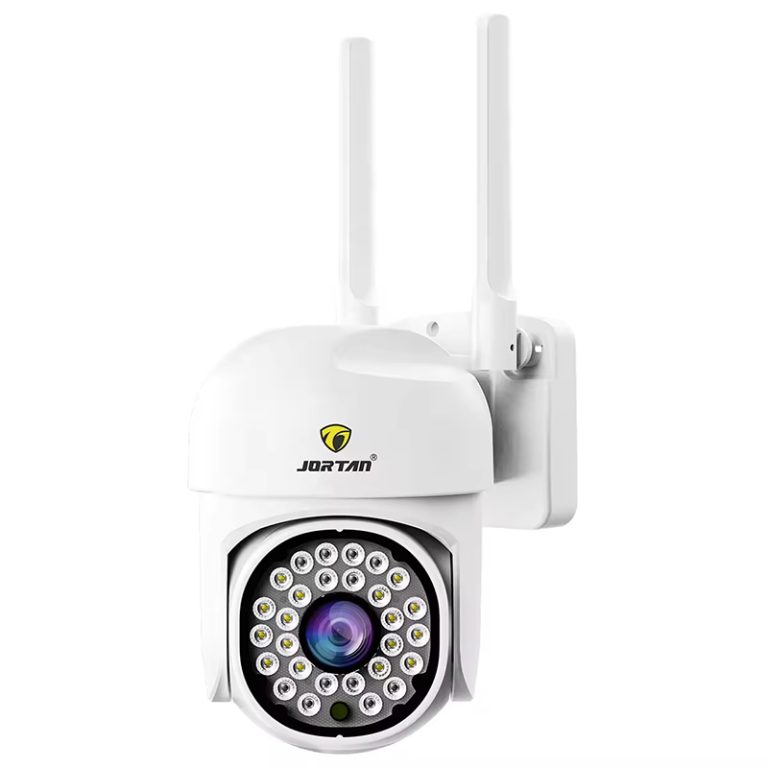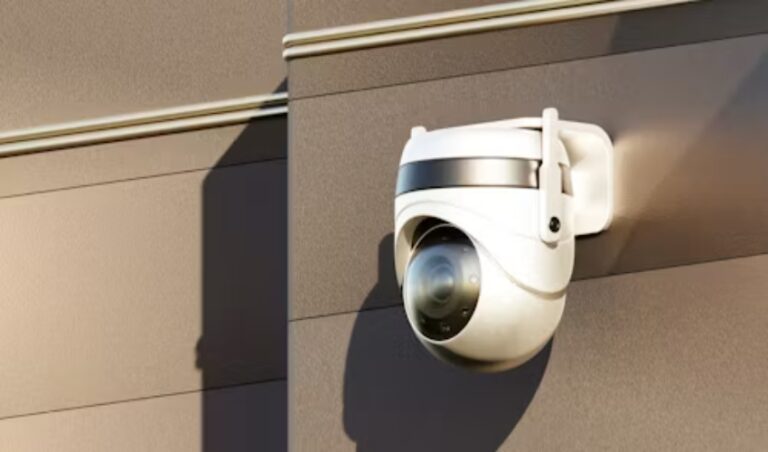
A monthly cloud bill is easy to accept when a security system is new. Cameras are online, clips appear in an app, and no one has chosen a hard drive. After several years, the recurring charge can outweigh the original equipment decision, especially across shops, warehouses, or rental properties. That is why security camera storage is returning to procurement conversations.
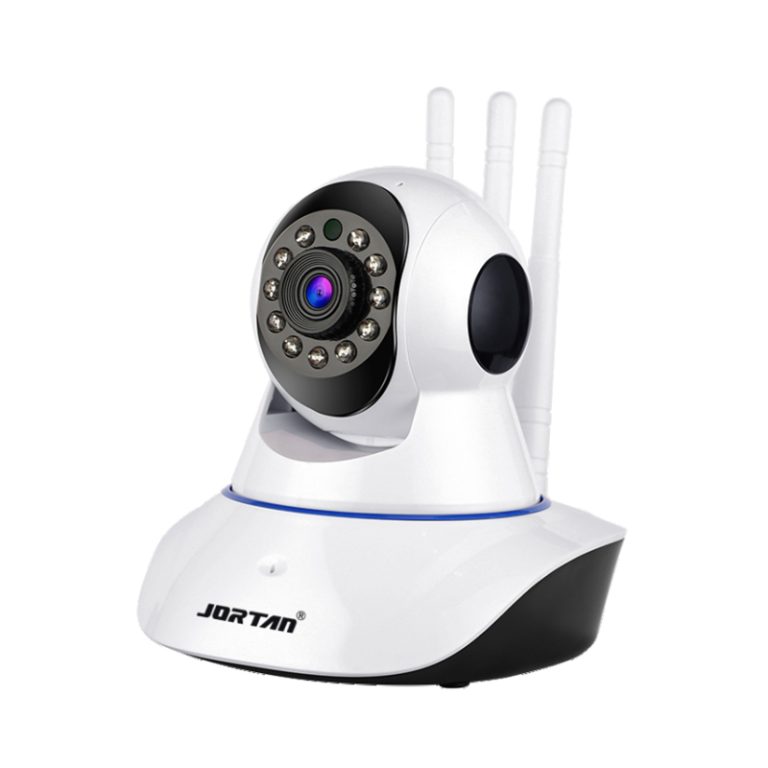
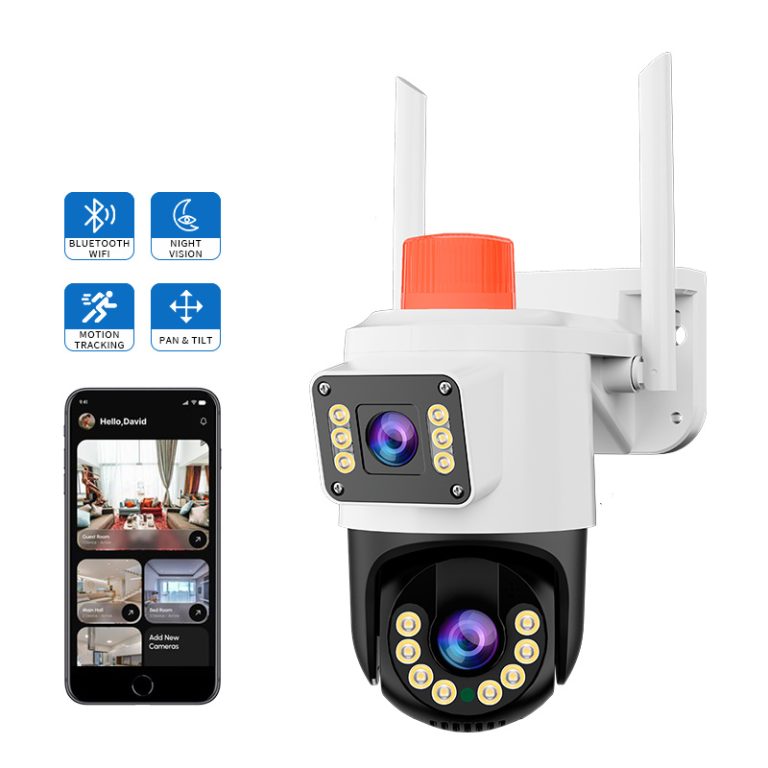
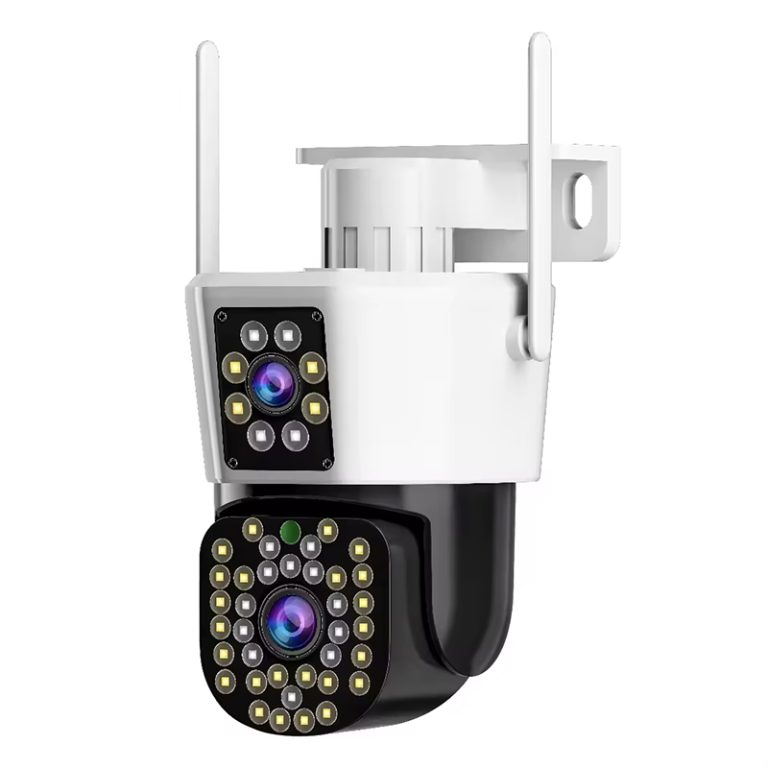
A local security camera is not automatically better, and cloud storage is not automatically wasteful. The real questions are where the main recording lives, how much footage must be retained, what happens during a network interruption, and who retrieves a clip later. Jortan’s CCTV monitoring packages show options from camera-level storage to recorder-based systems. The design should price capacity, backup, and maintenance together.
Why Local Storage Deserves A Fresh Cost Review
Cloud plans solve a real operational problem: footage is available away from the site without a recorder on day one. The tradeoff is a continuing fee, dependence on an outside service, and a storage tier that may not match the retention pattern. Local storage changes the cost profile, but adds responsibility to the equipment plan and maintenance team.
Subscriptions Are A Recurring Line Item
A subscription is rarely priced only by camera count. Plans may vary by retention days, resolution, event history, users, or playback features. Compare a no subscription camera with a cloud-first model using the ownership period, replacement cycle, storage tier, and site count. A low hardware quote can lose its advantage when a fleet pays for the same footage every month.
Local storage still has costs. SD or TF cards need replacement, NVR drives age, and larger fleets may need a recorder, UPS, or secure cabinet. These are visible capital or maintenance items. Compare five-year system cost with the retention requirement, not camera price with one month of cloud service.
Local Does Not Mean One Card Fits All
An SD card camera suits a small site or edge-recording role when event clips are the main evidence. A multi-camera business with continuous recording, long retention, and central review may need an NVR or NAS. Jortan identifies local SD or TF card, NVR, NAS, cloud, edge, and PC-based management as separate routes. Each changes access, recovery, capacity, and staff workload.
Local needs a precise definition in the purchase order: a card inside each camera, a hard drive in an NVR, a NAS on the network, or a branch recorder. Ask where the master copy lives, how clips are exported, and whether high-value areas need a second copy.
Match Storage Architecture To The Site
Once subscription and recording are separated, system design becomes more practical. The target is not maximum camera storage capacity on every device, but enough usable footage for the site’s risk, review habits, and network conditions. A storefront, warehouse, and remote yard can need different designs at the same resolution.
SD Cards For Edge Recording
An SD card keeps footage close to the camera and reduces dependence on a continuous upstream connection. This suits a small office, entrance, or branch where a full NVR adds cost. Event-triggered recording can extend available days, but results depend on detection settings and pre-event needs.
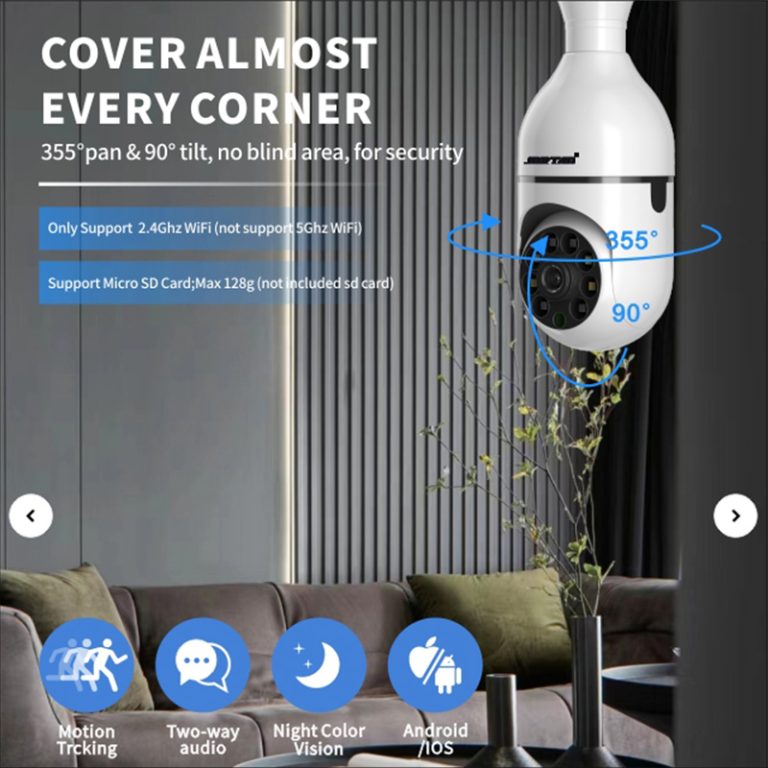
Jortan’s 8185XM lists H.265, 1920x1080P video, alarm and manual recording, cloud and local Micro SD storage, mobile-phone memory, Micro SD support up to 128GB, PIR wake-up, and IP66 protection. The 8185XM low-power camera is a reference for a compact outdoor or branch option. Its capacity is not a fixed retention promise; bitrate, frame rate, triggers, and overwrite rules decide the result.
NVR And NAS For Central Review
A central recorder suits a business needing one review point, multiple cameras, or longer continuous retention. Network cameras are capturing, compressing, and transmitting video to an NVR or related system. Planning must account for resolution, frame rate, bitrate, retention days, and recording method.
Jortan’s 8906ZL3-8 lists an 8-channel CCTV system with 2MP cameras, P2P, two-way audio, H.265, night vision, motion tracking, and SD card, cloud, and NVR storage options. The 8906ZL3-8 CCTV system frames the choice between camera-level and recorder-led storage. Confirm the drive, expansion limit, overwrite behavior, export format, and camera compatibility before approval.
Calculate Capacity Without Guesswork
Capacity is where local-storage plans become unrealistic. A card or drive number looks reassuring until it is compared with stream size, recording hours, camera count, and retention days. Use the stream that will actually be recorded, not a product-page maximum the site will never run. That is the core of a defensible security camera storage estimate.
Use The Main Stream For Evidence
Resolution, frame rate, bitrate, compression, and recording mode change storage use. H.265 can reduce bitrate in a compatible workflow, while high frame rates and busy scenes write more data. The main stream is normally the evidence copy; a lower-bandwidth sub-stream can support remote viewing.
Estimate cameras multiplied by average bitrate, recording hours per day, and retention days, then add room for activity, audio, event clips, and formatting. Do not promise that a 128GB card stores a set number of days until the selected settings and triggers have been tested.
Choose Continuous Or Event Recording
Continuous recording gives a stronger timeline but consumes more storage. Event recording uses less space and can make a small-card design viable, yet a missed trigger can leave a gap. A mixed policy often works better: continuous recording for entrances and loading doors, event storage for low-traffic zones.
Jortan’s 6115AHD-8 lists an 8-channel AHD DVR direction, H.265, a 4K DVR direction, IP66, a 1080P/2MP outdoor package, online technical support, and a two-year warranty. The 6115AHD-8 DVR kit supports a recorder-capacity discussion. Final storage days still depend on the camera mix, stream settings, drive, and recording policy.
Protect Local Footage After Installation
The strongest local-storage proposal includes a recovery plan. Cards can fail, recorders can be damaged, and a removed camera can take its evidence with it. Cloud services simplify remote access, but local recording can continue during an internet outage. The buyer needs to decide which risk matters most and how quickly a clip must be recovered.
Plan Access And Backup Boundaries
Local video storage needs a defined export process, permission model, clock setting, overwrite rule, and backup interval. High-value footage can be copied to a second local location when policy permits. A network outage is not the same as storage failure: a camera may keep recording locally while remote viewing is unavailable, but that behavior must be confirmed for the model and app.
Main-stream local recording with a sub-stream for remote access can balance evidence quality and network load. Ask who retrieves footage, whether the recorder remains reachable after an outage, and how long an exported clip stays readable. These details often decide whether an affordable local security camera remains useful after installation.
Treat Maintenance As Part Of Ownership
A no subscription camera still needs attention. Check capacity, replace aging cards or drives, verify timestamps, test exports, and review overwrite behavior. Outdoor equipment also needs its housing, cable path, and weather protection checked. Give the work an owner instead of waiting for a failed clip.
For distributors and private-label buyers, repeatable hardware and software matter. Jortan supports consumer security products through mold work, injection molding, chip processing, assembly, sampling, inspection, and customization for logos, packaging, appearance, colors, and applications. The OEM/ODM camera production route is relevant when storage method, app behavior, packaging, and support must remain consistent across orders. For a model shortlist or sample discussion, the Jortan can be approached with retention, network, and recovery conditions already defined.
Conclusion
Cloud storage remains useful where remote access and outsourced retention justify the recurring fee. For many business sites, local video storage can reduce long-term subscription exposure when the card, NVR, or NAS capacity matches the recording policy. Define retention days, stream settings, backup, access, and maintenance before choosing a no subscription camera. For samples, storage planning, or private-label requirements, contact kingjin@safejortan.com.cn.