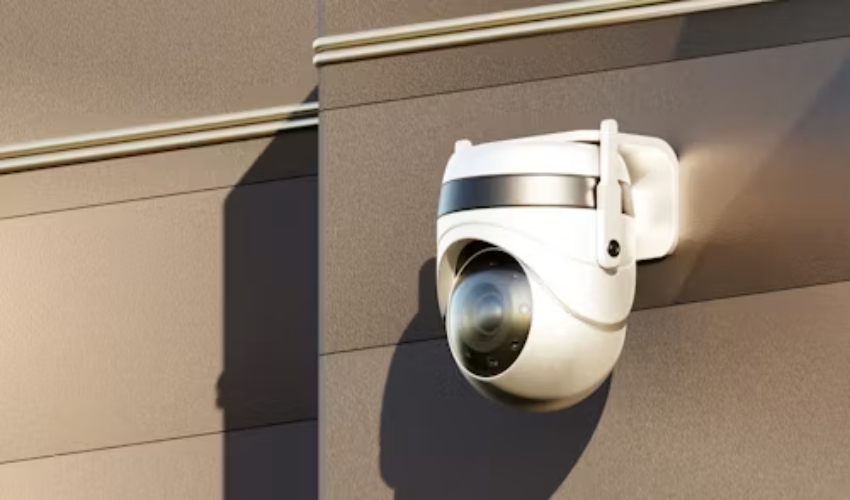
CCTV networks rarely fail all at once. A site usually notices smaller signs first: a recorder that runs hot, cameras that reconnect slowly, a growing list of unsupported devices, or footage that is hard to retrieve when an incident occurs. By the time a complete outage happens, the budget discussion has become urgent and the available choices are narrower.
A sensible CCTV system upgrade begins with evidence, not a blanket replacement order. Some equipment can be refurbished or kept in service with a documented maintenance plan. Other equipment has reached a point where repeated repairs, incompatible additions, limited storage, or a weak network make camera replacement the less risky commercial choice. The goal is a system that can change in stages without losing useful evidence or creating a patchwork that nobody can support.
Start With the Network, Not the Camera Count
An aging surveillance system can appear healthy on a monitor while its network, recorder, and storage path are already under strain. A camera refresh should therefore begin with how video travels from the scene to recording and review. This prevents a common mistake: installing higher-resolution cameras on the same old switches, uplinks, and recorder without checking the load they introduce.
Map the Video Path
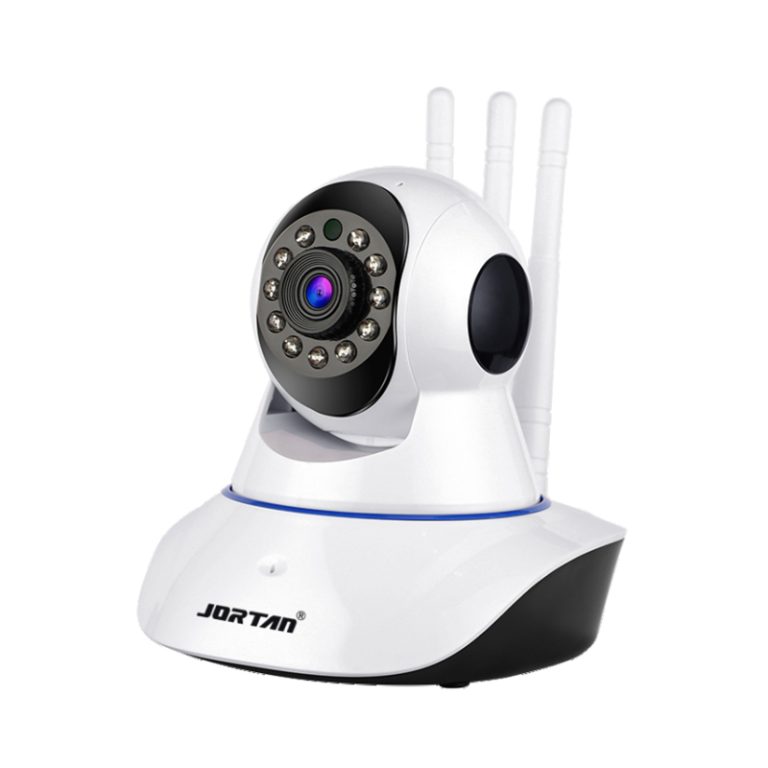
A network camera is a device that captures video, encodes and compresses it using formats such as H.264, H.265, or H.266, then transmits the stream over a network. In a typical IP design, the camera sends that stream to a network video recorder. That simple path gives a useful audit sequence: camera, cable or WiFi link, switch, uplink, NVR, drive, and viewing client.
Record which paths already have dropped frames, slow playback, unstable power, or crowded uplinks. Include the stream settings actually used for recording, not just the maximum resolution printed in an old quotation. A security camera upgrade should be sized around real recording behavior, retention needs, and peak viewing traffic.
Check Power and Physical Infrastructure
Power is often the quiet constraint. Power over Ethernet can reduce the cabling and separate power supply needed for cameras when the NVR supports it. That can simplify a new run, but existing PoE switches still need a realistic power budget, suitable ports, and cable routes that match the installation.
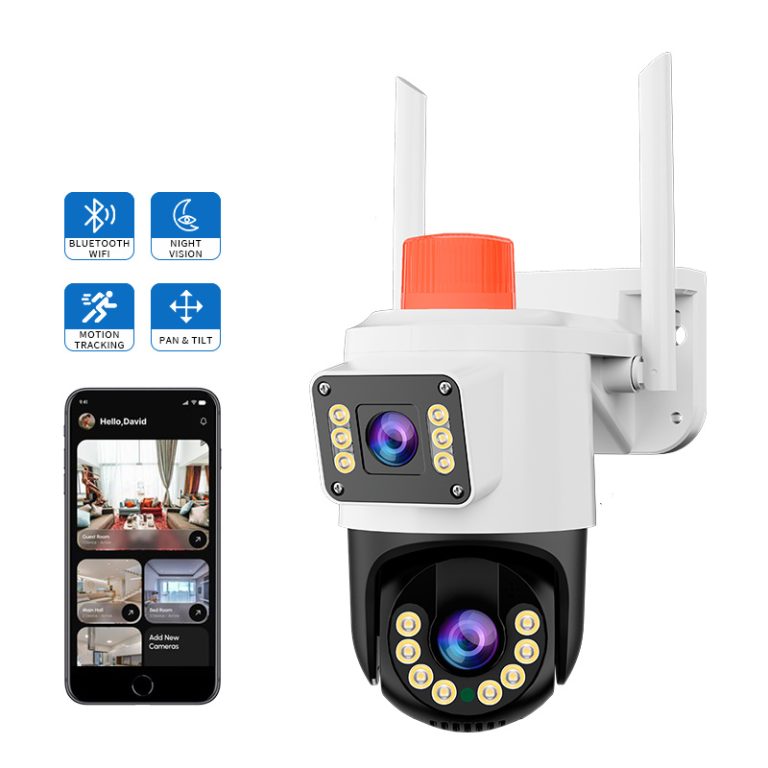
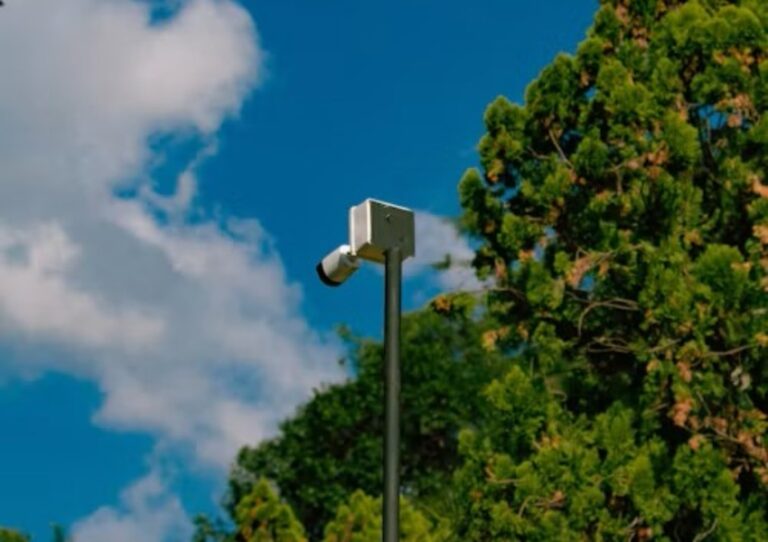
Inspect outdoor housings, connectors, junction boxes, and mounting points before deciding between refurbishment and replacement. Barrel-style cameras are commonly used outdoors and may carry IP66 or IP67 protection, while a replacement still has to match the exposure, mounting position, cable entry, and field of view. A newer camera on a poor bracket or damaged cable does not make a durable upgrade.
Separate Repairable Assets From End-Of-Life Risk
Refurbishment makes sense when the underlying architecture remains serviceable and the problem is local: a damaged connector, a failing drive, a poor power supply, an obstructed lens, or a camera with a known replacement part. Replacement becomes more credible when the same fault returns, the product can no longer fit the required recording path, or a new addition exposes a larger compatibility problem.
Use Maintenance Records As Evidence
A useful CCTV maintenance review looks at more than repair invoices. Track repeat visits, camera downtime, missed recordings, drive warnings, network interruptions, time spent recovering clips, and the availability of compatible parts. One failed unit does not prove that an entire system is obsolete. A pattern across locations can show that the current support burden is no longer predictable.
Also separate image complaints from network complaints. A blurred scene may come from lens condition, lighting, focus, compression settings, or a stream problem. Replacing every camera before locating the cause can spend budget without restoring the evidence quality that the site actually needs.
Test Compatibility Before Buying In Volume
Compatibility deserves a live test, especially in mixed estates. RTSP is a video-stream route and does not carry PTZ capability by itself; ONVIF or another relevant surveillance protocol may be needed when a project also requires pan, tilt, and zoom functions on the software platform. A stream appearing on screen is not the same as full feature compatibility.
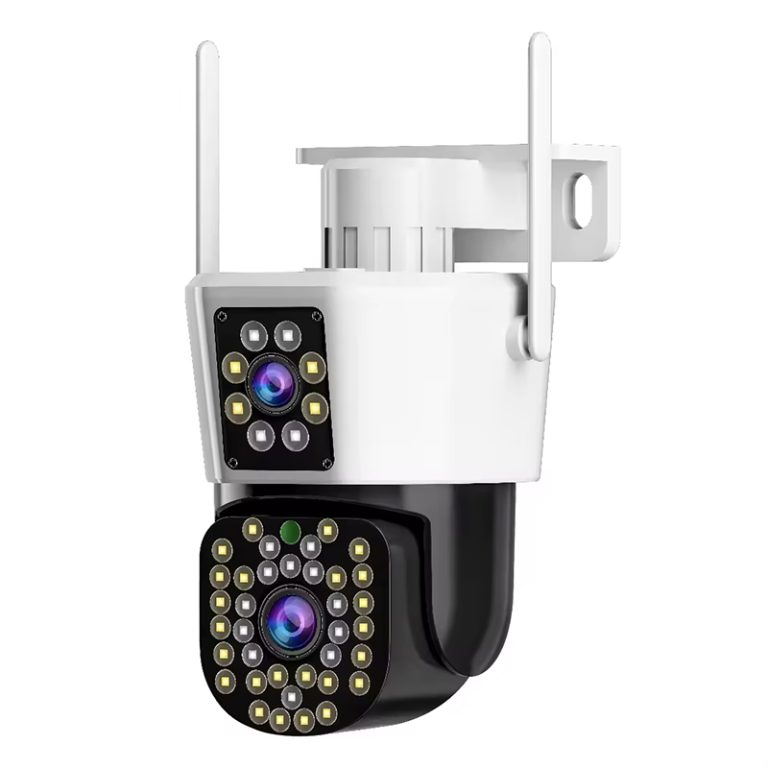
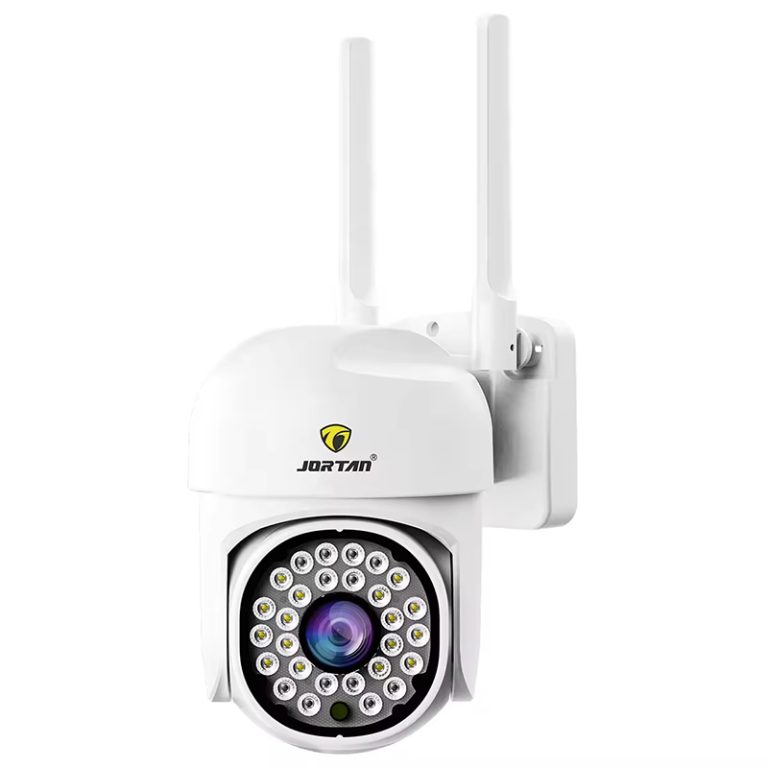
Use a sample camera on the intended NVR, mobile application, viewing station, and network segment. Confirm discovery, recording, playback, time settings, event behavior, export, and any functions the operator relies on. The JT-8177 outdoor camera can serve as a product-page starting point for a sample review, while approval should always be based on the exact configuration supplied.
Plan Storage and Recording Before Raising Resolution
A camera replacement project often begins with a request for clearer footage. Higher resolution can improve the available detail, yet it also changes bitrate, storage use, network traffic, and recorder workload. The correct decision is not to keep every stream at its maximum setting. It is to define which scenes need stronger detail, when they need it, and how long the site must retain useful footage.
Match Recording Policy to Evidence Needs
It identifies several storage routes, including local TF or SD cards, NVRs, NAS, cloud, edge, and PC-based management. Each route changes recovery, capacity, access, and the impact of a network interruption. A camera-level card may support a branch or isolated point, while an NVR is often a better fit when several cameras need central review and a common retention policy.
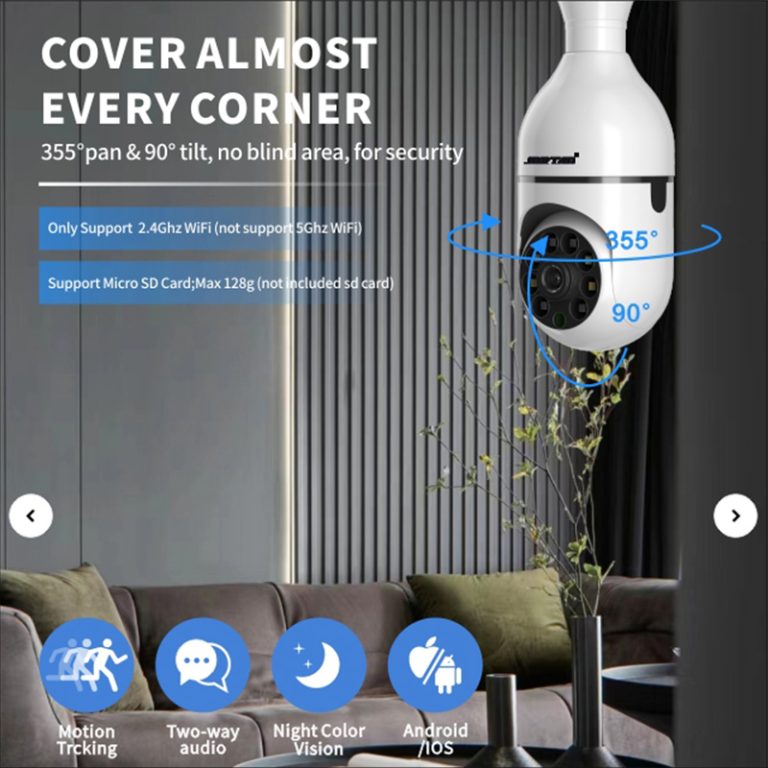
It links consumer camera use with WiFi networking, TF card or cloud storage, simple human detection, voice alerts, and mobile app management. For an estate refresh, these functions should be assessed as a package: a new camera may add useful access options, yet it still has to fit the recording and support model used by the site.
Set continuous or event recording by risk zone rather than applying one rule across the whole site. Entrance doors, loading areas, tills, and high-value stock zones may need a different policy from quiet corridors. This makes the CCTV system upgrade easier to price and reduces the chance that a drive is sized from an unrealistic average.
Treat Compression As One Part Of the Design
H.265 can reduce the bitrate required in a compatible workflow, but it does not remove the need to test real scenes. Busy entrances, moving vehicles, low-light noise, frame rate, and recording mode all affect storage use. Retention claims should be based on a sample stream and the selected settings, not on a generic day count.
For a staged project, the monitoring package options provide a useful way to compare camera-led and recorder-led arrangements. Confirm the drive plan, channel count, overwrite rule, export process, and extension path before finalising the camera list.
Choose a Migration Path That Keeps the Site Working
A full replacement is not the only migration path. Many organisations can replace their highest-risk cameras and recording points first, then move through the remaining estate as budgets and site access allow. The sequencing should protect the locations where an evidence gap would be most expensive, rather than treating every camera as equally urgent.
Phase the Work By Operational Risk
Begin with equipment that has repeated faults, no reliable replacement parts, poor recording performance, or a known compatibility barrier. Next, address network links, storage, and cameras in areas where delayed footage retrieval has operational consequences. Keep a record of the old and new device identifiers, stream settings, handover dates, and responsible support contact.
Network cameras may connect through Ethernet or WiFi, and both routes need site-specific checks. Wired upgrades require cable-path and switch capacity review; wireless upgrades require signal, distance, obstacles, and reconnection behavior to be tested. The JT-8160QJ camera option is best evaluated within that site plan, not selected only from a product image.
Build Supplier Questions Into the Handover
The later phases are where supplier capability matters most. Ask how a sample configuration is kept consistent across repeat orders, how firmware changes are communicated, what packaging and labeling can be specified, and how replacement hardware is matched to the approved model. These questions are especially important for distributors building a repeatable range rather than buying a single project batch.
Jortan supports consumer security products through mold work, injection molding, chip processing, assembly, sampling, inspection, packing, and shipment. Its OEM/ODM camera production capability also covers logo, packaging, color, appearance, mold-opening, and app customization. For a phased security camera upgrade, Jortan can start with the asset list, sample criteria, and migration priorities already defined.
Conclusion
A CCTV replacement decision is strongest when it follows the network path, maintenance record, compatibility test, storage plan, and site risk. Refurbish assets that still have a supportable role; replace equipment that creates recurring evidence, capacity, or integration risk. A phased CCTV system upgrade can protect continuity while directing budget to the points that need it most. For samples, migration planning, or private-label requirements, contact kingjin@safejortan.com.cn.