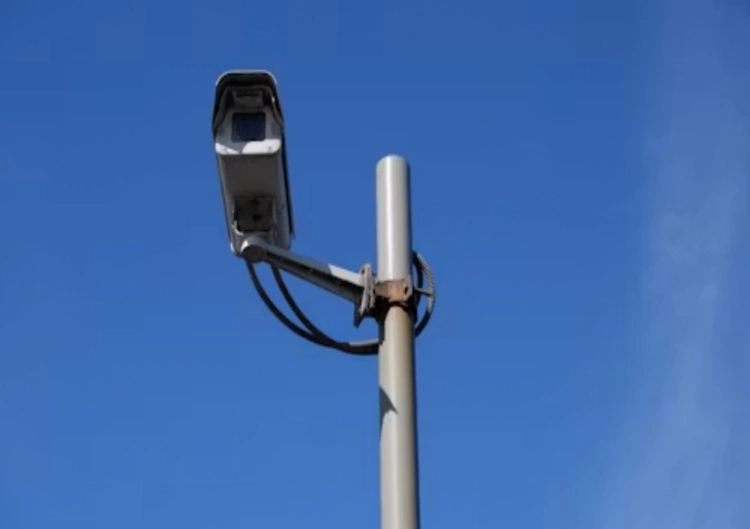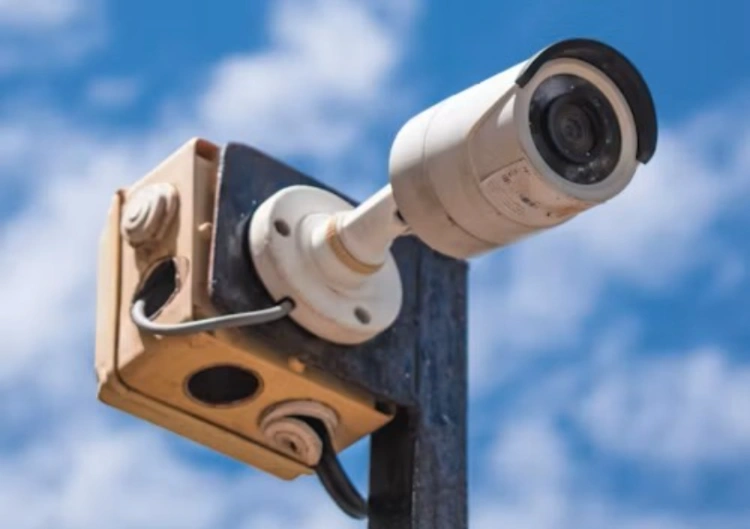
A vacant property creates a different security problem from an occupied office. Nobody may be there to restart a router, recharge a battery, notice a warning light, or confirm that a camera is still aimed at the gate. A system that looks capable during installation can become useless after a week of poor weather, weak signal, a full memory card, or a small power fault. The right question is not simply which security cameras have the clearest picture. It is whether the complete arrangement can produce useful evidence and a meaningful alert while the site is unattended.
That shifts the buying brief toward four practical tests: how the camera is powered, how it sends information, where footage is stored, and what a remote person must do when something goes wrong. A vacant house, a holiday property, a construction plot and an empty warehouse may all need remote oversight, but they do not share the same light, access, weather or service conditions.
Start With The Property’s Failure Conditions
Walk through the quiet periods first. Is the building connected to stable mains power? Can a technician reach it after heavy rain? Is mobile coverage stronger than fixed broadband? Does the gate sit behind a wall, among trees, or beyond a long driveway? A camera placement plan should include the entrance, the likely approach, utility equipment, doors and any area where trespass would cause material loss. It should also mark places that are difficult to reach for battery or card service.
For a remote site, security camera selection is a chain rather than a single specification. Power may come from AC, DC, batteries or solar energy. Transmission may use WiFi, cable or 4G. They are different deployment paths, each with its own installation and service implications. That is why a wireless camera is not automatically an offline camera: remote alerts still need a workable network route.
Power Needs A Reserve Plan
Solar power can remove the need to trench a cable, but the panel does not remove the need for energy planning. Record the camera’s active draw, standby behavior, panel position, local sunlight, battery capacity and the number of cloudy days that the site must tolerate. Low-power solar 4G cameras are a way to address locations without stable power or network infrastructure while also warning that solar and battery choices must match the operating environment.
A practical brief should state what happens after several dull days. Does the camera reduce activity, keep event recording, or stop remote transmission first? Is there a second power route? Can the battery be replaced without a specialist visit? Treat a listed battery life as a configuration question, not a promise that applies to every motion level and climate.
Choose Connectivity For The Person Off-Site
A vacant property needs a communications path that works without a local operator. WiFi is reasonable when the camera is close to a stable access point and the site has someone who can service the router. In a field, gate, farm building or unfinished plot, 4G can be more practical because it avoids waiting for a broadband installation. The network choice should be made after checking coverage, SIM terms, data use, antenna position and the consequence of a temporary carrier outage.
The 8181XM solar camera presents a solar-oriented camera route for buyers considering outdoor remote monitoring. The exact delivered configuration still needs confirmation, including its power package, communications method, storage path and alert behavior. That check matters because a remote property has no convenient way to compensate for an assumption made in a catalog description.
Separate Alerts From Full-Time Viewing
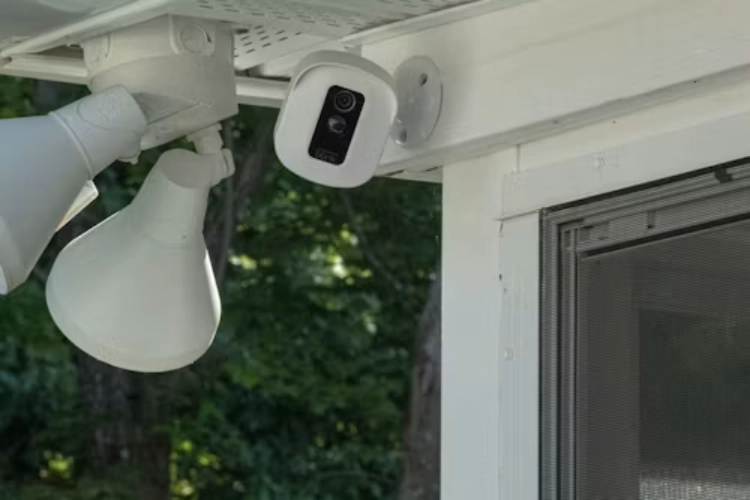
Most vacant properties do not need a person watching live video all day. They need a useful event clip when someone approaches a protected area, plus enough local history to investigate a report later. PIR, motion or human-related event rules can reduce unnecessary activity, but the trigger must be tested against animals, branches, rain, shadows and headlights. No detection method should be treated as a guarantee of zero missed events or zero nuisance alerts.
An alert should lead to a short operational path: receive the message, open the relevant clip, check the live view if the link is available, and decide whether a local visit is needed. A test at the property should measure alert delay, clip length, night visibility and what remains accessible if the remote link drops.
Keep Evidence Available During Network Gaps
Remote viewing and recording are related but not identical. A camera may fail to reach a cloud service while continuing to save footage to a TF or SD card. It has front-end edge storage, back-end NVR or server storage, and cloud-edge combinations. In a vacant property, local recording can preserve the event while 4G service is interrupted, provided the card capacity, overwrite rule and later retrieval method are known.
Check whether the selected system can replay, back up and download local clips through its web interface or mobile app. Confirm the time zone, timestamp, storage health warning and behavior when the card is full. If a cloud copy is required, ask whether the camera uploads continuous video or only events, how long the service retains files, and what happens when a subscription or SIM plan expires.
For a location needing movement review as well as a fixed overview, the JTZ-160B wireless PTZ camera gives a concrete PTZ direction to evaluate. It notes that PTZ cameras can provide wide-area movement and that tracking needs a return-to-view test. At an unattended site, a moving lens that remains pointed away from the entrance can create a serious evidence gap, so preset positions and recovery behavior belong in the acceptance test.
Build A Service Routine That Does Not Depend On A Visit
Remote protection is only as strong as its maintenance routine. Schedule checks for battery level, solar input, card health, signal status, firmware, clock accuracy, mounting stability and lens cleanliness. A property manager should know which person receives alerts and who can authorize a site visit. Keep a simple record of camera position, SIM details, storage method, last successful clip download and any change to the network.
Jortan’s product development and manufacturing background is relevant when a buyer needs a repeatable line rather than a one-off device. A larger factory, in-house mold work, injection molding and configuration support can help a distributor align the housing, power package, packaging and software brief. Jortan can be reviewed after the site brief is clear. It does not replace site testing. Buyers can share a site brief with the property type, expected unattended period, power condition, mobile coverage and evidence requirement.
The best security cameras for vacant properties are not necessarily the most feature-heavy. They are the ones whose power reserve, connection, storage, weather protection and service process remain credible after the installer leaves.
Conclusion
A vacant property needs more than a camera with remote access. Match the device to the site’s power reserve, mobile signal, storage path, weather exposure and maintenance reach. Solar or battery power can simplify difficult locations, while 4G and local recording can keep alerts and evidence available when broadband is absent or interrupted. Test the full event journey on site, document the service routine, and specify what happens during a long quiet period before approving the system.
FAQ
Q1: Are solar security cameras suitable for every vacant property?
A1: No. They depend on panel exposure, battery reserve, local weather, activity level and installation access. A site survey and a cloudy-weather operating requirement should be part of the specification.
Q2: Can a 4G camera record when the mobile network is unavailable?
A2: Some cameras can continue local recording during a network interruption, but remote alerts and viewing may stop. Confirm card capacity, overwrite behavior and recovery on the exact model.
Q3: How often should an unattended camera be checked?
A3: The interval depends on power, weather, storage and risk. A remote status check can be frequent, while physical visits should follow the battery, lens, mounting and site-access conditions.