Projetos de câmeras Wi-Fi externas geralmente começam com uma pergunta simples: a câmera deve usar 2,4 GHz ou 5 GHz? Uma pergunta melhor seria: onde a câmera será instalada, a que distância está o ponto de acesso, o que bloqueia o sinal, quanta transmissão de vídeo o link precisa fornecer e se o local necessita de acesso remoto estável ou apenas de gravação local. Uma câmera próxima a um ponto de acesso e uma câmera no fundo de um quintal com paredes de metal não representam o mesmo problema de conexão sem fio.
Uma câmera sem fio ainda precisa de uma conexão de rede. A tecnologia sem fio normalmente elimina a necessidade do cabo de dados Ethernet, mas não elimina a cobertura Wi-Fi, a alimentação elétrica, um ponto de acesso, um roteador ou uma conexão com a internet para visualização remota. A banda de frequência correta é apenas um dos fatores a serem considerados na instalação.
As frequências de 2,4 GHz e 5 GHz resolvem problemas diferentes.
As duas bandas devem ser tratadas como ferramentas com diferentes vantagens. Em geral, a banda de 2,4 GHz tem maior alcance e atravessa paredes ou obstruções leves com mais facilidade. A banda de 5 GHz pode oferecer maior taxa de transferência e menor congestionamento em alguns locais, mas seu alcance útil costuma ser menor e perde mais sinal em materiais densos. Essas são tendências de planejamento, não garantias para todos os roteadores, antenas ou caixas de proteção externas.
Cobertura, paredes e distância de montagem
A frequência de 2,4 GHz costuma ser o ponto de partida mais seguro para uma câmera instalada mais longe do ponto de acesso, atrás de várias paredes ou ao redor de um pequeno prédio comercial, onde o sinal precisa atravessar mais estruturas. Também é comum em projetos de câmeras externas de baixo consumo, pois a conexão pode ser útil a distâncias maiores quando a taxa de bits é moderada. A frequência de 5 GHz é mais interessante quando a câmera está relativamente próxima ao ponto de acesso e o caminho está livre. Uma câmera em um pátio voltada para um ponto de acesso instalado no telhado pode ter um bom desempenho, enquanto a mesma câmera atrás de concreto, painéis isolantes ou uma fileira de prateleiras metálicas pode perder estabilidade. Meça o sinal no ponto de instalação real, em vez de escolher com base em um teste de mesa.
Taxa de transferência, congestionamento e atraso
Não existe uma solução única para todas as situações quando se trata de selecionar a banda ideal para sua câmera de segurança externa. Enquanto a banda de 2,4 GHz geralmente oferece a melhor penetração através de paredes comuns para câmeras com taxa de bits moderada, a banda de 5 GHz pode fornecer maior taxa de transferência para conexões de curto alcance. É importante verificar a qualidade do sinal em relação a atrasos na visualização ao vivo, perda de quadros, uploads de eventos e reconexão, em vez de basear a avaliação em um teste de velocidade em um celular.
A colocação ao ar livre altera o resultado.
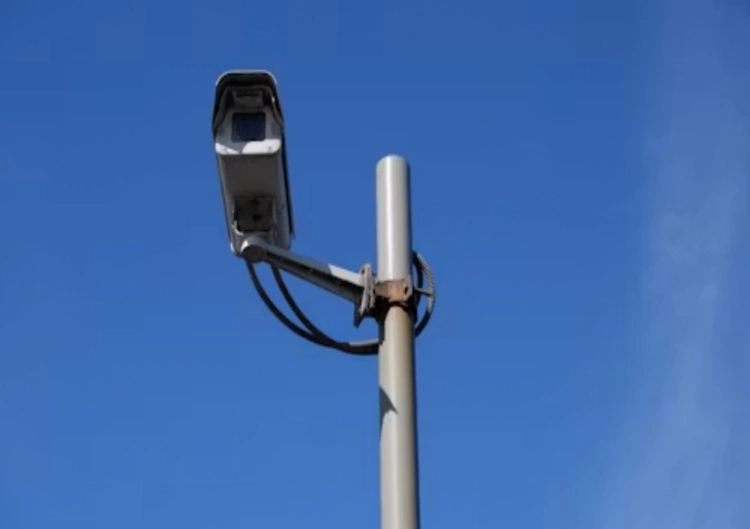
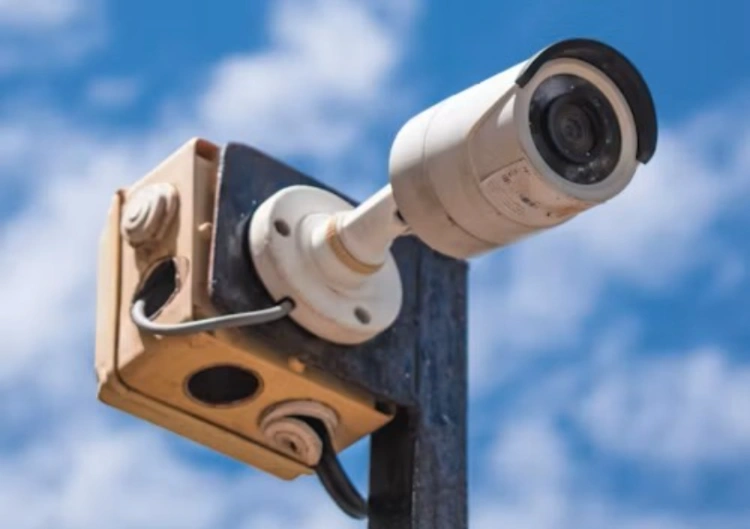
O desempenho da rede sem fio em ambientes externos é determinado pelo local de instalação. A câmera pode ser montada sob um beiral, em um poste de metal, ao lado de uma parede, perto de um portão ou atrás de um armazém. A chuva e a temperatura não alteram o comportamento da radiofrequência de forma previsível, mas a estrutura da câmera, o trajeto do cabo, a posição da antena, a condensação e os materiais próximos podem afetar a estabilidade a longo prazo.
Obstruções, metal e exposição às intempéries
Muitas estruturas físicas podem enfraquecer um sinal sem fio. Estruturas metálicas, concreto armado, painéis isolantes, carros e vegetação densa podem tanto enfraquecer quanto refletir um sinal. Uma câmera que funciona em um suporte temporário pode se comportar de maneira diferente quando montada em uma coluna de aço, por exemplo. A proteção externa da câmera é importante. Embora a carcaça de uma câmera possa ter classificação IP66, por exemplo, para impedir a entrada de poeira e água, isso não significa que a vedação dos cabos, o posicionamento correto do suporte e o espaço suficiente para a antena tenham sido implementados. Para uma comparação de produtos, o JT-8161QJ ar livre Wi-fi câmera As instruções fornecem aos compradores uma referência concreta para Wi-Fi externo. O projeto final ainda precisa da confirmação conjunta da banda de transmissão, do adaptador de energia, do comportamento de armazenamento, do desempenho do aplicativo, da classificação climática e do arranjo da antena.
Localização do ponto de acesso e backhaul
O ponto de acesso deve ser posicionado de acordo com o trajeto da câmera, e não apenas no local onde o roteador foi instalado inicialmente. Um ponto de acesso no teto, próximo ao centro de um edifício, pode funcionar bem em ambientes internos, mas ter sinal fraco em uma área externa, como um estacionamento. Para um quintal, um ponto de acesso com proteção contra intempéries ou uma ponte sem fio mais próxima pode ser mais adequado do que exigir que um único roteador interno cubra toda a área. A conexão de retorno (backhaul) é uma questão à parte. Um sinal forte da câmera para o ponto de acesso não adianta se o ponto de acesso tiver uma conexão fraca com a rede. Verifique separadamente o enlace de rádio, o backhaul Ethernet, o uplink do switch, a saída da internet e o caminho do NVR. A visualização remota depende de toda a cadeia de conexões.
Combine a banda com a carga de trabalho da câmera
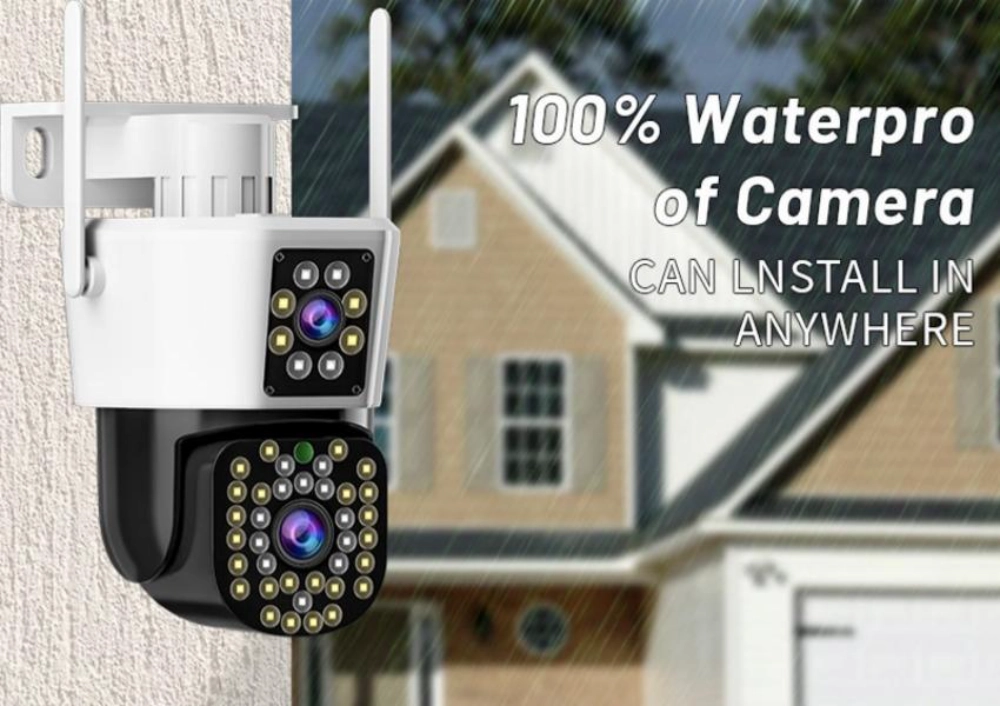
A escolha da frequência deve ser feita de acordo com a carga de trabalho e o local. Uma câmera de eventos de baixa taxa de bits na extremidade de uma pequena propriedade tem requisitos diferentes de uma câmera de alta resolução que envia fluxos contínuos para um gravador local. A banda deve ser selecionada considerando o modo de gravação, o codec, o número de câmeras e a capacidade do ponto de acesso.
Quando 2,4 GHz é o ponto de partida mais prático
Comece com 2,4 GHz quando a câmera estiver mais distante, o percurso incluir paredes ou obstruções de luz, a cena usar um fluxo moderado ou o projeto precisar de uma cobertura mais ampla com menos pontos de acesso. Uma diretriz de produto documentada, como a JT-8293QJ câmera solar Utiliza Wi-Fi de 2,4 GHz em conjunto com recursos externos de baixo consumo de energia, armazenamento local ou em nuvem e operação orientada a eventos. Essa combinação é adequada para uso em locais remotos, mas a intensidade do sinal e o posicionamento dos painéis solares ainda precisam ser testados em campo.
Quando a frequência de 5 GHz merece um teste de campo
Experimente a frequência de 5 GHz quando a câmera estiver próxima ao ponto de acesso, o caminho estiver livre, a banda estiver menos congestionada e o projeto precisar de maior taxa de transferência local. Pode ser útil para um pátio próximo, fachada de loja ou pequeno estabelecimento comercial onde vários dispositivos compartilham um ponto de acesso moderno. É uma má escolha para uma câmera distante, simplesmente porque o roteador anuncia uma velocidade sem fio maior. Um modelo pequeno para ambientes internos, como o JTZ-160B interior Wi-fi câmera Pode servir como referência de produto quando o comprador compara a conectividade de 2,4 GHz, a visualização de aplicativos, o armazenamento local no cartão de memória, o comportamento do PTZ e a distância real de instalação em ambientes internos. A mesma frequência escolhida não deve ser aplicada em ambientes externos sem antes testar paredes, estruturas metálicas, exposição às intempéries e a conexão de retorno.
As verificações de segurança e comissionamento são mais importantes do que a etiqueta.
Um projeto estável de câmera sem fio requer mais do que apenas a seleção de banda. Confirme o nome da rede, o método de senha, as permissões de acesso, o firmware, as configurações de criptografia, o plano de canais e o comportamento de recuperação. A câmera deve se reconectar após um ciclo de energia ou reinicialização do ponto de acesso, e a gravação local deve ser verificada separadamente do acesso pelo aplicativo.
Mantenha o acesso sem fio prático e protegido.
Utilize um processo de integração claro e evite deixar as câmeras com credenciais padrão compartilhadas. Verifique quem pode visualizar vídeos ao vivo, exportar clipes, compartilhar acesso ou redefinir o dispositivo. Para locais comerciais, separe o tráfego de vigilância dos dispositivos de escritório em geral, sempre que o projeto da rede permitir. O acesso remoto deve ser útil sem tornar todas as câmeras visíveis para todos os usuários. Para distribuidores e instaladores, OEM/ODM suporte da câmera Podem fazer parte da conversa quando a pulseira aprovada, as configurações padrão do aplicativo, o guia de configuração impresso, a embalagem e o processo de reinicialização precisam permanecer consistentes em pedidos repetidos. Esses detalhes reduzem as chamadas de suporte que geralmente são atribuídas à câmera, mas que começam com uma configuração inconsistente.
Teste o ponto de montagem final antes da aprovação em massa.
Teste a câmera na altura, ângulo, distância e caixa de proteção planejados. Feche as portas, ligue os equipamentos próximos e execute a simulação no horário de maior movimento do local. Verifique a visualização ao vivo, a gravação contínua, os clipes de eventos, a reprodução, as notificações, o áudio (se necessário) e a recuperação após a reinicialização do ponto de acesso ou da conexão com a internet. JNo meio Pode contribuir para uma discussão mais ampla sobre o produto, mas a classificação final deve vir de testes reais no local. Uma câmera sem fio que funciona bem perto do roteador pode apresentar falhas atrás de um rack de armazém. Uma câmera que grava localmente ainda pode perder alertas remotos quando a conexão de internet é fraca. Mantenha esses resultados separados no registro de aceitação.
Conclusão
A melhor banda para sua câmera geralmente depende de vários fatores, incluindo o local de instalação da câmera, a carga de trabalho esperada, o ponto de acesso, o backhaul, o caminho de armazenamento e os testes de recuperação. Em outras palavras, você deve selecionar a banda que melhor atenda às suas necessidades com base em resultados de testes práticos no local da sua câmera, e não simplesmente com base no número mais alto listado ao lado do roteador para sua conexão Wi-Fi.
Perguntas frequentes
P1: A frequência de 5 GHz é sempre melhor para uma câmera Wi-Fi externa?
A1: Não, a frequência de 5 GHz pode fornecer maior taxa de transferência em alcances mais curtos, enquanto a de 2,4 GHz geralmente alcança distâncias maiores e atravessa paredes com mais facilidade. A escolha certa depende da distância, de obstruções, da congestão, da taxa de bits e da posição do ponto de acesso.
P2: Uma câmera sem fio pode funcionar sem internet?
A2: Dependendo do produto, pode gravar localmente em um cartão ou NVR sem internet. A visualização remota, o armazenamento em nuvem e as notificações push ainda exigem uma conexão de rede ativa. Sem fio não significa sem rede.
P3: O que deve ser testado antes de encomendar câmeras Wi-Fi externas em grandes quantidades?
A3: Teste ambas as bandas, se compatíveis, e verifique o sinal no ponto de instalação final, a visualização ao vivo, a gravação, os alertas, a reprodução, a reconexão, a vedação contra intempéries, a recuperação de energia e o backhaul do ponto de acesso. Registre a configuração aprovada para pedidos subsequentes.