For importers, distributors, engineering contractors, and private-label brands, camera settings are not a small detail left for the installer. They affect image clarity, storage cost, network pressure, service calls, and repeat orders.
Start with Resolution
Match image quality with the scene
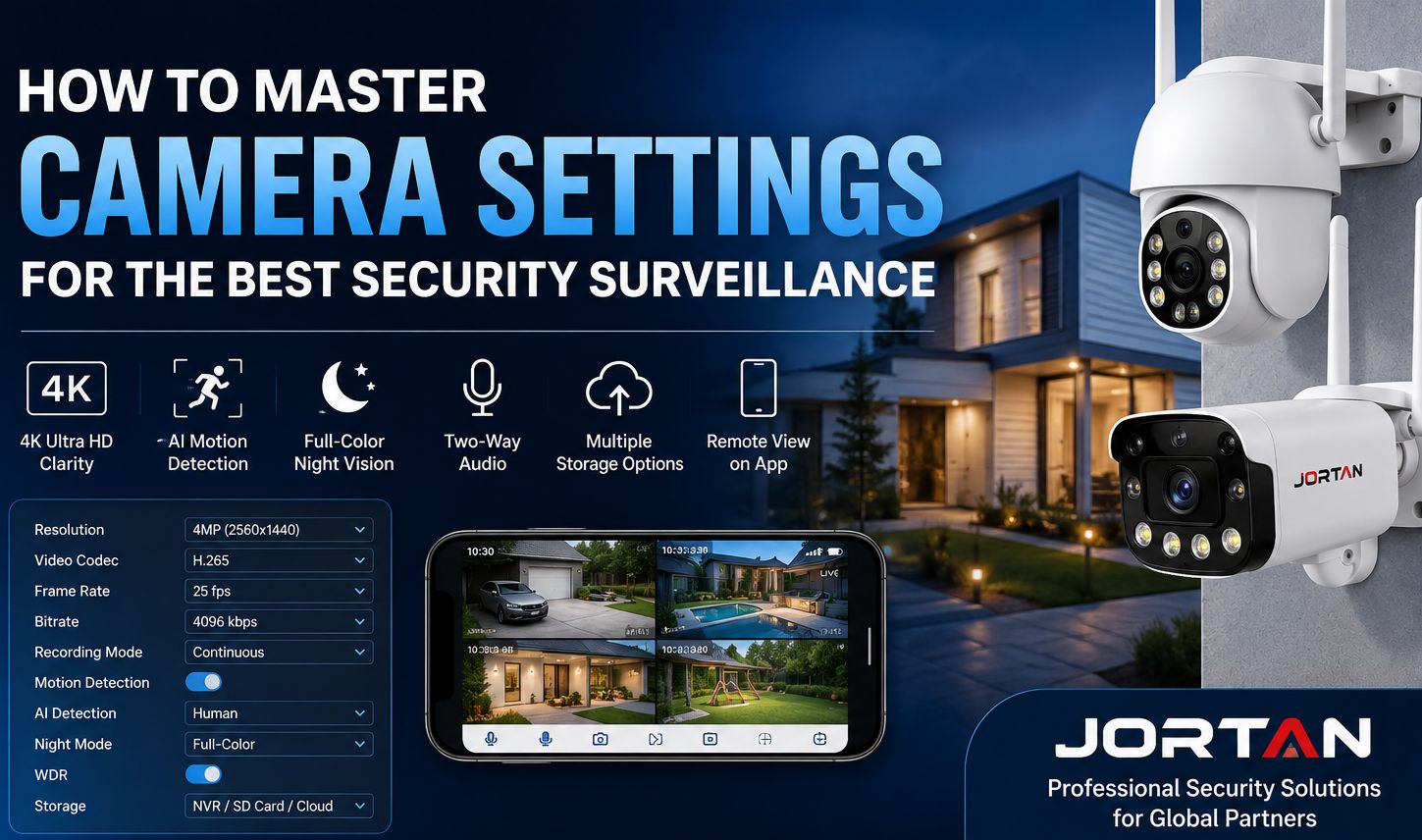
Resolution is usually the first setting buyers check. A 1080P camera may be enough for a small indoor room, a cash desk, or a narrow shop entrance. A 2MP or 4MP camera is more practical for wider areas such as warehouses, parking spaces, outdoor gates, and commercial yards. Higher resolution can capture more detail, but it also needs more storage and a stronger network.
For project buyers, the question should not be “Which resolution sounds better?” It should be “What detail must this site actually see?” A shop entrance may need clearer face detail. An outdoor driveway may need better night performance, not just a higher pixel number.
Check bitrate and frame rate during sample testing
Bitrate affects how much data the camera sends. Frame rate affects how smooth the video looks when people or vehicles move. For B2B buyers, sample testing should include moving scenes, not only still images. Let someone walk across the frame. Move a cart. Test the camera near a doorway or loading point. This is where the real difference appears.
Choose Recording Settings by Project Priority
Continuous recording or event-based recording
Continuous recording is suitable for entrances, warehouses, storage rooms, and business areas where missing a moment could cause a dispute. It provides a complete record, but it consumes more storage.
Event-based recording is better for low-activity areas. The camera records when motion or an alert is triggered. This saves storage and makes playback easier. However, the detection setting must be tested.
Storage method matters for bulk buyers
Storage is often ignored in early sourcing talks. SD card storage, cloud storage, NVR, and monitoring packages all fit different markets. A reseller selling single WiFi cameras may focus on app viewing and SD card options. An engineering contractor may prefer NVR or a complete monitoring package for multi-point sites.
Jortan’s product categories include IP Camera, Monitoring Package, DVR, NVR, and Solar Camera. This gives B2B buyers more room to build a product line. A distributor can combine indoor models, outdoor PTZ cameras, solar cameras, and recorder-based sets for different customers.
Adjust Detection Settings Before Mass Orders
Motion detection and AI tracking
Motion detection can reduce unnecessary recording, but the setting must fit the site. A busy shop, a tree-lined outdoor wall, and a warehouse aisle should not use the same sensitivity. For cameras with AI tracking or human detection, buyers should test both daytime and night scenes.
The value of AI tracking is not the label itself. The value is whether the camera can follow movement clearly and whether the app sends useful alerts. Jortan’s JT-8698PRO is listed as a 4MP dual-lens ICSEE PTZ WiFi camera with AI tracking and alarm light. For sellers and project buyers, this type of model is easier to position for outdoor entrances, shops, and areas that need wider viewing.
Detection area settings reduce after-sales trouble
The detection area is a simple setting, but it can save many service calls. If a camera watches a warehouse entrance, the detection area can focus on the gate and goods movement, not the road beyond it. If it is used outside a shop, it should avoid irrelevant moving lights or distant pedestrian flow. B2B buyers should ask suppliers whether the app or system supports practical detection area adjustment.
Fine-Tune Night Vision and Image Settings
Night mode, infrared, and full-color image
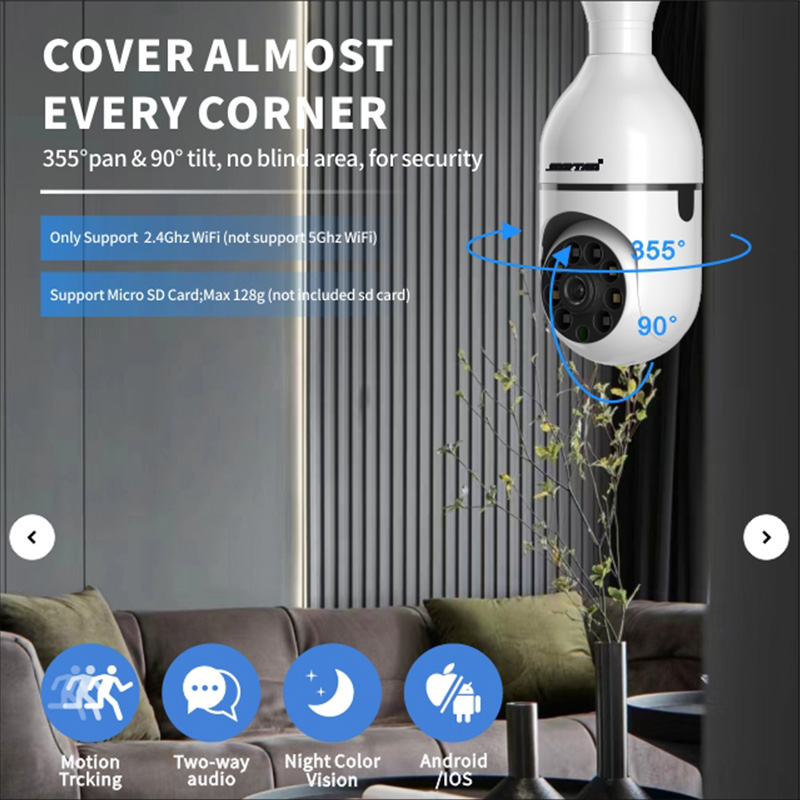
Night vision is one of the strongest selling points in security surveillance. It is also one of the easiest areas to overrate if buyers only look at product photos. Real testing should include weak light, moving people, reflective surfaces, and long-distance viewing.
Infrared can make a dark scene visible, but too much IR light may cause glare. Full-color night vision can help show more detail, but it depends on the lens, sensor, light design, and environment.
Jortan’s JT-9687PRO is shown as a dual-lens outdoor WiFi security camera with two-way audio, color night vision, ICSEE app support, and light-related features. For channels that sell outdoor security cameras, this type of product can be useful when buyers need to show clearer night scenes and interactive audio in product pages or short videos.
Brightness, contrast, saturation, and sharpness
These settings may sound basic, but they decide whether footage is practical. Too much brightness can wash out faces. Too much sharpness can create noise. Too much saturation may look attractive in a product video but unnatural in real monitoring.
For engineering projects, image settings should be adjusted after installation. For distributors, it is useful to request a supplier’s recommended setting guide. This helps local resellers answer customer questions and reduce repeated technical communication.
App and Network Settings Affect Buyer Satisfaction
Many returns come from connection problems, not damaged cameras. Buyers should test app setup, QR code scanning, WiFi pairing, reset steps, multi-user viewing, language support, and alert messages before bulk purchasing.
A WiFi camera works well where the network is stable. PoE fits projects where cabling and network planning are available. A solar camera is more suitable for outdoor points where power access is not easy. A monitoring package may fit projects that require several cameras and a central recording device.
Jortan’s product page includes ICSEE App and Yoosee App categories. This is useful for buyers who already know which app is more accepted in their market. For private-label buyers, it is also worth asking what user materials, packaging information, and setup guides can be supplied.
Conclusion
Camera settings are not only technical options. They are part of the purchasing decision. The right settings help a security camera deliver clear footage, stable recording, lower storage pressure, smoother app use, and fewer after-sales problems.
For B2B buyers, mastering camera settings means knowing what to ask before samples, what to test before bulk orders, and how to choose a supplier with enough product range to support different projects. Jortan’s IP cameras, monitoring packages, solar cameras, and app-based product lines give buyers several practical directions for building a security surveillance range that fits real market demand.
FAQ
Q1: What camera settings should B2B buyers check before bulk orders?
A1: Buyers should check resolution, bitrate, frame rate, codec, night mode, motion detection, detection area, app setup, storage method, and network stability. Sample testing should include moving objects, low-light scenes, app connection, alert response, and recording playback. A product that performs well only in a static image is not enough for project or resale use.
Q2: How should buyers choose between single WiFi cameras and monitoring packages?
A2: Single WiFi cameras are suitable for small shops, offices, and light commercial use. Monitoring packages are better for multi-camera projects, warehouses, small factories, and sites where buyers need recording equipment and a more complete setup. The choice depends on installation size, storage needs, budget, and local support ability.
Q3: Can Jortan support customization, MOQ discussion, installation materials, and after-sales needs?
A3: Buyers can discuss logo printing, packaging, manuals, product combinations, app-related materials, and sample testing with Jortan before confirming bulk orders. MOQ, lead time, and customization details should be checked according to the selected model and order plan. For installation and after-sales, buyers should ask for setup guides, troubleshooting information, spare parts support, and product consistency for repeat orders.