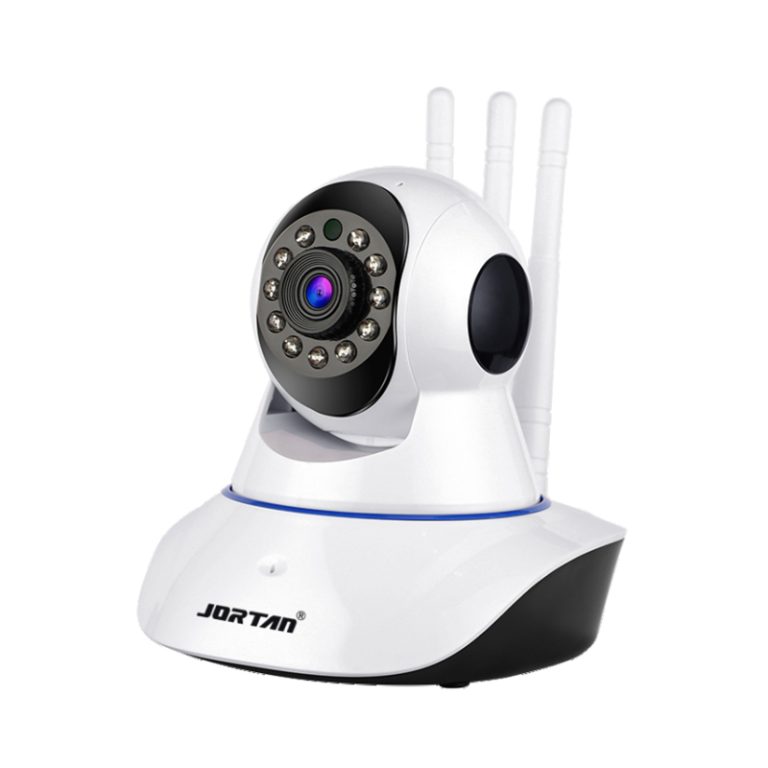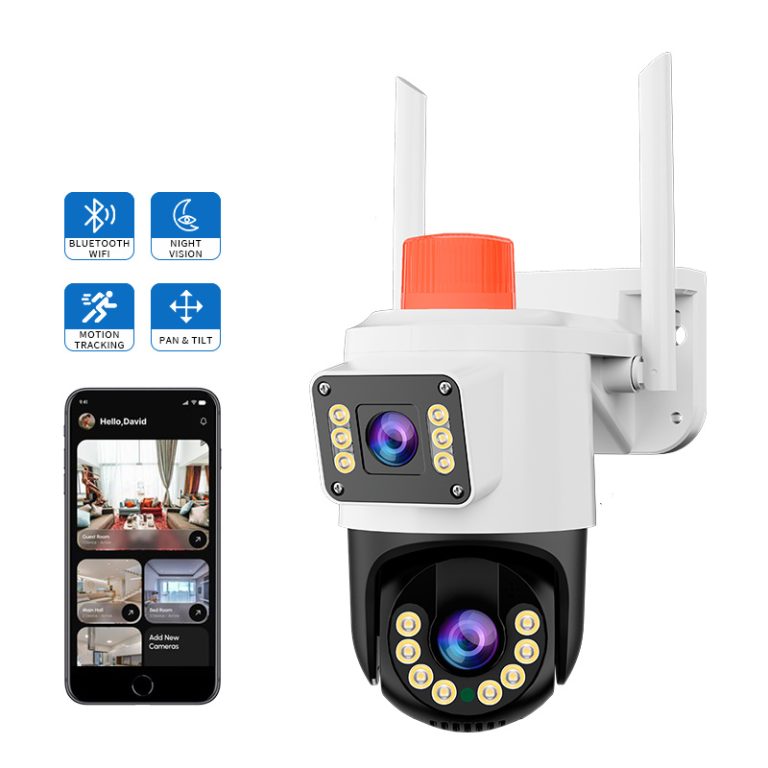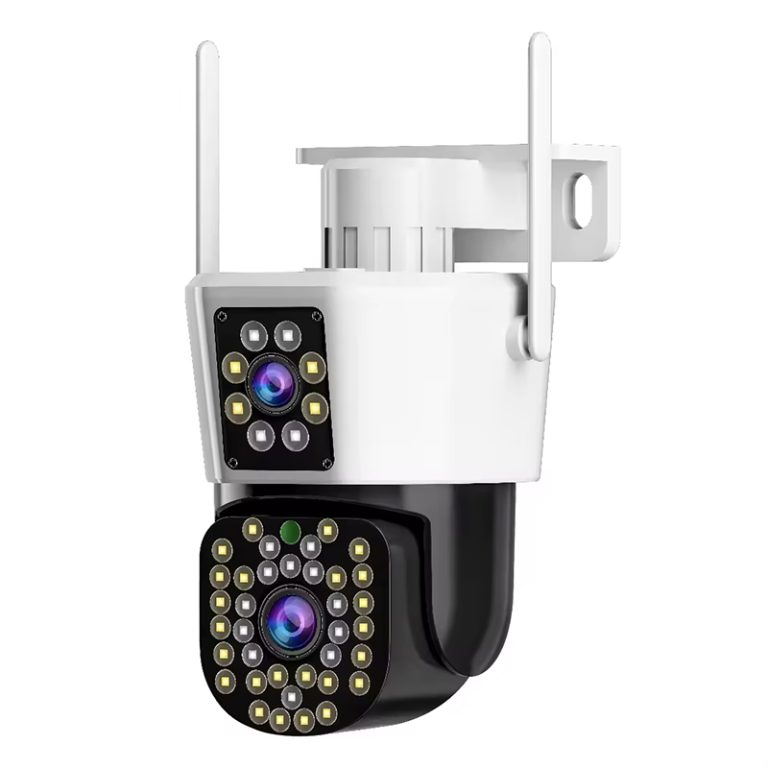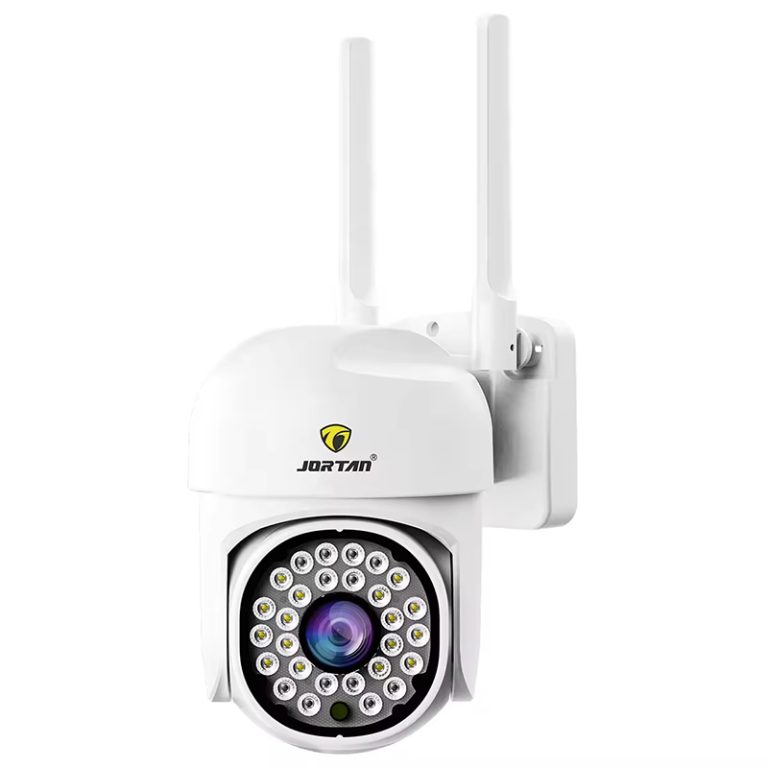

When you have the unfortunate luck of it being in front of a client, though, it’s even worse. When you ask installers which time is the least sacred of all moments, this one will show up, as there are many potential failure modes and a handful of visible symptoms: button finishes but file does not open; search window returns nothing to see or process stops dead.
Prove the Recording Exists Before Diagnosing the Export
An empty result is not always an export failure, and testing the export path first wastes the morning. Establish that footage for the requested window and channels was actually written. Storage shows healthy and recording enabled for those channels. A plain playback of the same window succeeds on the recorder’s own interface. And the relevant stream covers the period, because a site recording only motion events exports empty for a window that happened to be quiet. That outcome looks identical to a broken export and is the opposite of one.
Clock truth gets checked crosswise at the same moment. An acceptance script that treats export as a formality makes the export image convert it from pass to fail on paper. The following diagnostic order would fix a majority of recorder-based export issues within minutes, in the proper sequence rather than by luck. An export search is performed against the timestamps recorded on both the recorder and associated cameras. No export tool fixes that; if the requested wall-clock window drifts, it literally contains nothing on either side. The immediate workaround is look-ups in the recorder’s own timeline surrounding an event rather than civil time, and the real fix goes onto a punch list as a timestamp-accuracy item, where it also shields every future search on site.
When the File Exists But Will Not Play
A completed export that appears failed is usually a playback problem rather than a data problem. Recorder exports commonly ship inside an encrypted or proprietary container alongside metadata, and vendors provide a dedicated player precisely for this. An export made with the right window, opening cleanly in the manufacturer’s player, is a correct export. That brings it to acceptance, and if you also open the disc in any old generic media player, you’ll have a black-screen moment every installer fears with a perfect recorder behind. This is why the pack should treat the vendor player as a deliverable, not an afterthought. Mechanical traps would also be a side problem beside the player problem. Naturally, an export larger than that the target media can contain is truncated and reads as corrupt in any classic form—a 4 GB ceiling on a FAT-formatted USB stick passes entirely unchallenged by the file system until Gordian fail. The second is about impatience: a stick yanked prior to the write cache flushes contains an unfinished file, yet the recorder’s interface doesn’t represent anything like this. ExFAT or NTFS targets, and a completed-write confirmation, end both.
Permissions, Formats, and the Human Layer
Export is a permissioned operation, and failures of permission present in the least helpful way. An operator account created for viewing routinely lacks download or export rights at the recorder or the platform above it, and the system responds with a grayed control or a silent nothing rather than a readable denial. The acting account’s rights get checked before any device gets suspected. This class loves acceptance day, because the person pressing export is often the client’s operator, on the client’s account, minutes before signing.

Format agreement belongs to the same human layer. Most recorders offer an original-format export, which keeps evidential integrity and needs the vendor player, and a general-format export such as MP4, which plays anywhere but gets re-encoded and weakens chain of custody. Both can pass technical muster. A scripted acceptance test written by someone who silently assumed the other format fails anyway. The acceptance script should name the export format before commissioning, and the export account should be named and exercised in the same document. Reach out to Jortan anytime.
Make Export a Rehearsal, Not a Finale
The structural fix is procedural and nearly free. A competent acceptance pack tests export during commissioning instead of at the finish. One representative window per recorder goes through the full path: exported to the media the client actually uses, opened on the client’s own machine, with the vendor player installed and demonstrated during handover training. The pack carries the player installer or its download location in writing, names the account with export rights and shows it working, and records the client’s signature against an export format the system can genuinely produce.
Conclusion
One of four things and they should be memorized in order: A failed export at acceptance. There is no recording in the window searched, which means this is a request for either: Recording mode / Clock-Truth. Not an export. An export that opened in the wrong player, as it should have been a proper one. An in-flight accidental write hit a media—or permission limit. Or a mismatch between the format of what was produced by the system and what was expected in that script. Causes are run in that order, and most failures die at the recorder within minutes. The actual solution is so boring. In the acceptance script, agree upon what is needed to get into export format and in what account, do a dry run of one real end-to-end piece during commissioning (export), and hand over the vendor player as an item on their line. Do not hesitate to reach out to us.
FAQ
Q1: The exported file will not open in VLC. Is the export broken?
A1: Not necessarily. Recorder exports often sit in a proprietary or encrypted container with metadata, playable only in the vendor’s own player. If the window was correct and the vendor tool opens it, the data is fine and the playback environment is the actual problem.
Q2: The export stops partway through a long clip. Why?
A2: Check the target media first. A FAT-formatted USB stick cannot hold one file past 4 GB, so a long export truncates and looks corrupt. Move to an exFAT or NTFS target and let the write finish and flush before the stick comes out.
Q3: Which export items belong in a CCTV acceptance checklist?
A3: The agreed export format, a named account holding export rights, one full export exercised to the client’s machine and opened there, the vendor player listed in the handover pack, and a clock-accuracy check so searched windows match stored time.