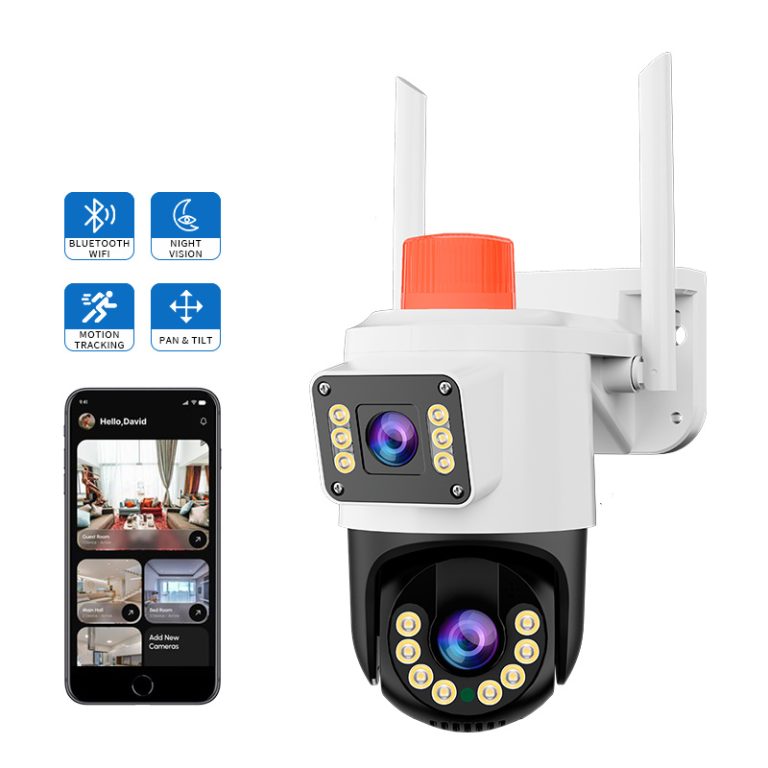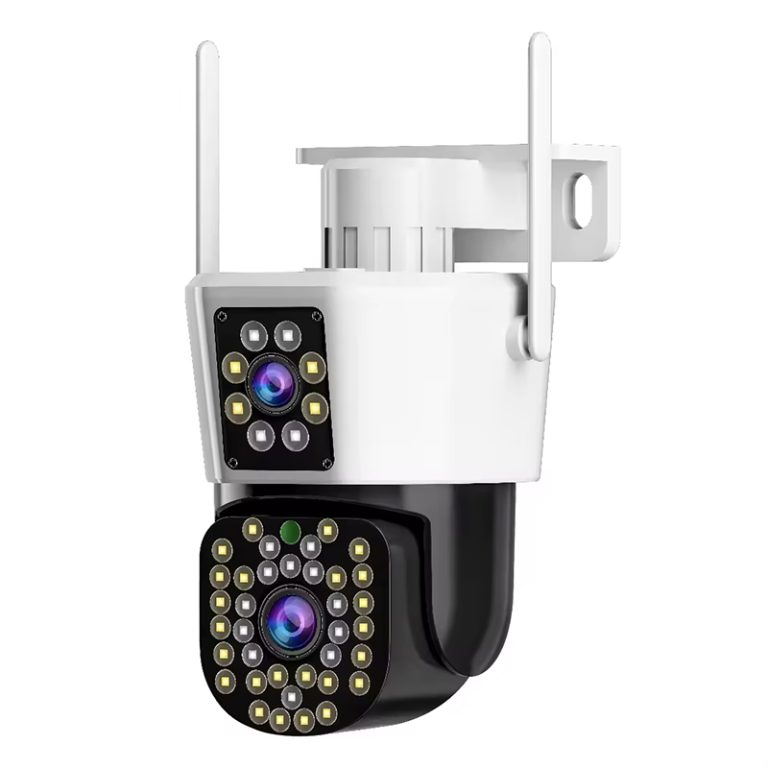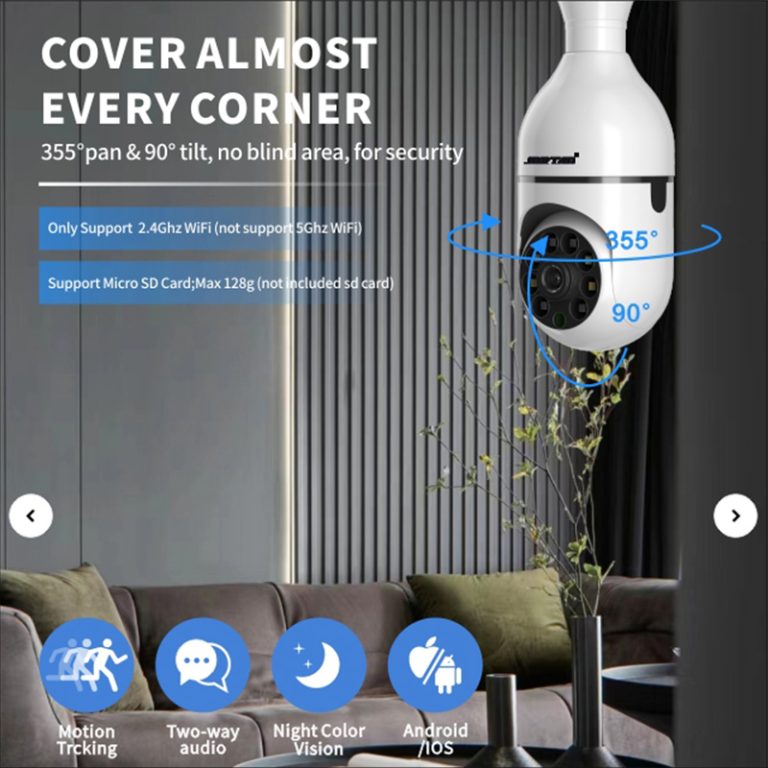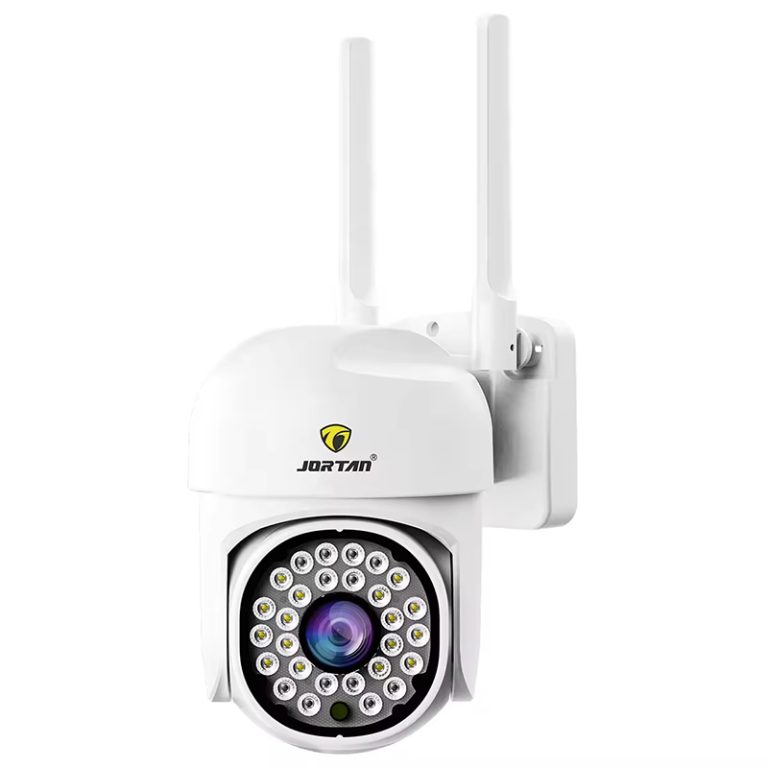
One camera pairing through its app takes two minutes. Two hundred cameras pairing over one site weekend turns every weak point in the provisioning chain into a schedule problem. Rollout-scale pairing failures appear random at first glance and mostly are. They group according to access point, by installer, phone or camera batch, and cloud accounts—and each cluster signals a separate root cause. Random reset-and-retry makes a different failure every time and teaches no one anything. Below, the diagnosis that organizes a stalled rollout into its causes before any one camera is reset.
Map the Chain Before Touching a Camera
App pairing runs through five independent links. The phone’s own network path comes first. Then the camera’s provisioning mode, usually a QR code scan, an AP hotspot, or a Bluetooth assist. Then the site Wi-Fi or router feeding the camera. Then the claim or binding step against the vendor’s cloud service. The app session itself closes the list. Any single link failing produces the same symptom the installer sees, which is a progress bar that stops before the camera reads online. The app blames the camera by default. Before any device gets touched, the failing link gets identified, because the standard flow cannot tell them apart.
The Network Layer Owns Most Volume Failures
Small-office access points are the first suspect at volume. One AP with many cameras associating at once drops association requests well before the cameras themselves break a sweat. So the first check is whether failures follow an AP rather than a camera position. Then the silent blockers get checked one by one. A router broadcasting one combined 2.4 and 5 GHz SSID while the camera is a 2.4-only device. MAC filtering or client isolation left on from an IT policy. A captive-portal login sitting on the network. A password carrying characters the provisioning flow mangles in transit. Each of these produces the identical failed pairing at scale, and every one of them lives on the site side, not the camera side.
Signal is the quieter cause. A camera mounted high on an eave or behind a metal fascia can hold one usable bar. That bar associates fine and sustains no upload. The pairing looks successful, and the device drops offline within minutes. A pair-success-then-offline pattern is a signal story, not a pairing story. Measure the actual signal level and the sustained uplink throughput at the mount point. Then re-pair, or don’t.
The Cloud and Acount Layer at Volume
A whole site pairing sequentially inside one afternoon pushes the binding step past what one installer account or one shared uplink handles comfortably. Cameras on which the camera adds, registers, and binds to the vendor cloud. If your bulk provisioning in minutes hits account-side rate limits or just congests the uplink, the devices sit registered yet offline. Two practices prevent it. Where the workflow allows, pre-stage the cameras before shipment so all that is done in regard to camera setup on-site by a crew on a ladder is powering up & mounting/connecting. In cases where pre-staging is not viable, activate a spread across time windows or accounts in alignment with the supplier’s platform. Should make these limits clear at the time of quote from a supplier selling for rollouts, such as Jortan. If one device supports multiple backends. Verify if there is a fallback local path, e.g..
The obvious-at-scale items only look obvious once. A camera already bound to a factory test account or a previous installer rejects the new binding. The reset that clears it is model-specific. That per-model reset procedure belongs in the deployment runbook before the crew arrives, not discovered at camera one hundred and forty.
Cluster the Failures, then Fix theCluster
The method is a plain table. One column for the failed unit. One for the access point it tried. One for the installer and phone. One for the camera position. One for the stage where pairing stopped. After a dozen rows the pattern usually speaks on its own. Failures on one AP say network capacity. Failures on one installer say the phone, the app version, or the account. Failures on one camera batch say provisioning-mode or firmware differences between batches. Failures spread evenly with no pattern at all say the cloud side or the shared uplink.
Finalize the rollout with logging that is added to whatever caused failures here. Every camera that was commissioned ends with her serial number, assignee IP or cloud ID, your access point test result, and the name of his installer. That same spreadsheet is the first thing you want to look for when a unit goes dark on month three, and it demarcates an honest-to-god field failure from a deployment that never verified in the first place.
Conclusion
It is a chain problem with the multi-unit pairing failures, and that chain fits completely into your complicated test. Phone, piggyback mode, station hot spot, cloud binding. Run each failure through an AP, installer, and stop position table to fix the cluster, not the camera. Most of the site failures are removed before a ladder leaves the van with pre-staging devices in the warehouse. The 1 question buyers specifying cameras for volume deployment should ask at the quotation stage is, does this model have a local one-click pairing path to an NVR or gateway, or does everything route through the cloud? Having a working local fallback only allows activations in an uncontrolled rollout, pending we pin the whole path; and this is fundamentally different from what you get if you have a pinned single path. Please don’t hesitate to contact us.
FAQ
Q1: Why do half my cameras fail to pair on the same network?
A1: At volume the usual suspects are AP association limits, a combined-band SSID a 2.4 GHz camera cannot use, client isolation or MAC filtering from IT policy, and cloud rate limits when many devices bind inside one window. Failures clustering by AP or by account are the signature.
Q2: Is pre-staging cameras worth the labor on a large project?
A2: Where the commercial model allows it, yes. Adding and configuring units in the warehouse converts most site pairing failures into spare-management logistics, and the site window shrinks to power, mount, and connect.
Q3: What should a camera supplier provide for bulk deployment?
A3: A provisioning document. Supported pairing modes, per-AP and per-account limits, the per-model factory reset that clears an old binding, firmware versions per batch, and whether local pairing to an NVR or gateway exists beside cloud binding.