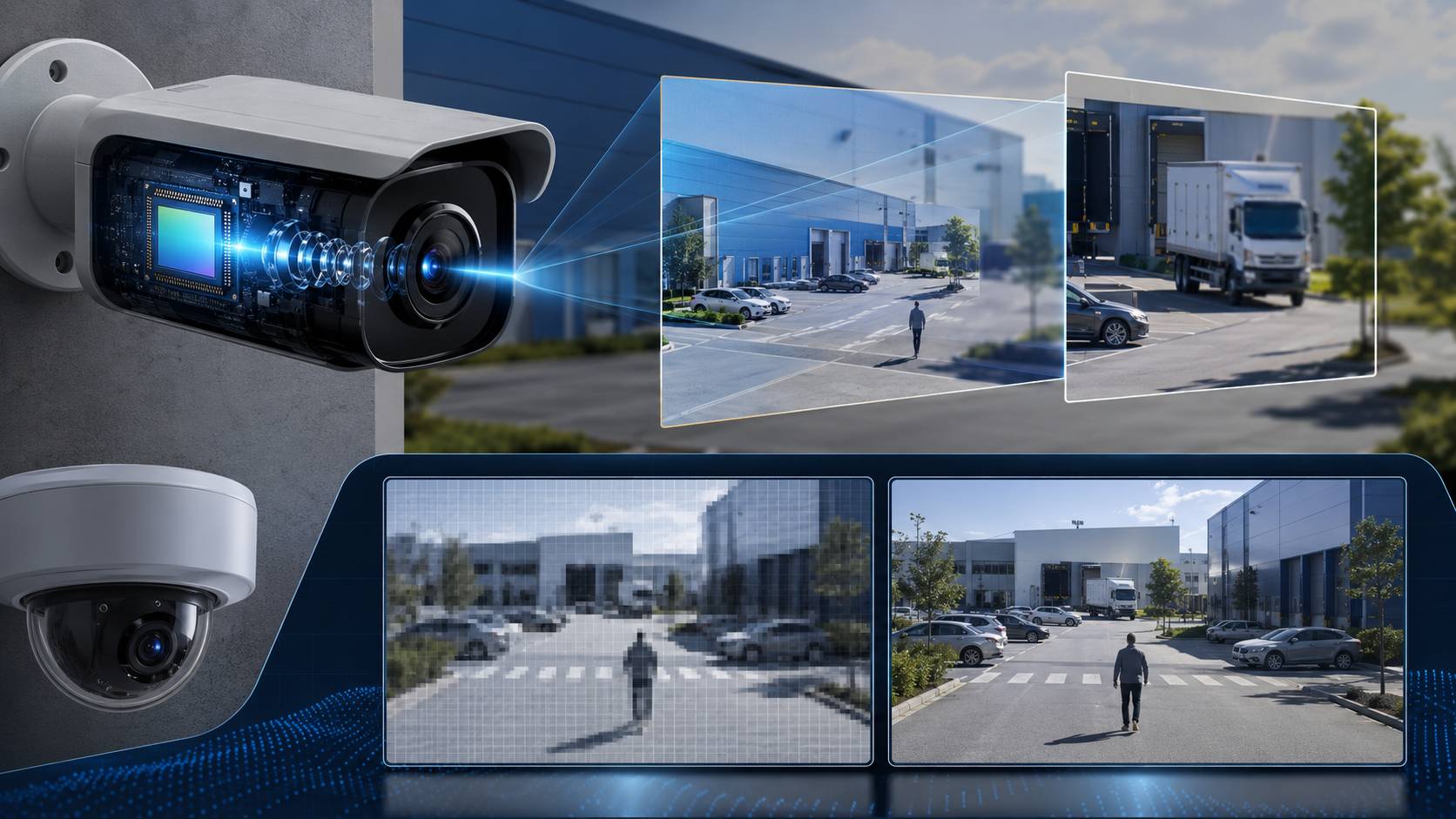
Security camera clarity is often judged too quickly by resolution alone. In real projects, buyers care about whether faces, license plates, entrances, shelves, loading areas, and night events can still be reviewed clearly after installation. A higher megapixel number may help, but the final image also depends on the sensor, lens focal length, frame rate, compression, lighting, and playback quality.
Why Security Camera Clarity Matters in Real Projects
Clarity affects more than the first impression. It decides whether an operator can review an event, whether a distributor gets repeat orders, and whether a project passes inspection without awkward questions.
In daily sourcing, the problem is usually not one single bad part. It is the way several parts work together. Sensor quality, lens choice, resolution, light source, compression, mounting height, and storage all pull in the same direction. If one part is weak, the final image feels off.
That is why clarity questions often show up during sample testing, not after bulk order approval. Buyers may compare a spec sheet, but the actual field result is usually what settles the issue.
The Three Factors Buyers Should Check First
Sensor quality decides how the camera handles light
The sensor is the first component in the process of obtaining an image. Security cameras generally use CMOS, and this component becomes quite important when the surroundings get dark. The better the sensor is, the better the picture will be at low light levels with lower noise and more stable colors. This is why it is possible for cameras with small pixel numbers to appear better than their high-resolution counterparts with bad sensors.
One of the main reasons for that happens in staircases, hallways, gates, and outdoor corners where lighting is variable throughout the day. When the surrounding area gets darker, a poor sensor produces poor results with blurred edges and unreadable faces.
Lens choice decides what the camera can really see
The lens controls view angle, focus distance, and how much of the scene stays sharp. A 2.8mm lens covers a wider area. A 3.6mm or 6mm lens pushes the view farther. Dual-lens or zoom setups can split the job between a wide scene and a more focused target area.
This matters in practical installation. A wide lens placed too high may look useful on paper but still fail to show faces clearly. A longer lens placed too close can miss movement at the edge of the frame. Buyers comparing products should treat focal length as a real project decision, not a small spec line.
Resolution decides how much detail can be reviewed later
Resolution is the pixel count of the image. It affects how much detail can be recovered when someone zooms in later. 2MP is still enough for some close-range indoor points. 4MP gives more room for entrances, shelves, and mid-distance views. 6MP helps when the scene is wider or the project needs more review value.
The catch is storage and bandwidth. Higher resolution creates heavier video files, especially when the camera is recording all day. H.265 helps reduce the load, but it does not remove the need to match resolution with the project.
Sensor vs. Lens vs. Resolution: Which One Comes First
If the project is indoors and close-range, resolution is usually the quickest starting point. A small room, front desk, or home-style monitoring point can often work with 2MP if the sensor and lens are decent.
If the project is a shop, warehouse aisle, or entrance, lens and resolution become a pair. That is where 4MP often lands as the practical middle choice.
If the project is outdoors or night-heavy, the sensor and lens should be checked before resolution. Rain, glare, dust, and low light create more trouble than a spec sheet can show.
Where Jortan Models Can Fit Into the Clarity Discussion
For close-range indoor jobs, Jortan’s JTZ-160B is a useful reference point. It is a 2MP indoor WiFi camera with Yoosee app support, H.265 compression, two-way audio, night vision, cloud storage, and local TF card support up to 128GB.
For outdoor middle-range projects, JT-9689UQJ shows how resolution and lens work together. It is a 4MP outdoor PTZ camera with 3.6mm + 6mm HD lenses, H.265, and IP66 protection.
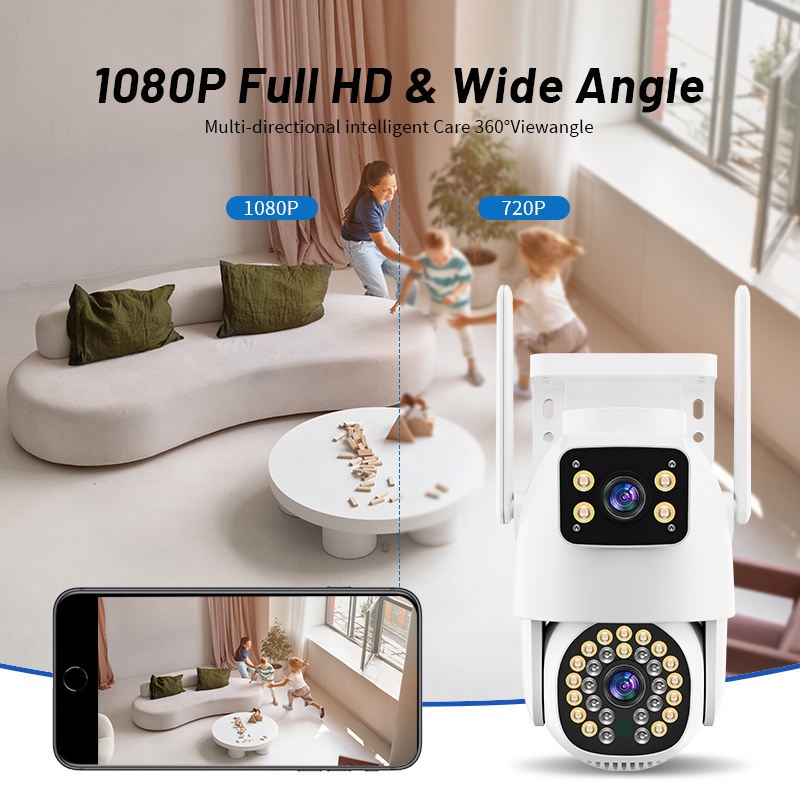
For wider outdoor projects, JTZ-9690PRO is the stronger example. It is a 6MP dual-lens PTZ camera with a 1/3″ SC2336 sensor, dual 1/2.8″ low-light CMOS sensors, 2.8mm + 12mm lenses, H.265AI, and IP66 protection.
For brands or importers building their own line, Jortan OEM/ODM camera customization is relevant once the sample has to become a repeatable product. Logo, packaging, APP-related requests, assembly, and inspection are easier to manage when the supplier can keep the same configuration from sample to bulk order. If the seller’s market needs a different carton, plug, or manual, that work should be fixed before the order goes live.
What Buyers Should Test Before Bulk Orders
A sample should be tested in the same conditions the project will face later. Daylight is not enough. Buyers should check weak light, glare, night mode, movement, app playback, storage, and the actual mounting height.
Storage choice matters here too. TF card recording is fine for single units and light use. HDD recording through an NVR is better for fixed buildings with several cameras. Cloud recording works in some channels, but the buyer needs to know the monthly cost and playback habits before promising it to the customer.
If the sample works but the bulk order shifts lens, sensor, or compression, the final image may change enough to trigger complaints. One bad batch can hurt repeat orders faster than a weak spec sheet ever would.
Conclusion
Sensor, lens, and resolution serve different purposes. The sensor determines how light is treated by the camera. The lens determines what is visible through the camera. The best outcome for buyers occurs when all three are compared together, not separately. As far as the B2B sourcing goes, the easiest principle to follow is as follows: from the scene through light to lens and pixels.
FAQ
Q1: Why can two cameras with the same megapixels look different?
A1: The sensor, lens, night light, and image processing are different. That is why one 4MP camera may look cleaner than another 4MP model in the same scene.
Q2: What should buyers test before placing a bulk order?
A2: Test daytime image, weak light, night image, app playback, mounting height, storage, and batch consistency. If the sample and bulk order do not match, the final job can become a support problem.
Q3: Can Jortan support clarity-related OEM or ODM orders?
A3: Yes. Jortan can support different camera categories and customization work such as logo, packaging, APP-related requests, assembly, and inspection. The sample configuration should be fixed before mass production.