
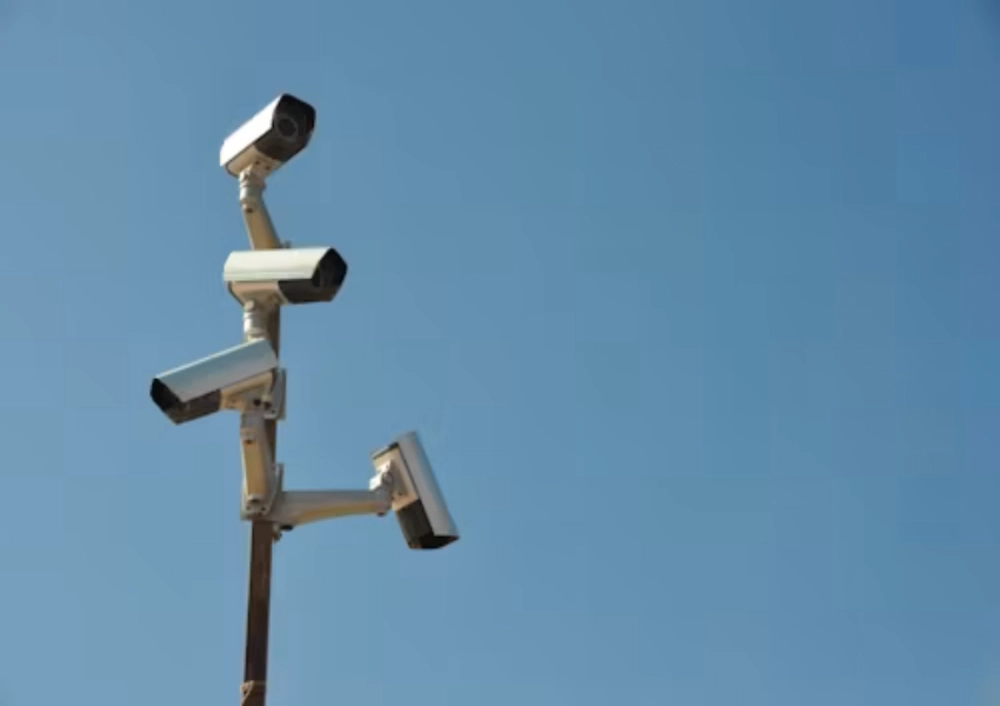
An auto-tracking camera can look impressive in a clean demonstration, then lose a person or vehicle in a real yard within seconds. The problem is not always the camera. Tracking asks the system to detect a target, decide that it matters, move a PTZ head, maintain framing, and keep the selected target separate from other movement. A parked truck, shadow, bright headlight, narrow path, or weak network can interrupt that chain.
A purchase decision should treat auto tracking as a useful layer, not a promise that every target will be followed without interruption. The main camera view, lighting, detection rule, PTZ movement, recorder, and network all shape the outcome. When buyers understand those limits before commissioning, they can choose a more realistic camera position and avoid classifying normal scene changes as a product defect.
Tracking Starts With A Detectable Target
Automated tracking normally begins after a camera detects moving activity and links a PTZ camera to follow or magnify it. Detection is easier when the target has a clear route, enough size in the image, and reasonable contrast with the background. It becomes harder when multiple objects cross, a target moves behind an obstruction, or the detection zone contains constant irrelevant movement.
Target Size, Speed, And Occlusion Matter
A person at the far edge of a broad scene occupies fewer pixels than a person walking close to the lens. A vehicle can briefly hide that person; a tree, gate post, or delivery stack can do the same. When the target reappears, it may not look sufficiently similar to the original detected object. Set realistic zones around the routes that matter rather than asking one camera to interpret every movement across a complex site.
Start a sample test with the actual target types: walking people, bicycles, forklifts, delivery vans, or vehicles approaching a gate. Check what happens when two targets cross and when one passes behind a fixed obstruction. The JT-9689UQJ PTZ câmera should be reviewed against its current tracking specification, lens behavior, and approved platform rather than assuming every PTZ camera follows targets in the same way.
Light Changes The Shape Of The Scene
Tracking decisions depend on the image available to the camera. Daylight shadows, vehicle headlights, rain on a reflective surface, and night-time fill light can change the contrast around the target. Outdoor cameras may use infrared or white-light approaches for low-light scenes, and each site needs a practical night test. A tracking rule that looks stable at noon may behave differently during shift changes or after dark.
Test The Difficult Hours, Not Just The Demo
Review tracking at the times when the location is busiest or least forgiving. Test a person entering from the side, a vehicle moving toward the camera, a target exiting the frame, and a target passing through glare. Confirm whether the camera returns to a useful preset after it loses a target. A poor return position can create a longer coverage gap than the lost track itself.
Separate persistent overview coverage from the tracking view. A fixed camera or multi-view arrangement can keep the wider scene recorded while a PTZ moves closer to an event. The JT-9697QJ camera model option is helpful when the buyer needs to discuss the camera, recorder, storage, and network as a complete chain instead of judging the PTZ in isolation.
PTZ Movement And The Network Must Work Together
PTZ means pan, tilt, and zoom, so tracking depends on both image analysis and mechanical response. The camera needs a route to move, a suitable preset, and a platform that can carry the required PTZ functions. Video transport and PTZ adjustment are not always the same thing. A video-only RTSP path may show the picture while lacking the separate integration needed to issue pan, tilt, or zoom commands.
Check Compatibility Before Blaming The Algorithm
Confirm the camera, recorder, VMS, app, protocol, and firmware combination that will be used on site. Then test the response after a power cycle and after the network connection briefly drops. If the platform cannot retain presets, event rules, or PTZ adjustment behavior, the camera may appear to lose its target when the root cause is integration. Write the approved versions into the project handover record.
For a channel partner, the IP câmera page can start the discussion around the suitable form factor. The follow-up should define which tracking conditions are supported, which require testing, and what the camera does after losing a target. A careful product description prevents a sales claim from outrunning the physical limits of target movement and scene visibility.
Tune The Scene Before Changing The Camera
Many tracking failures improve after the scene is simplified. Move the camera so the expected route is not hidden by an object. Set useful presets. Narrow the active area to a gate or lane. Remove irrelevant movement from the detection rule where possible. Check the radio or wired network path, especially when remote viewing is used during the test. These changes often reveal whether a different model is needed.
Create A Repeatable Commissioning Test
Record the mounting height, lens position, presets, detection zones, lighting conditions, network path, firmware, and test route. Repeat the same walk and drive patterns after any major configuration change. The monitoring package options can support the broader supplier conversation, while the final acceptance record should describe what the tracking system reliably does in that specific scene and where a fixed view remains necessary.
Do not treat a single successful track as final proof. Repeat the test with different walking speeds, vehicle paths, lighting conditions, and target directions. Review both the tracked clip and the overview clip after each run. This reveals whether the PTZ is following the useful subject, returning to the right preset, and retaining enough surrounding context for a reviewer to interpret what happened before and after the movement.
Keep the acceptance note specific. State the target size, route, lighting condition, and maximum useful distance that were actually tested. This avoids a vague promise of universal tracking and gives the installer a clear benchmark when a camera is moved, a new obstruction appears, or the site lighting changes later.
When a target is lost, preserve the original event clip and the PTZ position rather than relying only on a live-view impression. Playback can show whether the target left the frame, became hidden, or was followed toward an irrelevant object. That evidence makes the next configuration change more deliberate and keeps the troubleshooting conversation grounded in the actual scene.
Conclusão
Auto tracking works best when the target route, lighting, camera position, PTZ behavior, and integration path have been tested as one system. Targets can still be lost at obstructions, during fast movement, or when the scene changes. Treat those boundaries as design inputs, then keep stable overview coverage where it matters most.
Perguntas frequentes
Q1: Why does an auto-tracking camera lose a target behind a vehicle?
A1: The target may be temporarily hidden, then reappear with a changed position, size, or contrast. A crowded scene makes it harder to distinguish the original subject from other movement.
Q2: Can a recorder affect PTZ tracking?
A2: Yes. The camera, recorder, platform, protocol, and firmware must support the required PTZ functions together. A video path alone may not carry the separate information needed for PTZ adjustment.
Q3: Is auto tracking a replacement for fixed coverage?
A3: No. A PTZ may move away from other areas while following an event. Fixed or multiview cameras can retain the overview record while the PTZ examines detail.








