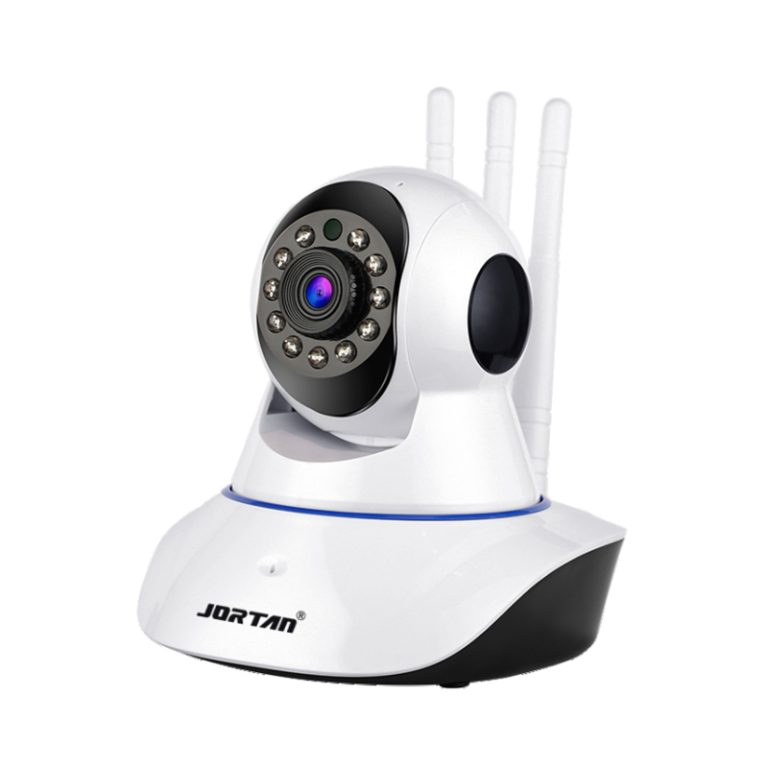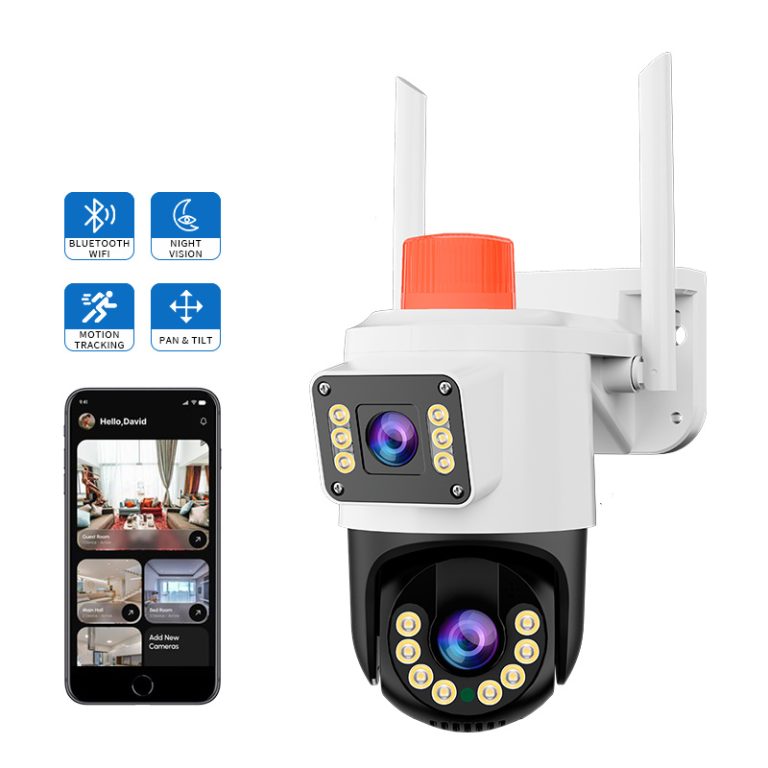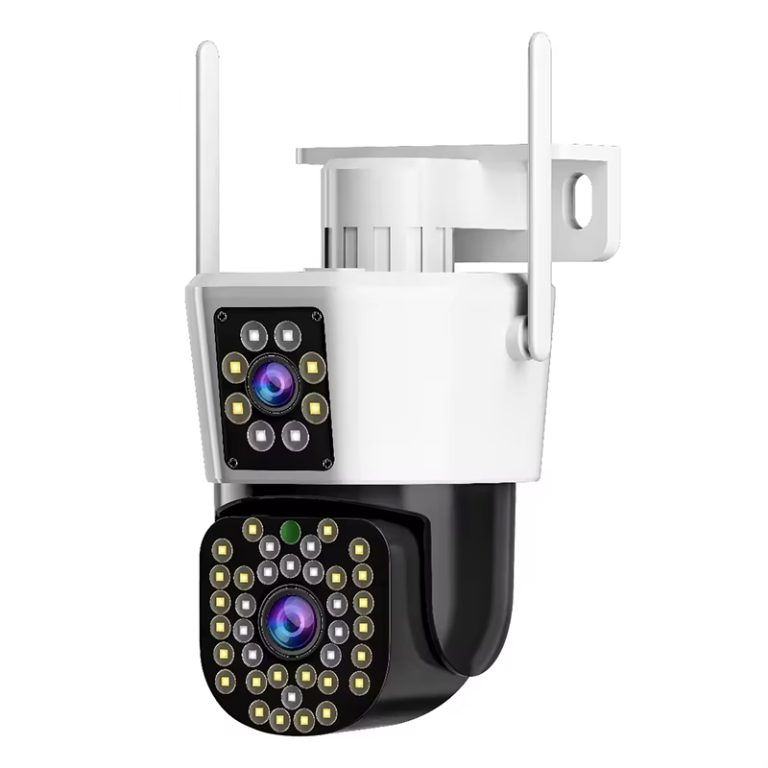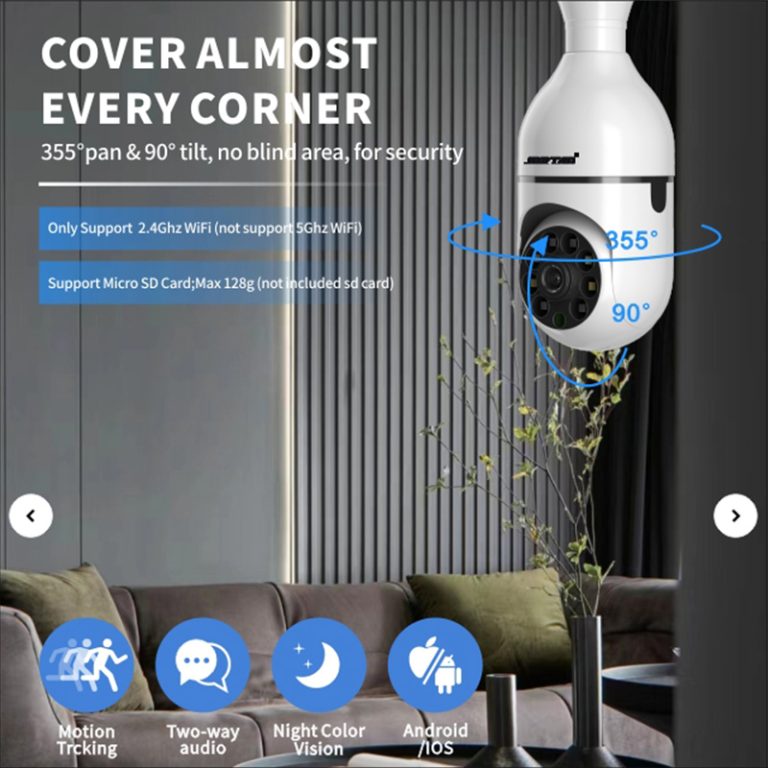
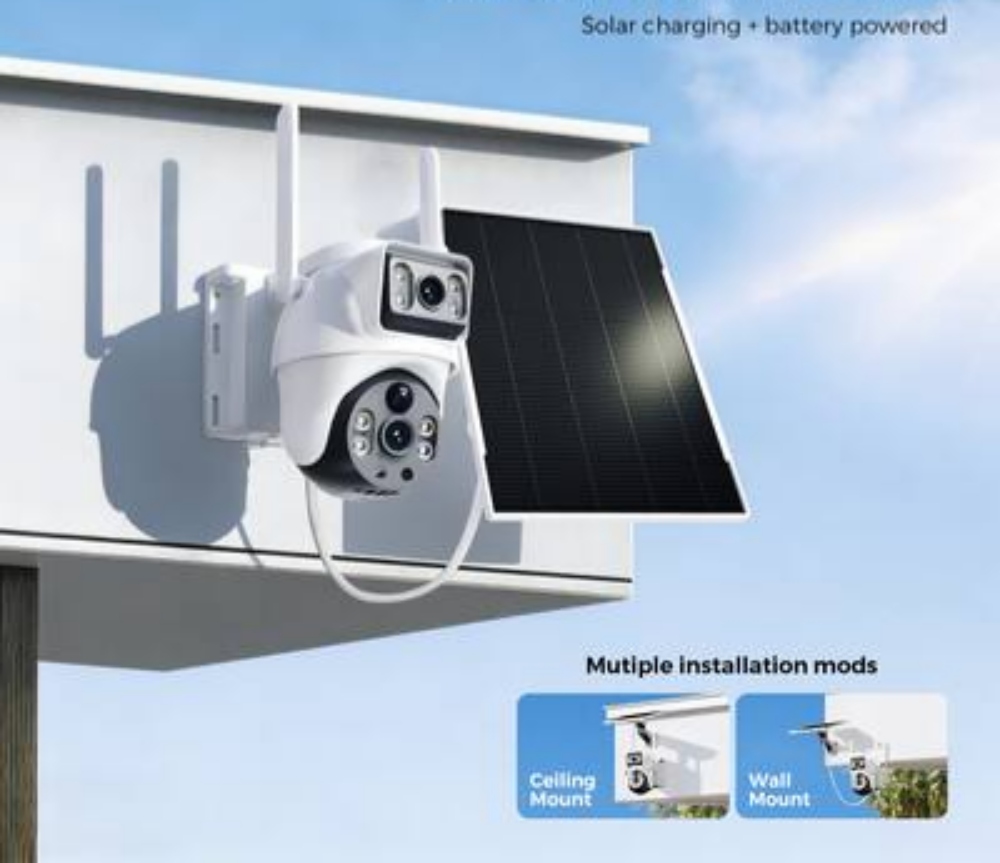
Smart cameras have become a popular option for folks seeking straightforward home monitoring without the hassle of a complicated security setup. For newcomers, the main point is understanding what these gadgets offer, how they blend into everyday home protection, and which options really matter before making a purchase.
Understanding Smart Cameras in Home Security
Smart cameras have changed the way people handle safety and ease in their homes. They merge standard watching methods with clever tech, giving instant viewing and management via phones or tablets.
What Defines a Smart Camera
A smart camera goes beyond a basic recorder—it’s a complete security package. It links to Wi-Fi or Ethernet networks, allowing live feeds and distant viewing. With advancements in chip, software, and network technologies, security cameras are gradually moving from professional applications to the consumer market, with an increasing number of home WiFi cameras entering households. Such tools stand apart from old CCTV setups because they deliver app-driven handling, alerts from detected motion, and cloud storage for simple footage retrieval. Linking with smart home setups like Alexa or Google Home boosts automatic functions and simplicity for those who appreciate smooth work among various gadgets.
Key Components of a Smart Camera System
A smart camera’s effectiveness relies on a few vital parts. The lens’s quality sets the image’s crispness, and resolution—from 1080p to 4K—impacts how clear details appear. A broad viewing angle guarantees full oversight of watched spots. Sensors help activate options like night vision, audio pickup, and motion following. Steady connection via Wi-Fi or Ethernet keeps real-time video flowing without delays or breaks.
Evaluating Your Home Security Needs
Before buying home security cameras, it’s vital to review your place’s design and exact watching needs. This process aids in picking the right count of cameras and their spots for best coverage.
Assessing the Areas That Require Monitoring
Consider where the cameras will be installed, such as indoors, outdoors, or in specific rooms, and how large an area they need to cover, so all weak spots can be properly monitored and protected. Access spots such as doors, windows, and garages often rank as top zones for watching. Outside spaces call for durable models with wide lenses to record big regions well. Inside, target corridors, family rooms, and spots holding precious items.
Determining the Level of Security Control Desired
Each homeowner holds unique hopes for watching over sight. Some like quiet recording for review later, whereas others seek lively setups that push quick notices on odd motions. Distant entry via phone apps lets people decide instantly from any location. Pairing with alarms or smart locks adds levels of defense—shifting your house into an alert security network.
Essential Features to Consider When Choosing a Smart Camera
Picking the correct camera means weighing modern options against simple handling and money limits.
Image Quality and Resolution Standards
Full HD (1080p) gives enough sharpness for typical houses; yet, 4K versions supply better specifics fitting for bigger places or outside mounts. HDR aid serves as a helpful extra—it boosts sight in dim or bright-glare settings.
Motion Detection and Smart Alerts
Motion sensing with AI cuts down wrong alerts from animals or cars going by, as it studies motion habits wisely. Adjustable alert regions allow focusing watch on set spots like paths or doors instead of getting needless pings.
Storage Options: Cloud vs. Local Solutions
Cloud Storage Advantages: Cloud storage provides anytime distant reach to video clips without hands-on care. Files get auto-saved online, so no loss happens even when the camera gets harmed or taken.
Local Storage Benefits: For people worried about privacy or monthly fees, local storage using SD cards or linked drives offers safe offline saving. Clips load quicker without needing web links.
Connectivity and Compatibility Factors
Solid links make sure smart cameras work well in every situation. A good Wi-Fi strength stops video hitches in live view times. Dual-band routers help lessen clashes from other home gadgets.
Matching with other systems also matters a lot for how users feel about it. Cameras linking to common hubs like Alexa, Google Home, or Apple HomeKit enable easy voice orders, for example, “Show me the front door.” Such no-touch features ease routine tasks while keeping strong safety.
Privacy and Data Protection Considerations

Online safety counts as much as a bodyguard when handling smart home tools.
Full-path encryption protects video streams from unwanted looks by locking data in transit and at rest. Extra-step login adds to account safety from online risks by needing checks past just codes.
Homeowners ought to handle shared entry with care—give rights only to reliable family members and take them back when not needed. Steady firmware refreshes not only lift work but also fixes possible weak points before bad actors use them.
Installation and Maintenance Tips for Beginners
Setting up smart cameras need not be tough; knowing your choices aids in keeping steady work long-term.
DIY vs. Professional Installation Options
Home setups fit well for tech-knowing users who like freedom in spots and settings. Still, expert setup promises the best placement for the total watch and checks network links right—great for wide areas needing several pieces.
Regular Maintenance for Long-Term Reliability
Steady care keeps your setup’s output strong through the years. Check and maintain your camera regularly to ensure it is working properly. Wipe lenses now and then to stop dirt piles that could blur views. Firmware refreshes need quick use, as makers often drop fixes that raise both use and safety tools.
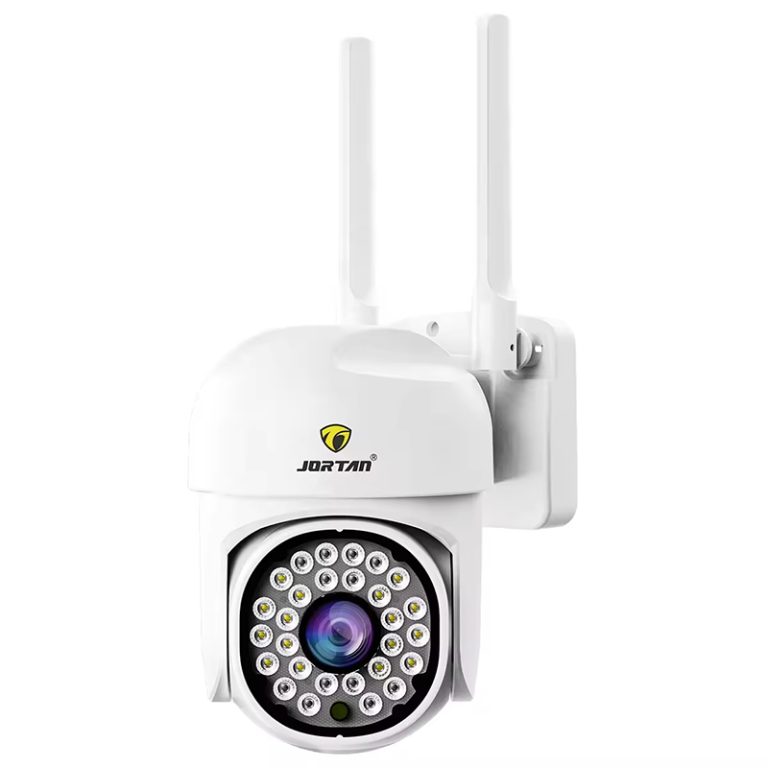
For folks wanting dependable fixes made, for starters, think about checking Jortan’s smart home security camera, which mixes easy setup with solid app-handling aids built for regular homeowners.
Budgeting for a Smart Camera System
While readying your buy, weigh price against what features you need, not just the starting cost alone.
Basic models give core options right for tiny flats or one-room plans at low costs. Top systems bring sharper picture work, AI checks, and linking among many gadgets, perfect for big houses with tricky designs. Budget: Setting up a monitoring system costs money. Set a budget and stick to it. Monthly cloud plans might bring ongoing costs, but they usually add extras like longer clip-keep times.
Weighing ongoing worth involves looking at toughness, promise cover, growth chance, and power save—all parts that lead to money gains later via fewer care needs and better use of energy.
FAQ
Q1: How many smart cameras should I install at home?
A1: The number depends on your property’s size and layout; purchase multiple cameras as needed to cover the entire surveillance area. For most homes, covering main entrances and common areas provides adequate protection.
Q2: Are smart cameras difficult to install?
A2: Not necessarily—DIY options are available with simple plug-and-play configurations via companion apps like Jortan’s mobile platform that guide you through setup intuitively.
Q3: What type of storage is best—cloud or local?
A3: Cloud storage offers convenience through remote access while local storage provides privacy without ongoing fees; combining both can deliver balanced flexibility depending on usage needs.
Q4: How often should I maintain my security system?
A4: Routine checks every few months are recommended; cleaning lenses and updating firmware regularly keeps your system performing optimally while ensuring continued safety monitoring efficiency at home.