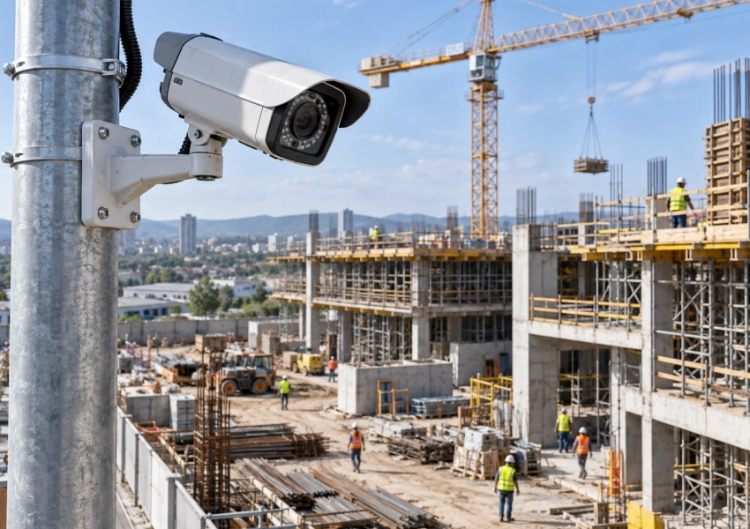
Construction sites change shape every week. A gate moves, a material yard expands, power is not yet live in the next building, and equipment may move with the work crew. That makes construction site security a different buying problem from protecting a finished facility. The strongest plan covers the assets and entry points that matter today, moves as the site changes, and does not create a fresh installation bill at every phase.
Affordable smart surveillance starts with those practical limits. Buyers need to balance image quality, power, connectivity, recording, weather exposure, and response responsibility. A modest jobsite security system can still be useful when coverage is deliberate and the team knows what each camera can verify after dark.
Start With the Risks That Move Around the Site
A permanent building usually has stable entrances, wired power, and a fixed network plan. A jobsite does not. Materials, tools, generators, temporary offices, delivery routes, and public access points can change before the next progress meeting. The first budget decision should therefore be about priority zones rather than camera count. That keeps construction site cameras focused on actual exposure.
Map Assets, Access, and Blind Spots
Walk the site at the times when theft, unsafe entry, or damage is most likely. Mark vehicle gates, pedestrian access, fuel or equipment storage, high-value material stacks, temporary offices, and after-hours routes. A camera location should have a purpose: record a vehicle approach, show access to a container, or document activity around a defined asset.
A network camera takes light through its lens to an image sensor, converts the result into a digital signal, processes it, and can encode it with H.264, H.265, or H.266 before sending video across a network. That chain matters on a site because a useful image depends on more than a wide view. Lens position, ambient light, transmission path, and recording route all shape what can be reviewed later.
Plan For Night, Dust, and Weather
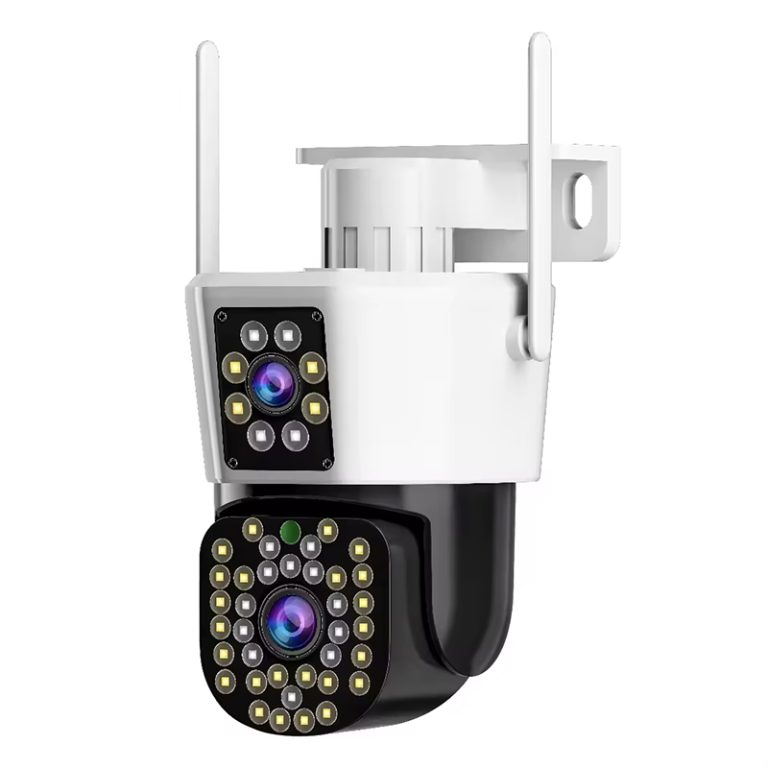
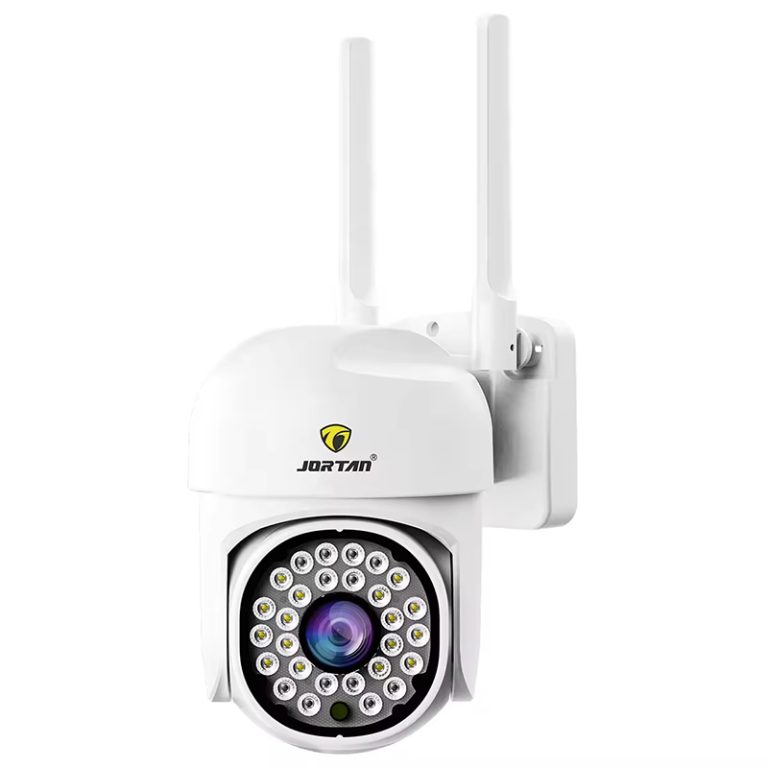
Outdoor construction site cameras need an enclosure and mounting position suited to exposed work. Barrel cameras commonly combine a lens, infrared or white-light illumination, and a housing that may carry IP66 or IP67 protection. The rating is only one part of the decision. Aim cameras away from direct glare where possible, keep the lens clear of moving dust, and check whether scaffolding, machinery, or stored materials will block the scene next week.
At night, cameras may rely on infrared illumination, white or warm fill light, or low-light full-color imaging. Each option has a different effect on the scene and power use. A buyer should request current sample footage in conditions close to the intended location, rather than assuming every night setting produces the same recognition result.
Match Power and Connectivity to Each Zone
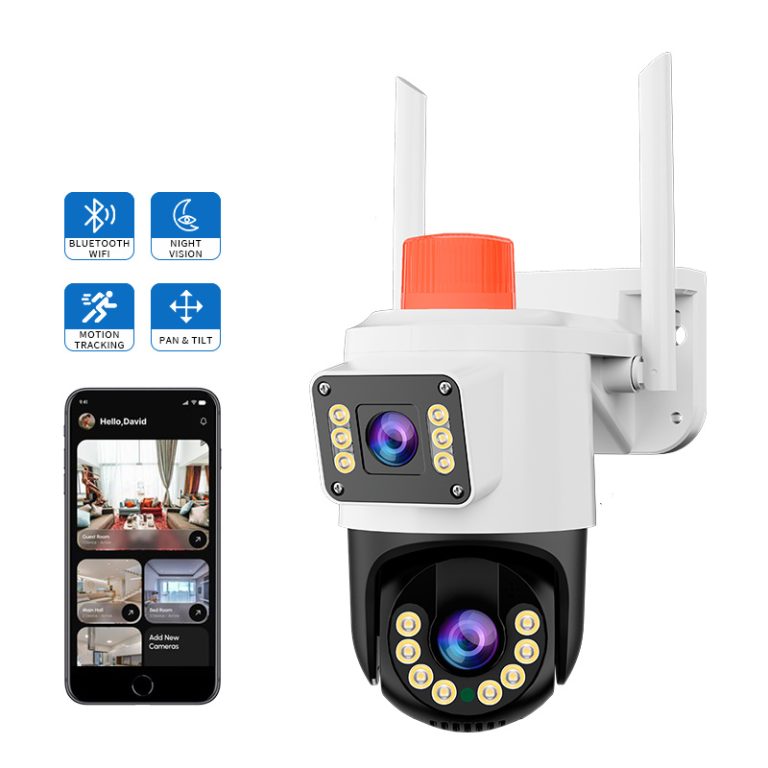
The cheapest power choice is often the one already available, but a construction project may have only temporary outlets or no reliable power at the place that needs coverage. The same applies to data. A wireless security camera can reduce cable work, yet it still needs a sound connection plan, enough power, and a clear reason for being placed in that zone. Different sections of a site can use different methods.
Use Wireless Links With Realistic Boundaries
Wireless cameras generally connect through WiFi, while wired units use an Ethernet cable to a router. IP cameras can also use coaxial, twisted-pair, power-line, fiber, WiFi, or 4G transmission arrangements depending on the equipment around them. A wireless link can reduce trenching or repeated cable relocation, but distance, obstructions, site traffic, and network changes still need a test before a deployment is approved.
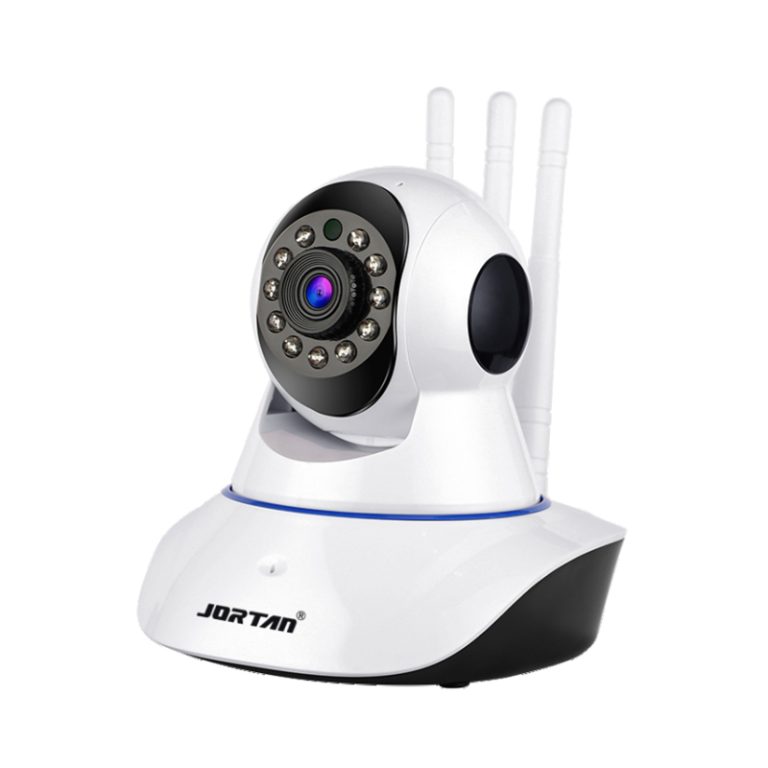
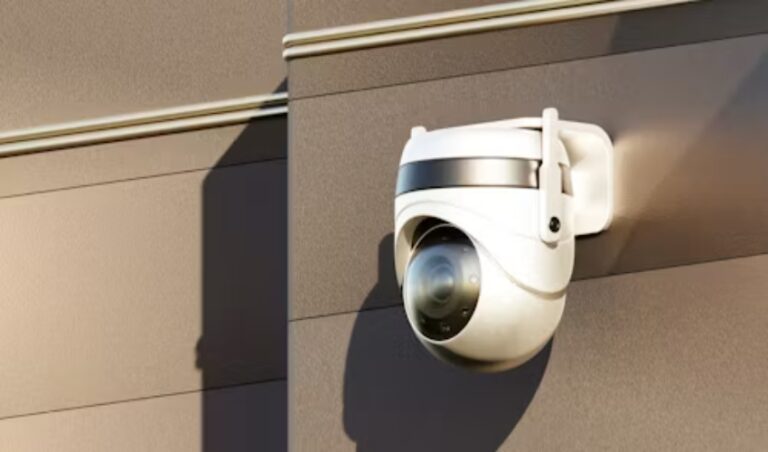
For local checks around a temporary office or gate, a WiFi camera gives a relevant starting point. The jobsite security system should still name the router position, expected signal path, account access, and who checks an offline device. WiFi is a transport method, not a substitute for a site plan.
Reserve Solar and Battery Units For the Right Gaps
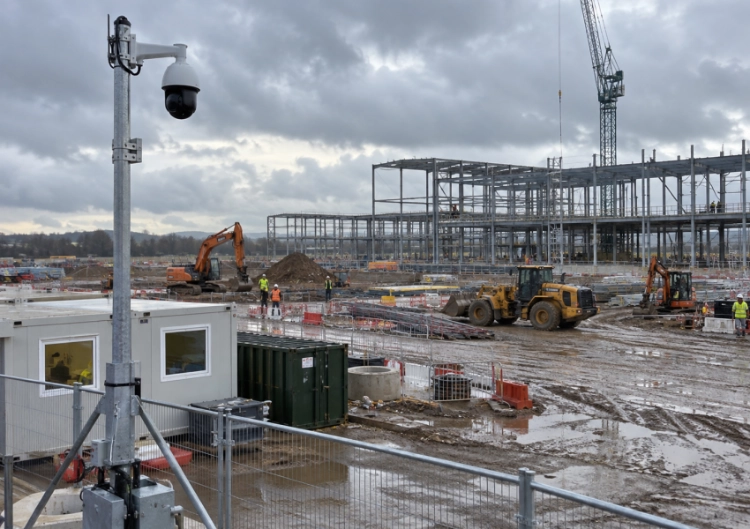
Solar and battery power can be useful where there is no practical cable route, such as a remote boundary, a temporary materials area, or a gate that moves as the project progresses. Cameras can use AC24, DC12, or DC5V supplies, and some designs use solar energy or batteries. Check panel exposure, expected traffic, recording behavior, and the service routine after poor weather before treating a solar security camera as a fit for every location.
The solar camera is most relevant where mobility and power independence are part of the site problem. It is not automatically the lowest-cost choice at a well-served main entrance. A mixed deployment can keep the budget focused: wired or local-network coverage where it is easy to support and off-grid units only where they avoid a real installation burden.
Spend on Evidence, Not Unused Features
Smart surveillance earns its place when it makes review and response less wasteful. It does not mean every camera needs every feature. At a jobsite, the questions are plain: does the footage show the access point or asset clearly enough, can the team find the event, and can the unit keep working through the operating conditions it was bought for? Those questions produce a more useful budget than a broad feature list.
Set Recording Rules Before Buying Storage
Home-oriented cameras commonly offer WiFi networking, TF card or cloud storage, basic human detection, voice alerts, and mobile app management. On a site, decide whether local storage, a recorder, or a remote service is appropriate for each critical view. A storage choice should account for the expected recording mode, connection stability, who retrieves footage, and what happens if the device is damaged or moved.
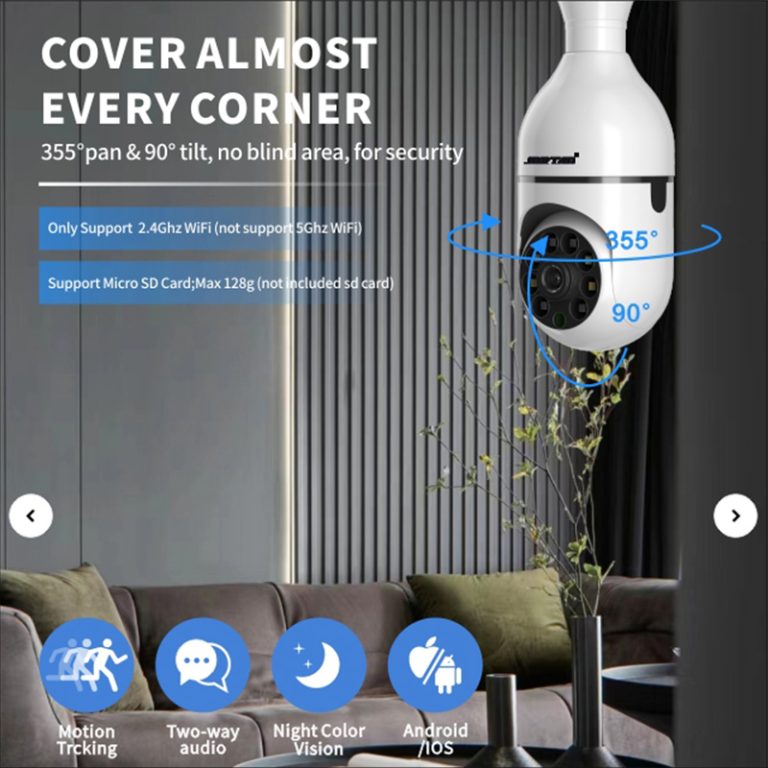
The published 8185XM model includes H.265 video, 1920x1080P output, alarm and manual recording, cloud and local Micro SD storage, mobile-phone memory, Micro SD support up to 128GB, PIR wake-up, and IP66 protection. Those stated functions can make a compact 8185XM camera a useful item to evaluate for a defined temporary view. Current configuration, included accessories, and actual site suitability should be confirmed before it is specified for a project.
Treat Alerts as a Review Queue
Motion or human-detection alerts can help a small team focus on events, but they are not proof that every event will be classified correctly. Construction sites have moving tarps, vehicles, headlights, wind, dust, and shifting shadows. Set alert areas around the gate, container, or material zone that matters, test them in real conditions, and keep a person responsible for reviewing exceptions. Smart surveillance works best as a filter for attention, not as an unattended decision-maker.
For wider scenes, resolution and framing need the same discipline. High-definition cameras are commonly described through pixel counts or resolutions such as 720p, 1080p, or 4K, but the useful question is whether the selected view can show the detail needed at that distance. More pixels do not repair a camera placed too far from the point of interest.
Keep the System Reusable From One Phase to the Next
The cost of construction site security is not limited to the first setup. Projects may need to relocate equipment, change coverage after a concrete pour, add a new access road, or keep watching stored materials after interior work starts. A reusable package keeps the next move simpler. This is where mounts, power options, packaging, device identity, and support records become as important as the camera specification.
Buy a Deployment Kit, Not Isolated Devices
Keep a register for every unit: serial or internal asset tag, location, power method, account owner, storage status, mount type, and retrieval date. Include spare mounting hardware, cables where needed, memory cards where approved, and a protected transport case. This avoids the familiar problem of buying a replacement camera because a low-cost bracket or adapter was lost during a site move.
Jortan supports consumer security products through mold work, chip processing, injection molding, assembly, sampling, inspection, packing, and shipment. Its OEM/ODM work can include logo, packaging, color, appearance, mold opening, and app customization. For a contractor, distributor, or private-label buyer building a repeat jobsite security system, those capabilities can support consistent unit identification, packaging, and configuration across staged orders.
Review the System At Each Project Milestone
Revisit the camera map at major phases: site preparation, foundation and framework, enclosure, interior work, and handover. Remove coverage that no longer protects a meaningful asset, then move it to the next exposed zone. This keeps construction site cameras working for the project instead of becoming forgotten fixtures. It also gives procurement a clearer record of which parts of the system were reused and which cost came from a genuinely new risk.
Jortan can start with the site map, power conditions, connection options, and the camera functions that matter at each stage. That is a better basis for a quote than a request for a generic package.
Conclusion
Affordable construction site security comes from covering real risks, matching power and connectivity to each location, and moving equipment as the site changes. A compact mix of wired, wireless, and solar options can be more useful than a large fixed system when each device has a clear task, storage plan, and review routine. For samples, staged configurations, or private-label jobsite camera requirements, contact kingjin@safejortan.com.cn.