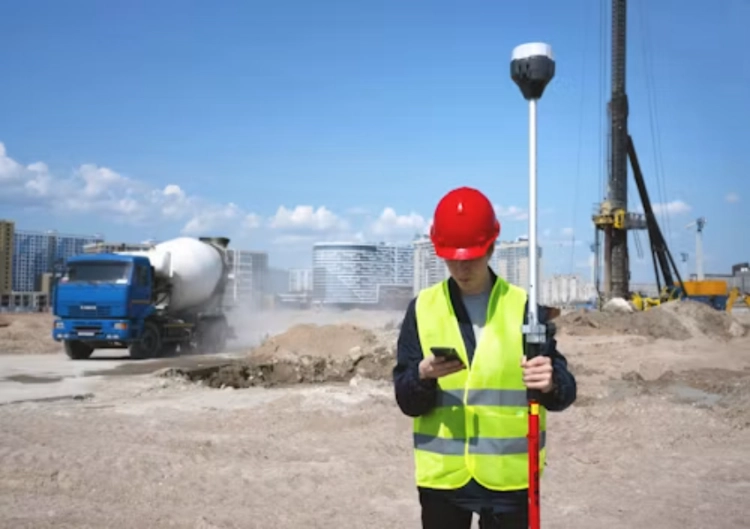
Construction cameras face a different problem from a finished building installation: the site changes every week. Temporary offices move, fencing shifts, cranes block a view, and the nearest power point may disappear after the next phase. A camera plan for such a site should not assume fixed WiFi or a permanent cable route. It needs a power path, a transmission path, local evidence when that path drops, and a mounting plan that can move without leaving the project exposed.
Low-power solar 4G camera kits are a response to locations without stable networks and electricity. That is relevant to construction sites, but it is not a promise that every remote location will have equal coverage or battery reserve. The buyer must check cellular signal, expected event activity, panel exposure, access for cleaning and the recording mode at the actual site.
Begin With Site Zones That Change At Different Speeds
Separate the gate, material storage, equipment area, perimeter and work face. The gate may need an approach view and a record of vehicle movement. Materials may need a broad overview and a more detailed point near the handoff area. The workface may move faster than the rest of the site, so a temporary mounting solution can be more valuable there than a permanent high installation.
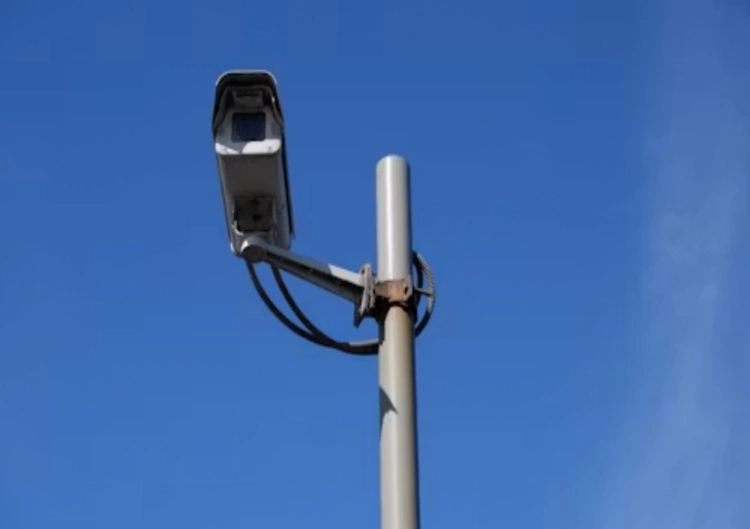
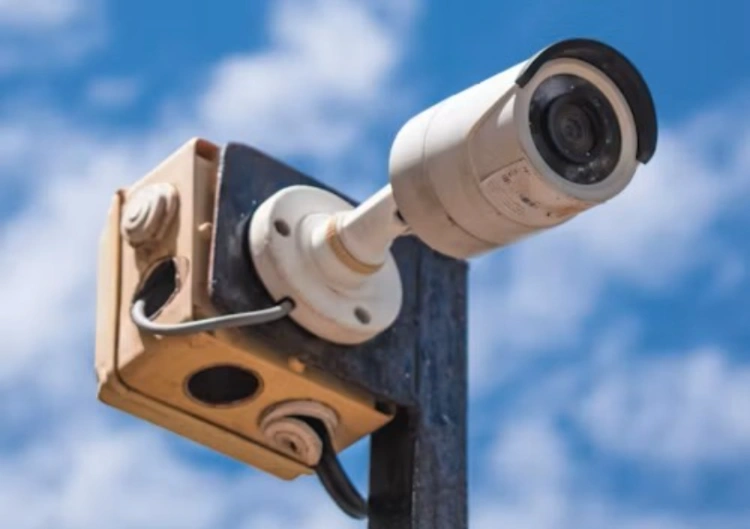
Do not treat an outdoor camera as weatherproof simply because it is labeled for outside use. Check the bracket, cable route, water runoff, dust, vibration and the possibility of accidental impact from vehicles or machinery. The mounting point also needs a sensible sightline after site fencing, containers and stacks of material are in place. A clear view on the first day can become blocked by the second week.
Power Planning Is An Operating Decision
Solar and battery designs work best when the daily load is understood. Event-led recording, PIR wake-up behavior, night illumination, repeated remote viewing and weak radio reconnects all use energy. The JT-8258T battery camera identifies a low-power battery camera direction with H.265, WiFi, PIR and outdoor use. Confirm the supplied battery, panel, storage and low-power behavior against the final site plan rather than assuming a fixed operating time.
Solar placement deserves the same site survey as the camera angle. A panel behind a tower, container or temporary roof can recover less charge than expected. Give the panel a clear route to daylight and keep it reachable for cleaning. If the camera position and the panel position have different needs, choose a system architecture that allows both to be installed sensibly, with protected cables and a clear service path.
Treat 4G As A Tested Link, Not A Slogan
A 4G camera can remove the need to extend site WiFi, but coverage, SIM policy, data consumption and upload behavior are still project variables. Test signal at the actual mounting point and during normal site activity. Confirm the app path, remote live-view expectations, event clip upload, firmware update route and what happens when cellular service is interrupted. A remote stream that works from the site office may behave differently at the far boundary.
Local storage is valuable when the remote link is intermittent. The knowledge base describes front-end card storage as a way to keep footage locally and, in compatible designs, transfer it later after the connection returns. Check card capacity, overwrite policy, clip search, physical access and the relationship between local clips and remote event notices. Do not claim automatic restoration unless both sides of the selected system support it.
Use Product Features In The Right Site Role
The 8185XM solar camera is an outdoor solar camera, which has a 10,000mAh battery, H.265, a 3.6mm lens and ICSEE app direction. Those features make it relevant to a temporary gate or stored-equipment zone, but a trial should still cover panel charge, night clips, radio quality and mounting stability. The model should be approved for a stated zone, not treated as a blanket answer for an entire construction project.
A construction camera plan also needs a relocation rule. Record the camera name, original zone, new zone, power source, SIM or network account, storage state and installer. When the work area moves, check the new angle, cellular path and night image before relying on it. This prevents a temporary relocation from becoming an unrecorded blind area.
Build A Field Test Into The RFQ
Ask suppliers to test the intended model with the selected power accessories, panel, storage and network route. The RFQ should state expected daylight exposure, site climate, mounting height, number of daily events, remote-view frequency and required evidence. Jortan can be used for a broader product-line review, while buyers can discuss a project configuration with a zone drawing and confirmed cellular conditions for a project-specific discussion.
At handover, make the service routine short and practical: inspect panel exposure, battery notices, cable seals, bracket movement, card health and remote access. Retest after a major change to fencing, containers, lighting or radio coverage. Construction security is rarely a one-time installation. It is a moving system that needs its evidence points checked as the site changes.
There is also a human handover issue on temporary sites. Workers, site managers and subcontractors change during the build, so account ownership and camera labels should not sit only on one phone. Keep a short log for each construction camera: its zone, mounting date, power type, SIM or network status, storage destination and the person responsible for checks. When a camera is moved, close the old position on the plan and open the new one with a fresh sightline test. This record avoids a common temporary-site failure, where every team assumes another team is still watching a gate or material area that no camera can see.
Conclusion
Construction cameras can work without fixed power or WiFi when power, cellular transmission, local recording and site access are planned as one field system. Test the exact equipment at the mounting point, retain footage locally where supported, and revisit the plan whenever the site layout changes. That approach produces usable evidence without pretending a temporary site behaves like a finished building.
FAQ
Q1: Can a solar camera work at every construction site?
A1: No. Panel exposure, battery load, weather, night activity and service access affect the result. Test the planned equipment at the final mounting point.
Q2: Does a 4G camera need WiFi?
A2: No, it can use cellular transmission, but coverage, SIM terms, data use and the remote application path still need site verification.
Q3: What should be checked after moving a construction camera?
A3: Recheck the sightline, mounting security, panel exposure, power state, cellular signal, night evidence, local storage and remote playback.