Picking between wired and wireless IP cameras goes beyond just how you set them up. Each choice brings its own balances in connection steadiness, power supply, growth potential, and ongoing care for the whole setup. Getting these basic contrasts clear can guide you to smarter picks before you get into the finer points.

What Are the Core Differences Between Wired and Wireless IP Cameras?
Selecting a wired or wireless IP camera means more than ease of setup. It involves how well they work, how steady the network stays, how dependable they prove over time, and even how they look in your space. If you want to protect your house or shop in a solid way, you need to check how these camera kinds send information and fit into your surroundings.
How Do Wired and Wireless IP Cameras Transmit Data Differently?
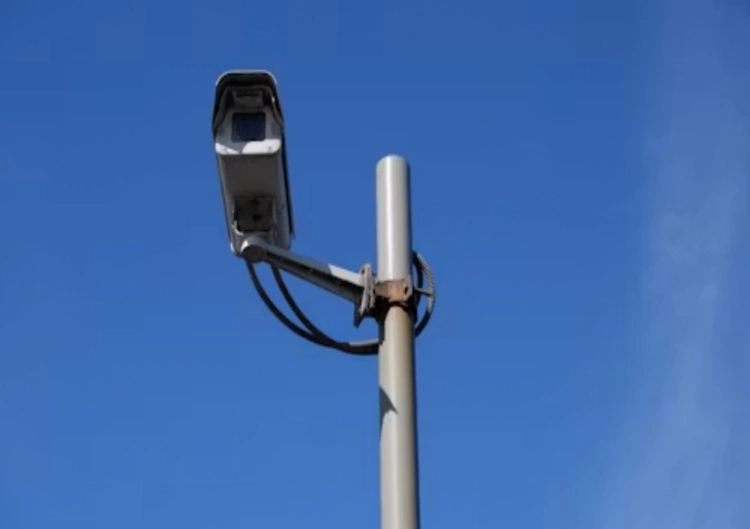
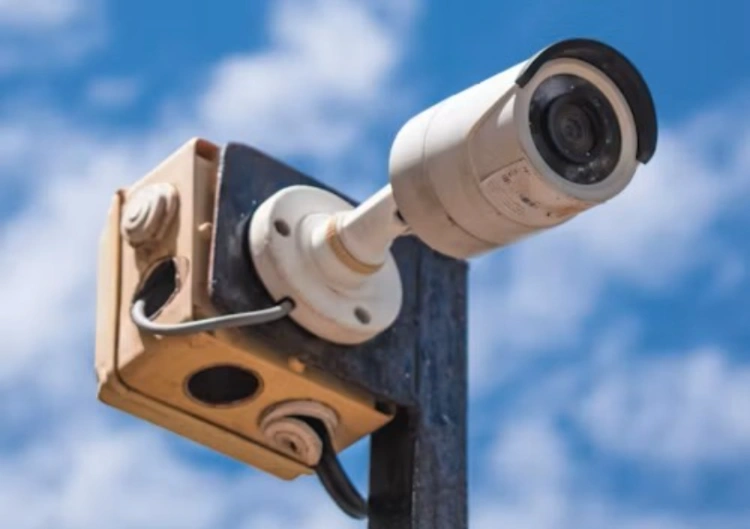
The main gap shows up in the way each one links up and shares details. Wired IP cameras hook into Ethernet cables that carry both power, if PoE works, and the data flow. This method gives a firm and steady link, which matters a lot in spots that handle lots of data or where watching is super important.
Because of the strong points in how they send signals over networks, wired video watch systems have turned into the top choice for security and are heading toward sharper pictures, smarter features, and better blending with other tools.
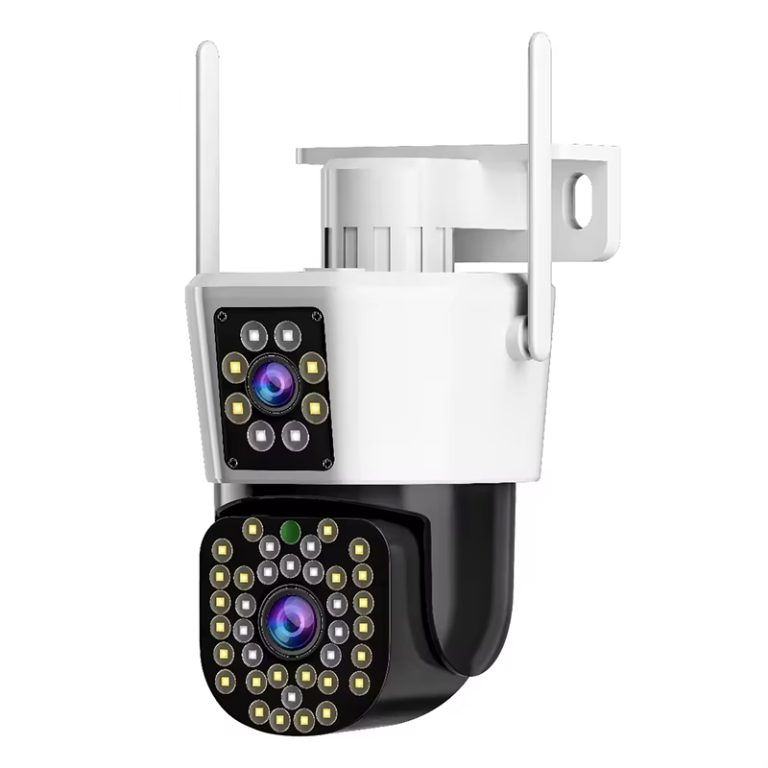
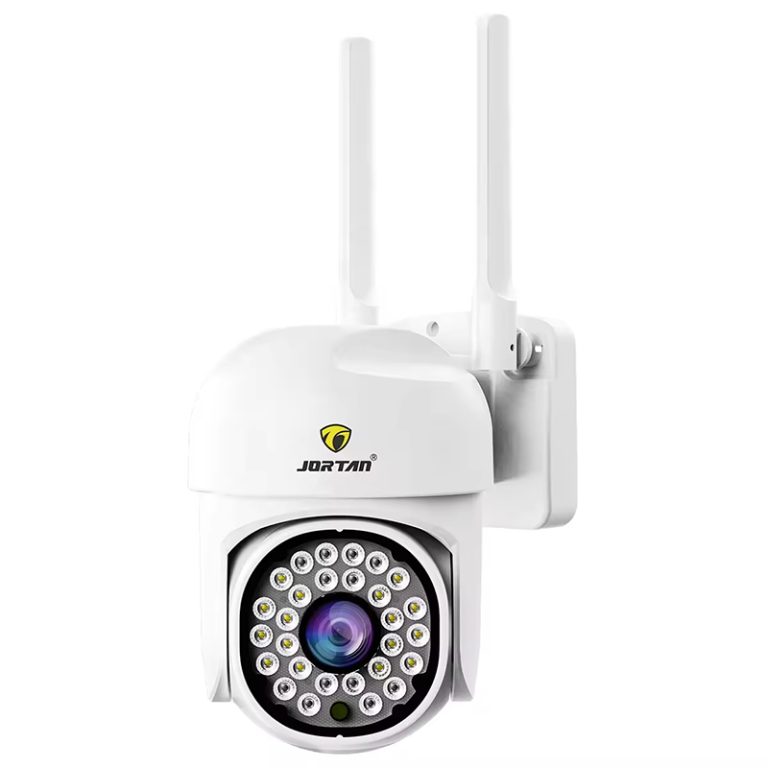
Wireless IP cameras depend on Wi-Fi or mobile signals like 4G/5G to move video around. This lets you place them anywhere without pulling cables, which feels easy. But it can bring problems with signal blocks. Tech for wireless sending, such as WiFi, 5G, and microwave, has found good use in many areas of video watching. It fixes the tough parts of old wired setups that take a lot of work to place.
For places like big storage rooms or homes with weak Wi-Fi spots, wired picks might fit better. On the flip side, if you value easy moves, such as in flats or short-term spots, wireless choices bring great ease.
What Installation Requirements Should You Expect from Each Type?
The difficulty of installing the system can significantly influence your decision. Wired setups take more time and hands-on work. You may have to bore holes, run lines through roofs or walls, and keep them close to plugs or PoE switches.
Cameras can be made just for wired or wireless video flow, which helps in spots like storage areas where reaching key spots without network links proves tough.
Wireless setups make this simpler with less gear. Many kinds just need mounting and a Wi-Fi link. Some take it further with batteries that skip the need for wall power at all. This works well for folks who skip running wires or want to set the device where plugging in power feels hard, yet they still need to watch and get alerts.
Which Type Offers Better Reliability and Performance Over Time?
If you care most about steady watching without breaks and even quality, you should grasp how each holds up as time goes on.
How Does Network Stability Influence Camera Performance?
Wired cameras stay free from Wi-Fi crowds or radio blocks. They give even work even if many tools share the same line.
In real tests for video watching, an 802.11n-based AP hit a steady send speed of 100 Mbps over 150 meters.
Wireless IP cameras, though quite good, might face delays or lost signals, above all in areas with thick walls or gadget jams. Smart placing and solid routers aid this, but how well they run can change.
Are There Differences in Image Quality or Latency?
Both wired and wireless can bring sharp video. Yet wireless ones might squeeze the video harder to keep the stream going when bandwidth stays tight. This could mean softer pictures or more wait time.
If you watch key areas live, like doorways or help desks, wired ways cut the chance of slow spots. But if a bit of a wait fits okay for a simpler setup, wireless stays useful.
How Do Power Supply Options Affect Your Choice?
Keeping power going stands as another key part, especially in blackouts or spots hard to reach.
Can You Rely on Wireless Cameras During Power Outages?
Most wireless IP cameras still pull steady power from outlets. Ones with batteries fix this but add upkeep. Wired setups often tie into UPS units for smooth running in power cuts.
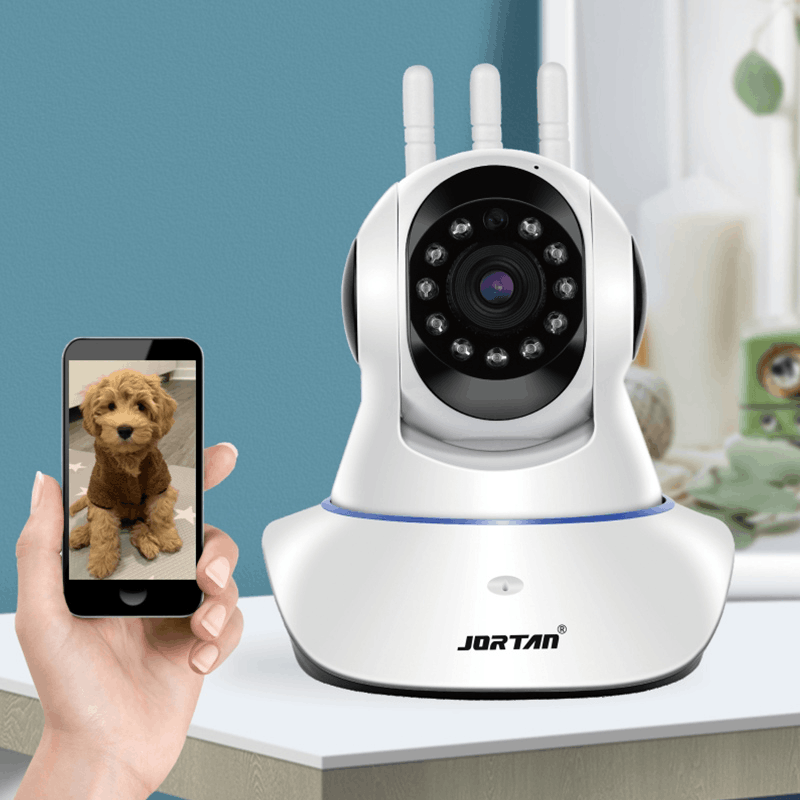
Battery-powered cameras skip extra wires or links to special screens for viewing watch content. You can see the footage from afar and right away on your phone instead.
Is Battery Maintenance a Concern for Wireless Units?
Yes, mainly if you set up several in high or far-off places. Checking and swapping batteries turns into a regular task.
Designs with batteries you can take out and recharge make setup fast and simple, with very long wait times, low use of power, and long runs on one charge.
What About Security Risks—Which Type Is Safer?
Staying safe from cyber threats counts as a must in any smartwatch system.
Are Wired Cameras Less Prone to Hacking Than Wireless Ones?
Wired setups feel safer by nature since they stay cut off from outside lines unless you set up web access on purpose. This cuts the risks of far-off hack attempts.
Wireless cameras need tough code locks like WPA2/WPA3 and safe sign-in ways. Security video watch systems head toward blending in a way that ignores the tech or shape used.
How Can You Strengthen the Cybersecurity of Your IP Camera System?
Whatever kind you pick, keep software fresh with updates and pick strong passcodes. Turn on two-step checks if it offers them, and skip the starting login names.
Which Option Suits Different Environments Better?
The best kind of camera also hinges a lot on where you plan to put it and how often you might shift it.
Is One Type More Suitable for Outdoor Use Than the Other?
Wired cameras do great in fixed outdoor spots where running cables works. They fit well for checking driveways, lots for cars, or edges that need always-on watch.
Wireless ones stand out in short-term places, like build sites, rental homes, or places where looks rule out visible cables.
They fit into many scenes, such as front desks, shops for food, door entries, living areas, open balconies, and rooms for babies. Setup stays simple, and use feels straightforward.
How Do You Choose Based on Property Size or Layout?
Bigger lands gain from wired bases to skip weak Wi-Fi areas. Wireless systems roll out easier in small houses where full reach does not call for big gear help.
What Role Does Budget Play in Your Decision?
Money matters cover more than the first buy. They touch on setup work costs, care needs, and how well it grows.
Are There Long-Term Cost Differences Between the Two Types?
Wired setups often start with bigger costs for work and lines. But they ask for less steady care and last longer over the years.
Wireless kinds cost less at the start but might add ongoing fees for new batteries or cloud save plans.
Old cameras tie to wires, while battery ones break free from wire limits and power plug needs.
Can You Scale Either System Easily as Needs Grow?
Wireless setups grow fast. You add more units in your Wi-Fi reach. But if you grow without care, it can clog if your router lacks strength.
Growing wired networks calls for more cable work, which feels hard but leads to strong work for each unit.
How Can Jortan Help You Make a Smarter Surveillance Choice?
When you weigh wired against wireless IP camera options, picking a solid supplier changes everything. Jortan offers pro-level know-how for daily uses, whether you gear up a workspace or guard your home.
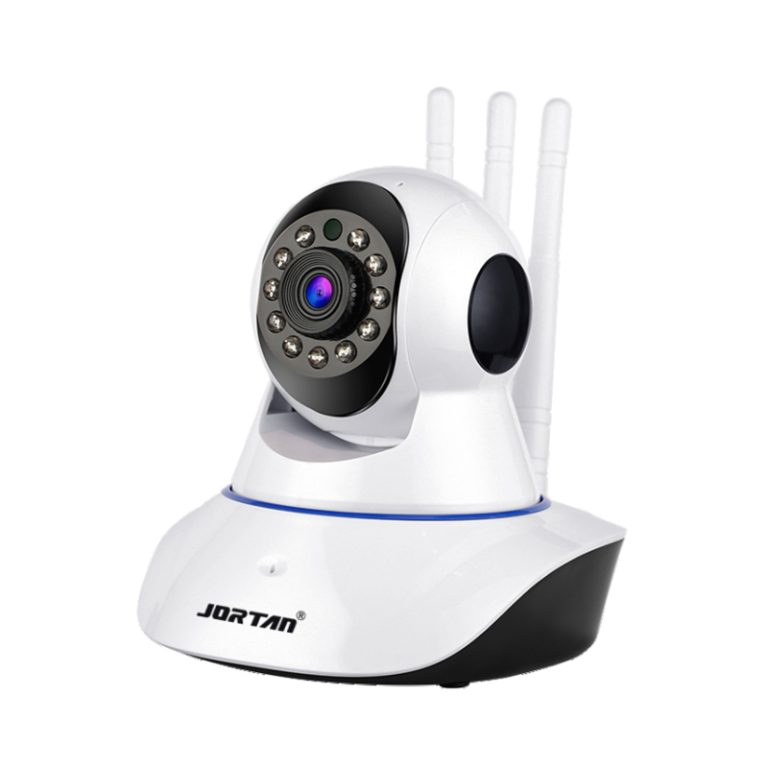
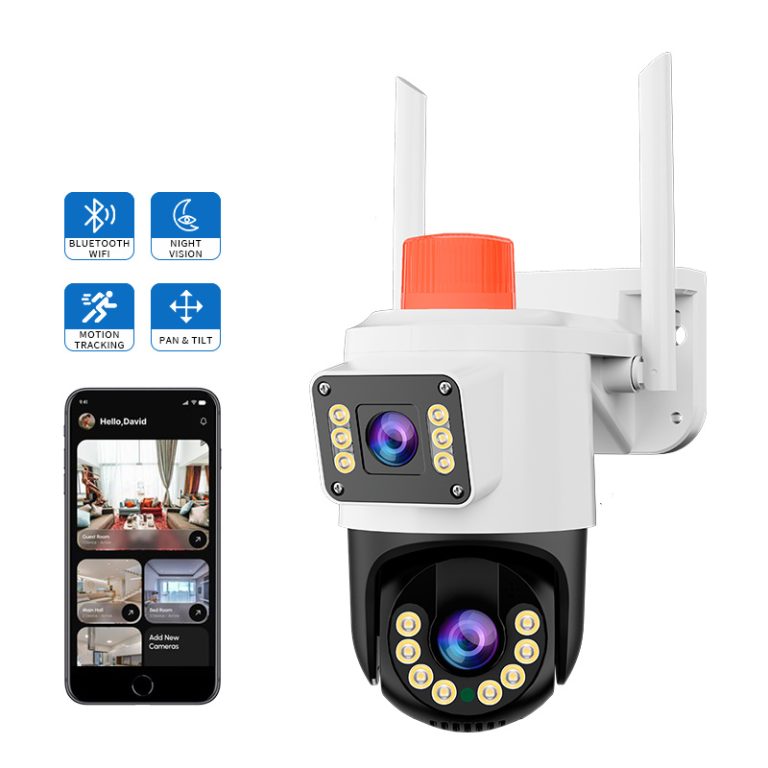
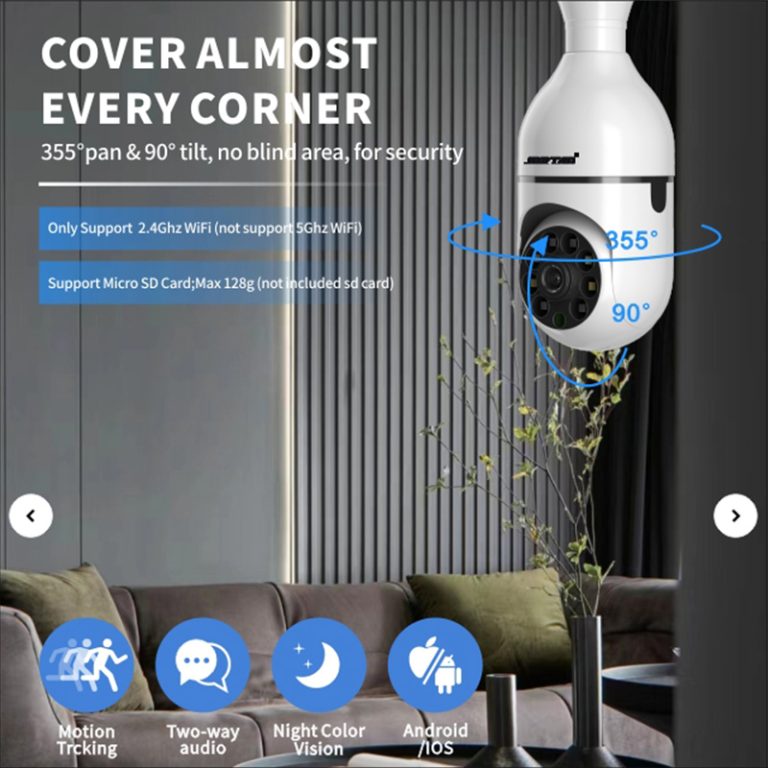
Their wide range holds easy-to-use wireless picks that back perks like PIR motion sense, two-way talk, and 1080P sight in the dark. These units link well with back ends such as wireless NVRs and gates, which makes them great if you start new or add to what you have.
In today’s fast world, security needs to match your life without big hassles. Jortan focuses on that balance. Their cameras blend top tech with user-friendly designs. For homes, you get peace of mind from clear views day or night. Businesses find value in reliable monitoring that scales as they grow. Whether inside or out, Jortan’s solutions adapt to your space. They cut down on setup time and ongoing worries. Explore their site to see how these cameras fit your exact needs. With options for both wired and wireless, you choose what works best for stability or flexibility. Jortan’s commitment to quality ensures your system runs smoothly for years. Don’t settle for less when safety matters most.
FAQ
Q: Can I mix wired and wireless IP cameras in one system?
A: Yes, many NVRs support hybrid configurations, allowing you to combine both types based on your needs.
Q: Do wireless IP cameras work without internet access?
A: Some models can record locally via SD card even without internet, but remote access features will be unavailable.
Q: Will walls affect the performance of my wireless camera signal?
A: Yes, thick walls or interference from other devices can weaken Wi-Fi signals; placement strategy is crucial for optimal performance.