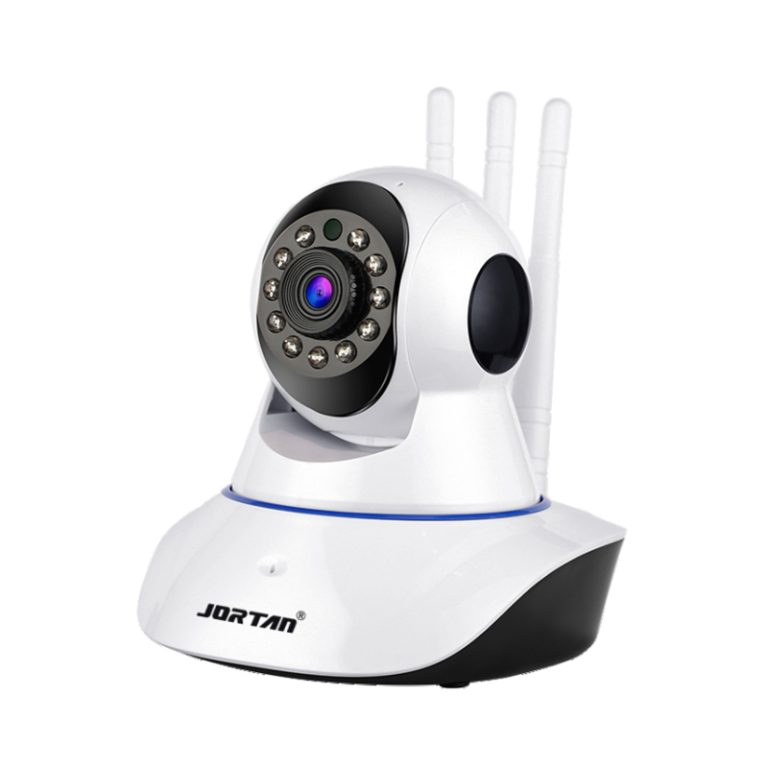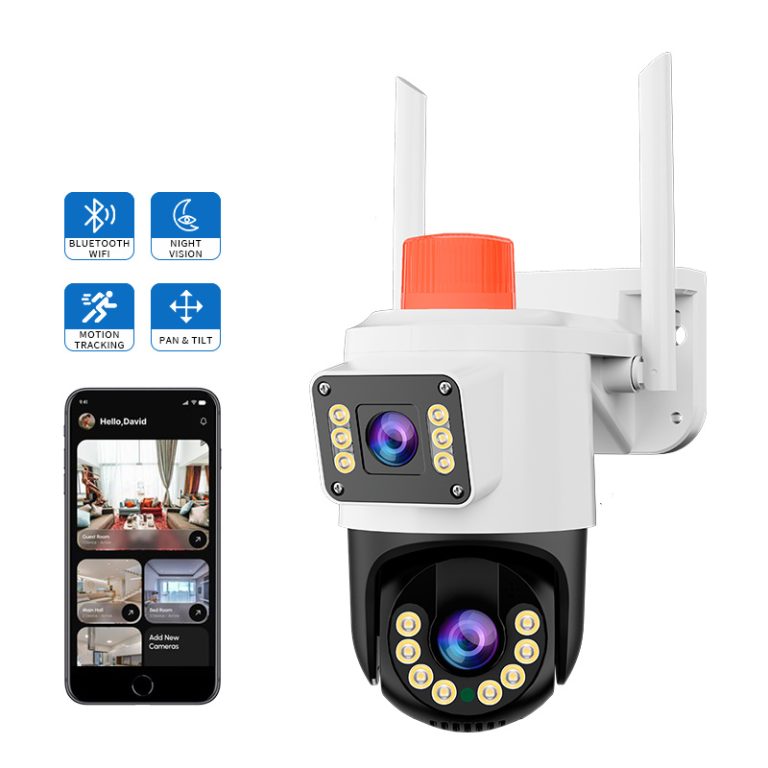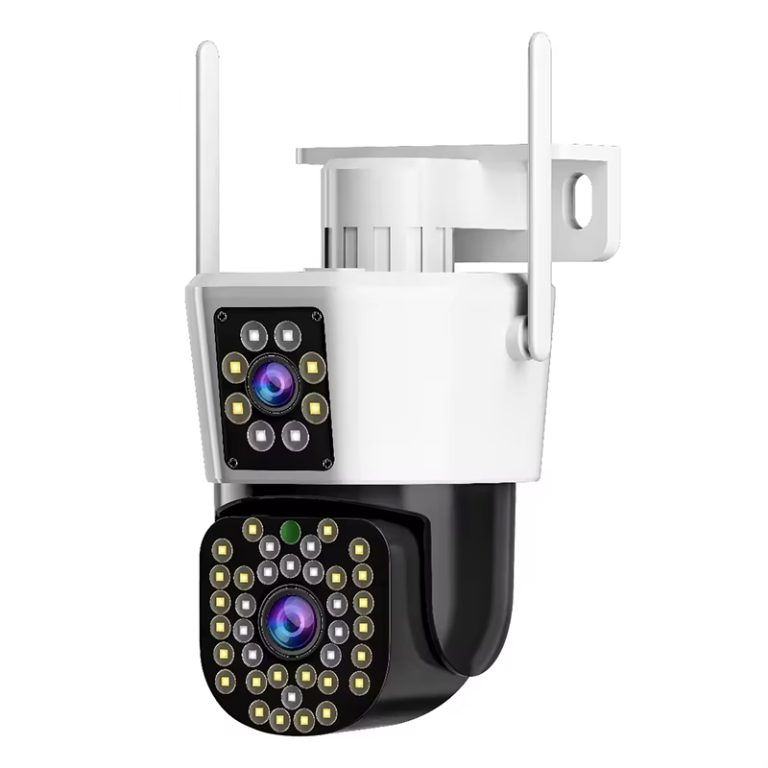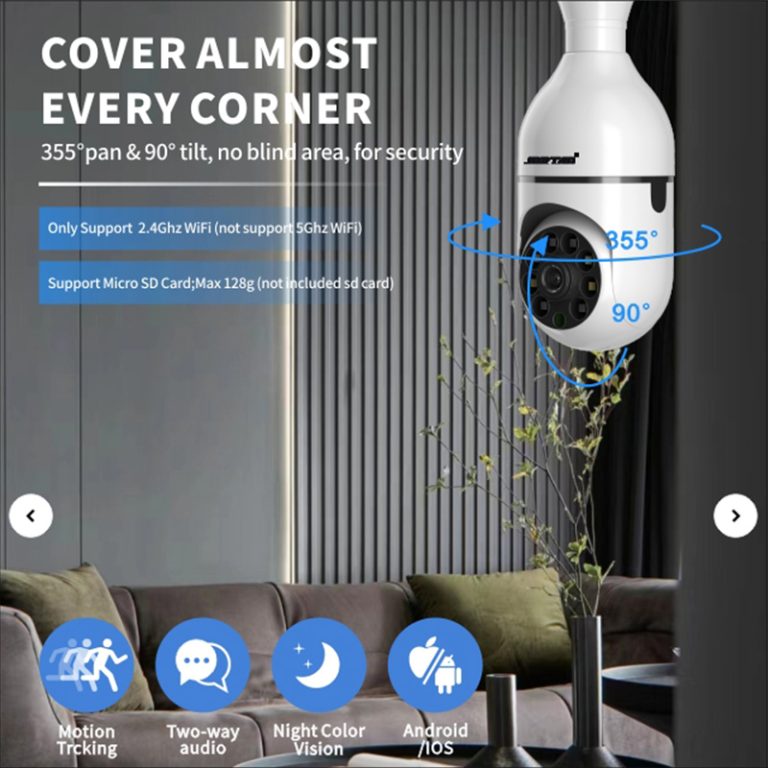
Wireless IP cameras often use the same basic ideas for networking. However, using them inside or outside puts quite different needs on the parts and the way they connect. Being open to rain and wind, needing to watch larger spots, and dealing with changing signal strength change how outside cameras do their job. Making these points clear helps set up better real hopes before you look at the details of each part.
What Makes Outdoor Wireless IP Cameras Different From Indoor Ones?
You need to think about where to place your wireless exterior IP camera system and how to set it up. Indoor cameras and outdoor ones handle separate tasks. Both kinds use key tech such as video processing, sensing devices, and linking hardware. Yet, their overall build and planning differ a lot. This happens mainly because of the surroundings they face each day.
Why Do Exterior Cameras Require Specialized Design Features?
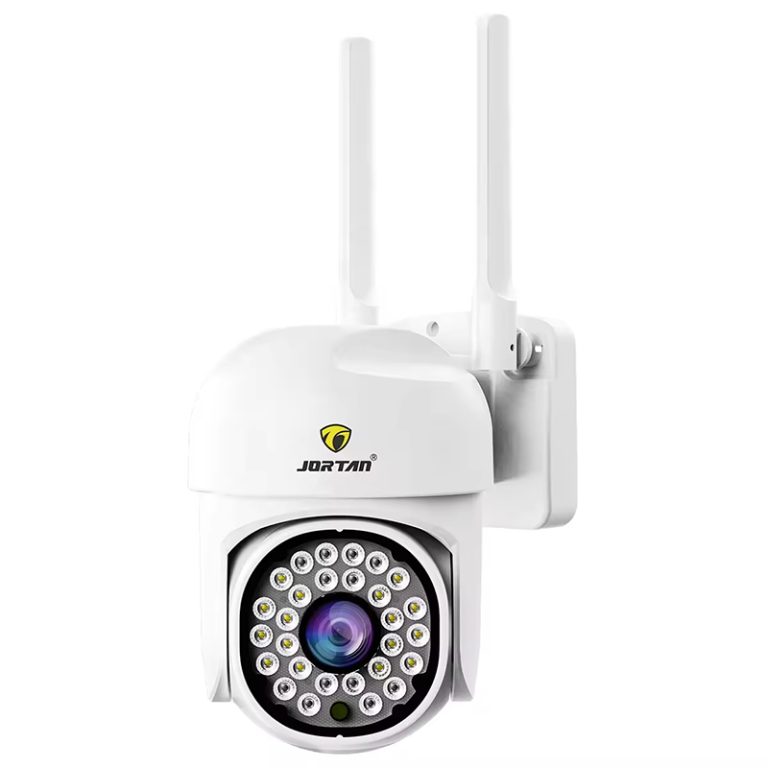
The biggest split comes from being out in tough weather all the time. Outdoor cameras have to keep going through rain, snow, bright sun, and gusty winds. To make it through, they call for solid guards against water and such—usually with a rating of IP65 or better. Take wireless outdoor kinds like the JT-8293QJ. They come with an IP66 rating for water resistance. Besides, they can withstand temperatures from -10°C to 60°C and are very durable.
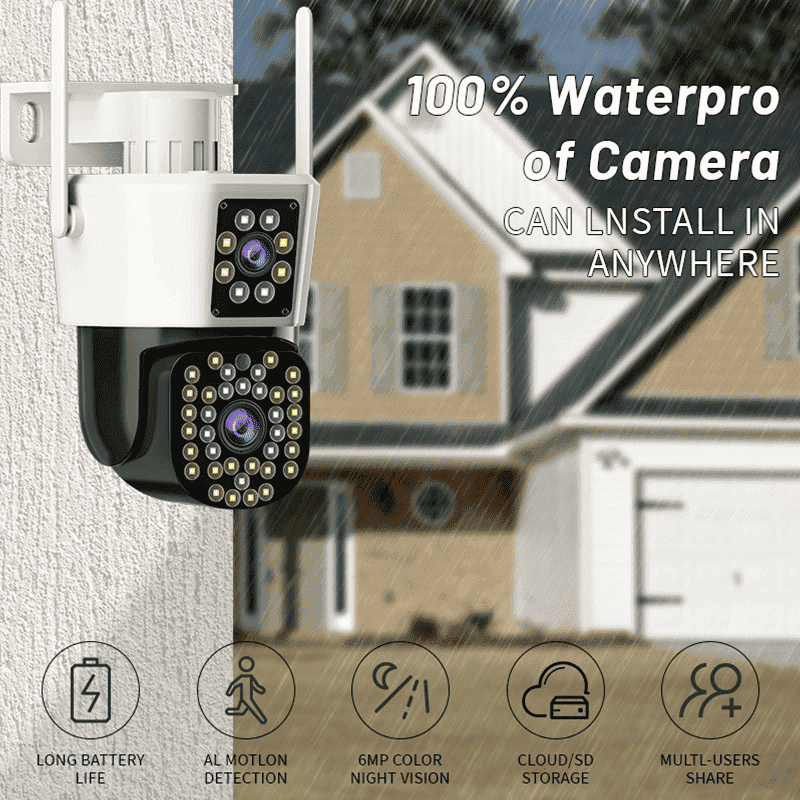
Indoor cameras stay safe in rooms where the air stays at even temps, so they avoid many problems. Outdoor ones, though, must cope with wild swings in weather. That means their key inside pieces—things like the CMOS sensor and the IR-CUT driver setup—have to work fine even in icy cold or blazing heat.
Besides that, bits of dirt and rays from the sun slowly break down the plastic covers on cameras. For this reason, outside models add shells that fight off sun damage and seal up tight. They also use stronger bases to hold them in place. These choices go beyond just looking nice—they keep the camera running strong for years and cut back on the work needed to fix or clean it often.
How Do Power and Connectivity Options Vary Between Indoor and Outdoor Models?
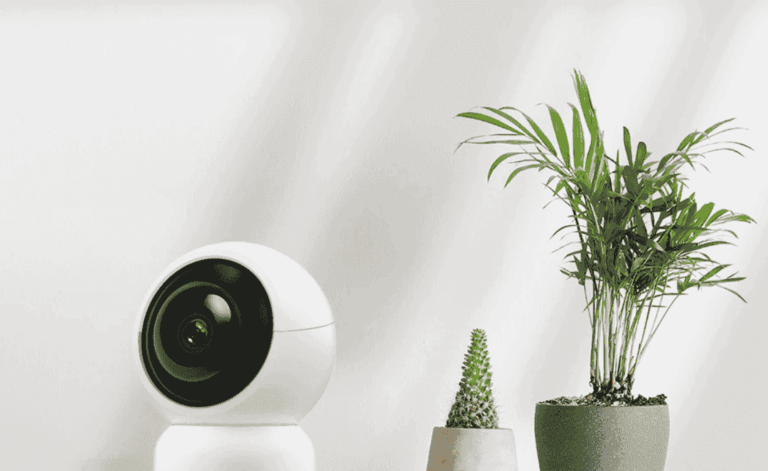
When you are inside, hooking up to a wall socket or using a small USB plug for juice is no big deal. Most cameras meant for rooms count on your home Wi-Fi to stay linked without breaks. As an example, look at indoor types like the JT-8166XP. They handle IEEE 802.11b/g/n signals and draw power from a DC 5V±10% micro USB port. This setup works great in spaces where outlets sit close by.
Cameras for the outdoors call for more ways to get power and stay connected. A lot of them work with PoE (Power over Ethernet) or Wi-Fi that stretches far thanks to antennas stuck on the outside. This keeps the connection solid even over big gaps. In places where running wires just will not work or would look messy, cameras that run on batteries give a smooth answer. These battery-run gadgets let you go fully without cords. They pack in lithium batteries that last and team up with PIR plus motion-spotting tech. Such options prove really handy in spots far from any plug-in point.
Should You Expect Different Video Performance Indoors vs. Outdoors?
As you set up your wireless exterior IP camera system, the clearness of the pictures does not boil down only to how many pixels it has. The amount of light, how wide it sees, and its work in the dark shift a ton from one place to the next—which makes it super important to check what you plan to use it for ahead of buying one.
Indoor lights tend to stay the same but come in softer levels most times. So, the camera you pick ought to shine in spots with little brightness. It should not blast out the bright parts or add ugly specks to the image. Cameras built for inside often lean on tricks like Smart H.264 squeezing of video, ICR filters that cut infrared light, and ways to cut back noise in 2D or 3D. All this helps keep the pictures crisp and true.
Cameras placed outside run into way more mixed-up light setups—think straight sun rays by day or total blackness come night. Dark patches, glare from car lights, and shiny things that bounce light make it hard to get the brightness just right. Because of this, having night vision with infrared lights turns into a real must.
A number of these models back full-color sight at night and smart switches with IR-CUT for color when light is low. They hand over sharper video for keeping watch, even if the natural glow around is small.
Are Field of View and Resolution Priorities the Same in Both Cases?
The reach of what you keep an eye on changes in a big way from indoors to out. In a narrow hall or a sleeping room, a tighter sight angle and average sharpness might do the trick. But when you step outside, you usually want a broad sweep to watch over lawns or paths to the house.
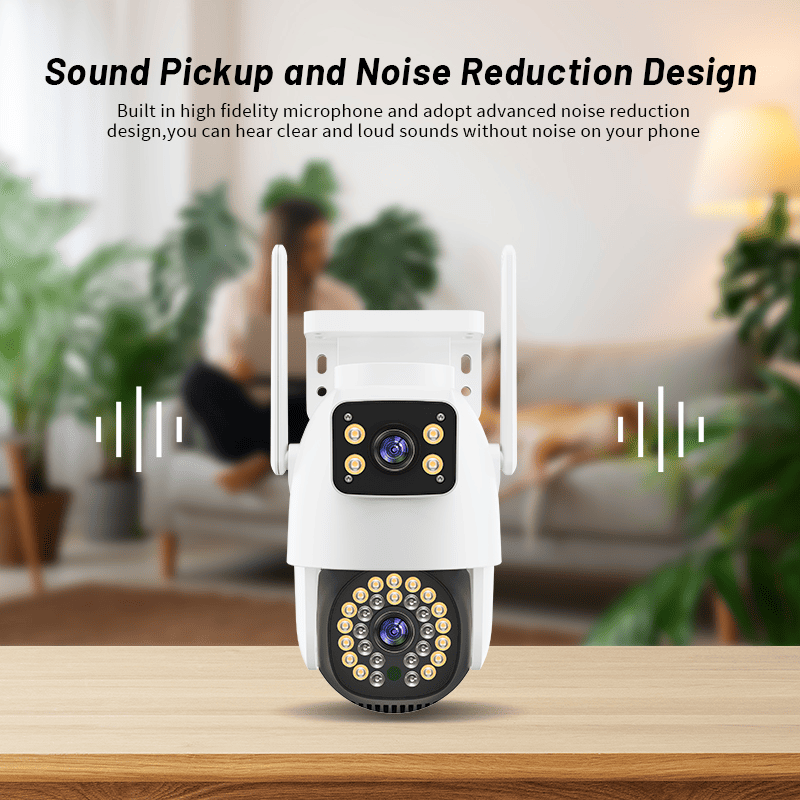
This explains why so many outside cameras pick up lenses that spread wide or setups with two lenses—one to grab close-up broad scenes and the other to zoom in from far off. For instance, certain ones pack in two lenses. They use a 2.8mm choice for wide angles and a 12mm one for pulling things close. Such designs let you cover more ground overall and pick out faces even when they stand back a ways.
How sharp the image gets plays a big part no matter the spot. Still, it matters even more outside. There, you might need to spot car tags or tell one face from another across greater space.
What Installation Considerations Should You Keep in Mind?
Going past the list of sizes and tools, making the setup work well rests on smart ways to put it together—this counts double when you are getting your camera IP wireless exterior system ready to go.
Why Is Mounting Location More Critical for Outdoor Cameras?
Finding the best place to fix an outdoor camera can spell success or failure for how well it watches. The level at which you mount it counts a lot—set it too near the ground and folks might fiddle with it, but too high up and details get fuzzy. Your aim should cover the ways in while keeping the whole thing out of easy grab.
Running cables out there also asks for covers that fight weather to stop rust or cuts in the link. No matter if you go with PoE or ones on batteries, any wires ought to sit inside protective tubes or snake through building walls as much as you can.
You should weigh the zones it picks up on too. Steer clear of aiming at roads full of cars or limbs on trees that sway. Doing so cuts down on alerts that turn out wrong.
How Do You Ensure Stable Performance After Installation?
Before you nail down the final spot, give the signal power a test right there—pay extra mind if it is a wireless type that banks on Wi-Fi. If the link feels weak, you end up with jerky video streams and recordings that skip important bits.
Keeping things safe ranks high on the list as well. Rules for wireless like WPA/WPA2 locks make sure no one unwanted can peek at what you see. From time to time, load up new firmware and wipe off the lens glass to hold onto sharp views.
In the end, check that your whole setup can send instant notes to your phone or let you peek in from far away using apps on mobiles. This gives you a stronger hold over what happens.
How Can You Choose the Right Camera for Mixed Environments?
Sometimes you call for watching both inside spots and outside ones—think front entries, family rooms, backyards, and inner paths. The tough part lies in picking a single setup that makes checking easier without skimping on the good stuff for either area.
For spots out in the open, put first place on how tough it builds: shells rated IP66 to shrug off weather, tools for a wide range in light shifts (WDR), and motion spotting run by AI that sorts humans from critters or rides.
Cameras for outdoors tend to back following objects, note pushed for motion scares, and have tech for full color in the dark—all must-haves when you keep tabs on edges or paths to the park.
When inside, how small it sits gains more weight for fitting in nicely with the look. Hunt for kinds with flaps for private times, speakers that talk both ways to chat with dear ones from afar, and spots in the cloud to store old happenings without hassle.
Being able to use cloud storage helps no matter if inside or out—it means you view all from a main spot, no matter where each camera hangs.
Can One Brand Offer Solutions That Cover Both Indoor and Outdoor Needs Seamlessly?
If you hunt for a setup that flows smoothly through every kind of place without cutting corners, you will want to check into picks like Jortan. The set of wireless IP cameras they make blends lasting strength with clever tools shaped just right for all sorts of wants.
No matter if you seek a quiet watch inside or strong action outside, Jortan lets you stay in touch. You avoid the mess of handling different setups all at once.
FAQ
Q: Can I use an indoor wireless camera outside if it’s under a roof or awning?
A: No—indoor cameras lack the sealing needed to resist humidity, dust, or insects even in covered outdoor areas.
Q: Do outdoor wireless IP cameras require internet access at all times?
A: They need internet access for remote viewing or cloud storage but can record locally without it if they support SD cards.
Q: How do I prevent false motion alerts from outdoor cameras?
A: Use models with AI-based motion detection that can distinguish between people, animals, and moving branches or vehicles.