
WiFi PTZ cameras are no longer treated as consumer gadgets, but now function as intelligent edge nodes that combine mechanical movement, wireless networking, onboard processing, and software-defined control. If your goal is reliable surveillance rather than casual monitoring, you cannot approach deployment as a plug-and-play exercise. The quality of your installation logic, signal architecture, AI tuning, and maintenance discipline determines whether the system becomes a dependable security asset or a fragile visual tool.
This guide focuses on real-world operational concerns, including how to design coverage, how to avoid network bottlenecks, how to tune tracking logic, and how to sustain stability over time.
Who is Jortan, and why are its WiFi PTZ products designed for real deployment environments?
When selecting hardware that will operate outdoors, rotate daily, and remain connected over unstable networks, product philosophy is more important than others. This is where Jortan is positioned differently.
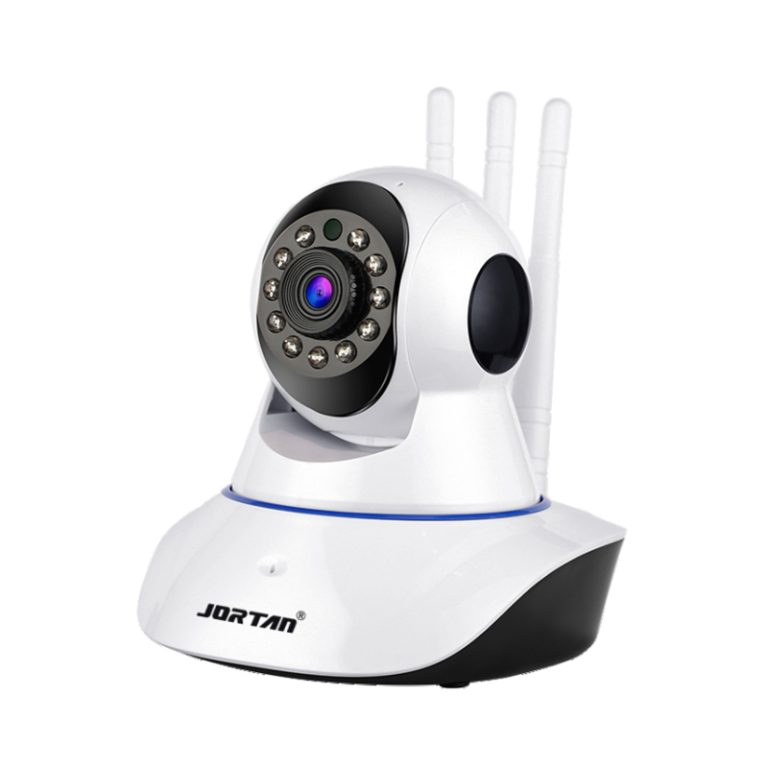
Jortan operates as an integrated manufacturer with in-house production, technical teams, and a long-term focus on surveillance electronics rather than consumer accessories. Our facilities span more than 30,000 square meters and support both product development and industrial-scale production. Instead of treating PTZ cameras as decorative devices, the design thinking prioritizes mechanical durability, signal reliability, and functional stability across realistic environments.
Product architecture reflects this approach. Devices emphasize IP66 environmental protection for outdoor use, built-in AP hotspot functionality for network-independent operation, AI-based human detection to reduce invalid alerts, and dual storage strategies combining SD and cloud options. Besides, lightning prevention, continuous temperature endurance testing, and compatibility with standard protocols such as ONVIF indicate attention to long-term system behavior rather than short-term convenience.
For a technically skilled user, this design direction matters because it reduces operational surprises and supports predictable deployment. Besides, it also aligns with the idea that surveillance equipment should behave like infrastructure, not accessories.
What does “WiFi PTZ camera” actually mean in system design?
How pan-tilt-zoom mechanics, wireless transmission, and protocol control form a controllable surveillance node instead of a fixed sensor
A PTZ camera is not defined by rotation alone but by coordinated control across three domains, including mechanical movement, signal transmission, and command logic, which is demonstrated in:
- Pan and tilt define spatial control
- Zoom defines information density
- Wireless connectivity defines accessibility
- Protocol support defines system integration
When these layers work together correctly, the device behaves as a controllable node rather than a passive video source. You can reposition the field of view dynamically, tune coverage based on event behavior, and execute intelligent responses through mobile or platform-based control. This architecture allows you to treat the device as an active component in your security topology.
This distinction becomes important later when you evaluate placement, network planning, and AI behavior.
How do you choose installation locations for WiFi PTZ cameras without creating blind zones?
How rotation range, lens selection, scene depth, and motion density determine real coverage
Coverage design begins with geometry, instead of marketing angles, and has a close relation with several factors:
- Rotation range defines how much area can be scanned
- Lens selection defines how much detail you obtain at a distance
- Scene depth determines how effectively motion can be captured across depth planes
In practical deployment, you must evaluate whether the environment contains continuous traffic, periodic motion, or rare intrusion events. A PTZ device placed too high loses facial detail, while it loses panoramic control when placed too low. Outdoor installations must also consider rain exposure, dust accumulation, and thermal cycling, making IP66 protection essential for stable operation.
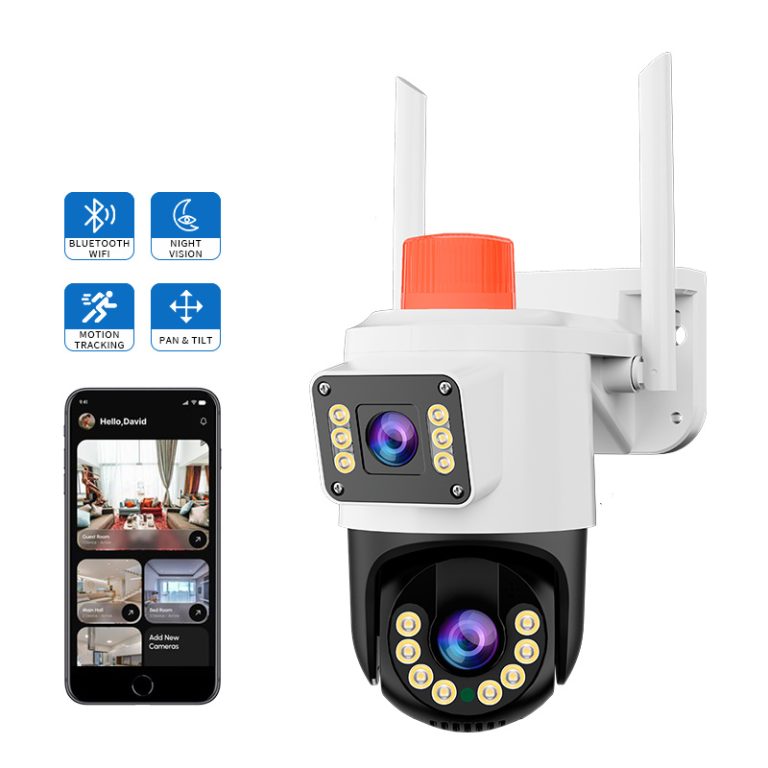
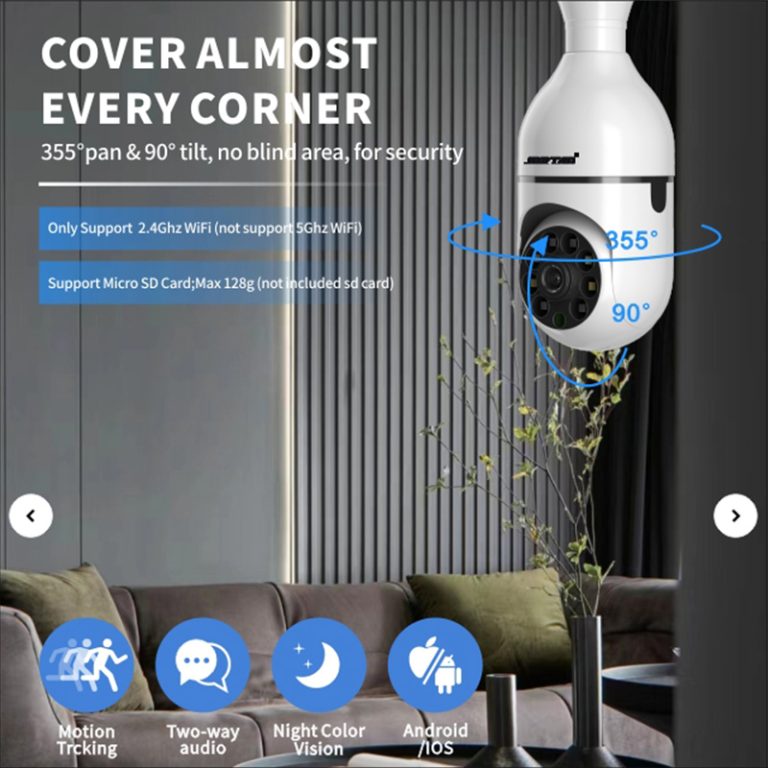
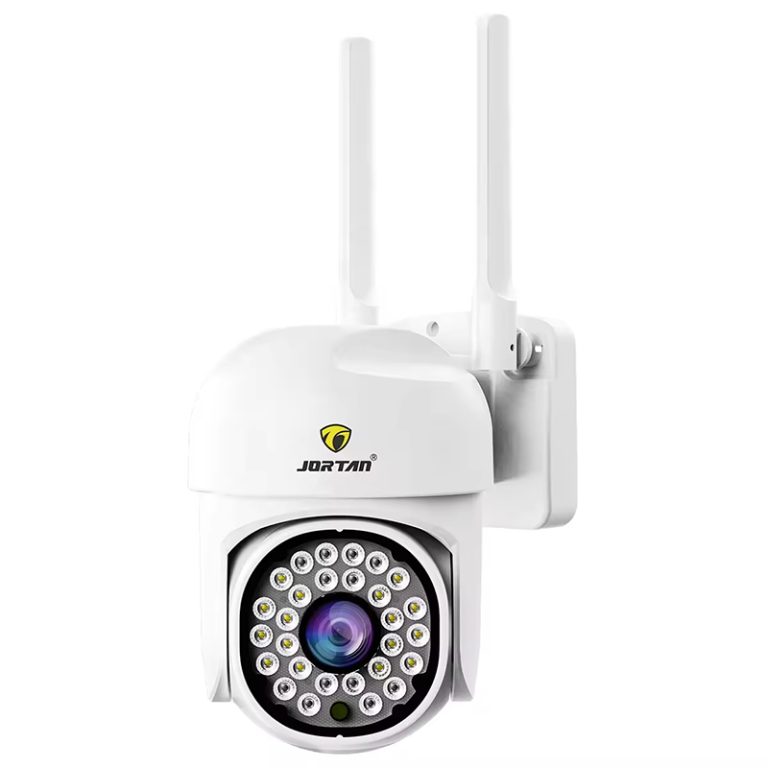
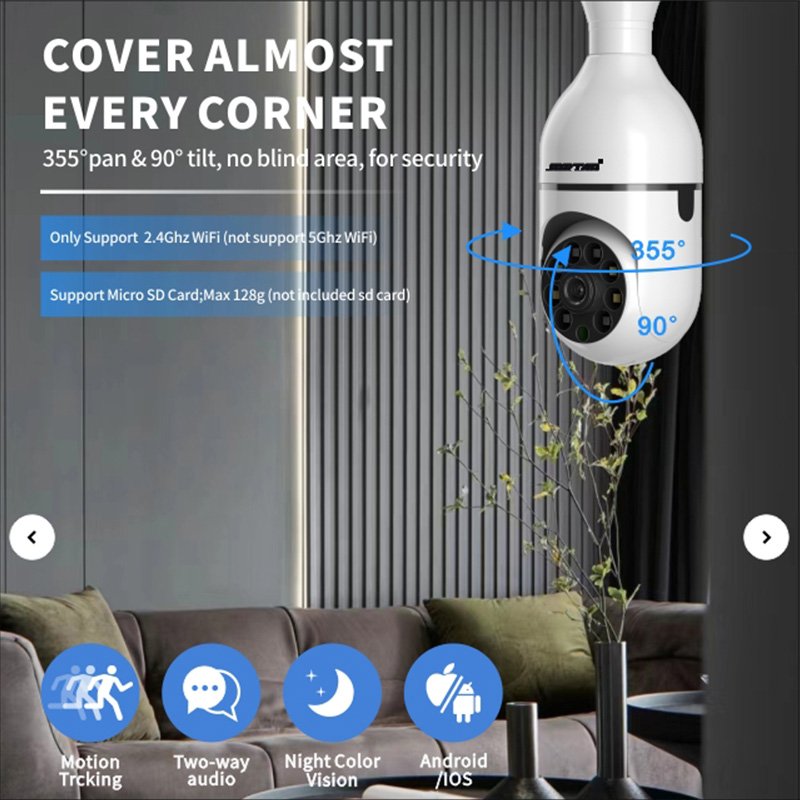
A practical illustration is the JT-8177 security camera, which integrates 355° horizontal and 90° vertical rotation, full-color night vision modes, AI-based human detection, and built-in AP hotspot operation. These capabilities make it suitable for yards, building perimeters, or semi-open commercial entrances where coverage flexibility and night performance must coexist.
How should you connect and commission a WiFi PTZ camera correctly the first time?
Step-by-step logic for power validation, wireless pairing, protocol activation, and functional verification
Commissioning is a validation process, not a setup ritual. Power stability must be verified first, because, for PTZ motors, voltage drop often appears only when rotation and illumination activate simultaneously.
Wireless pairing should be treated as functional testing rather than simple connectivity. After pairing, you should validate live stream stability, command responsiveness, night-mode switching behavior, and storage behavior. If the device supports wired fallback, that path should also be verified during initial testing.
You should not proceed to permanent mounting until you confirm that movement, recording, alerts, and remote access behave predictably. Early validation prevents hidden faults from becoming permanent installation failures.
How do you prevent WiFi instability from turning PTZ cameras into blind equipment?
Network topology choices, signal interference control, AP-hotspot fallback, and firmware maintenance strategy
WiFi stability depends less on theoretical bandwidth and more on environmental interference, router load, and physical obstructions. Camera connectivity should control distance, reduce competing interference, and avoid placing metal structures between antennas, just like any other wireless infrastructure.
AP hotspot functionality becomes valuable when router connectivity fails. Devices that allow short-range direct connection provide operational continuity during outages. Besides, firmware maintenance also matters, as connection problems are often solved through protocol updates rather than hardware changes.
Stability is designed, not assumed. If the network planning ignores these variables, even high-quality hardware becomes unreliable.
How do you design storage and bandwidth so PTZ movement does not break your recording strategy?
Calculating bitrate, storage cycles, motion-trigger rules, and cloud + SD redundancy for rotating cameras
PTZ movement increases data volatility. When a camera shifts perspective frequently, compression efficiency changes, with rising bitrate and accelerated storage consumption. If you do not account for this behavior, retention periods collapse unexpectedly.
You should design storage with dual-layer logic: local SD storage provides immediate resilience, and cloud storage provides off-site continuity when devices are damaged or stolen. Recording policies should be configured around motion relevance rather than continuous capture in most environments.
How should you configure AI detection and PTZ tracking to reduce false alarms?
Human-shape detection thresholds, multi-target tracking logic, alert tuning, and rotation priority control
AI detection becomes harmful when the sensitivity exceeds the purpose. Poorly tuned tracking generates constant motion events, unnecessary rotation, and alert fatigue. Effective configuration focuses on relevance rather than detection volume, and it can be set according to the following aspects:
- Human-shape detection should be calibrated to your environment
- Zones must be defined
- Tracking behavior should prioritize proximity and path relevance
- Alerts should be meaningful, not frequent. The objective is actionable intelligence, not notification quantity
This is where technical configuration delivers greater value than hardware upgrades.
What maintenance routines keep WiFi PTZ cameras stable over years instead of months?
Power quality checks, lens contamination control, firmware lifecycle, PTZ motor wear, and seasonal environment validation
Long-term stability depends on small details:
- Power cables must remain adequate as the distance increases
- Lenses collect dust, moisture residue, and spider webs
- Firmware must evolve with network environments
- Seasonal temperature variation affects seals and connectors
Maintenance is not reactive repair but system preservation. Most “device failures” originate from neglect rather than defect. Routine inspection preserves both mechanical behavior and image quality.
When should you consider higher-end dual-lens or multi-sensor PTZ models?
Scene complexity thresholds where single-sensor rotation becomes inefficient
Single-lens PTZ systems perform well when motion events are intermittent. In environments with continuous activity across multiple zones, mechanical repositioning introduces delay. This is where multi-sensor architecture becomes relevant.
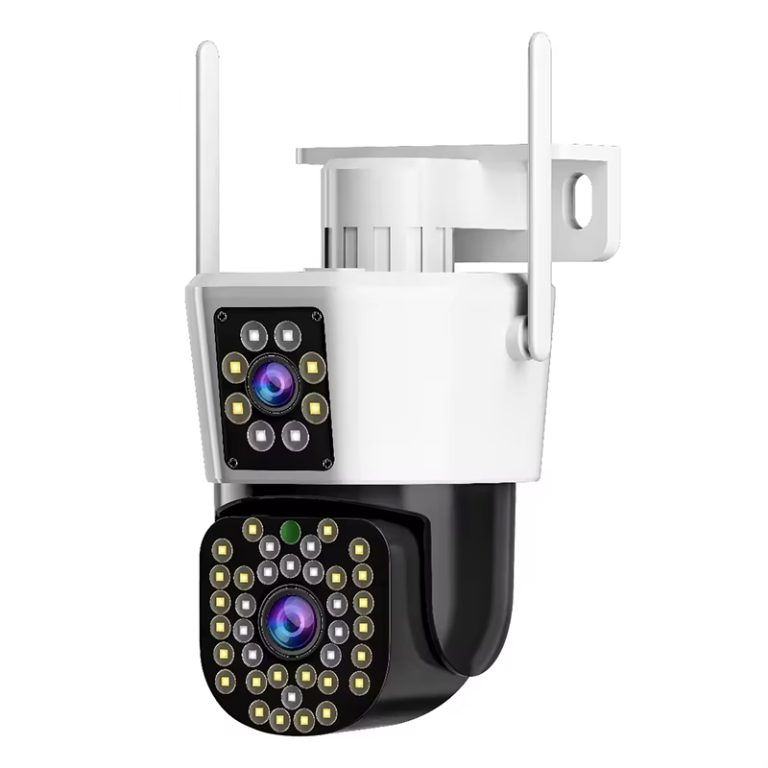
The JT-9697QJ security camera addresses this challenge through dual-lens coordination. One lens maintains a wide overview while the other handles detail tracking. This architecture reduces missed events, improves response timing, and supports more intelligent scene interpretation in busy environments.
Multi-sensor PTZ is not luxury hardware, but a structural solution to complex spatial monitoring.

Conclusion
Effective surveillance is not achieved by buying better cameras. It is achieved by building better systems around them.
WiFi PTZ cameras represent a convergence of mechanics, networking, software, and intelligence. Their real performance emerges not from theoretical specifications but from how you design deployment, configure behavior, and sustain operation.
If you treat these devices as infrastructure rather than accessories, you build systems that remain reliable through network instability, environmental exposure, and long-term use.
FAQs
Q1: Can a WiFi PTZ camera still function when the internet is unavailable?
A: Yes. Devices that support built-in AP hotspot mode allow direct short-range connection between your phone and the camera. This maintains local viewing and control even when routers or external networks are unavailable.
Q2: Does frequent PTZ movement significantly shorten device lifespan?
A: Not when power quality and environmental protection are correctly designed. Voltage stability, cable thickness, weather sealing, and motor load management influence lifespan far more than rotation frequency.
Q3: Is cloud storage necessary if local SD recording is already enabled?
A: For operational security, dual storage is recommended. Local storage protects against short-term outages. Cloud storage protects against theft, physical damage, or device loss. The two layers serve different risk scenarios.