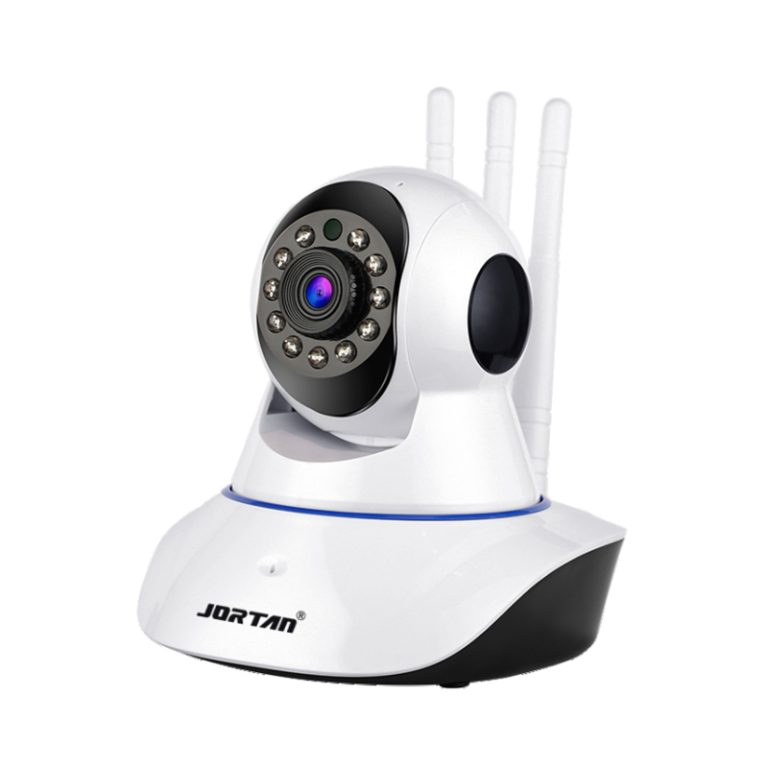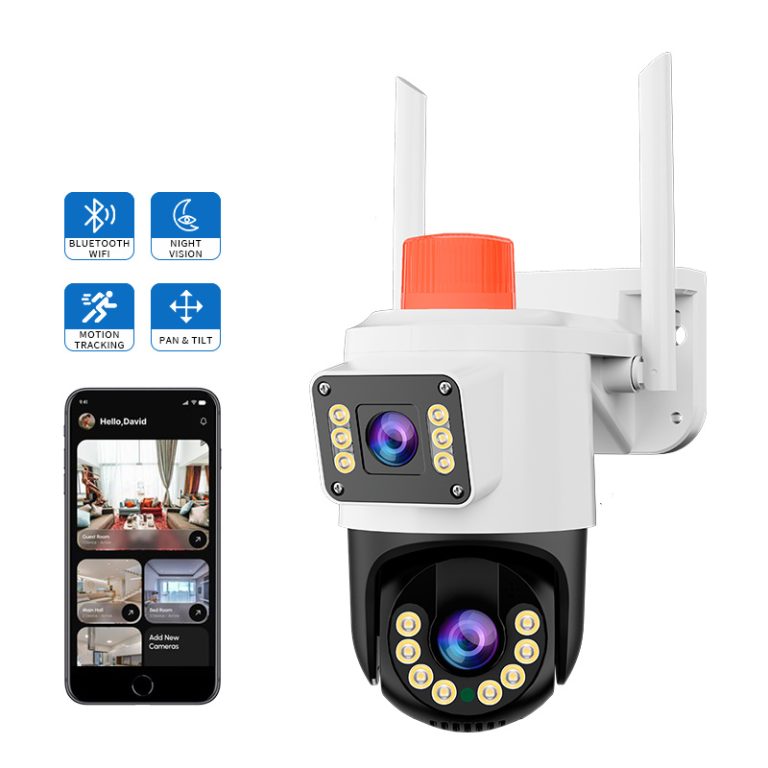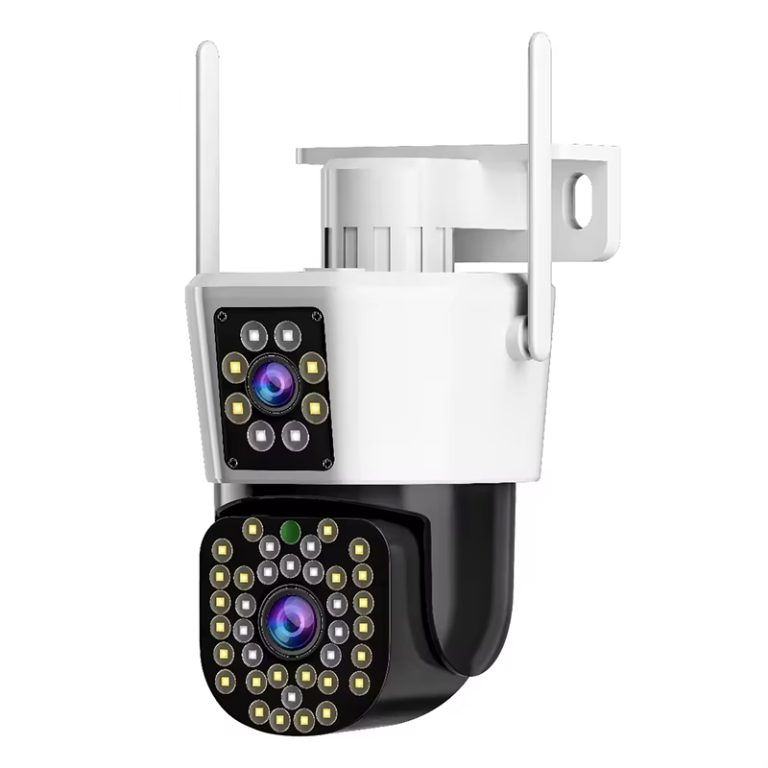
Indoor watching does not always need big or easy-to-spot gear. Tiny WiFi cameras give a good mix of useful checking and quiet setup in living areas. This background shows why small shapes have grown common for daily home safety tasks.
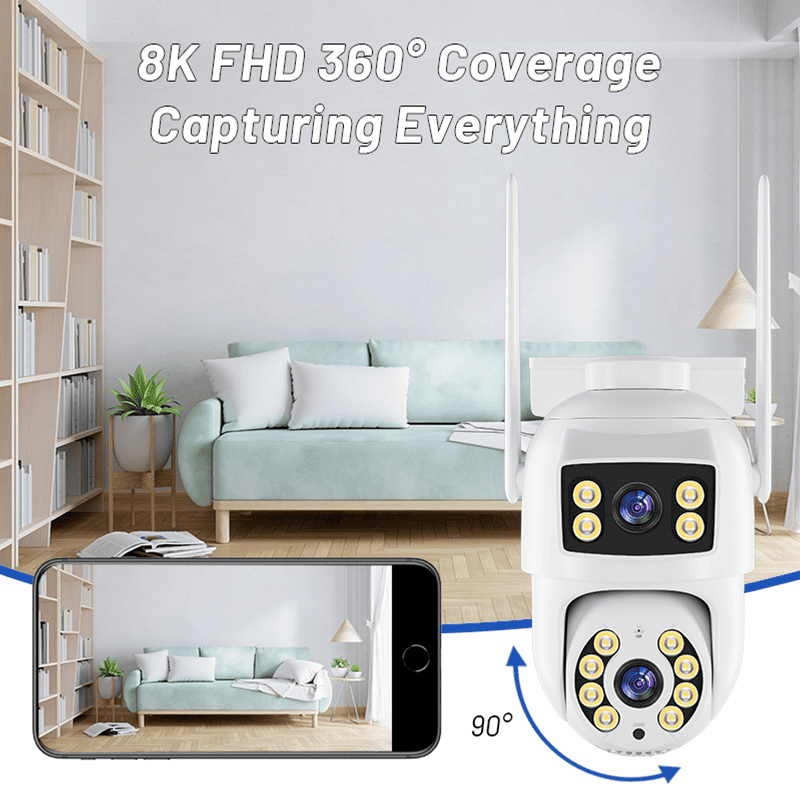
Why Should You Consider a Small WiFi Camera for Indoor Surveillance?
When you plan to watch your home without hurting style or ease, a tiny WiFi camera for inside use turns into a strong choice. These small tools provide hidden but strong watching powers.
Compact Size Makes Indoor Placement More Flexible Without Drawing Attention
The main plus of a tiny WiFi camera is how well it fits into your space. You can put it on shelves with books, hide it near plants, or slip it behind pretty items without messing up your room setup. This lets you keep an eye on things without making visitors uneasy or pointing out the camera’s spot.
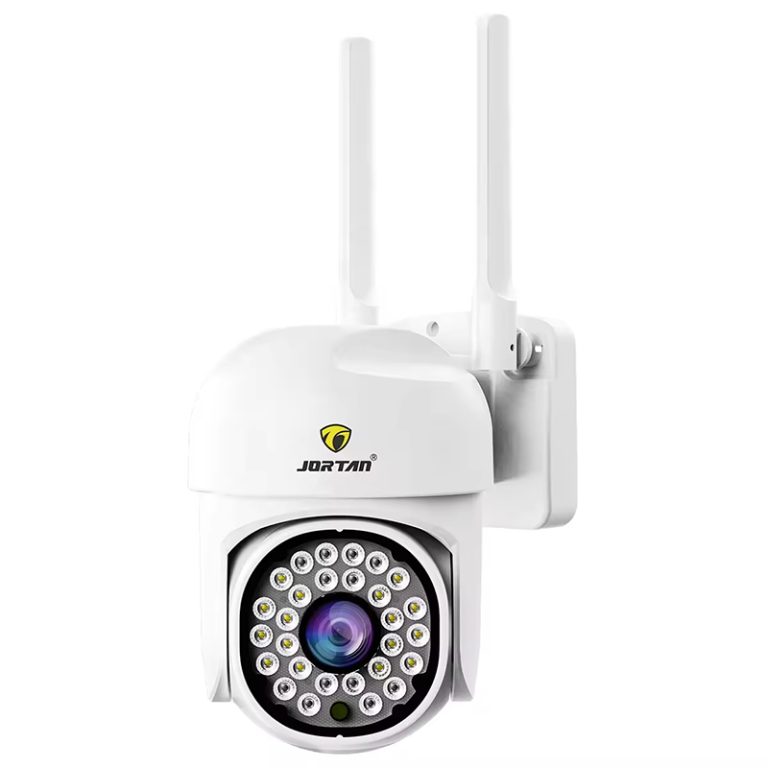
Also, this small shape gives you room to move the device as your wants change. It works great if you shift your plan to watch kids’ play spots in the day and doors at night. With parts like 3.6 mm lenses at F2.4 and HD 1080*720P video output, these little cameras still give clear sight like pro tools, even though they are not large.
Wireless Connectivity Simplifies Installation and Reduces Clutter
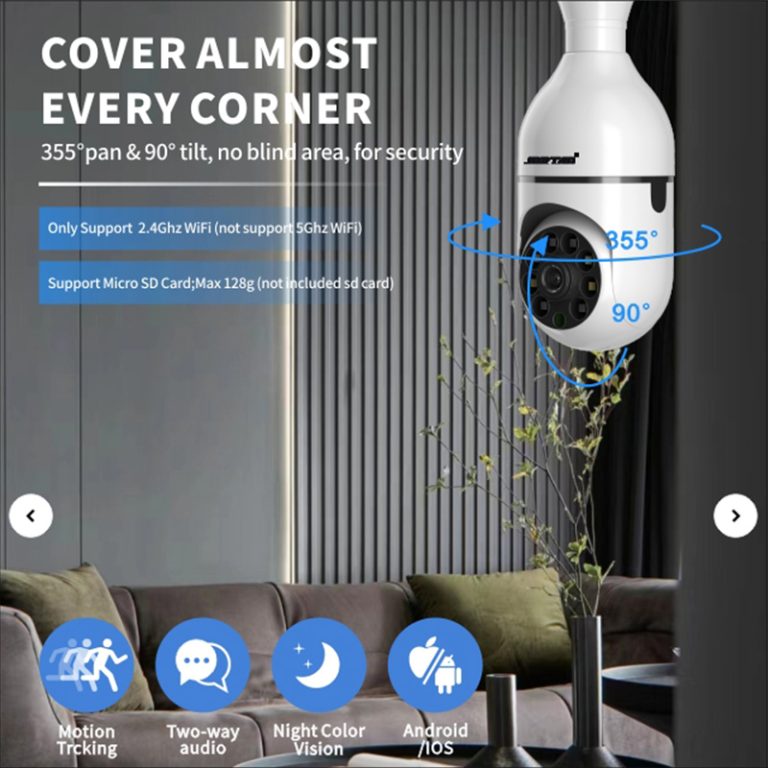
A key reason people pick tiny WiFi cameras is their power to link without wires. Backing for IEEE 802.11b/g/n rules and the 2.4 GHz band makes it work with most home setups. Since you do not need to drill holes or deal with tangled lines, setup turns into an easy job you can do yourself.
This no-wire style also lets it join smoothly with phone apps. You get far-off viewing and warnings, so you stay in the know, even if you are not at home. And if your watching needs change, you can shift the camera fast without hard fixes.
What Features Should You Prioritize in a Discreet Indoor Camera?
To get the best from your spending on home watching, you must look past looks. How well a device works and thinks can change how good it is a lot.
Resolution and Field of View Directly Affect Surveillance Effectiveness
Sharpness counts a lot. Clear output like HD1080*720P with two-stream power makes sure even small face looks or hand moves show up well. A broad view area cuts down dark spots, so one camera can watch more space.
Handling dim light is just as key. With help from IR-CUT and 11 infrared lights, lots of small cameras give good night vision even in full dark. This all-day watching power is vital if you guard prized things or check safety in night hours.
Motion Detection and Alerts Allow Real-Time Response to Suspicious Activity
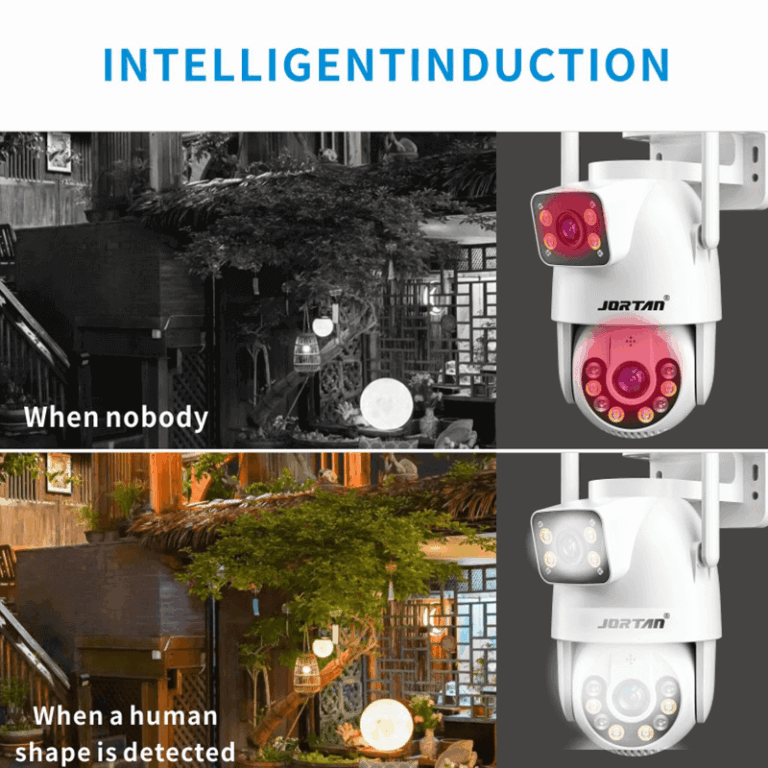
Smart move sensors are not fancy extras anymore; they are must-haves. Pick types that back wise people following or move-based warnings. Moving goal warning plus smart human tracking makes sure notices come quick and fit the point.
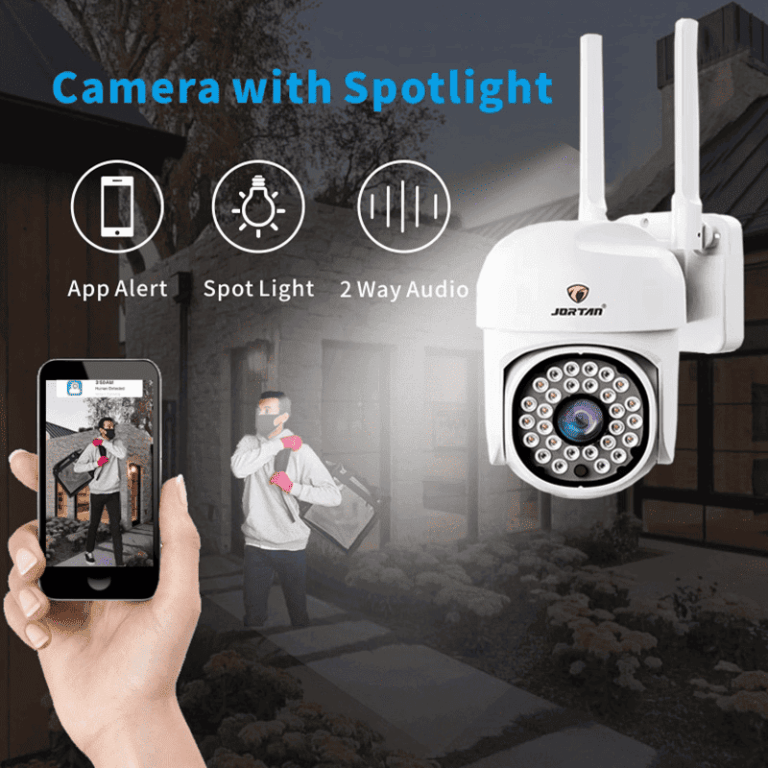
The Phone app helps you react right away, whether it means calling for help or just looking at the live show. Some setups let you set custom watch zones, so you aim at exact spots like doors or windows.
How Can You Maintain Privacy While Using Indoor Surveillance?
Putting a tiny indoor WiFi camera to work means finding a fair mix of safety and right choices. You need to use privacy-smart ways, both in tech and with people.
Data Security Protocols Ensure Your Footage Stays Protected from Unauthorized Access
You catch private info, so keep it safe. Pick systems that give safe online storage with two-step login choices. Steady software fixes are key too, because regular firmware updates patch flaws and boost how the device runs as time goes on.
Full-end coding while sending helps stop videos from getting grabbed. If you pick a local microSD card or online storage, choose spots that show real care for safety rules.
Ethical Placement and Usage Respect the Privacy of Family Members and Guests
Open talk builds faith. Tell home folks about the cameras and why they are there. Do not set them in private spots like bathrooms or sleeping rooms unless you must.
Instead, aim at common areas like doors in kitchens or workrooms. These places let watchers do a clear job for safety without crossing personal lines.
How Does Jortan Offer a Balanced Solution for Discreet Home Monitoring?
If you seek a name that does well at mixing work with quiet style, Jortan is worth a look. They focus on small inside-watching gear, and Jortan has earned steady praise from experts for its solid build and nice look.
Their Mini WiFi Camera shines by giving full HD clearness, smart move notices, and now far-off viewing, all in a size you hold in your hand. It fits perfectly if you watch pets when out or check on an older family member.
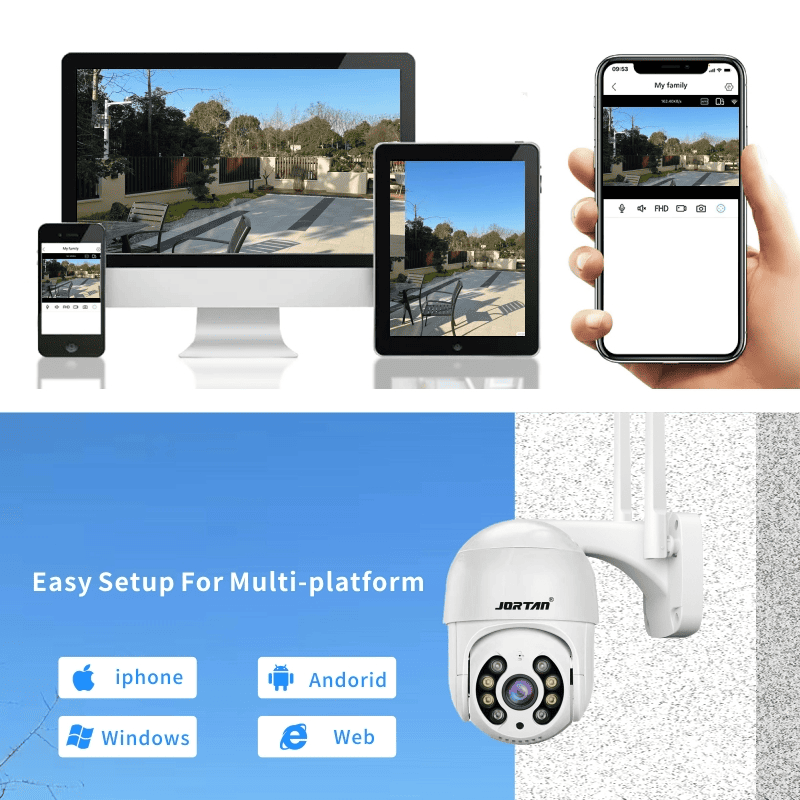
Besides the parts, Jortan’s app screen is simple and easy to use, so it works even if you are not big on tech. The quick start steps and helpful help group make sure you do not get stuck with setups or changes.
Where Should You Install a Small Indoor WiFi Camera for Maximum Effectiveness?
Smart spot choice is what makes a fair safety setup into a top one. It is not only about reach; it is about getting footage you can use at the right times.
Strategic Locations Help Cover Key Entry Points Without Being Obvious
Begin with the simple parts: watch comings like main doors, halls from garages, or steps between levels. These are busy paths where odd actions happen most.
Hidden setup comes easy with a small piece. You can place it in decor bits or on top of chairs without being too clear. Watch out near windows, though, because bright light might blur pictures, above all in the daytime.
Height and Angle Play Crucial Roles in Capturing Usable Footage
How high you put the camera changes sight more than folks think. Setting it at eye height or a bit higher gives better face spotting and move following.
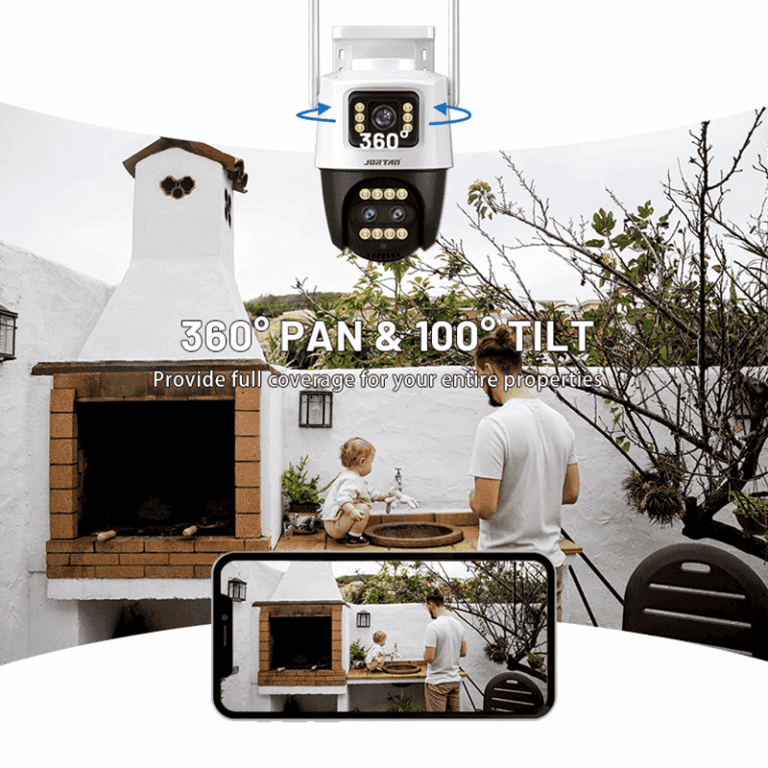
Tilting the camera down boosts watch under tables or behind chairs, spots where bad folks might hide or animals might move. Some types have back-to-side and up-down turns for bendy view spots, which helps fit your room plan more.
How Do You Choose Between Cloud Storage and Local Storage Options?
Your pick for saving footage changes both reach and hold. Each way has good points and downsides.
Cloud Solutions Offer Convenience but May Involve Subscription Costs
Online saving wins at ease. You can see videos from anywhere with your phone or computer screen. Also, online spots often add extras like smart play lines or brain-help event marks.
But ease has a price. Many online services ask for monthly payments after a first free time. If you want old videos for law or insurance needs, check if the plan keeps them long.
Local Storage Provides More Control Over Your Data but Requires Maintenance
If keeping data private is your main worry, local saving gives full say. MicroSD cards, which often hold up to 128G, let you keep videos right on the tool, with picks for timed or event saves.
The bad side is that cards get full quickly and need hand work. You have to save copies now and then and might need to touch it to get files. This is less good if you go away a lot.
What Makes a Small WiFi Camera Reliable Over Time?
Lasting strong is not just about handling use. It is about keeping work steady without stops, even after many months of a nonstop run.
Battery Life, App Stability, and Firmware Support All Contribute to Long-Term Use
Power save counts, even if your piece has wires. Built-in save modes cut down warmth and make parts last longer. At the same time, app steadiness makes sure live shows do not slow or stop in play times.
Steady software fixes patch flaws and boost how the device runs as time goes on. This keeps your setup up with new safety risks and adds fresh jobs as tech grows.
For a steady user feel over years, not just months, pick types from makers known for live help groups and steady software boosts.
FAQ
Q: Can I use a small indoor WiFi camera as a baby monitor?
A: Yes. Many models come equipped with two-way audio and night vision features that make them suitable for monitoring infants during day or night.
Q: Do I need an internet connection for my indoor WiFi camera to work?
A: While local recording functions can operate offline via MicroSD cards, real-time viewing and push notifications require an internet connection.
Q: Is it legal to install hidden cameras inside my own home?
A: Generally yes, as long as they are used within your property for security purposes and not placed in private spaces where individuals have a reasonable expectation of privacy.