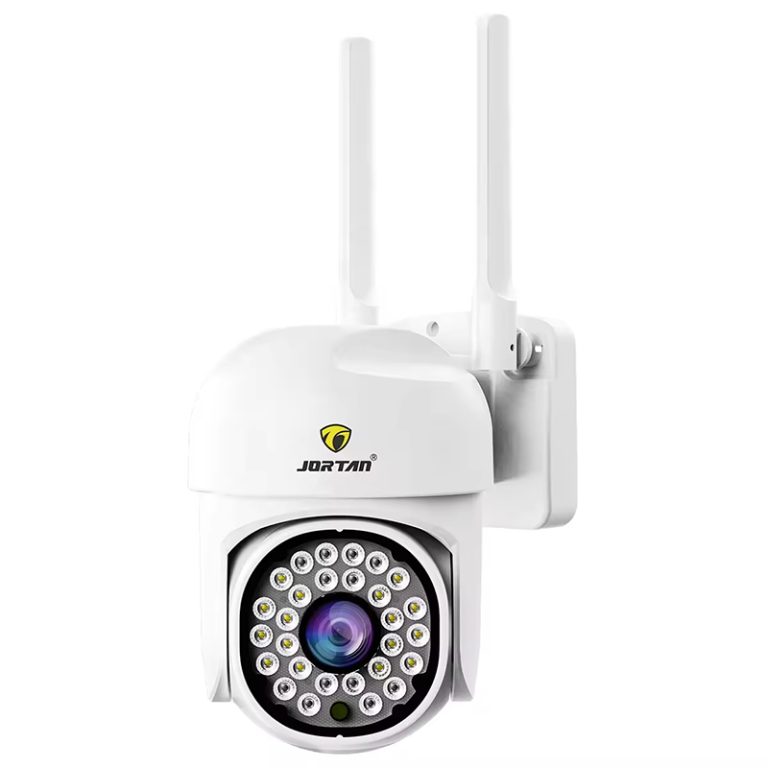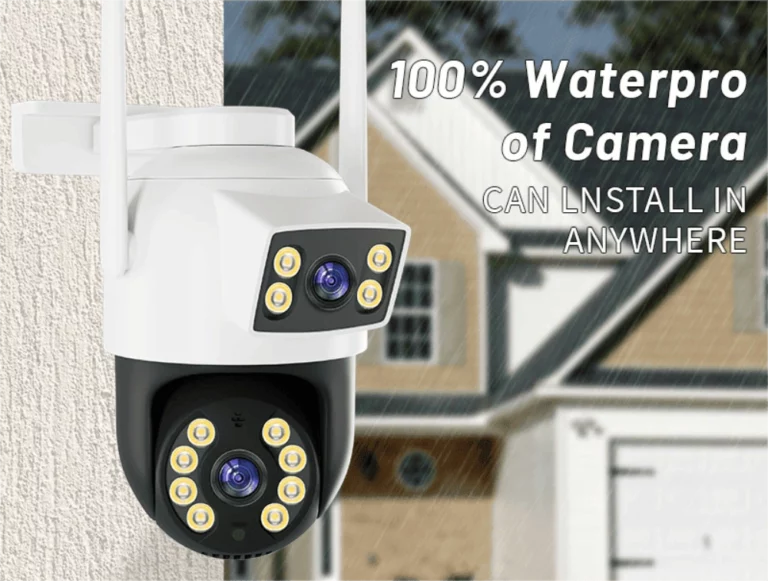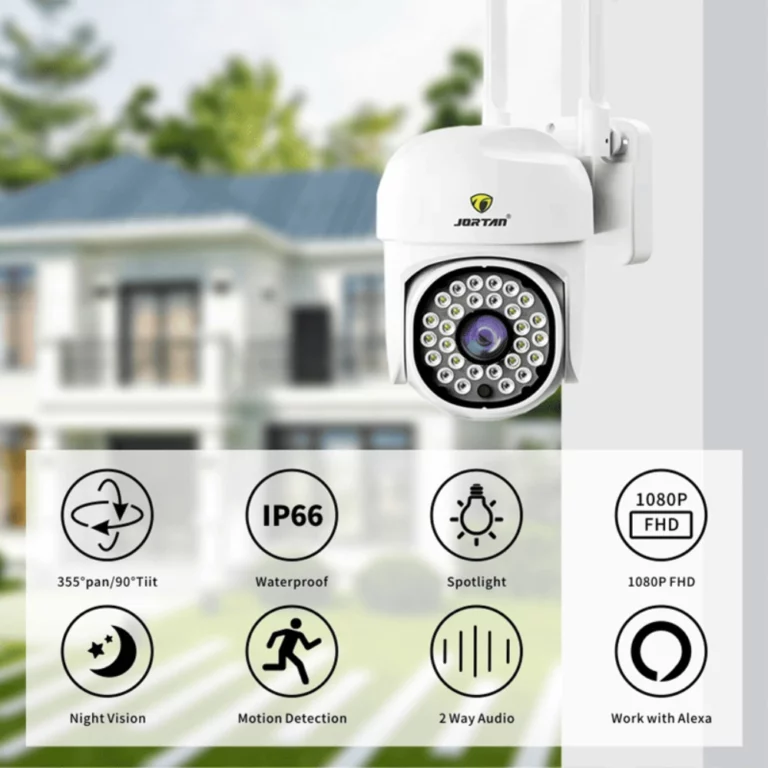
Home safety tools have changed a lot by 2025. Indoor WiFi cameras now work as smart devices that anyone can easily get. Many small wireless cameras are available for home security. Each model offers unique features for users in 2025. Choosing the best security device means understanding the key elements that make high-end systems different from basic ones.
Key Technical Specs to Check
Your security system’s strength depends on important technical details when picking small indoor WiFi cameras. These core traits affect how clear and effective your monitoring is.
Resolution and Picture Sharpness
A camera’s video clarity relies on its pixel count. Most indoor WiFi cameras provide 1080p Full HD or 4K Ultra HD. Higher pixel counts help identify faces and objects clearly. But they use more internet bandwidth and storage space. Besides pixel count, picture quality includes true colors, light range, and performance in dim settings. Top models use advanced sensors to keep images sharp in any light. This ensures steady monitoring all day long.
Field of View and Lens Type
A camera’s view span, measured in degrees, decides how much it can cover. Wide lenses (120-180 degrees) capture entire rooms. Yet they may blur edges. Narrow lenses reduce blur for precise monitoring. Fixed lenses give steady, budget-friendly quality. Adjustable zoom lenses offer flexibility for distant views. Premium PTZ models let users shift angles and zoom remotely using mobile apps.
Night Vision Abilities
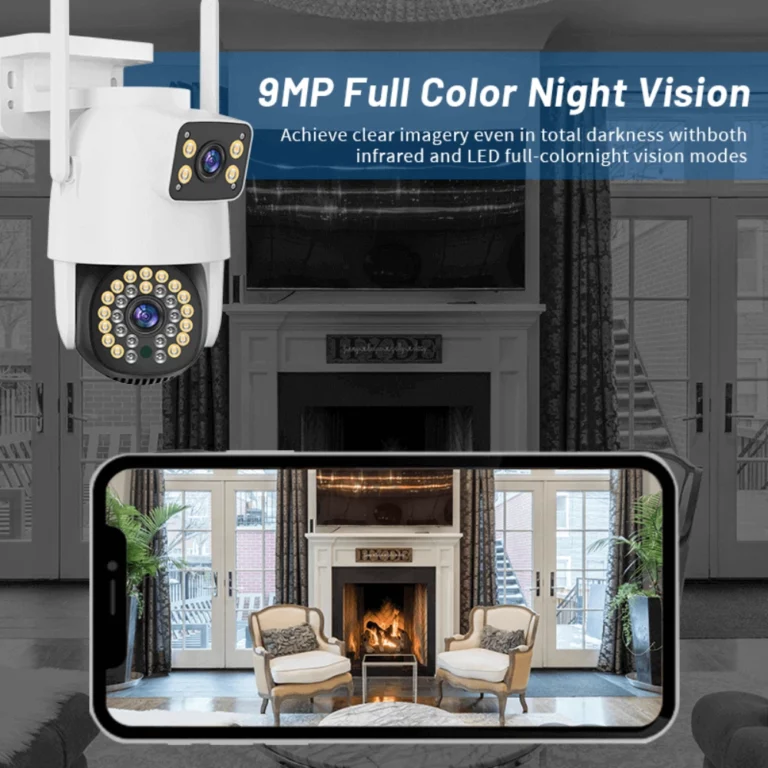
Night vision tech keeps surveillance strong in all lighting. Infrared lights provide gray-scale images up to 10-30 feet, based on the camera. Color night vision uses light sensors and smart processing to catch vivid details, like clothing or car colors, in low light. This improves nighttime monitoring.
Motion Detection and Alert Setups
Smart motion detection in WiFi cameras uses AI to spot real threats, like people or vehicles. It ignores false triggers, such as pets or light changes. Users can set custom zones to watch key areas and skip busy ones. Instant alerts through mobile apps, emails, or texts notify users right away when motion is detected.
Connectivity and Storage Choices
Wireless security systems rely on steady connections and flexible storage options. These form their core structure. Understanding this tech ensures smooth operation and safe data storage.
WiFi Standards and Signal Strength
Modern indoor WiFi cameras use 802.11n and 802.11ac standards with dual-band support for 2.4GHz and 5GHz. This lets users choose the best network setup. Signal strength depends on router performance, network interference, and physical barriers. External antennas or signal boosters maintain strong connections in tough spots.
Cloud Storage vs Local Storage
Cloud storage allows remote access to footage through subscription plans. These offer various storage sizes and retention times. Cloud protects data from device damage or theft. On the other hand, cameras provide local storage with microSD cards (128GB-256GB) for cost-effective recording. NAS support offers larger capacity and better data management.
Fit with Mobile Apps and Smart Gear
Indoor WiFi cameras are controlled via mobile apps on phones and tablets. Users can stream live video, replay clips, manage motion alerts, and use two-way audio. They work well on iOS and Android, with web access for computers. Smart home integration allows automation and single-dashboard control.
Power Source and Setup Flex
Setting up indoor WiFi cameras affects their performance. Choosing the right power source and mounting method helps place cameras perfectly for security needs.
Battery-Driven vs Cord-Driven Picks
Battery-powered cameras suit spots without power outlets. Their lithium-ion batteries last based on use, motion triggers, and active features. Wired options, like Power-over-Ethernet (PoE), simplify setup with one cable for power and data. This allows constant recording, night vision, and streaming without battery worries.
Fix Modes and Spot Flex
Magnetic mounts enable quick setup and repositioning on metal surfaces. Adhesive mounts provide semi-permanent attachment without drilling. Screw mounts ensure secure, long-term placement. Adjustable brackets allow precise angles for better coverage. The cameras’ small size blends neatly on shelves, desks, or walls.

Privacy, Guard, and Hold Shield
Your security system stays safe with strong rules to block unauthorized access and protect video content. Knowing these protections is key to secure monitoring.
Encryption Norms for Data Flow
WiFi cameras use WPA2 and WPA3 encryption to secure video streams and data from unwanted access. End-to-end encryption protects content from transmission to storage. SSL/TLS certificates verify and secure mobile app connections for safe remote access. Regular security updates defend against new risks and weaknesses.
Multi-User Entry Rules and Grants
User management systems allow creating account types with different access levels. Admins get full control, while guests have limited access. Activity logs track actions for security and audits. Two-factor authentication, using codes or biometrics, adds extra safety for account access.
Firmware Ups and Maker Aid
Regular software updates improve camera security, add features, and boost speed. Automatic updates require no user effort. Manufacturers provide ongoing updates and technical support throughout the camera’s life. Trusted brands offer years of reliable updates and customer help.
Tie with Smart Nest Webs
Indoor WiFi cameras connect with smart home systems for a more useful setup. They support popular platforms with advanced automation and centralized control.
Fit with Alexa, Google Assistant, and Such
Indoor WiFi cameras support voice commands through smart speakers and assistants. This allows hands-free control to view feeds or start recording. It’s ideal for users with mobility issues or busy schedules. Native integration with smart home platforms simplifies management for users familiar with their systems.
Auto Bits for Plus Spy
Indoor WiFi cameras link with smart home devices for smart monitoring. They can trigger lights, alerts, or other cameras when motion is detected. Geofencing automatically turns the system on or off based on your phone’s location. Scheduled automation adjusts sensitivity and recording to match daily routines.
Design and Style Notes
The design of indoor WiFi cameras impacts their performance and ability to blend with home decor. Effective security devices combine monitoring functions with attractive design.
Tiny Build for Sneak Spots
Compact indoor WiFi cameras, some under 2 inches, fit into any setting while staying functional. They hide behind decor. Their simple designs conceal indicators but provide status updates via LEDs and phone notifications. This ensures effective security with a discreet look.
Hue Picks and Craft Stuff
Indoor WiFi cameras come in colors like white, black, or wood-grain to match modern or classic home styles. Durable plastic and metal parts resist wear, fading, and environmental damage. This ensures reliable performance and lasting visual appeal.
Cost Thrift and Span Worth
The total cost of owning a camera guides users to the best indoor WiFi camera for long-term value. The purchase price is just one part of the costs needed for effective use.
Tag Span Match Over Names
Entry-level indoor WiFi cameras ($25-$75) offer basic monitoring for budget security needs. Mid-range models ($75-$200) provide better video quality, motion detection, and cloud storage. Premium cameras (over $200) deliver 4K resolution, AI features, and full smart home integration. This helps users pick the best fit.
Warranty, Patron Aid, and Swap Pacts
Indoor WiFi cameras come with 1-3 year warranties covering defects and failures. Extended warranties are available. Established manufacturers offer responsive technical support, setup help, and fair return policies. These provide better service than smaller brands.
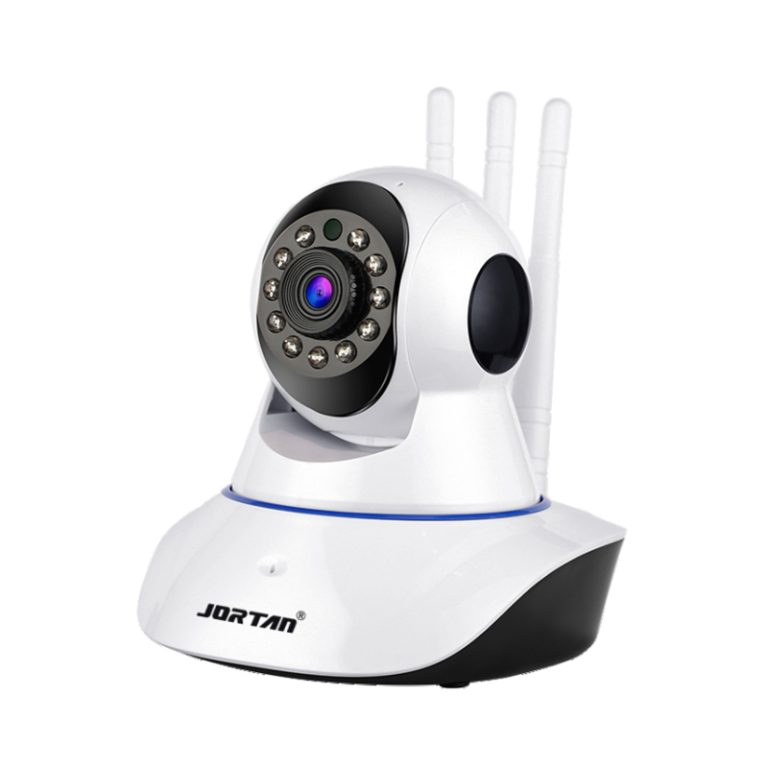
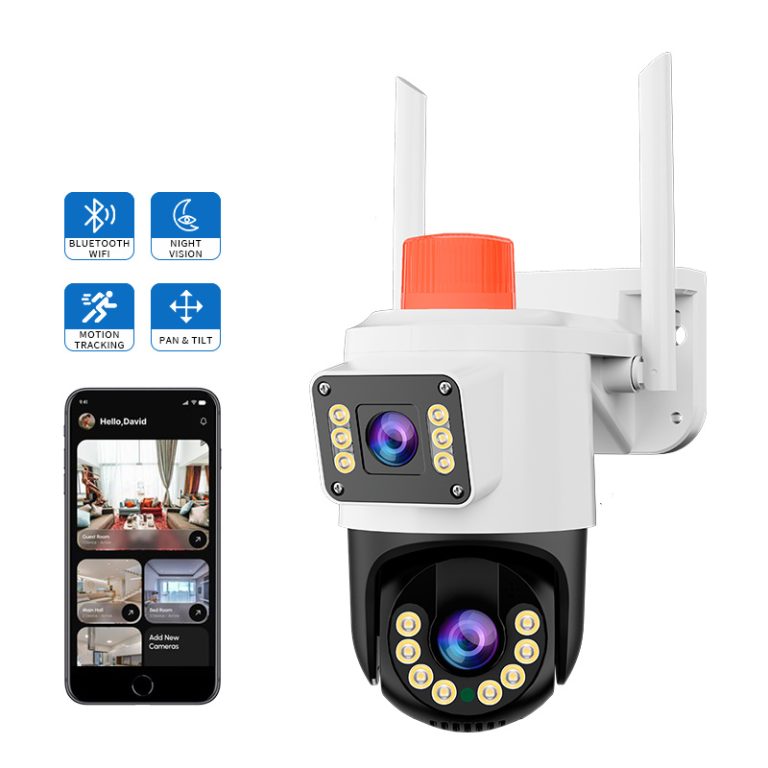
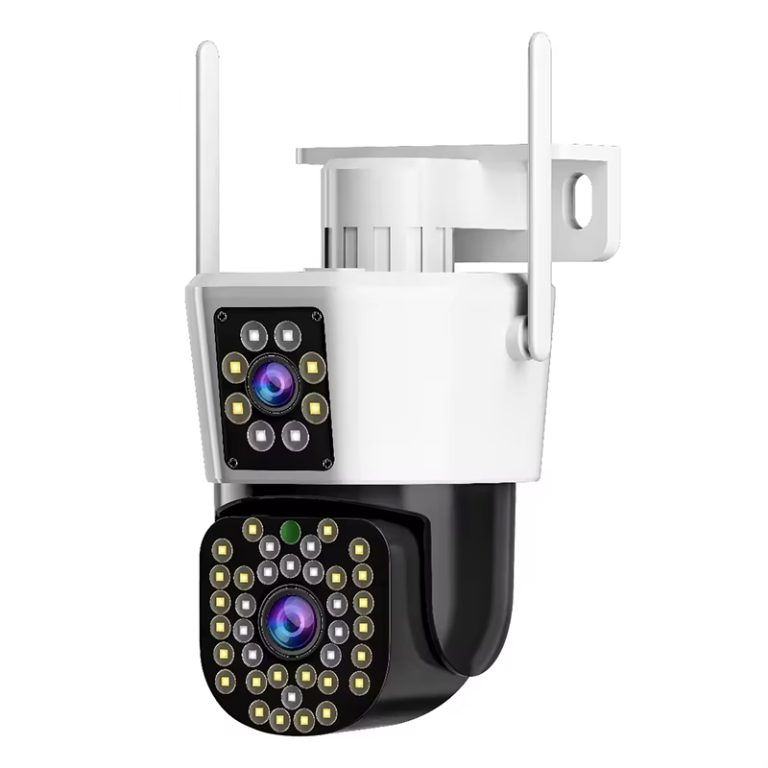
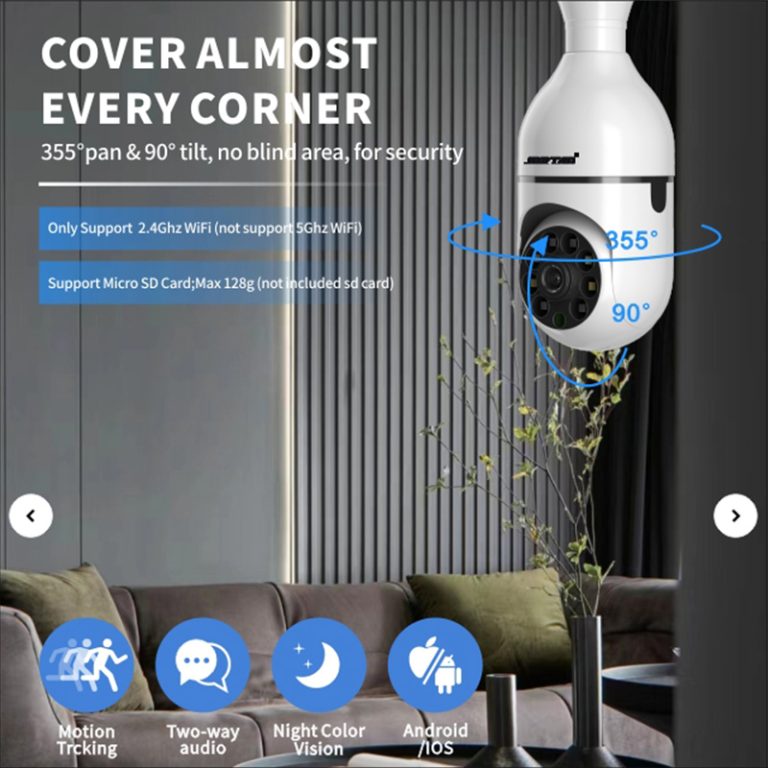
Jortan: A Solid Vendor of Room Tiny WiFi Watchers & Spy Aids
Choosing reliable security equipment is simpler with trusted vendors like Jortan. They offer high-quality products and expert support to help customers find the right solutions.
Scan of Jortan’s Ware Span
Specialized security vendors provide full product ranges to meet various monitoring needs and setup environments. Their professional-grade equipment includes models for homes, businesses, and specific uses. Each comes with technical details and support services.
The expert support team helps customers choose the right camera setup for their security needs, installation requirements, and budget. This guidance is valuable for new users navigating surveillance technology options.
Crafting a Wise Grab Call in 2025
Selecting the right indoor WiFi camera involves weighing your security needs, network compatibility, and budget against available options. Key monitoring needs guide feature choices. Ensure the camera works with your smart home system. Consider initial costs, ongoing expenses like cloud storage and power, and long-term value for lasting performance and adaptability.
Conclusion
In 2025, small WiFi cameras for indoor use deliver strong security with easy setup and smart features. They offer clear 1080p or 4K video, night vision, and motion alerts to suit various needs. With Jortan’s reliable IP Camera (Icsee APP, Yoosee APP) and Monitoring Package (DVR, NVR), you get flexible, high-quality solutions. These cameras keep homes, pets, or babies safe while blending into your space. They’re a smart choice for modern security.
FAQs
Q1: What pixel count fits a room mini WiFi watcher for peak pull?
A: 1080p Full HD is ideal for most indoor monitoring. It provides clear images to spot people and movements. It also keeps bandwidth and storage needs low. 4K offers sharper images but requires more network and storage. Use it for critical areas or when zooming in.
Q2: Might I fix a mini WiFi watcher sans trade nudge?
A: Yes, modern indoor WiFi cameras are simple to install yourself. They include magnetic or adhesive mounts, needing no drilling or wiring. Using the manufacturer’s app, you connect to WiFi and place the camera. Clear instructions and video guides make it easy for anyone with basic tech skills.
Q3: Do such watchers suit beast or tot spy?
A: Absolutely, indoor WiFi cameras are great for pets or babies. Two-way audio lets you talk to pets or soothe babies remotely. Motion detection sends alerts about activity. Night vision ensures monitoring in the dark. Mobile apps let you check in anytime. Some even monitor temperature and humidity for comfort.