Outdoor camera work relies on more than just lenses and protection from rain. It also depends on how well data moves from the device to the network. Conditions outside shape the steadiness of the signal, the quickness of responses, and the clarity of remote viewing. Understanding this link sets proper hopes before diving into the tech details.

What Role Does WiFi Play in Outdoor Security Camera Performance?
Outdoor wireless cameras for watching your property work only as well as the WiFi signals that back them up. If the setup for your camera’s exterior WiFi is not good, the whole system fails to give what you expect. This is true especially in moments when time is vital.
Why Stable WiFi Is Critical for Real-Time Video Monitoring and Remote Access
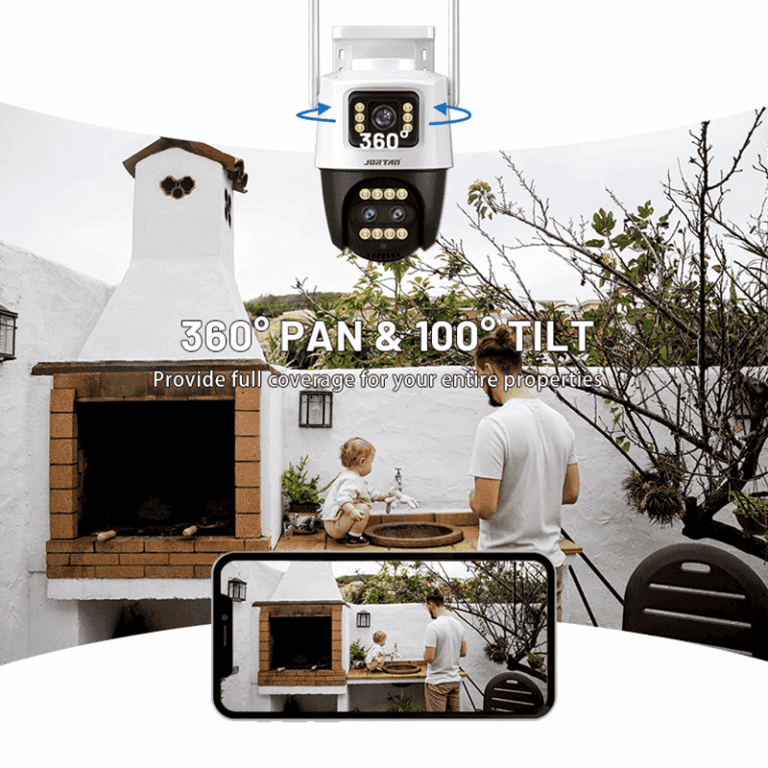
Your camera needs steady WiFi to send clear, sharp video to your phone or computer without breaks. Slow streams, late warnings, or lost connections often come from faint or shaky signals. The problem grows worse when your setup handles extra tasks like following movement, viewing from afar, and talking back and forth.
The camera includes its own AP hotspot. This lets you watch normally even without a main network. Yet, when you use your home WiFi rather than that built-in hotspot, a faint signal might cause skipped frames or full cutoffs right at key times.
Also, options like controlling from a mobile phone and two-way voice talk through the phone require constant links. Without firm WiFi, the delay that creeps in can make these tools useless.
How Signal Strength Influences Image Quality and Storage Synchronization
If your camera faces bad links, it usually lowers the video sharpness to keep sending data. This leads to fuzzy or dotted pictures that make spotting faces or reading license plates hard or impossible.
Even more troubling, breaks in sending files can cause missing parts in your saved videos. Many cameras offer cloud storage and TF card storage that loop and replace old files on their own. Still, sudden link drops might create holes in your important records.
A solid signal keeps recordings steady and times accurate in both cloud and local storage. This matters a lot for checking things live or looking back later.
How Do Exterior Conditions Affect Your Camera’s WiFi Signal?
WiFi signals do not escape real-world blocks. Before you point fingers at the camera parts, think about the surroundings between your router and the outside unit.
The Impact of Building Materials and Placement on Signal Penetration
Wireless waves lose power fast as they go through thick stuff. Walls made of brick, concrete, stucco, or metal cut signals more than those of wood or glass. Putting cameras behind such blocks, like under roof covers or in closed patios, can harm work a great deal.
To dodge this issue, set cameras in spots with a straight path to your router. If that is hard, make sure just one wall, best if it is glass, sits in the way.
Where you place the camera changes its reach too. Units fixed low near the ground or near plants might get weak signals from height blocks. Raising the device cuts down on these problems.
Environmental Interference From Weather, Trees, and Other Devices
Nature gets involved as well. Strong rain or snow can soak up or spread out WiFi waves, cutting the data flow for a short time. During warm seasons, thick leaves growing between your router and camera can make surprise weak spots.
Other gadgets on the same wavelength, such as microwaves or wireless phones, add noise that upsets the steady flow. For this reason, routers with two bands are a good pick. They split the work and ease crowding.
What Are the Smartest Ways to Extend Your Camera’s WiFi Outdoors?
Rather than guessing with setups, some planned changes can greatly lift your camera’s exterior WiFi link. These steps make sure every warning works well.
Strategic Router Positioning and Antenna Orientation for Wider Coverage
Begin with the router itself. Put it close to a window that faces the camera to cut blocks and stretch the range. If antennas can turn, aim one side-to-side and the other up-and-down to reach both inside floors and outside areas.
Place routers up high, on shelves or walls, to skip ground-level blocks. Do not hide them in closets or behind heavy items that eat up waves.
For homes with many spots needing watching, shift your router nearer the outside space. Or set one just for the camera work.
Using Dedicated Outdoor WiFi Extenders for a Seamless Performance Boost
Simple indoor boosters might aid inside but often miss the mark outside because of low strength and no shield from weather. Extenders made for outdoors fix this with tough parts and aimed antennas.
Put an extender right between the main router and the camera to raise signal power without extra hassle. Pick types that handle two bands to send key data, like video flows, to quieter paths.
Some of these extenders work straight from the box, are easy for folks without tech skills, and bring clear gains in speed and trust.
Why Should You Consider a Purpose-Built Solution Instead of DIY Fixes?
Not every link issue gets fixed with common tools. For systems watching outside, choosing gear made just for the job brings results that last.
The Limitations of Basic Repeaters Compared to Tailored Networking Gear
Store-bought repeaters usually have a short reach or cannot stand up to outside weather. Most are not set up for sending video data well, which causes waits in live views or missing cloud saves.
On the other hand, gear built for the purpose has far-reaching antennas, smart power use, and cases that fight weather. They work strong even in tough spots.
Problems from mixed signals that overlap also fade when you pick full systems with smart wave control.
How Jortan Provides an Integrated Approach for Outdoor Camera Connectivity Needs
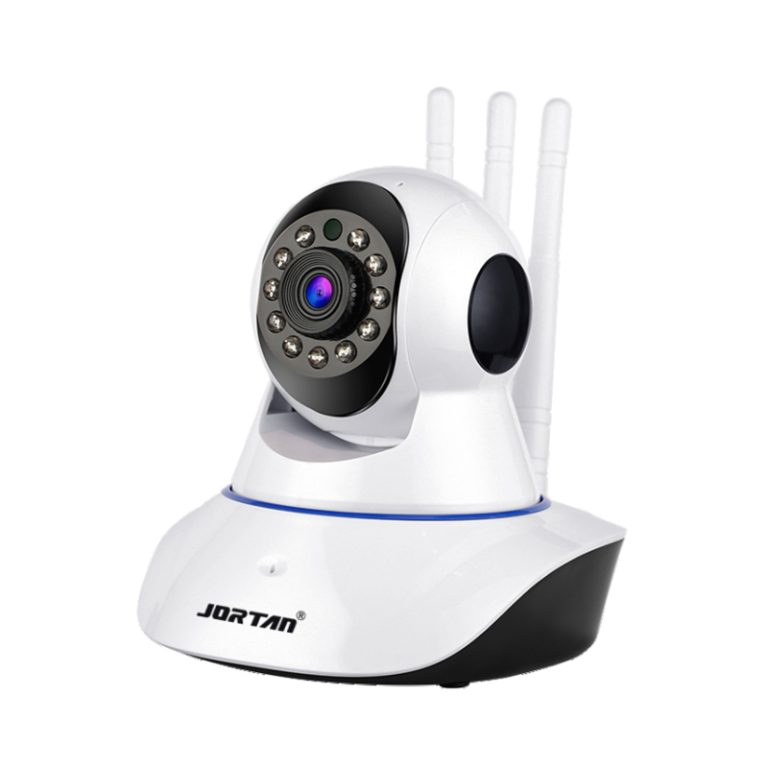
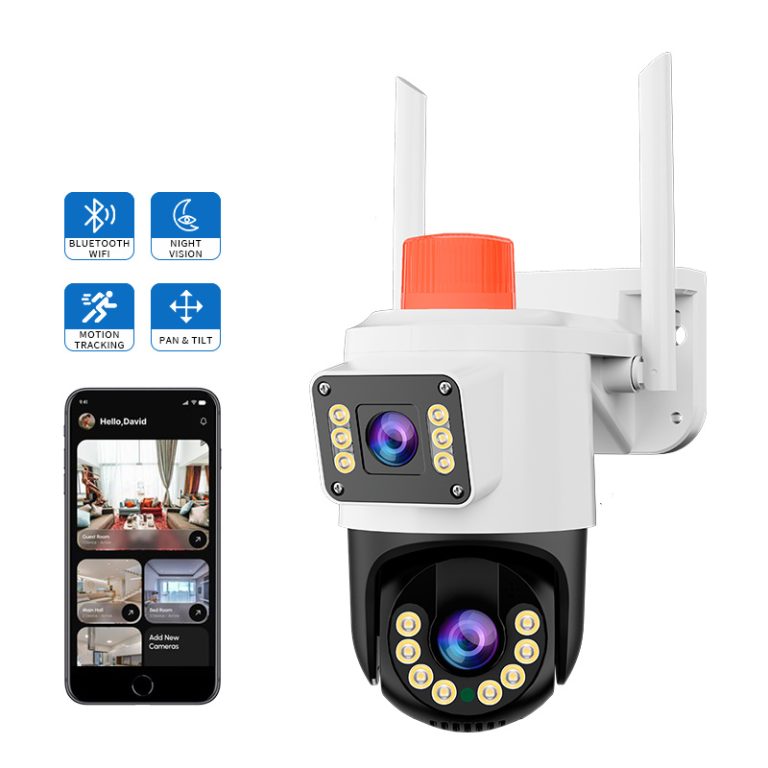
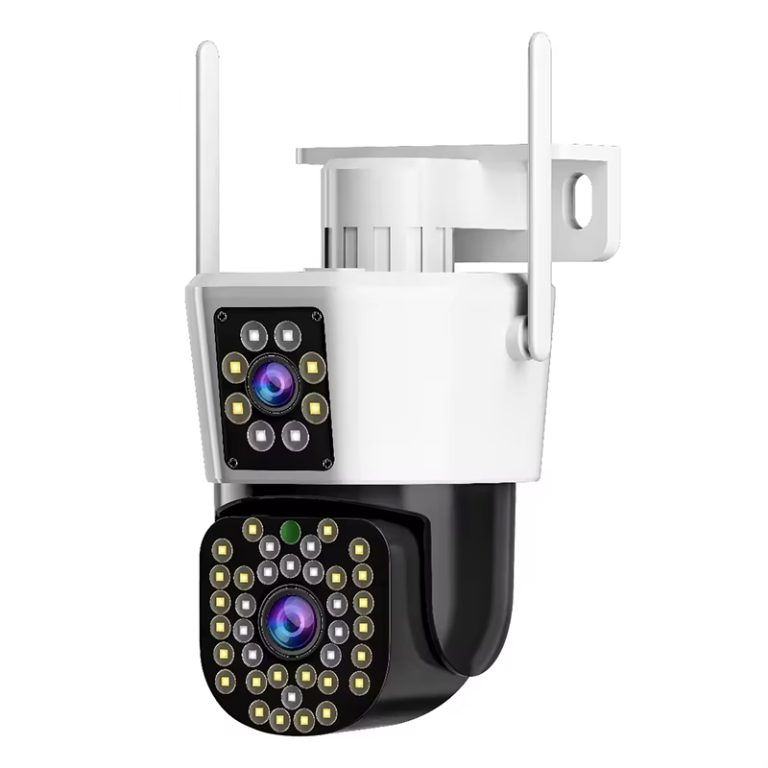
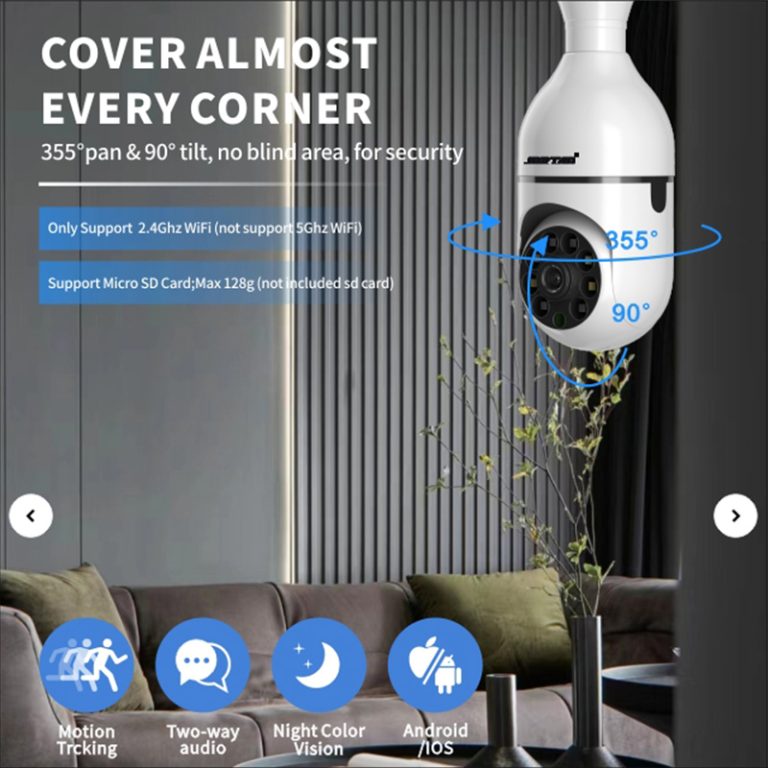
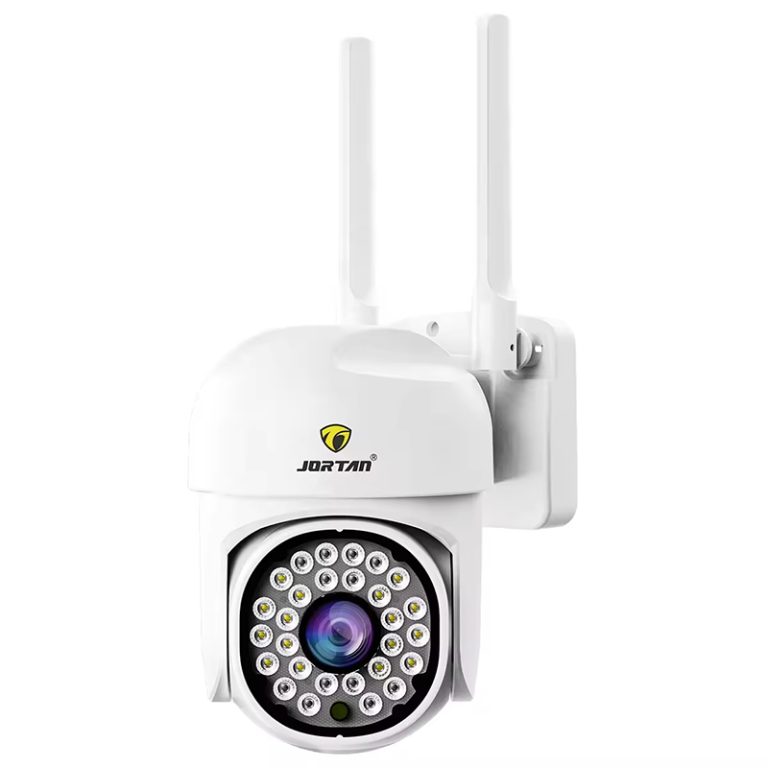
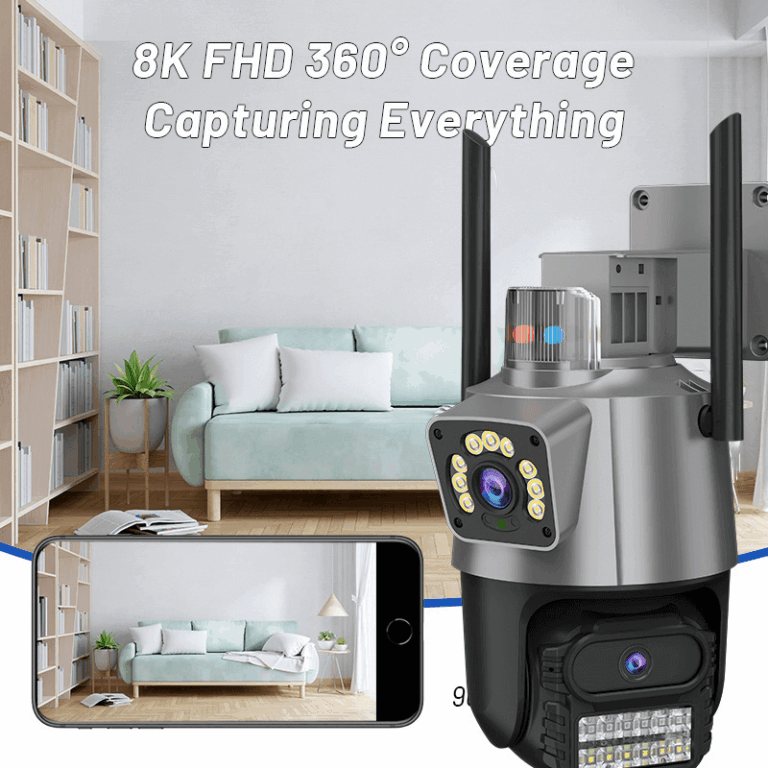
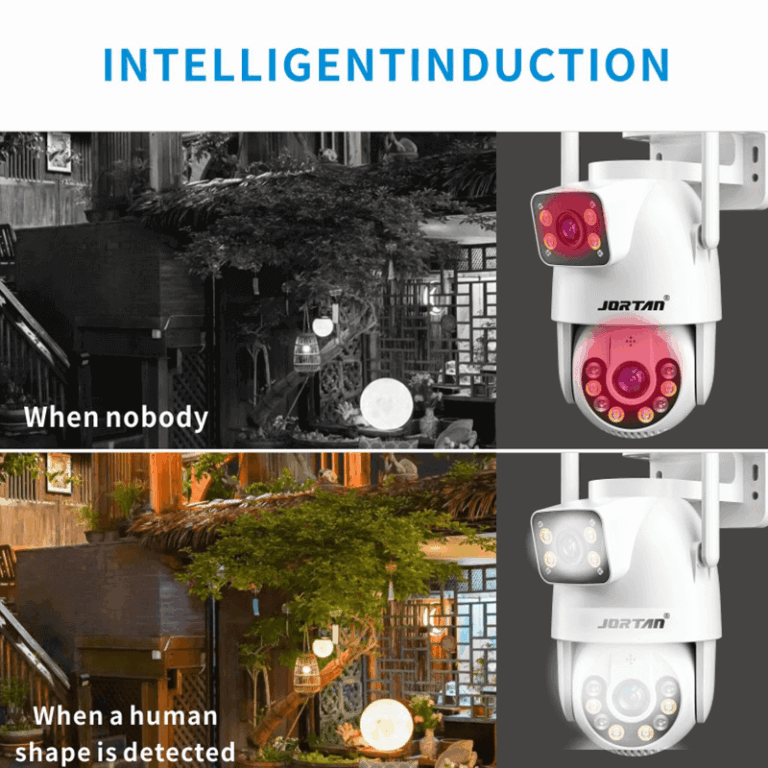
If you want a strong outdoor fix that covers all these points, Jortan shines. Their cameras have built-in AP hotspots for use without a main net, so you can watch as usual even offline. They back mobile phone remote access, two-way audio intercoms, cloud storage backup, and smart warnings that turn on lights when something moves.
The unit sports an IP66 waterproof and dustproof build, handling all kinds of bad weather with ease. You end up with sharp pictures day and night, even in storms, plus steady wireless work through the year. No matter if you guard big driveways or quiet yard ends, Jortan’s setup fits just right.
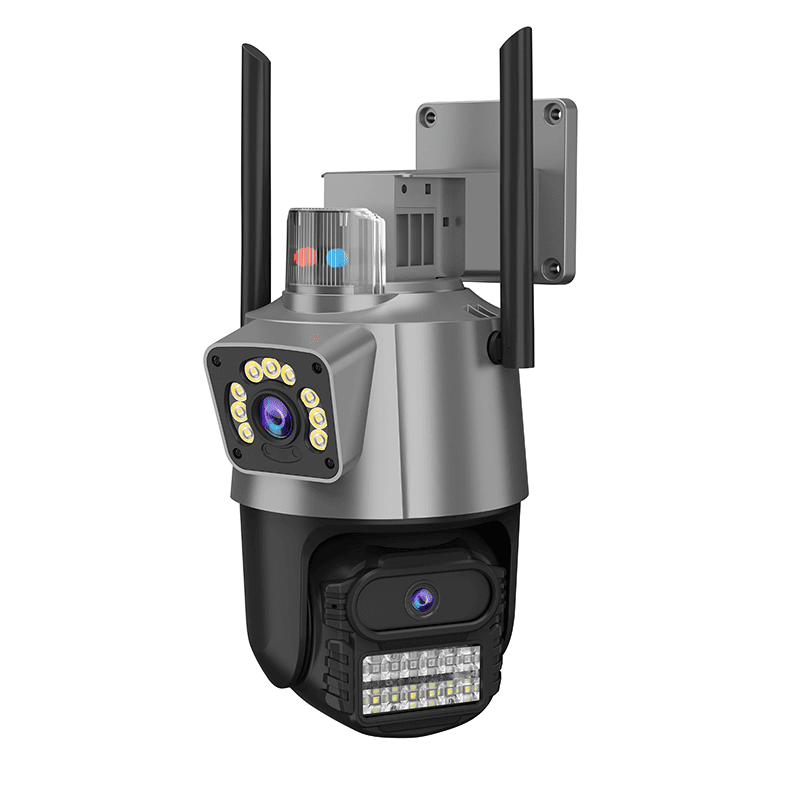
Their setup joins the hardware and software without gaps, so you skip buying extra tools from others to make it all run smoothly.
How Can You Optimize Your Network Settings for Outdoor Surveillance?
After getting the parts in place, adjusting the network setup boosts the stream clearness and quick answers from the system.
Choosing the Right Frequency Band Based on Environment and Distance
Gadgets outside do better on 2.4 GHz because it pushes through blocks well, even if it moves data slower than 5 GHz. If your camera sits far from the router or behind walls, this band gives more trust.
Pick 5 GHz just for close paths with no blocks. It gives quick speeds but fights hard with walls in the way.
Routers with two bands let you shift between them based on how far things are and what they need. This works great if you run several cameras in varied spots.
Prioritizing Camera Traffic Through QoS Settings in Your Router Interface
Quality of Service, or QoS, lets you give the top spot to tools like watch cameras. This stops slowdowns when the house has lots of online video or games at once.
By giving steady data room for video sends, QoS makes sure live warnings come fast without waits. Saved videos avoid lost parts or shaky play.
What Maintenance Practices Help Preserve Long-Term Performance?
Even strong setups need care over time. Changes in weather or old software can wear down work if you do not check them ahead.
Regularly Inspecting Hardware Placement After Seasonal Changes or Storms
Once bad weather or shifts in seasons pass, look to see if antennas moved or junk blocks the straight path from router to camera. Trees growing tall can weaken signals without warning.
These quick checks take little time but stop slow drops in how well the system runs all year.
Updating Firmware to Benefit from Security Patches and Signal Enhancements
Software updates do more than guard against break-ins. They bring better ways to handle wireless links and keep things steady. Units like Jortan’s Outdoor Security Camera System get fresh updates often. These not only strengthen safety steps but also tweak how waves travel for stronger links in new settings.
Skipping updates risks more than just bad guys getting in. It can also cause slips in speed under busy nets or new blocks.
FAQ
Q: Can I use my indoor extender outside if it’s placed near a window?
A: While it might work temporarily, indoor extenders aren’t built for temperature swings or moisture exposure, which can lead to performance issues over time.
Q: Do all outdoor cameras need a direct line of sight to the router?
A: Not necessarily, but fewer obstructions between the camera and router improve stability significantly—especially across longer distances.
Q: Is 5 GHz always better than 2.4 GHz for camera exterior WiFi?
A: Not always; 2.4 GHz is better suited for long-range connections outdoors due to its superior wall penetration capabilities despite slower speeds.