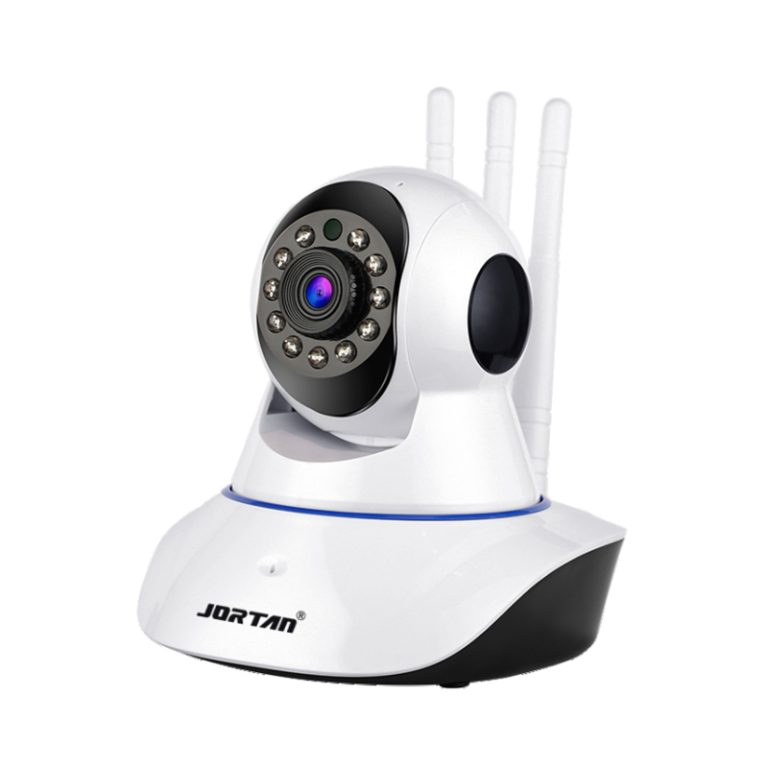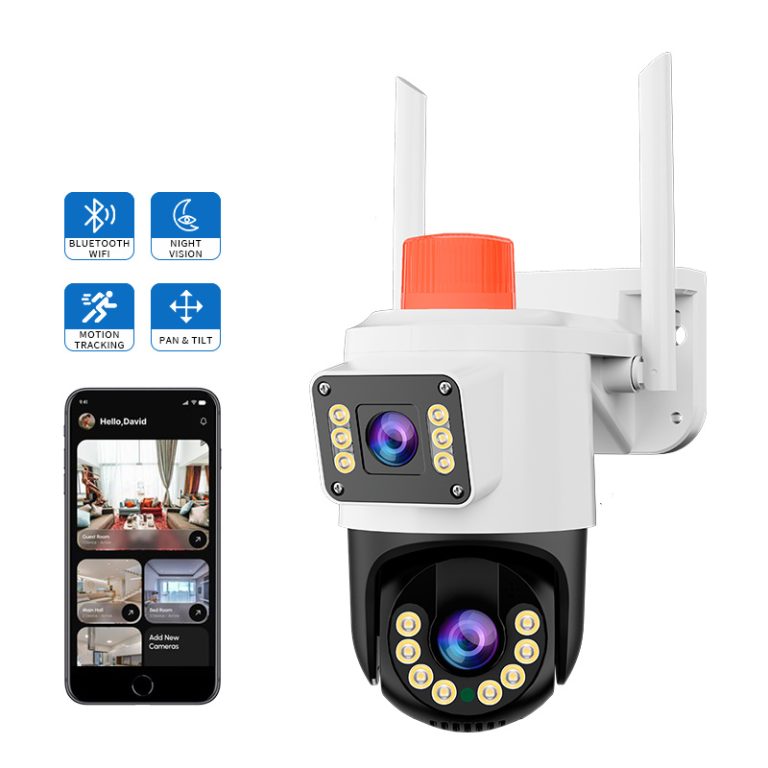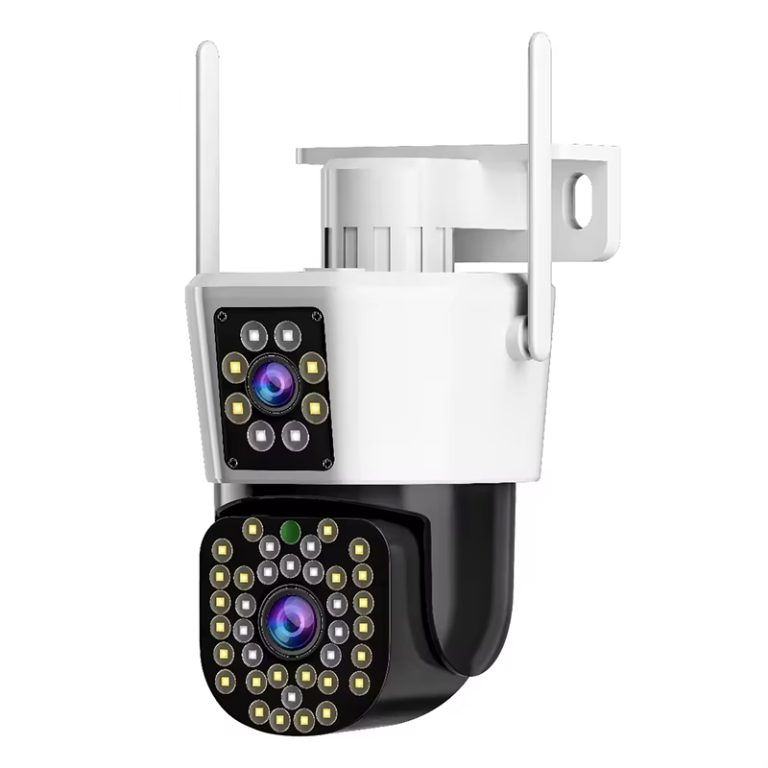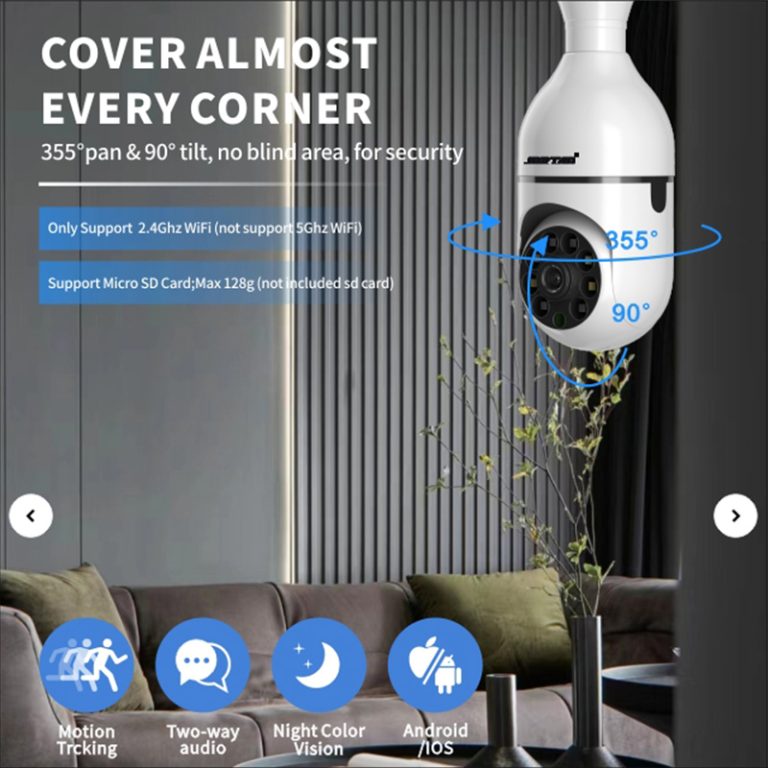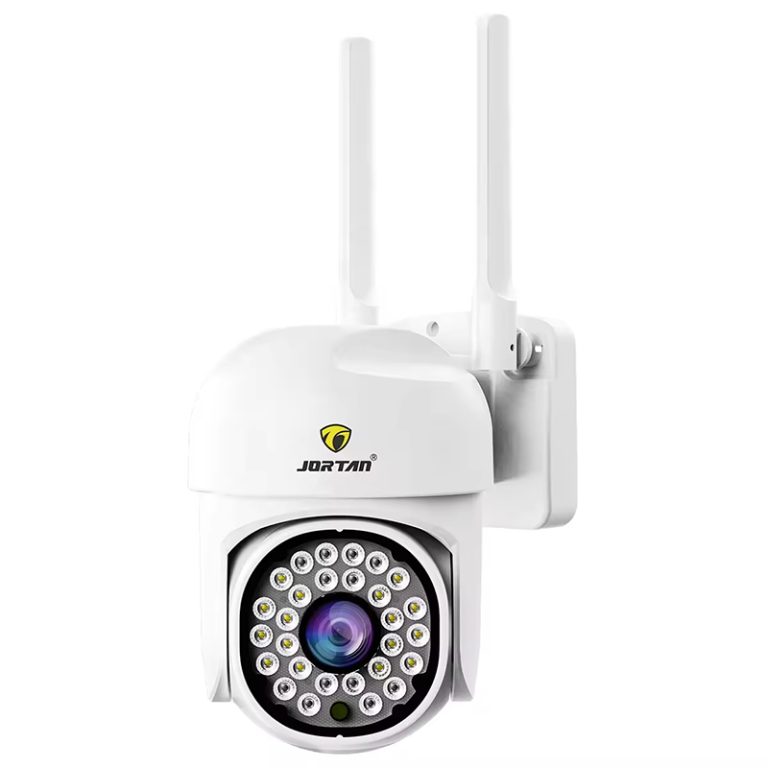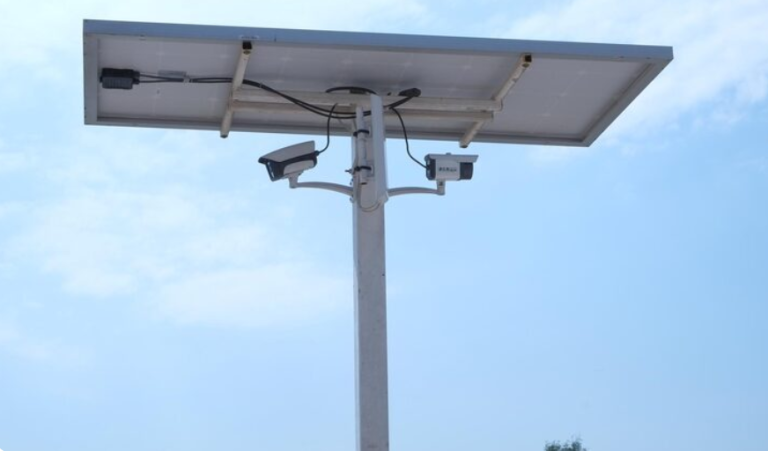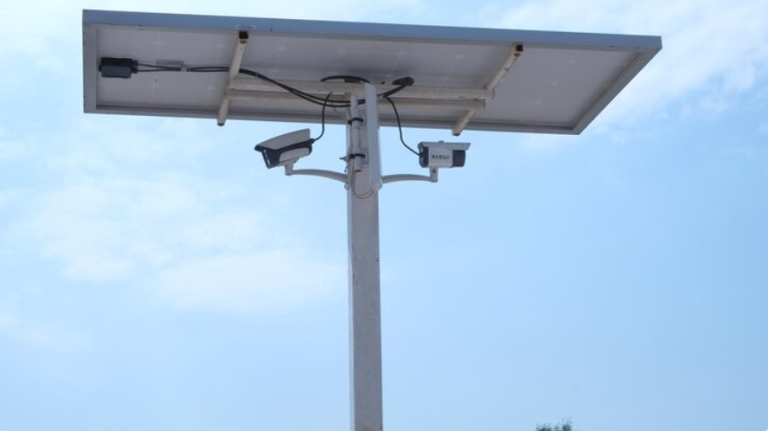
If you have set up outdoor cameras and they keep losing connection or buffering all the time, you are not by yourself. Many people face this issue. To stretch camera exterior WiFi outside in a good way, you need more than just connecting an indoor router and wishing it works. Outdoor spots bring many problems like barriers and noise that regular gear cannot handle well.

Why camera exterior WiFi often fails in outdoor setups with standard routers
Most home routers are made for inside use. They work best over short distances in open rooms. When WiFi waves go through heavy stuff like concrete walls, metal sides, or thick windows, they weaken a lot. Then, add plants, fences, or close buildings, and the signal drop is sure to happen.
A wireless network camera sends video through a wireless setup. Yet, even with WiFi, the space between the router and camera can cause shaky results. Other gadgets and nearby networks add noise. This cuts down the space for data, which hurts video steadiness.
What factors limit the range and quality of your current WiFi signal outdoors
Where you put your router matters a great deal. If it sits deep inside your house, blocked by walls and chairs, your outside camera is probably too far. A straight line between the router and device is key for steady sending.
Sharing data speed makes things harder too. Every linked item, like computers, phones, or TVs, fights for the same limited flow. Security cameras need steady upload speed to send pictures. Weak spots in this setup lead to missing frames or full signal gone.
Weather can quietly cause trouble as well. Rain or snow soaks up or spreads out radio waves. Moving leaves add changing noise that blurs video sharpness.
What Are the Most Effective Solutions to Boost Outdoor Camera Connectivity?
After you spot the soft areas in your outside system, the next move is to pick a setup that fits those problems instead of fighting them.
How directional antennas and WiFi extenders improve outdoor coverage
Directional antennas give a simple boost. They aim signal power right at the camera, not everywhere. This focused way boosts distance and speed, above all when you keep a clear path.
WiFi extenders work as go-betweens for your main router and the security camera. Place them in smart spots, like by an outside wall or window. They grab and send out your network nearer to the need. But for best work, keep few blocks between the extender, router, and camera.
When mesh systems are more suitable than traditional repeaters for exterior use
Old repeaters often make extra networks. These cut speed because the signal splits in half. Mesh systems fix this with smart points. They shift data paths based on what is happening right now.
For big yards or many cameras, mesh networks give smooth reach without hard setup by hand. Gadgets link to the closest, strongest point on their own. This keeps steady data flow over areas.
Is Powerline Networking a Reliable Option for Outdoor Camera WiFi?
When wireless ways are not steady or blocked by buildings, powerline networking looks like a strong choice. It skips the air paths completely.
How powerline adapters transmit internet via electrical wiring to reach outdoors
Powerline adapters use your home’s power lines to move data from the router to any plug. Put one inside close to your router. Place another by an outside wall, or even out in a sealed box. This way, you bring fast internet just where the camera wants it.
This trick helps a lot in homes where laying Ethernet wires is hard or too pricey.
When powerline solutions outperform wireless extenders in camera applications
In cases with thick concrete walls or spots full of noise, like garages or shops, powerline links stand out. They ignore the radio noise that bothers wireless extenders. Plus, they give more even data speed for clear video streams.
Do not plug adapters into surge guards or busy lines, such as those running fridges. Power buzz can hurt how well they work.
Should You Consider Ethernet Over Coax or Direct Cabling Instead of WiFi?
Sometimes, the top fix for wireless is to drop wireless. If you handle key watching spots, like business gates, edge areas, or entry points, wired links give the best steadiness.
Why Ethernet cabling remains the most stable solution for mission-critical setups
Ethernet cuts out delays and shakes, which often freeze video. It makes sure data packets arrive without radio help. With Power over Ethernet (PoE), one wire handles both power and info. This makes setup easier.
Even if it means digging or drilling, wired lines pay back with years of no stops.
How coaxial adapters provide an alternative when rewiring isn’t practical
If your place has old coax wires from cable TV, MoCA adapters change those into quick Ethernet-style links. You do this without new wires. It helps a lot in old spots where changes are tough or not allowed.
What Role Does Device Quality Play in Long-Term Stability of Exterior Camera Networks?
Not every piece of network stuff is the same. This shows up most in outside jobs where weather and far spots wear things down.
Why low-grade hardware compromises long-distance performance outdoors
Cheap extenders or routers miss key parts like two-band work, strong antennas, or weather-safe covers. These shortfalls show up bad when they try to hold many clear video flows over far ways.
Surveillance cameras include image sensors, video encoders, network servers, outside alarm controls, and more parts. These need firm upload links. Something cheap home gear cannot promise in outside weather.
How professional-grade equipment ensures reliable outdoor video transmission
Work-grade tools are made to fight weather. They seal against wet, heat changes, and sun rays. New tech like beamforming follows linked gadgets and shapes wave paths. This boosts link steadiness a lot.
Such gear is a must if you set up many outside cameras over wide space. Or if you just want sure that your video stays on in a storm.
Can a Purpose-Built Solution Simplify Your Entire Outdoor Camera Setup?
Putting together plain routers, extenders, and antennas adds mess. It also brings match problems that are tough to find. Built-for-purpose fixes tackle this straight on.
Why integrated systems designed for security infrastructure offer better outcomes
Full kits made just for watching cut out the guessing. Every part fits with the rest without trouble. These setups often have main control screens from afar. You can check signal power and fix issues from any place.
Fewer parts mean fewer spots to break. And upkeep gets simpler later.
Introducing a reliable option tailored for outdoor surveillance connectivity
If you are done with basic fixes that do not work outside, think about Jortan’s Outdoor WiFi Bridge Kit. It is built for far point-to-point sending over buildings or open ground. This easy-to-use system gives two-band work in a weather-safe shape. It suits stretching camera exterior WiFi without digging or running Ethernet through heavy walls. With tough build and simple start, it works where normal routers quit. 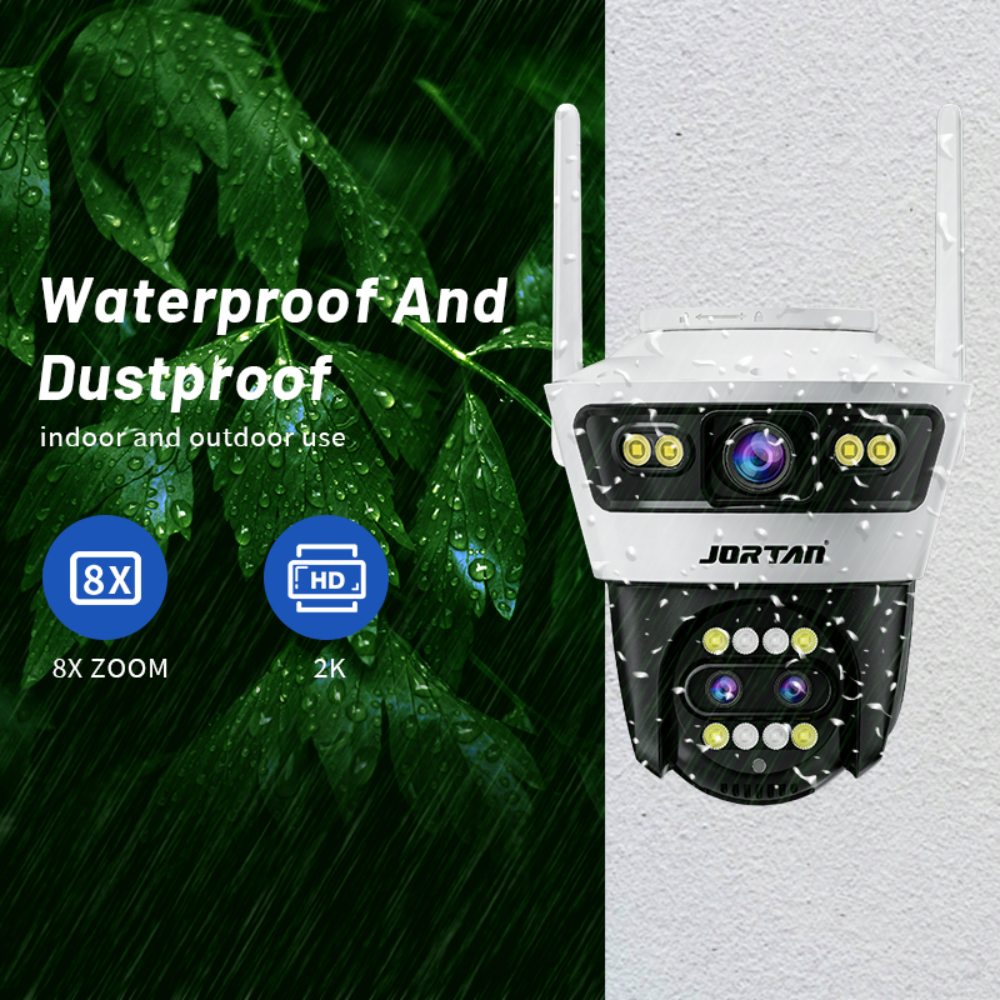
Are There Any Installation Best Practices That Maximize Outdoor WiFi Performance?
No matter how good your tools are, bad placing can ruin how well it runs. Smart spots make the big change.
How strategic placement, alignment, and elevation affect wireless stability
Always fix senders higher than ground to skip blocks like fences, cars, or bushes. If you use aimed antennas or bridge kits like Jortan’s CPE system, line them up exact with clear sight rules.
Keep devices away from shiny spots like metal sheds or rain pipes. These bounce signals and add noise that cuts sharpness.
Why firmware updates and network monitoring are essential after deployment
Security cameras run non-stop. As time goes, software fixes boost work and mend weak spots from new dangers. Check tools give live info on data flow and delay jumps. This lets you step in before video falls or quality drops.
FAQ
Q: Can I use a regular home router to extend my outdoor camera’s WiFi?
A: Standard routers typically lack the range and durability needed for exterior use; it’s better to use directional antennas or dedicated outdoor systems.
Q: Is there a plug-and-play option that works well across buildings?
A: Yes, Jortan’s Outdoor WiFi CPE Kit is designed exactly for that—offering long-range point-to-point connectivity with minimal setup effort.
Q: Will trees or weather affect my camera’s exterior WiFi connection?
A: Yes, foliage and rain can disrupt signals; using high-gain antennas or mesh systems helps mitigate these issues effectively.