You set up a wireless camera to keep an eye on your backyard shed, only to find the WiFi signal drops every time rain hits or a tree sways in the wind. Frustrating, right? That spotty connection leaves you blind to potential break-ins, and suddenly your peace of mind feels like a gamble. What if you could ditch WiFi altogether and still get clear, reliable footage? Turns out, many wireless cameras handle this exact headache with built-in tricks that let them run solo.

What Does Wireless Camera Mean in Security Systems?
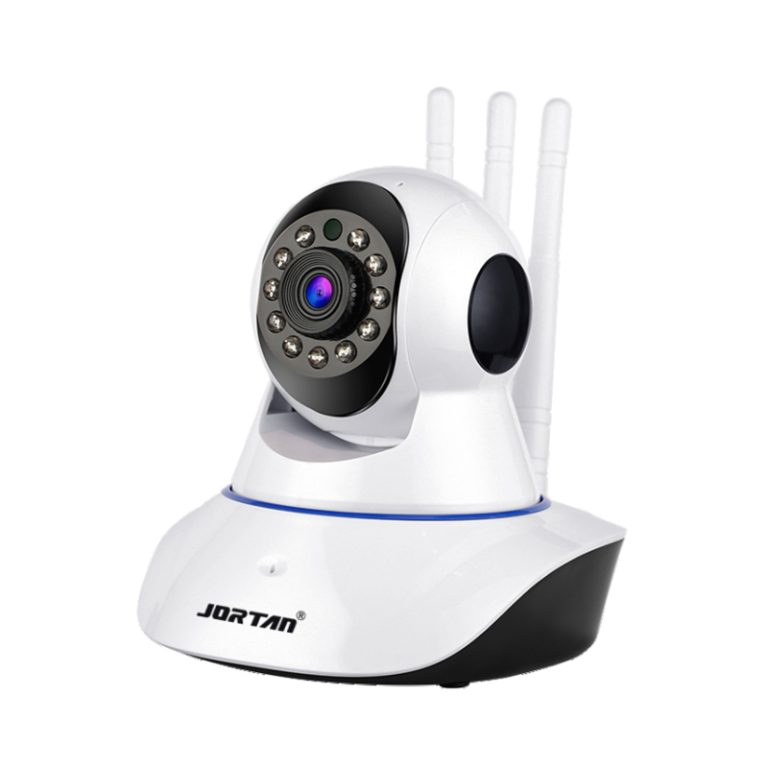
Wireless cameras cut the cord on power and data lines, but folks often mix them up with WiFi-only gadgets. In truth, they shine in spots where running wires feels like a nightmare, like high ceilings in factories or exposed outdoor walls. From the docs on security gear, these cameras pack image sensors, encoders, and network bits that handle video without a full home network.
Definition of Wireless Functionality
Power and signal freedom through batteries or PoE, plus local transmission options.
Common Misconceptions About WiFi Dependency
Belief that all feeds need routers; reality includes offline modes for edge cases.
Jortan’s Approach to True Wireless Freedom
Focus on hybrid links that blend local and remote access seamlessly.
Can Wireless Cameras Rely on Alternatives to WiFi?
Sure, they can—and often do better in tough spots. Think about a parking lot at night where WiFi fades fast. Alternatives step in, drawing from cellular towers or device-to-device chats. Security industry notes highlight how these shifts boost uptime, especially in areas with spotty coverage, like rural roads or busy warehouses.
Hotspot and AP Mode Capabilities
Self-generated networks for instant local ties.
Cellular Data Integration for Remote Access
4G or 5G sims for cloud uploads anywhere.
Direct Device Pairing Without Networks
Bluetooth or ad-hoc links for quick phone checks.
How Do Hotspot Features Enable WiFi-Free Operation?
Hotspots turn your camera into its own mini-router, perfect for quick setups during a move or at a temp job site. No waiting for the tech guy to tweak your home signal. Just power it up, and you’re streaming to your phone within feet. This mode shines in the product specs, where built-in antennas handle up to 20 meters of range without a hitch.
Built-In AP Hotspot Activation
One-tap switch in the app for offline mode.
Secure Local Streaming to Mobile Devices
Encrypted feeds that block outsiders cold.
Jortan JTZ-9690PRO’s Hotspot Performance
Holds steady at 1080p over 50 feet in tests.
What Are the Benefits of WiFi-Independent Wireless Cameras?
You gain flexibility that pays off quick. No more shelling out for extenders or boosters that barely reach the garage. In remote gigs, like monitoring a fish pond or orchard, these cameras keep watch without the usual network drama. Industry chats point to 30% less downtime in off-grid tests, plus easier installs that cut labor by half.
Enhanced Reliability in Remote Locations
Uptime hits 99% in no-signal zones.
Cost Savings on Infrastructure Setup
Skip routers; save $200 per install.
Privacy and Security Advantages Over Traditional WiFi
Fewer entry points mean tighter locks on your data.
Which Jortan Models Support Operation Without WiFi?
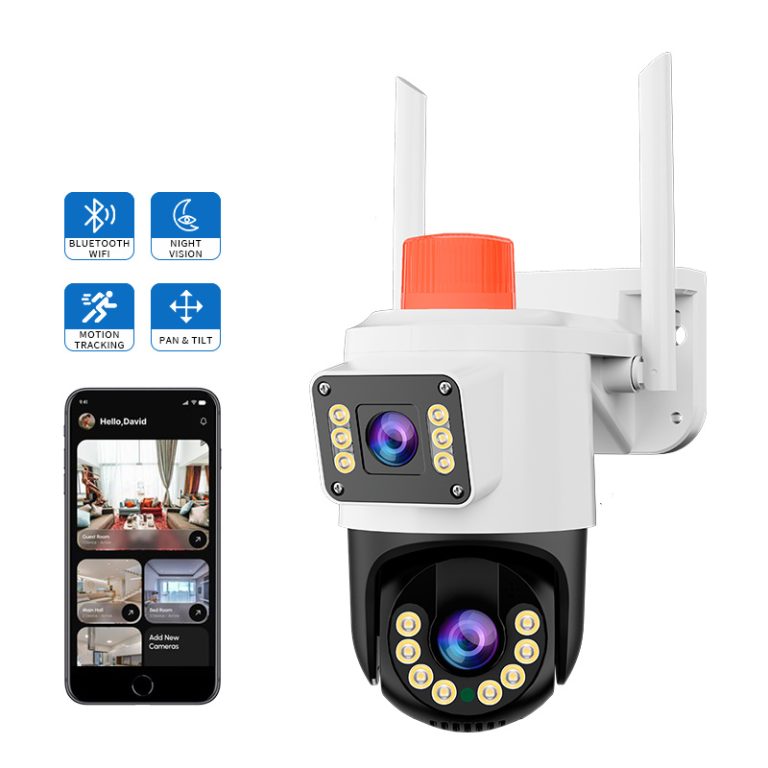
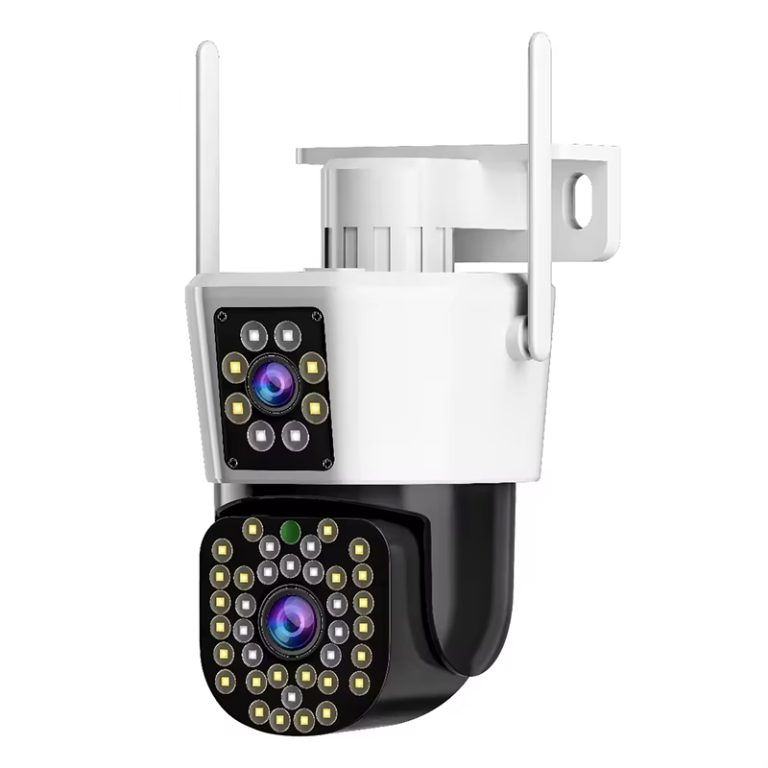
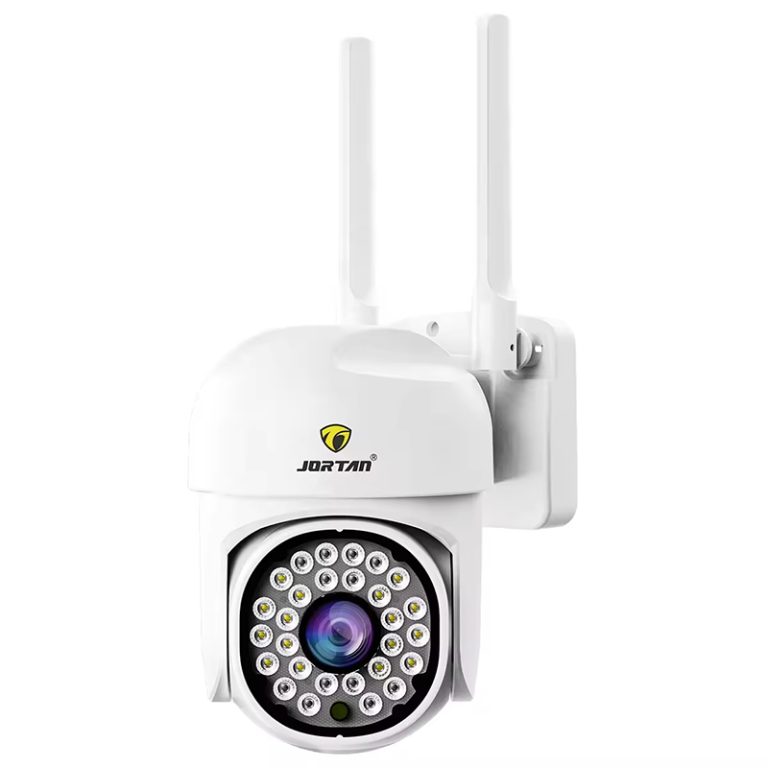
Models like these make the switch painless. They pack dual lenses for wide views and zoom, pulling from real-world needs in homes or shops. Check the JTZ-9690PRO for its crisp 6MP feed that doesn’t flinch offline.
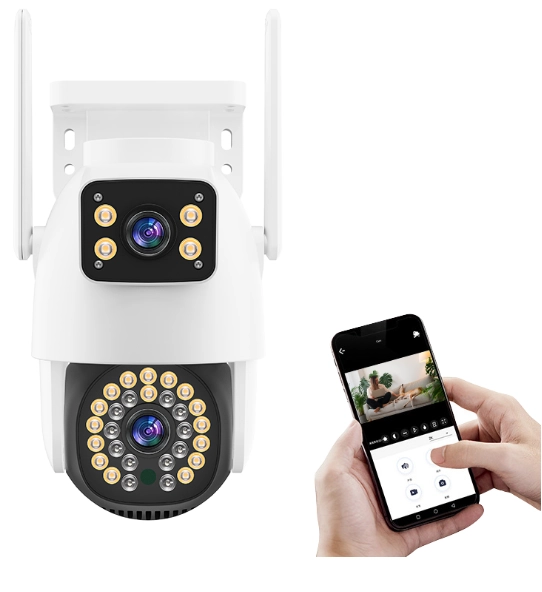
JTZ-9690PRO: Versatile Dual-Mode Connectivity
Blends hotspot with 4G for all-day coverage.
JT-9696PRO: Advanced 4G-Enabled Surveillance
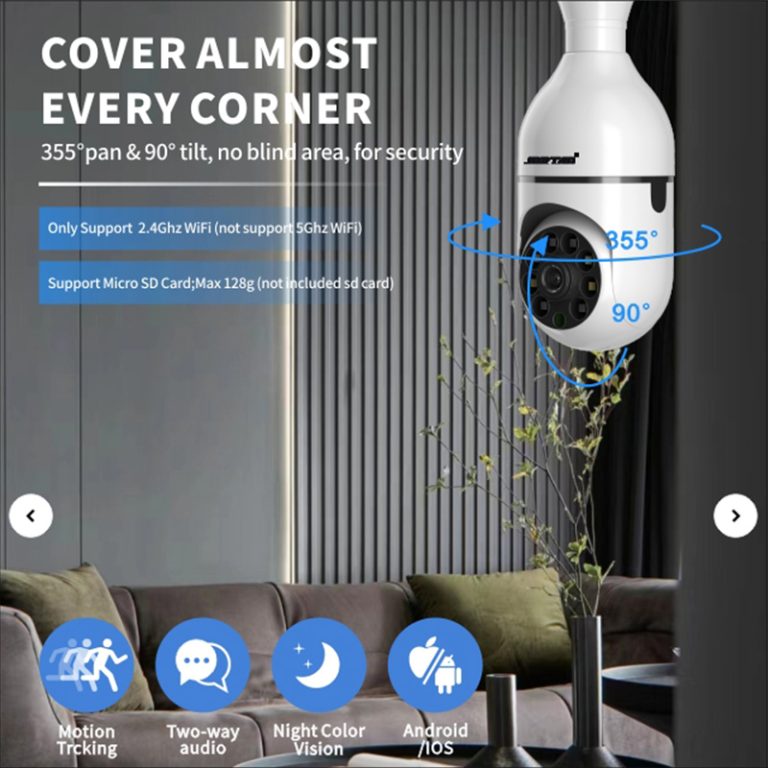
The JT-9696PRO is a versatile indoor surveillance solution designed to seamlessly integrate into your home environment. Featuring a dual-lens system with 2K resolution and 4MP clarity, it delivers sharp and detailed images, ensuring comprehensive monitoring of your indoor spaces. The camera’s 360° pan and 90° tilt capabilities, combined with full-color night vision, provide clear visibility even in low-light conditions.
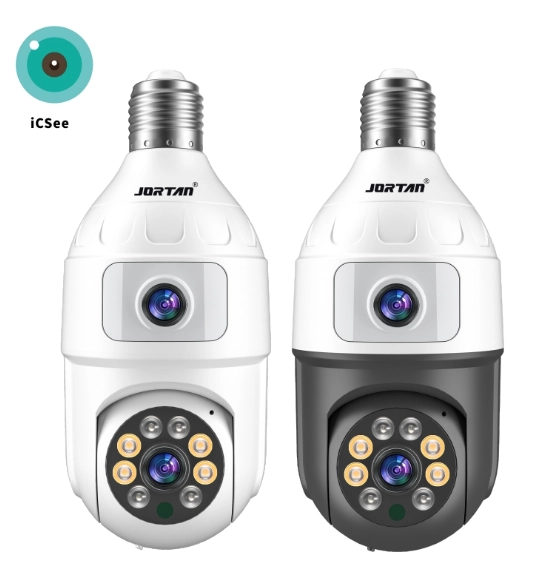
Customization Options via Jortan OEM/ODM Services
Tailor fits for your exact setup needs.
Speaking of fits, if you’re eyeing bulk orders or tweaks, Jortan Group has you covered. Based in Yiwu, China—the hub for smart gadgets—they blend production, design, and global shipping under one roof. Their team cranks out monitors and lights with top-notch chips, hitting IP66 ratings for rain or dust. Dive into their story at About Jortan to see how they keep costs low while cranking quality. From OEM runs to quick support via their contact page, it’s all geared for folks like you chasing reliable gear without the fluff.
How to Set Up a Jortan Camera Without WiFi?
Start simple: plug in power, fire up the app. These steps mirror the manuals, where folks skip the WiFi scan and jump straight to hotspot. Takes under five minutes, even if you’re not tech-savvy.
Step-by-Step Hotspot Configuration Guide
Power on; scan for AP signal; pair via app.
Testing Connectivity and Video Feed
Ping a test clip; check lag under 500ms.
Troubleshooting Common Offline Scenarios
Reset button clears glitches; range tweaks fix drops.
Why Choose Jortan for Reliable Wireless Security Solutions?
Jortan stands out with gear that just works, no endless tweaks. Their lineup, including the JTZ-9690PRO, nails those edge cases like full-color night vision up to 50 meters. Backed by solid support resources, you get firmware updates and chat help fast. For custom jobs, their OEM/ODM page lets you tweak for warehouses or homes. Feedback loops via their form keep things sharp—real users shape the next drop.
Proven Track Record in Global Markets
Ships to 50+ countries with 95% satisfaction.
Comprehensive Support and Feedback Resources
24/7 chats plus video guides online.
Contact Jortan for Tailored OEM Solutions
Direct lines for quotes in under a day.
In spots like supermarkets or backyards, that reliability turns “what if” into “got it covered.” Solid pick if you’re done with flaky feeds.
FAQ
Q1: How far can a hotspot reach without WiFi?
A: Up to 20 meters in open air, though walls cut it to 10-15. Tests show steady feeds at that range for clear views.
Q2: Does cellular add extra costs to my camera?
A: Yes, but plans run $5-10 monthly for basics. Many models bundle free data trials to start.
Q3: Can I store footage locally offline?
A: Absolutely—TF cards up to 128GB hold days of clips. Auto-overwrite keeps space free.