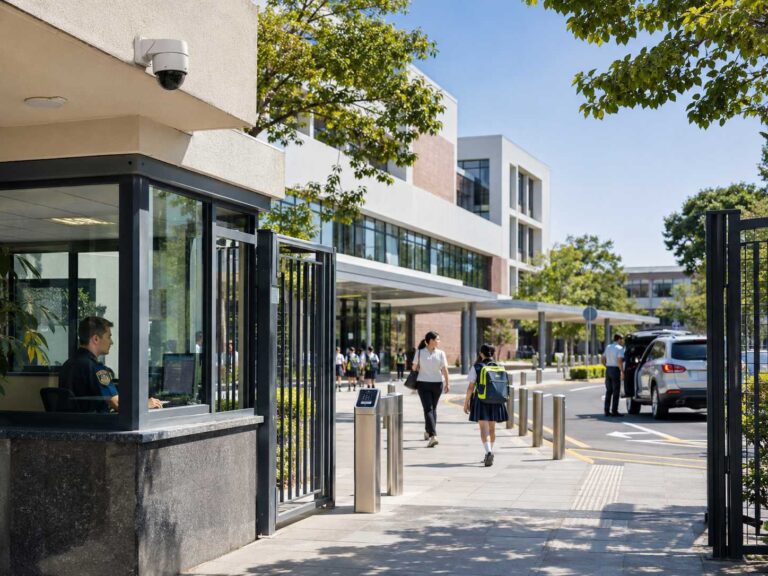
A multi-tenant office building gets treated as forty separate camera projects, when the building’s real CCTV problem is one problem in the shared areas. Each tenant wants their own system, their own footage, their own opinion about the lobby camera. The building itself has one problem worth solving properly, the shared areas, lobbies, elevators, stairwells, garage ramps, loading dock, perimeter entrances, and the money and arguments all concentrate there. Buildings that let every tenant buy their own lobby camera end up with seven overlapping views of one turnstile and nobody’s view of the ramp. Standardization is the procurement answer, and the standardization questions, camera choices, and the tenant boundary rules all belong in one written plan before any vendor gets a floor.
A Standard Device List Short Enough to Enforce
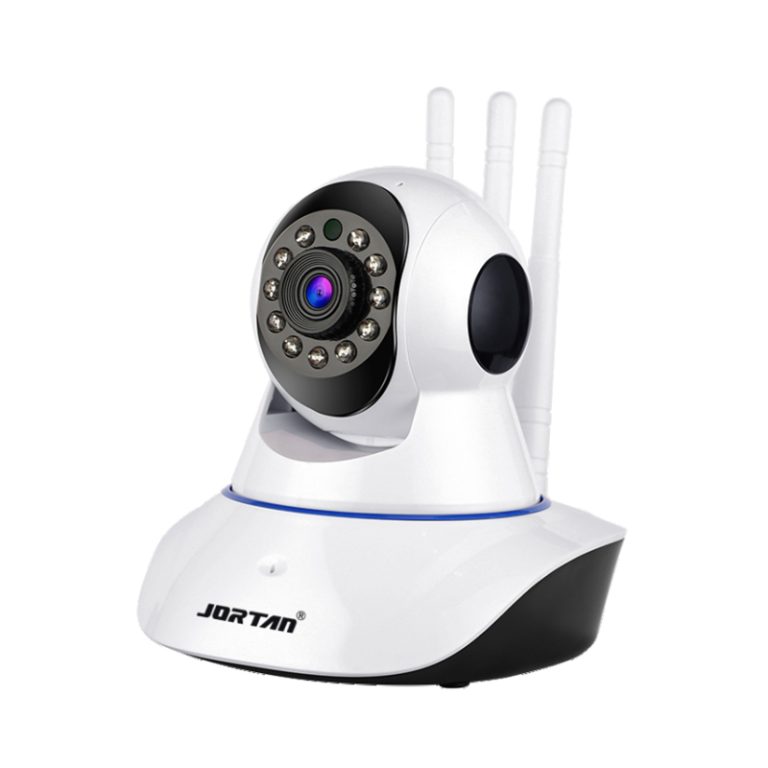
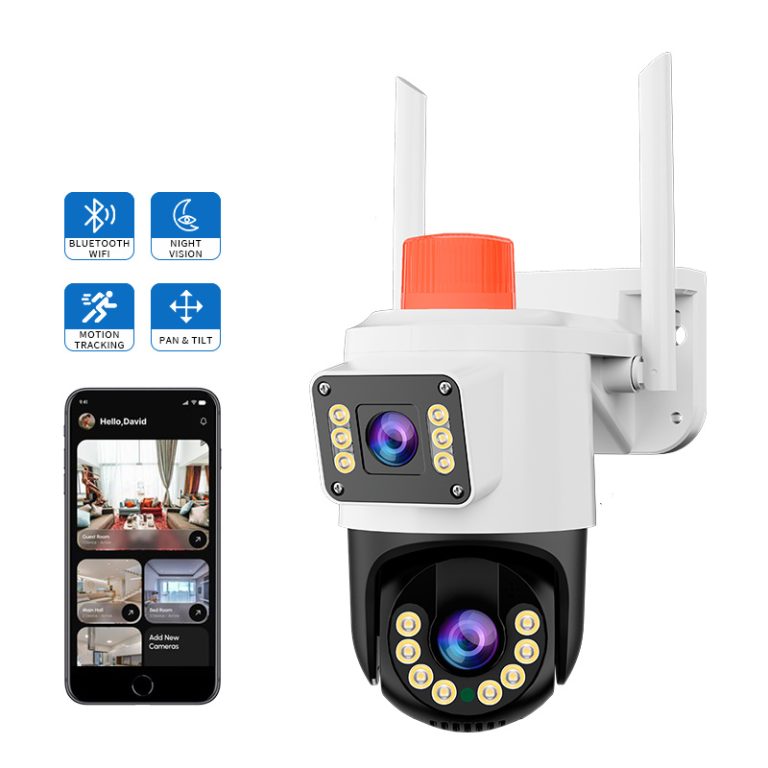
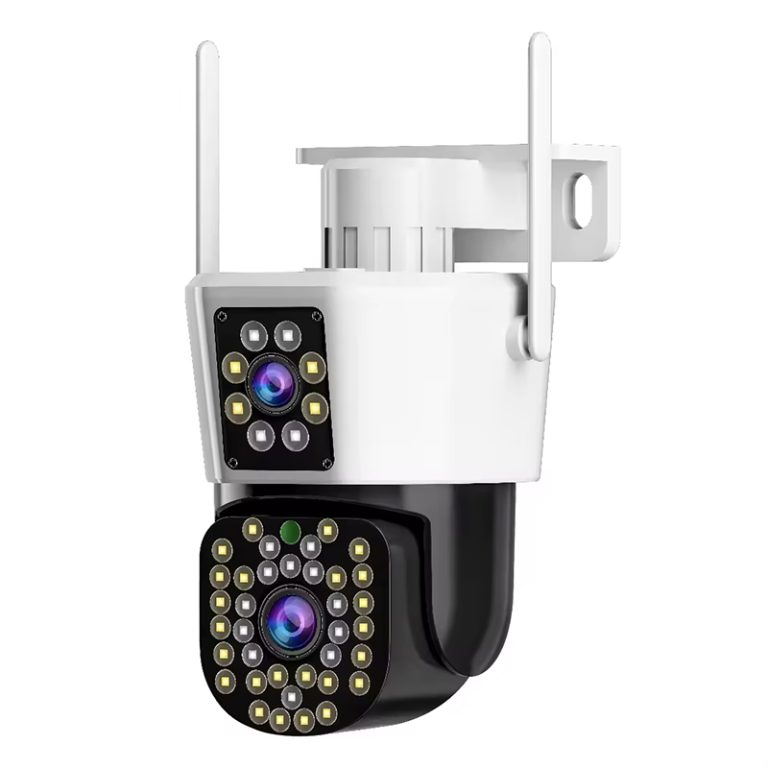
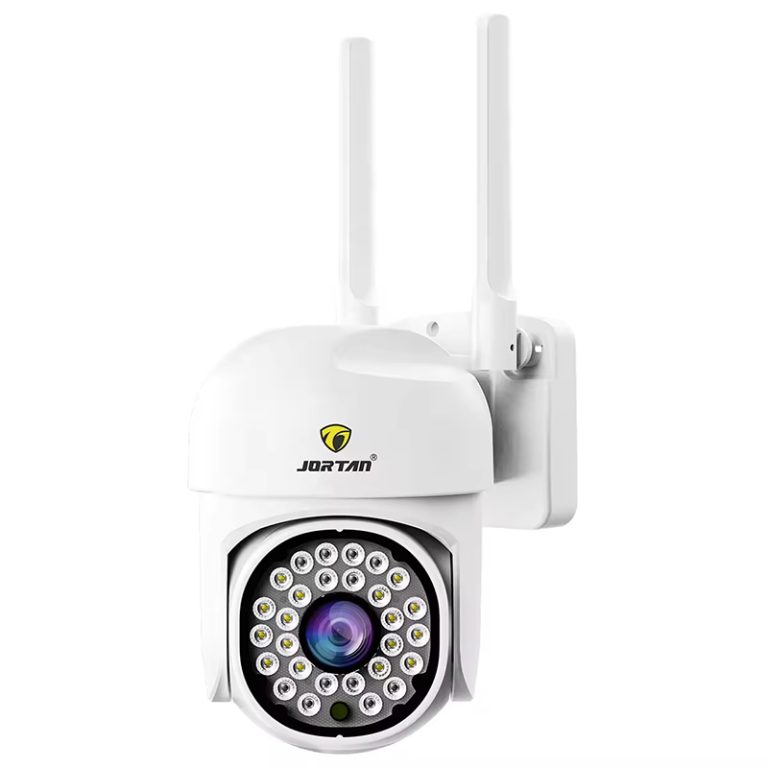
The standard starts with a device list short enough to enforce. One dome type for lift lobbies and corridors, chosen for the ceiling heights and lighting the building actually has, one entry camera type for doors and turnstiles sized for faces, one outdoor type for garage and perimeter posts rated for the weather exposure, and one recorder family carrying the building’s retention target. Four to five positions per layout type, published as the building standard, means floor build-outs quote consistently, replacements match, and the facility manager stops adjudicating taste. Distributors serving property managers recognize the economics: one standardized list ordered across phases beats forty one-off orders, and the commercial range behind a line like the JT-8695PRO fits the indoor positions without renegotiating per floor, and the dual-lens dome JT-9687PRO carries the garage and covered entry posts on one outdoor spec.
Coverage Follows Movement, Not Floor Plans
Shared-area coverage follows the movement, not the floor plan. The lobby camera reads the access line, faces arriving rather than decor. Elevator cars take a wide interior camera sized to the car’s diagonal, which is the position that answers the dispute nobody planned for. Stairwells get covered at the doors rather than the runs, since doors are where people show faces and runs only ever show the back of someone already caught above. Garage ramps carry the building’s hardest shot, headlight handling and plate behavior on a slope, and they deserve the outdoor spec rather than whatever the electrical room surplus had. The loading dock gets both angles people forget, the door face and the staging area, because dock events involve vehicles, paperwork, and weather at once.
Turn the Site Survey into a Camera Schedule
A standard device list does not determine where every camera should be installed. Before approving the drawings, the property team should survey each entrance, reception desk, lift lobby, stairwell door, vehicle route, loading point, and external approach. The record should show the direction people face when entering, where queues form, and where doors, columns, or parked vehicles may block a view. This prevents a camera from being selected from a floor plan without checking what its lens will actually capture.
Lighting should be reviewed under difficult conditions. A lobby with daylight behind the reception desk may need different image settings from an interior corridor. Garage entrances should be checked with headlights approaching the camera, while loading areas should be reviewed during vehicle movement and staging. For each position, record a reference photograph, mounting point, intended field of view, lighting condition, cable route, and privacy exclusion. The installer can then mark the position on the drawing and identify locations that need a revised angle or device.
The schedule should distinguish a required view from an optional extra view. A lobby camera may need to capture the access line and arriving faces; a second camera is justified when a column, turnstile, or reception layout leaves a material blind spot. Recording the reason for each position limits unnecessary overlap and gives the property manager a consistent basis for approving future changes
The Tenant Boundary Becomes Contractual
The tenant boundary is the part of a multi-tenant plan that becomes contractual. Shared footage belongs to the landlord’s operator, and tenant footage belongs to the tenant, and the camera plan must say which is which before anyone installs a camera within sight of a tenant’s reception. The rules that hold: shared cameras point at shared space, corridor cameras positioned so tenant door interiors stay outside the frame, and tenant suite coverage excluded from the landlord’s recorder entirely. Privacy notice and access procedures go into the lease language, since the tenancy document is where a tenant actually reads about the lobby camera. Buildings with data-residency or works-council complications need the same honesty in the recorder’s location and the operator’s access log, and a documented exclusion map settles arguments that no amount of reassurance settles.
From One Building to a Portfolio Program
Standardizing across a portfolio is where the purchase becomes a program. One approved device list with per-layout position sheets, one approved installer checklist covering mounting height, angle acceptance, and the commissioning record per camera, one recording and retention policy that a tenant audit can read, and one spares policy so a failed lobby camera in building three gets replaced this week rather than requisitioned next quarter, with the swap logged against the standard sheet so the record stays true. Procurement teams comparing suppliers for this work should test the boring layer first, firmware version discipline across a mixed batch, image consistency across a batch, and the after-sales response window, since a portfolio standard fails at the edges, not at the datasheet. A property group building the standard sheet with the Jortan commercial line can request the per-layout position checklist and price the program per building instead of per camera.
Conclusion
One short device list per building, four or five positions per layout type, published as a standard instead of negotiated per floor. Cameras placed along movement, arriving faces at the lobby, the elevator car diagonal, stairwell doors not runs, the ramp with the honest outdoor spec. A tenant boundary written into the plan and the lease before installation, shared frames showing shared space only. And a portfolio layer that makes replacement boring, approved lists, one commissioning record, real spares. Multi-tenant CCTV succeeds when the plan outlives the tenant mix, and a standard plan is exactly what lets it.
FAQ
Q1: Who owns the footage of a building’s shared areas?
A1: The landlord’s operating entity normally holds shared-area footage, governed by the notice language in the leases and local privacy law. The written plan and the lease should describe the same cameras, which is the detail disputes read side by side.
Q2: Should tenants be allowed to install their own cameras?
A2: Usually yes for their own suites, with rules, no coverage of shared corridors or neighboring doors, approved mounting on structure, and building approval of any cabling. The rules get enforced at fit-out, when the drawings are still moving, not after a camera ships.
Q3: What retention should an office building keep?
A3: Garage and loading zones commonly sit at thirty to ninety days against vehicle disputes, lobbies and elevators follow the building’s incident and legal review window, and the retention policy belongs in the tenant handbook since consistency answers audits.