2026 Guide for Beginners: How Smart Cameras Redefine Indoor Security
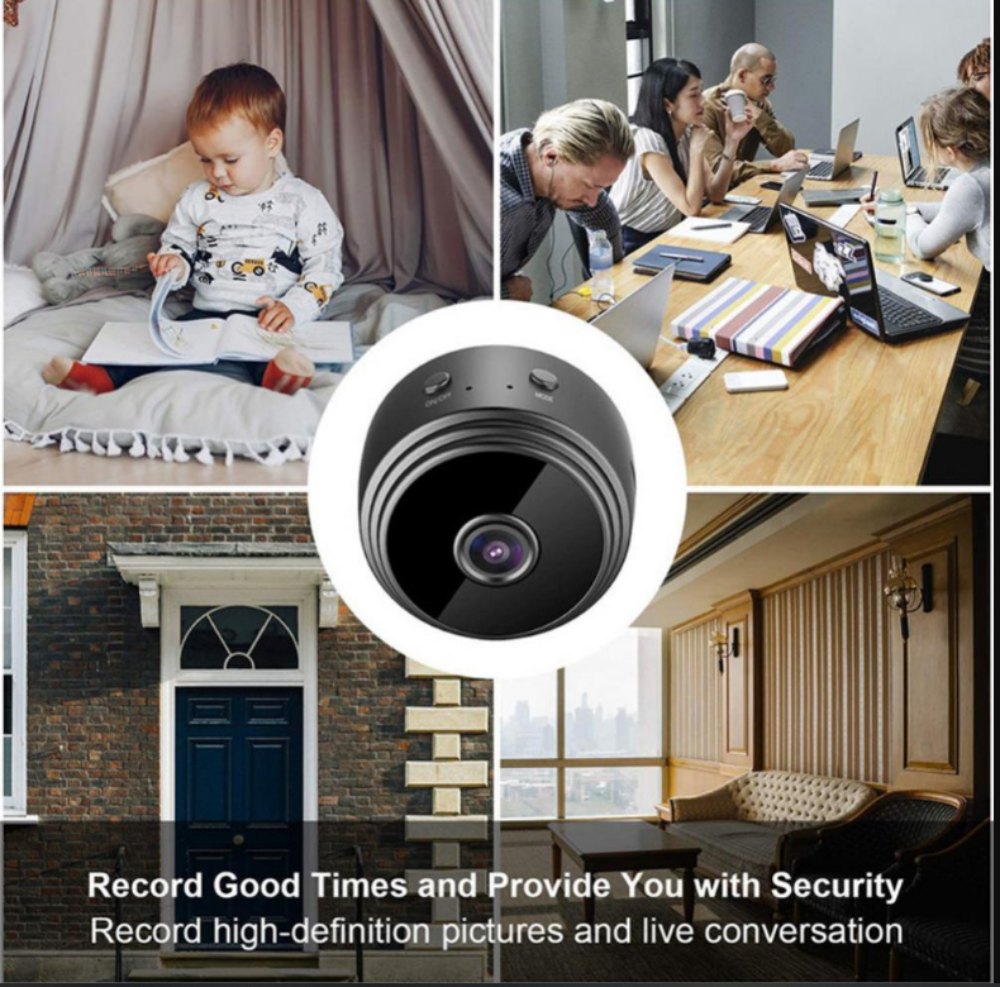
Smart cameras offer a straightforward entry for newcomers seeking better and simpler indoor protection. Beyond just capturing video, these devices now spot motion, send timely notifications, and let people view home events via their smartphones. Prior to picking a gadget, it’s helpful to grasp how smart cameras integrate into today’s home defense strategies.
Understanding the Role of Smart Cameras in Modern Home Security
Today’s home protection has changed quickly, fueled by tech progress and users’ desire for simplicity. Smart cameras act as the foundation of linked living spaces, delivering live oversight and clever danger spotting.
The Evolution of Home Security Technology
The change from old wired setups to wireless smart tools shows a big shift in what people expect. Thanks to better chips, software, and network tools, security cameras are slowly shifting from expert uses to everyday homes, and more home WiFi cameras are appearing in living rooms. This move gets backing from rising AI and IoT links that boost automatic actions and quick replies. People now favor joined systems where lights, alerts, and cameras work together smoothly on one platform.
How Smart Cameras Differ from Conventional Security Systems
Unlike old CCTV systems that need hands-on control and on-site storage, smart cameras give cloud access, app alerts, and automatic reactions. Home cameras mainly use WiFi links, TF card or cloud saving, basic AI tools like person spotting and sound warnings, and phone app control. Numerous types have built-in sensors that study movement habits to tell routine actions from possible risks. Linking with smart helpers lets users manage devices through voice orders or set routines for added ease.
Evaluating Smart Cameras for Beginners in 2026
For those new to smart security in 2026, grasping main traits and weighing output against price are vital steps.
Key Features That Appeal to New Users
Simple setup stays a main draw for fresh users who like easy-start options led by phone apps. Buy several cameras if required to watch the full area. User-friendly phone screens let people see live views and get quick notices when motion or noise occurs. Auto software updates also keep devices improving in function and online safety without needing deep skills.
Balancing Cost, Performance, and Ease of Use
For beginners in 2026, a smart camera should be easy to set up, affordable, and reliable for daily indoor security. New users can focus on clear HD video, stable Wi-Fi connection, phone app control, motion or sound alerts, two-way audio, and safe storage options such as TF card or cloud saving. Instead of choosing a complex system at first, it is better to start with a simple model that supports auto updates and can add more cameras later. This gives users basic home monitoring now while allowing the security setup to grow as their needs change.
Essential Considerations Before Choosing a Smart Camera
Choosing a smart camera means checking privacy steps and network needs that shape total dependability.
Privacy and Data Protection Concerns
Info safety comes first in any linked watch system. Coding methods protect video flows in transit, and safe cloud saving blocks unwanted entry. Users must handle access rights wisely across shared logins or various gadgets in a home. Makers’ openness about data gathering and keeping builds faith among people worried about online privacy dangers.
Connectivity and Network Requirements
A steady Wi-Fi link is key for smooth HD streaming and far-off access. Unstable networks can cause delays or skipped notices in key moments. Many new types offer mixed savings, like local SD cards with cloud options for extra safety—making sure videos stay reachable even if links drop briefly.
Comparing Smart Cameras with Other Home Security Options in 2026
As tech grows, smart cameras keep beating old wired systems, yet they face some limits against full security networks.
Advantages Over Traditional Wired Systems
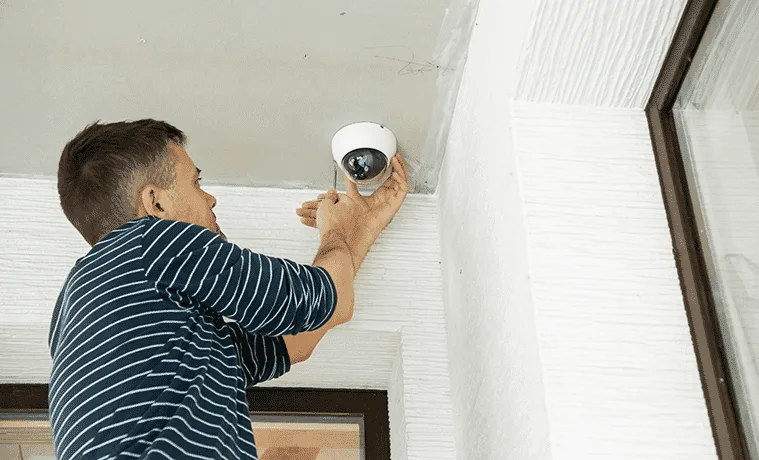
Wireless setup skips tricky wiring, so owners can place cameras on their own without expert help. Far-off watching via special apps gives freedom for those away or working remotely who want to check their place anytime. As part of smart homes, these cameras not only gather image data in living areas live, but they also examine and handle this data using advanced tools to give users varied services. Joining with other IoT gadgets—like lights that turn on with motion or auto door locks—boosts total safety through teamed responses in crises.
Limitations Compared to Advanced Security Ecosystems
Even with these gains, single smart cameras rely a lot on internet links for complete work. Blackouts might break live monitoring. Paid cloud plans can raise costs over time versus one-time buy systems with local savings. Plus, setups with many sensors give wider reach than one-camera plans for guarding big spaces or tricky designs.
Future Trends Shaping Smart Camera Adoption Among Beginners
New tech is reshaping how newcomers handle home watching by boosting precision and easing control screens.
AI-Powered Enhancements in Detection Accuracy
Man-made intelligence keeps sharpening item spotting in current gadgets. A main use of smart cameras in home protection is break-in spotting and warnings. By telling apart people, animals, cars—or even light shifts like shadows—AI cuts wrong alarms a lot over time via learning methods that adjust. Joining with forecast tools allows early notices before issues grow serious, giving calm to owners wanting steady auto fixes.
The Rise of Unified Smart Home Security Platforms
Joined platforms let users oversee many security tools from main centers that back cross-maker match standards. As link-up gets better among brands, buyers gain from easier setup steps that lower skill walls for basic users taking full defense packs under paid systems that blend services smoothly across light controls, sensors, alerts, and view units.
Practical Tips for Selecting the Right Smart Camera Setup in 2026
Before buying any system, newcomers should review their own needs closely while matching specs to aims.
Identifying Personal Security Needs and Goals
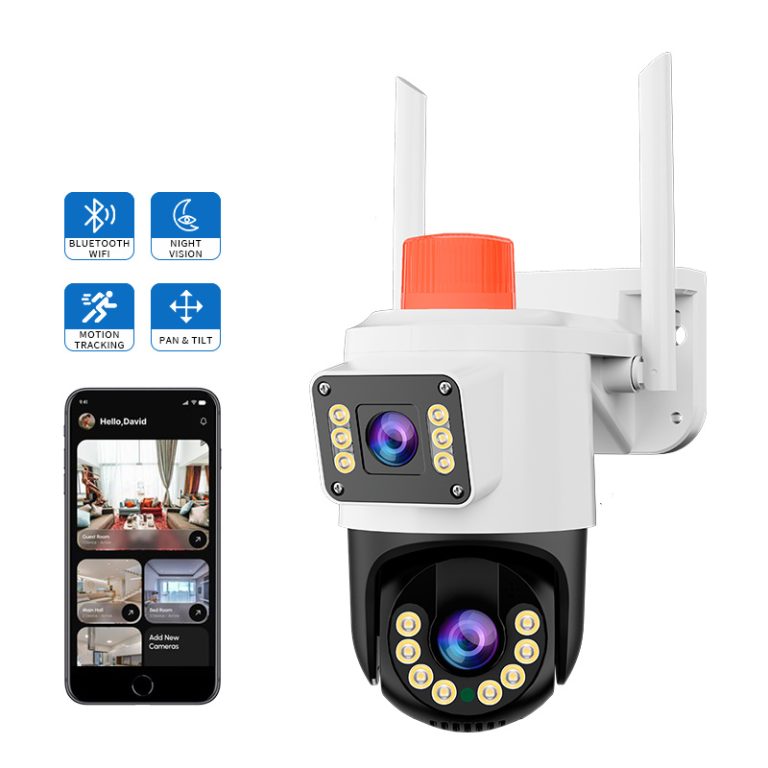
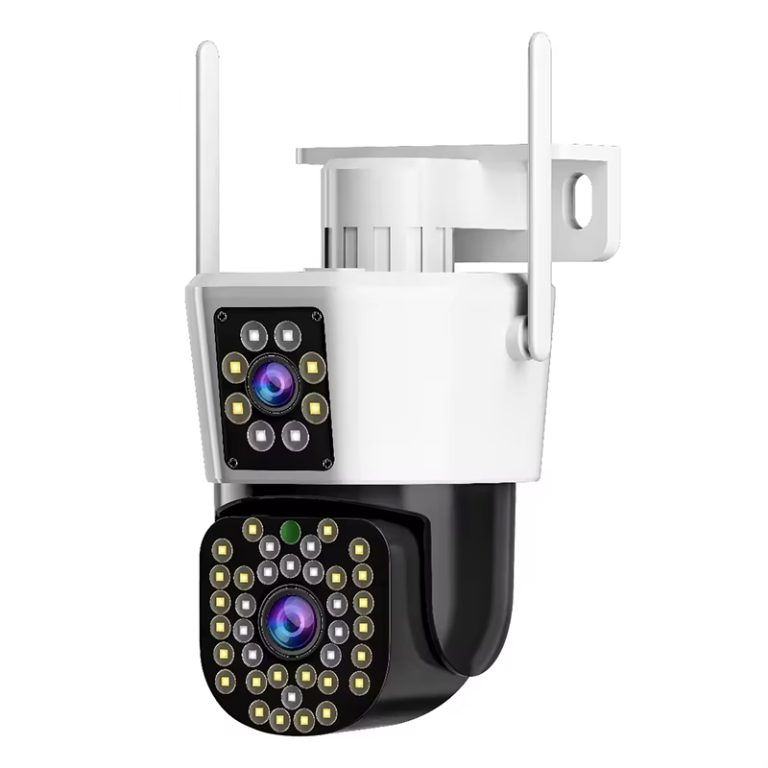
Choosing the right monitoring areas helps decide where cameras should be placed and what type of camera is needed. First, confirm whether the camera will be used indoors, outdoors, at entrances, or in specific rooms. Different zones have different risks and access points, so the placement should match the area that needs the most protection.
Recommended Features for Beginner-Friendly Models
Core Specifications to Prioritize: Beginner-friendly smart cameras should offer at least 1080p video, clear images, two-way audio, and app-based motion detection zones. These features help users see details clearly, talk with people at home or at the door, and reduce unnecessary alerts.
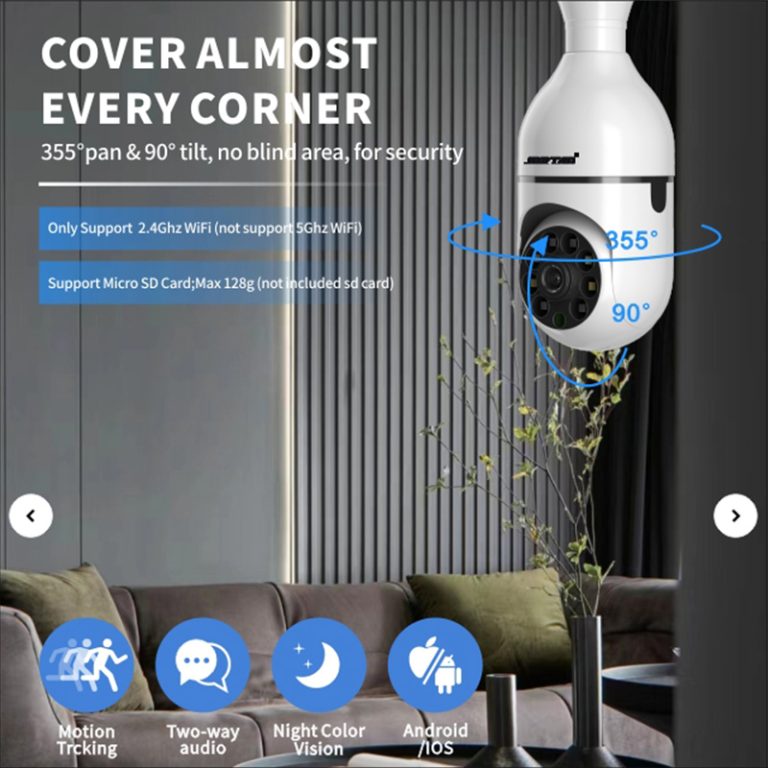
Optional Enhancements Worth Considering: Useful extra features include infrared night vision, color night mode, smoke or environment detection, voice assistant support, and local storage. These options improve nighttime monitoring, daily convenience, and backup reliability when the internet connection is unstable.
FAQ
Q1: What makes smart cameras ideal for beginners entering home security?
A1: They provide simple setup through phone-led apps, clear screens, auto updates, and flexible growth, turning them into reachable yet strong aids even without tech know-how.
Q2: How do AI-powered features improve overall safety?
A2: Via adjusting learning methods that spot differences between people, animals, and cars, they cut false notices and boost steadiness as time goes on.
Q3: Are there affordable options providing both quality imaging & privacy protection?
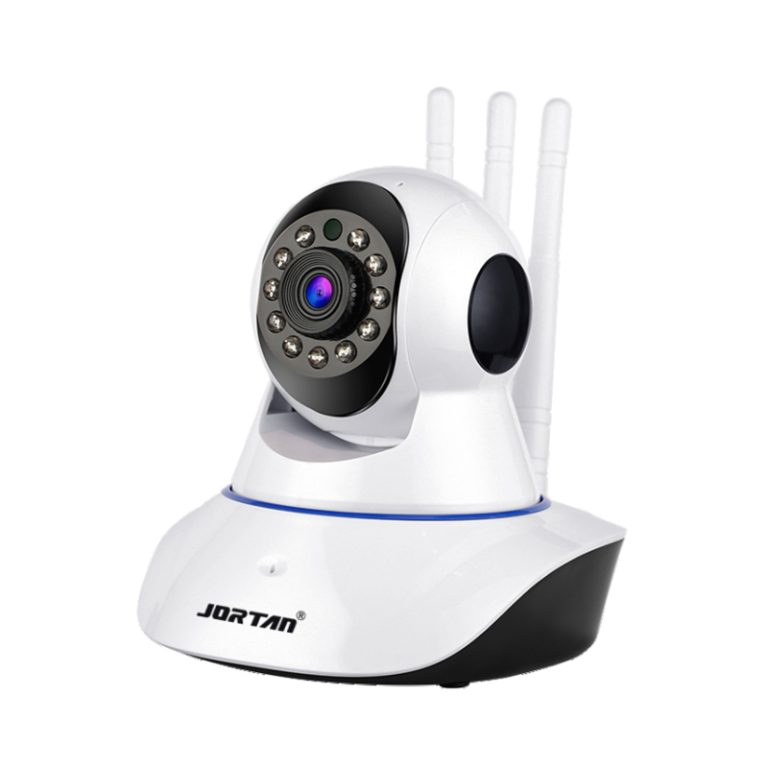
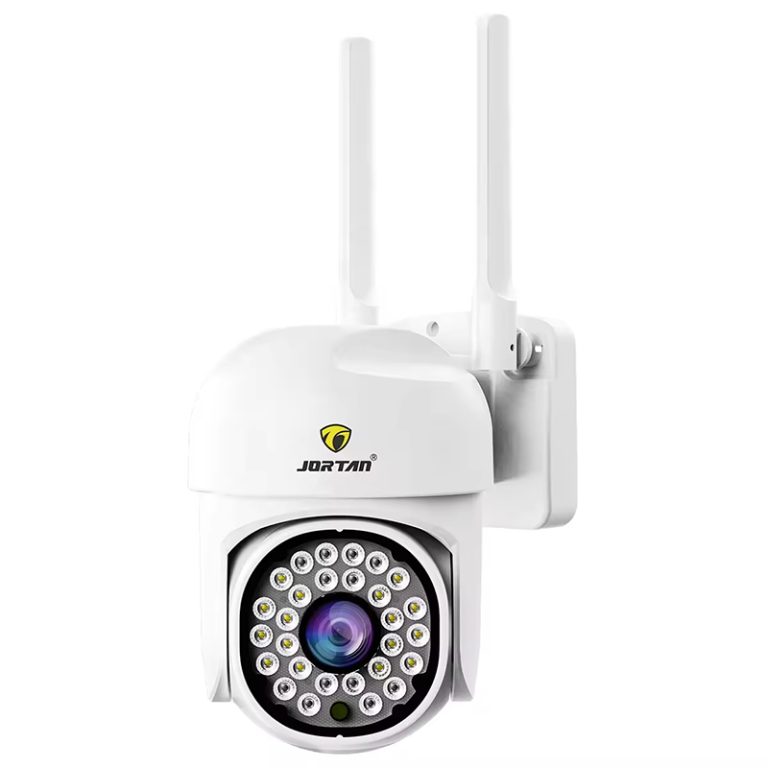
A3: Yes, starter types like Jortan’s Indoor Wireless Smart Camera offer HD views, coded sends, and two-way sound at fair prices, mixing low cost with solid output.
Q4: Can multiple cameras be managed together under one system?
A4: Yes, joined platforms now permit main control over many gadgets, allowing smooth teamwork among sensors, lights, alerts & linked view tools to ease user handling a lot.