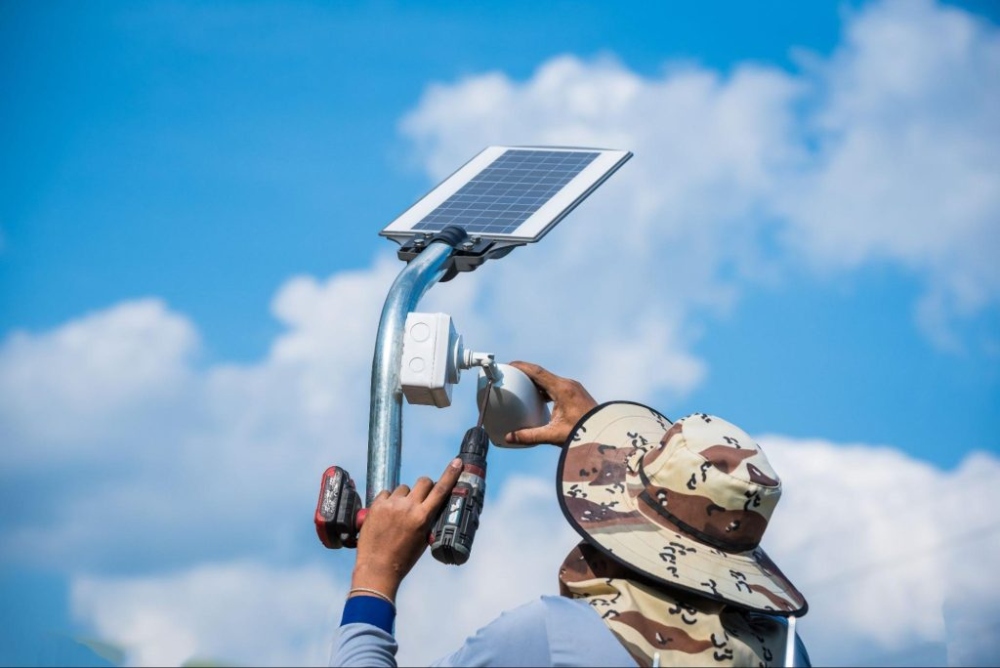
Smart installation of solar cameras begins with identifying spots where each camera offers the sharpest view, broadest coverage, and most dependable power link. Prior to selecting tools or mounting spots, grasp the core ideas of outdoor security camera positioning, cabling, network setup, and weather shielding.
Understanding the Fundamentals of Outdoor Security Camera Installation
Outdoor security setups have advanced quickly thanks to progress in clever tech and eco-friendly power options. For experts setting up cameras in exposed areas, knowing the basics guarantees smooth operation and lasting results.
Key Components of Modern Outdoor Security Systems
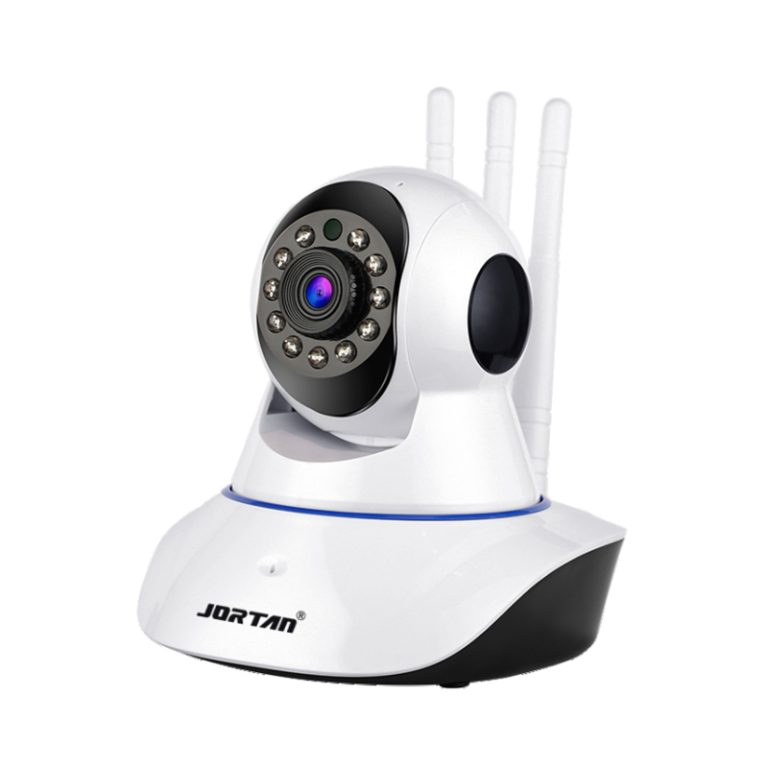
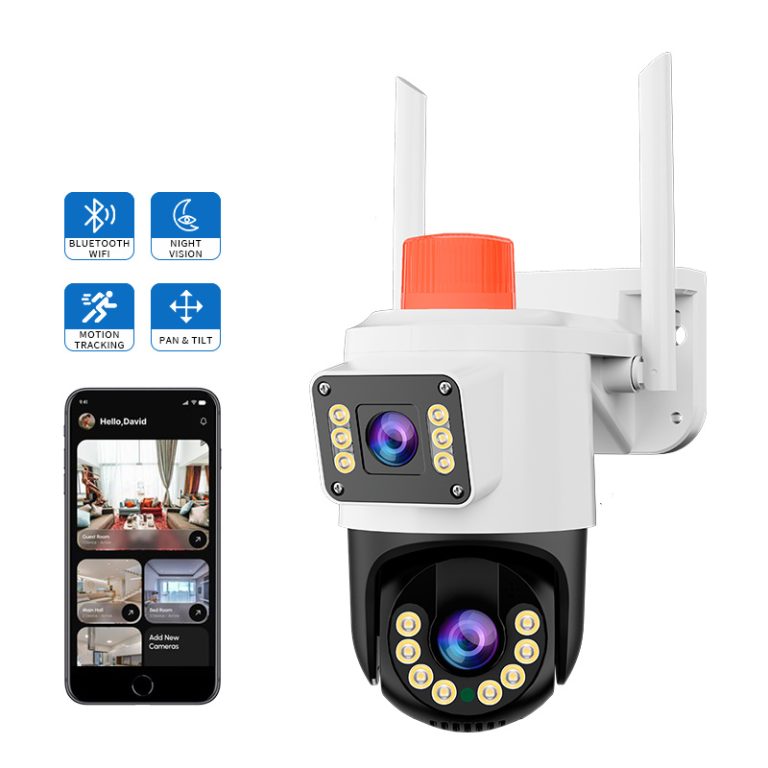
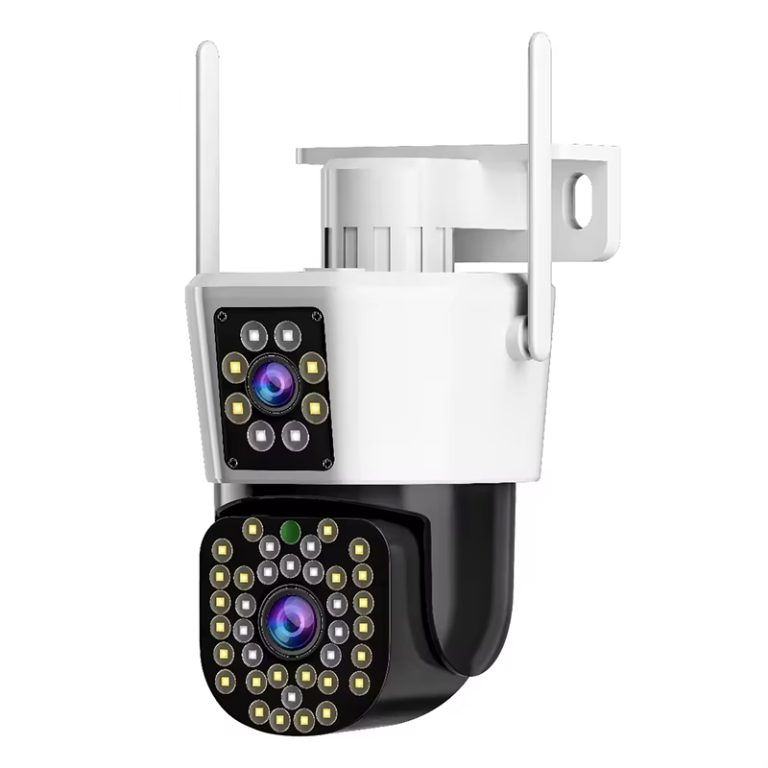
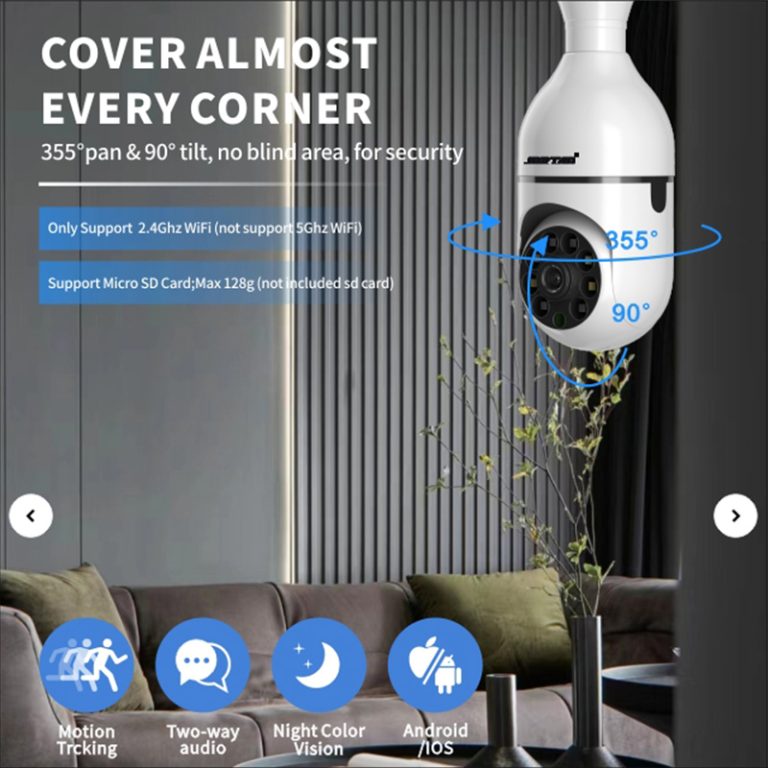
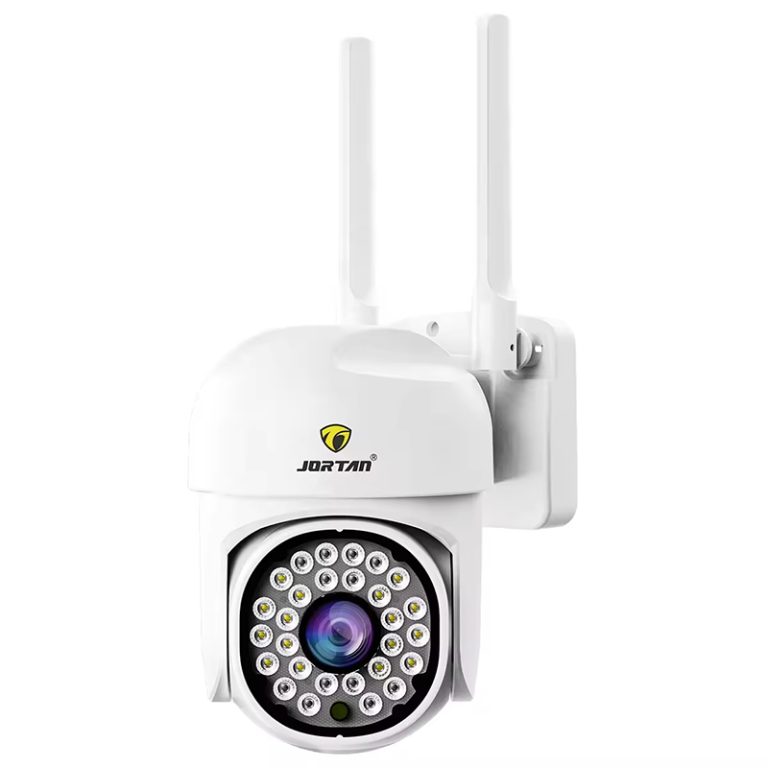
Current outdoor security arrangements feature different camera varieties tailored to particular weather settings. Stationary cameras deliver steady oversight for doorways, whereas PTZ (pan-tilt-zoom) types allow adaptable watching over wide zones. As the monitoring field keeps innovating, people value and apply surveillance more widely. Options range from wired to WiFi to 4G, boosting real-world use. Such growth meets varied setup demands, from home gardens to factory boundaries.
Toughness matters greatly; weather-proof substances like metal housings with IP66 or IP67 levels guard against downpours, dirt, and heat shifts. Linking these setups to smart home networks or expert watch centers boosts instant control and distant entry features.
The Role of Solar Power in Outdoor Camera Systems
Power self-reliance now stands out in fresh outdoor watching tools. The main appeal of low-energy solar cell cameras lies in fixing setup issues for old monitoring gear in far-off spots or places lacking basics, all while fitting the push for saving energy, green practices, and tech smarts. Solar cameras cut ties to power lines, suiting them well for the countryside or no-grid spots.
Solar boards pair with battery holders to keep running smoothly even on overcast days. Monocrystalline silicon solar panels charge up fully in 5-6 hours, handle dim light charging, and hold up in tough spots. Success relies on right board direction—best aimed south in northern areas—and cutting shade from trees or structures.
Preparing for an Efficient Camera Installation Process
Before starting the setup, thorough planning secures top results and low upkeep needs as time goes on.
Assessing the Installation Site
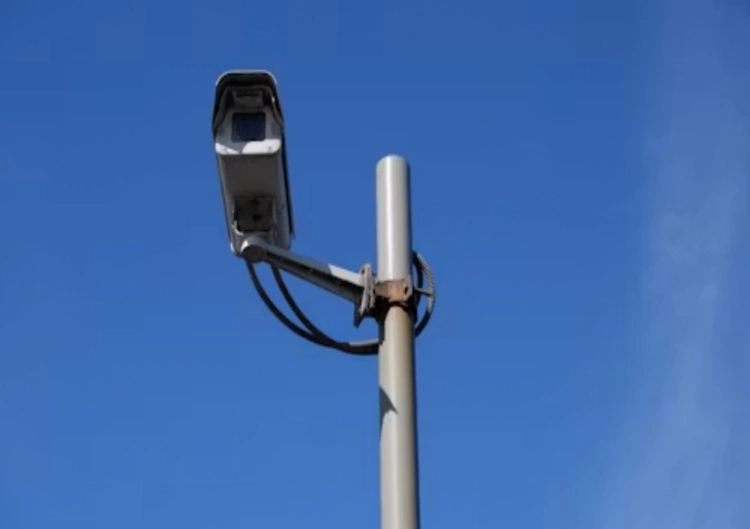
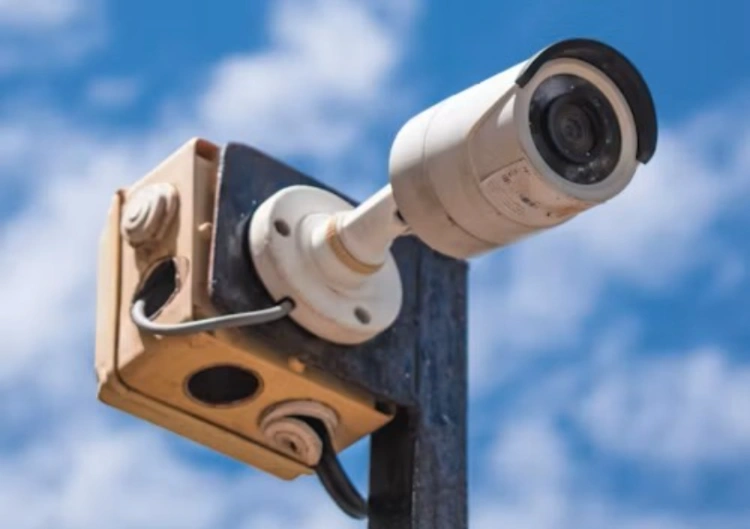
A close look at the site aids in picking camera spots for best oversight. Check light levels day and night to avoid bright spots or shadows that might hide images. Based on the real setup of outdoor watch points, place cameras and extra lights (if needed) on watch poles, and set up network gear, fiber converters, surge protectors, power units, and more in outdoor boxes. Pick firm surfaces like walls or posts that give clear sight while cutting shake from breezes. Keeping close to Wi-Fi units or network points also prevents link breaks during use.
Gathering the Necessary Tools and Equipment
Basic tools cover drills for fixing brackets, water-resistant wires for power ties, sealers for guarding joints against weather, and flexible holders for exact aiming. Safety items such as hard hats and straps are required for work on roofs or high posts. Add-ons like wire fasteners or solar board bases help speed up the process by lessening mess and securing wire handling all through the setup.
Step-by-Step Guide to Installing Solar-Powered Outdoor Cameras
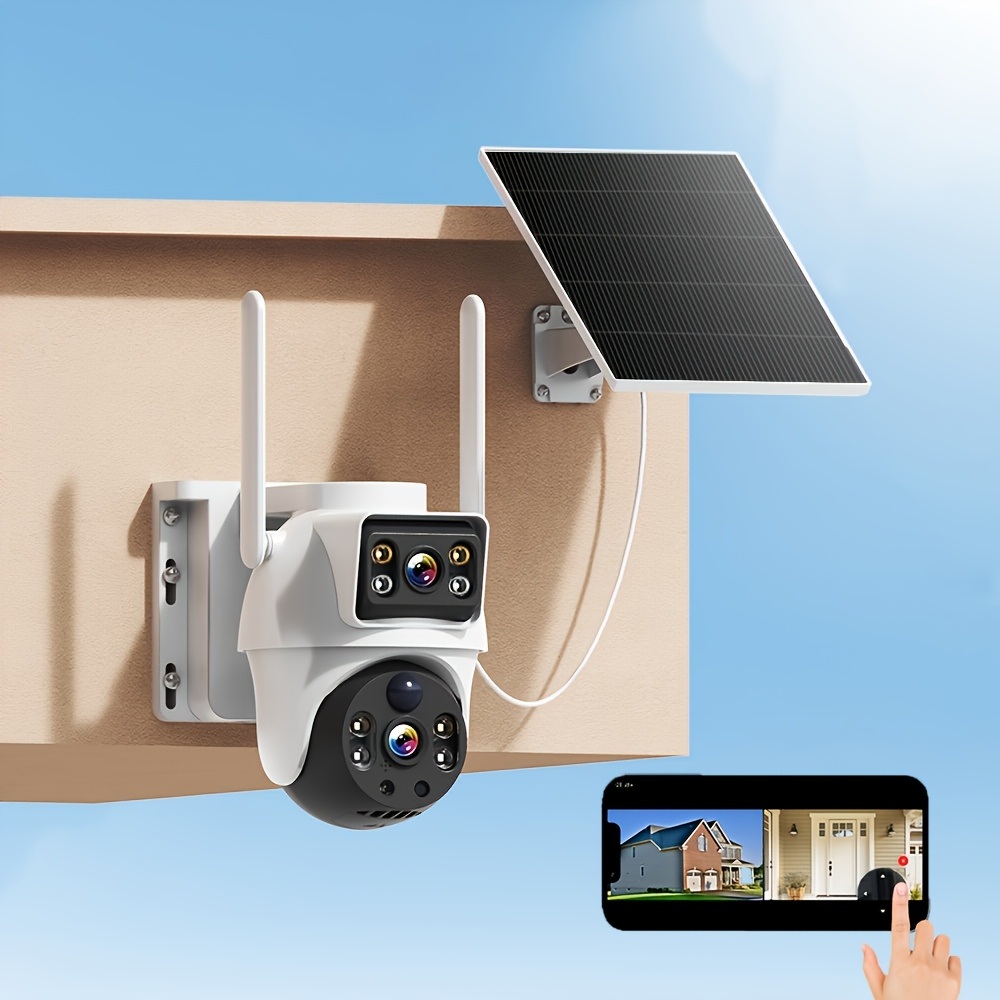
Correct setup methods ensure steady work in all situations while blending nicely with current buildings.
Mounting the Solar Panel and Camera Unit
Location matters most—solar boards need to face straight sun without blocks for much of the day. Fasten holders tightly with rust-proof screws that endure fierce winds or big rains. Set camera directions by target areas; broad-view lenses should watch entrances, and PTZ units track larger edges with active movement.
Connecting Power and Network Systems
Attaching solar cameras securely involves joining solar boards to matching battery parts before linking to camera bodies. This action assures even power flow at the start of setup. Build solid Wi-Fi or Ethernet bonds based on what’s available. 4G/5G-ready types work great where fast internet is lacking, since built-in 4G/5G IoT cards enable far-off data sending without internet. Always check links before locking in holder spots to verify steady signal power over all units.
Configuring Camera Settings for Optimal Performance
After physical setup, adjust motion sense levels to match area changes—higher levels cut fake alerts from swaying leaves or tiny creatures. Storage choices might cover cloud services for faraway backups or local SD cards for fast access in on-site checks. Adding phone apps lets you stream live from afar and get alerts when motion happens in set areas.
Enhancing System Efficiency and Reliability in 2026 Installations
New tech keeps reshaping how outdoor security setups run in green ways while sharpening analysis accuracy via AI-based advances.
Leveraging Advanced Features in New Security Technologies
AI-driven analysis boosts motion-spotting exactness by distinguishing human actions from pointless background shifts. AI-powered recognition improves event detection accuracy through a three-level humanoid and vehicle filtering algorithm, reducing false alarms to 0.3% in measured scenarios. Tying in with voice helpers allows spoken orders like starting alarms or changing watch styles without hands in crises. As 5G networks grow worldwide, live video flow steadiness will rise a lot, even in far areas where delays once slowed quick replies in real-time watching.
Maintenance Practices for Long-Term System Efficiency
Regular care keeps setups working well in shifting weather. Clean lenses and solar boards often to hold strong output. Check wire covers now and then along open paths, since sun rays can wear down plastic layers over years, risking shorts if ignored. Updating software keeps fit with growing security rules, so units stay matched in linked setups that back easy cross-system automation.
Troubleshooting Common Installation Challenges
Even with good steps during setup, some issues may pop up that briefly affect steady running, needing fast fixes done quickly.
Addressing Power Supply Issues in Solar Systems
In long overcast times, weak charging might happen, hitting uptime trust levels hard. Solar power needs no wires or grid ties, making it perfect for country yards, orchards, fields, build sites, or far hills without steady power. Tweaking angle slopes boosts sun time for better charge rates, and adding extra lithium batteries gives longer self-run, securing non-stop work no matter light changes seen by season.
Resolving Connectivity Problems in Outdoor Environments
Signal blocks often come from thick barriers or metal builds that hinder wireless sends, leading to spotty cut-offs that break steady streams viewed from afar on phones or pads. Using mesh routers or signal boosters cuts down on fade losses, thus fixing steady data flow over spread points tied together in the same network area smoothly.
Ensuring Stable Operation Under Harsh Weather Conditions
Open areas put gear parts right in line with dampness, dirt, UV rays, and wild temps, so picking boxes rated IP66/IP67 is vital to promise strength against water entry, wear, and breakdown, ensuring long service beyond usual choices, as shown in strict field trials noted broadly in industry standards accepted around the world.
FAQ
Q1: What makes solar-powered cameras suitable for off-grid installations?
A1: They run on their own without power grids by using built-in solar boards paired with smart battery holders, giving non-stop service even in dim light, as noted that solar power supply does not require wiring or electricity connection. For top choices, look into Jortan’s solar camera.
Q2: How long can these systems function without sunlight?
A2: Per product details, about 4 hours of daily sun can back 15 days of rainy and cloudy running, securing steady watching trust all year, no matter local weather shifts faced.
Q3: Are AI features standard across all new models?
A3: Lots of fresh types add AI spotting methods that lower fake alerts a lot, boosting spot-on detection, which is especially useful in busy outdoor spots with plant sway or car flows seen often.
Q4: What maintenance schedule should be followed annually?
A4: Wipe lenses every three months, check holders twice a year, and update software often to keep peak work levels, stopping wear ahead and guarding the setup’s lasting value well over long use times expected with pro planning in place for the whole run, as advised widely in the field now.