Picking a WiFi CCTV system for your house means looking at more than just the cost or how it looks. You need a camera that gives steady links, sharp pictures, and useful tools for everyday safety. Knowing these parts well can help you make a stronger and better home protection plan.
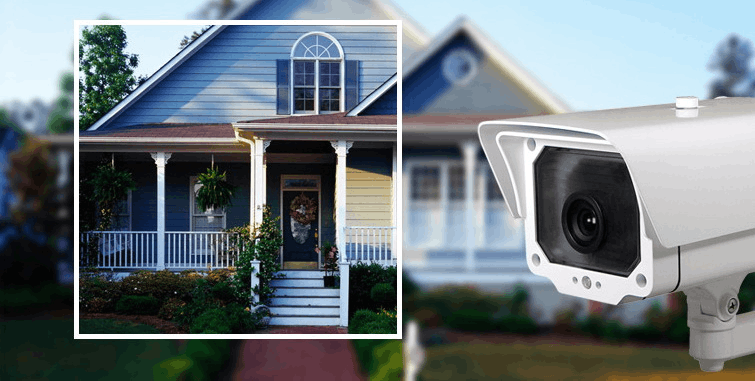
What Makes a WiFi CCTV Camera Ideal for Home Security?
When you want to make your home safer, the best WiFi CCTV camera turns into an important buy. A good system does not only save what happens—it gives you live views and helps scare away trouble. Picking the right camera calls for checking both tech parts and how it works in real life to see how well it can guard your place.
Factors to Consider When Choosing a WiFi CCTV Camera
Picture clearness and video quality stand out as main points in any watching setup. A high-definition camera makes sure small things like faces or car plates show up sharp, even when you zoom closer.
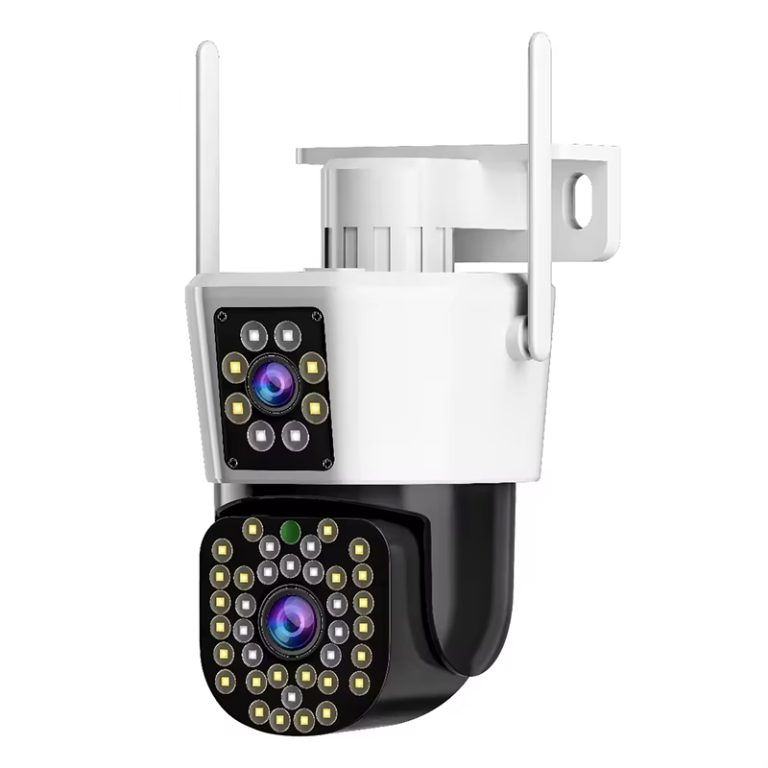
Night sight becomes just as important for round-the-clock guarding. When light gets low, infrared lights turn on by themselves through the IR-CUT connection, so you still get clear video even in full darkness. This lets you keep watching all the time without having to do anything by hand.
The area the camera can see decides how much ground it covers. A bigger angle cuts down on hidden spots and means you might not need as many cameras. At the same time, movement sensing lets you know right away when something moves, so you can act fast if there might be danger.
How Does Jortan Stand Out in the WiFi CCTV Market?
As more choices appear in home safety, the brands that mix new ideas with steady performance really shine. One of those brands is Jortan, which has grown to mean smart watching answers made for today’s living areas.
Key Features of Jortan’s WiFi CCTV Cameras That Redefine Smart Surveillance
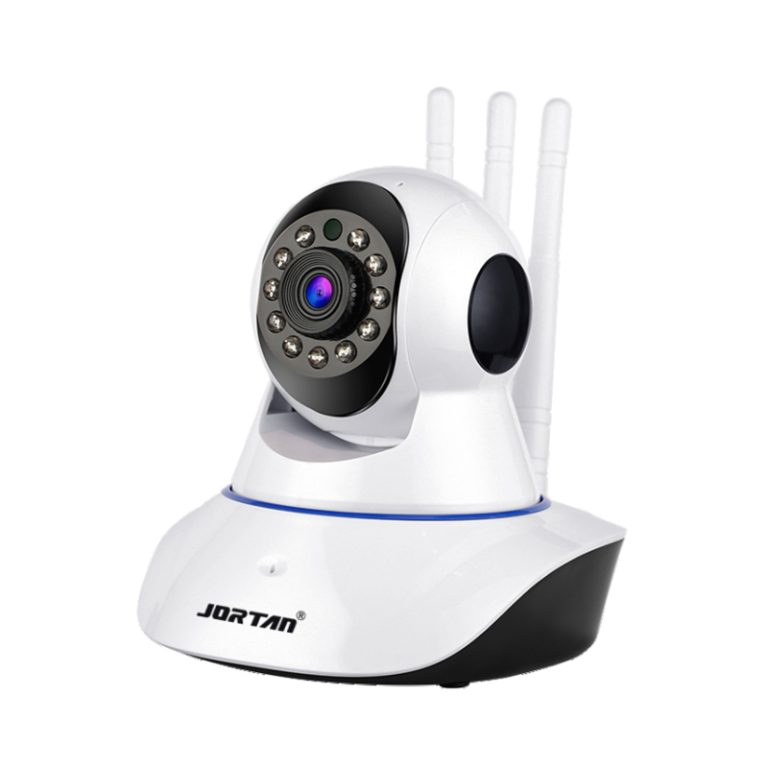
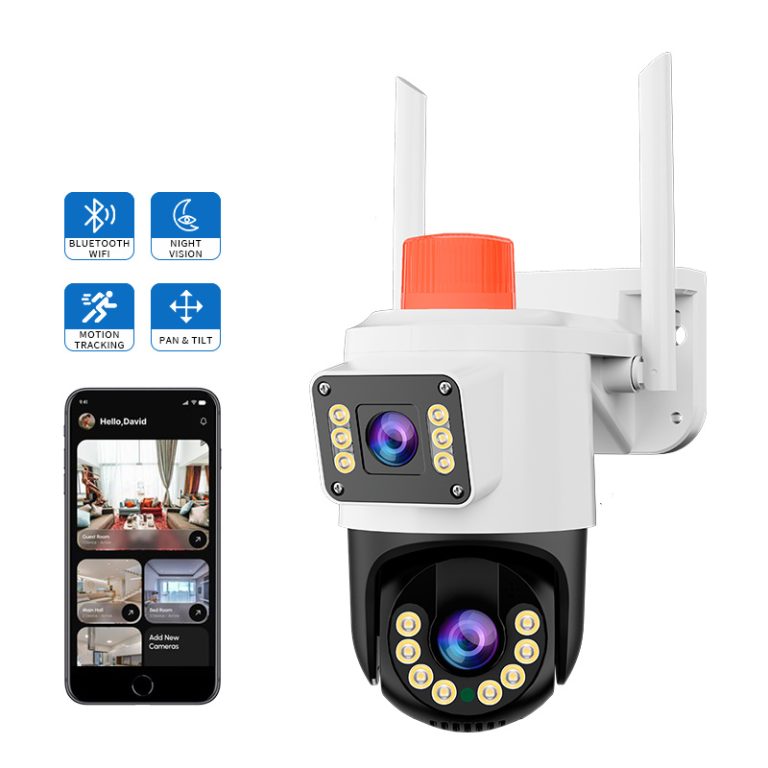
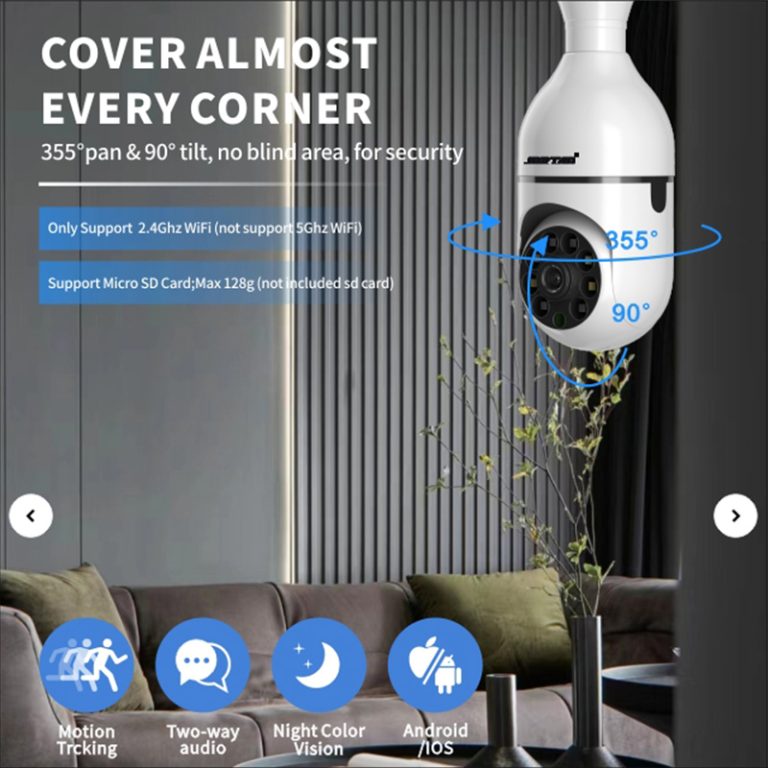
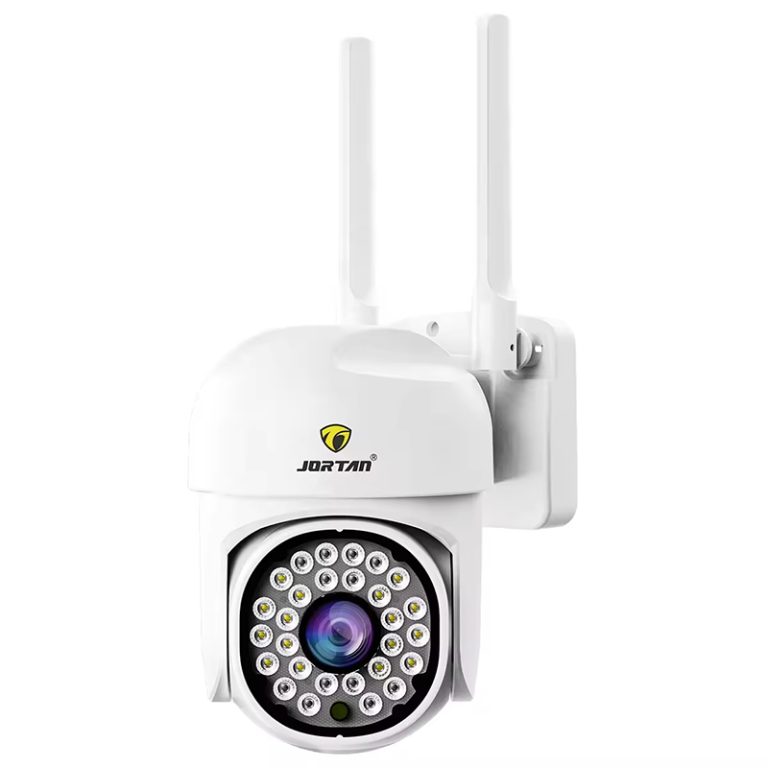
Jortan’s cameras bring together new tech built to improve how much they cover and how well they last. They allow object following and smart checking that lets the camera lock onto things that move and send live warning notes to your phone. This helps you keep an eye on things around you without having to look at the screen all the time.
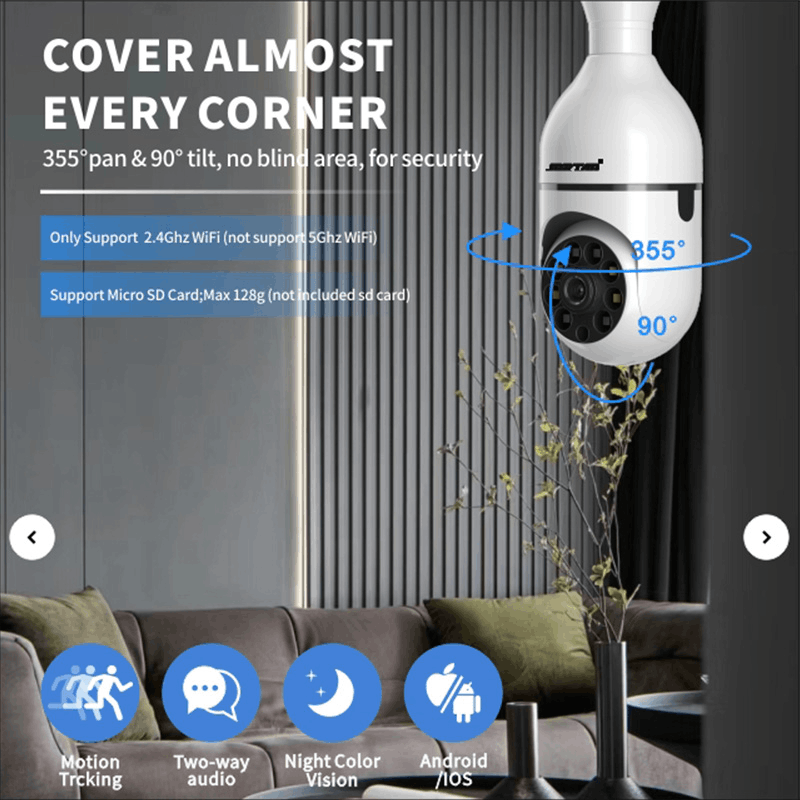
Simple screens make setting up and everyday handling easy. With a single-button reset and working well with apps for iOS and Android phones, even new users can get their systems ready fast. The phone app lets you watch from far away at any time, so you always have a way to see live pictures.
Sharp video with steady links counts as one of Jortan’s strong points. Its wireless part (RTL8188FTV) runs on a 2.4GHz range with WPA/WPA2 safety rules, keeping steady send speeds up to 150Mbps under IEEE 802.11n rules. When you add IP66 weather protection and full lightning safety, these cameras hold up well in different outside conditions.
Are Wireless Cameras Truly Secure?
Worries about safety often come up when people talk about wireless tools hooked to home networks. Yet today’s systems have changed a lot to fix those weak spots.
Security Measures in Modern WiFi CCTV Systems That Protect Your Data
Regular software updates help stop possible weak points by keeping the defenses fresh against new risks. Safe login ways also limit entry to only real users through locked info or extra check steps built into the phone apps.
These many layers of safety make the best WiFi CCTV systems today much tougher than the old kinds of wireless cameras.
How Easy Is It to Install and Use WiFi CCTV Cameras?
Simple setup stands as one of the top good points of wireless watching tech when you compare it to old wired ways that need lots of cable work.
Installation Process and User Experience Insights That Simplify Setup
Wireless tech skips the need for tricky wires by giving you free choices on where to put things using WLAN links that can reach steady send speeds up to 100Mbps inside a 150-meter space under 802.11n APs. This free choice lets you set cameras where you need them without hurting walls or pulling cables through roofs.
Clear guides with steps from the makers make the setup process straightforward and easy—most times it just means linking the item through phone apps and scanning a code to match them. After you finish putting it up, watching from far away feels simple through smartphone programs that let you see live pictures or old saved video right away.
Mixing with smart home tools makes daily use even better by letting you handle things with voice helpers or setups that start when movement happens.
What Are the Benefits of Integrating WiFi CCTV with Smart Home Systems?
Smart mixing brings good teamwork between different house tools, so your safety group works well and feels natural.
Enhancing Home Security Through Smart Integration That Works Seamlessly
When you connect your WiFi CCTV camera to other smart items like alarms or light systems, you can make automatic answers based on camera warnings. As one example, lights can switch on by themselves if movement shows up at night, and this works well to scare off unwanted visitors.
Voice handling through helper programs adds extra ease because you can just tell your helper to show live pictures on linked screens without having to touch anything.
Actions that start from camera events give you forward-looking safety steps so every warning leads to a quick reply from the other linked tools across your home network.
Can You Rely on WiFi CCTV Cameras During Power or Internet Outages?
Even the top WiFi CCTV systems run into problems when power or links go down, so having backup plans matters for steady safety.
Backup Solutions for Uninterrupted Surveillance Even When Connectivity Fails
Battery backup choices keep things running during short power stops so your safety does not drop when electricity cuts out for a little while. Local save spots like TF cards that hold up to 256GB let recording keep going even without internet, protecting proof until the cloud catch-up starts again once the link comes back.
Cloud save options then match up by themselves after the link returns, so no video pieces get lost during the quiet times. These together make wireless watching something you can count on no matter what happens with network strength or surprise stops.
Many families notice right away how much calmer they feel with these cameras watching the yard or front door.
FAQs
Q: How do I choose the right location for installing my WiFi CCTV camera?
A: Pick spots that watch main entryways, busy walking areas, and places with few blocks so each camera catches as much as possible across the important parts of your yard or house.
Q: Can I access my Jortan camera feed remotely?
A: Yes, you can use its own phone app on iOS and Android devices to see live pictures any time from any place by putting in your safe login details.
Q: What should I do if my camera’s night vision isn’t working properly?
A: Look to see if anything sits too close and blocks the infrared lights near the front glass; a gentle clean on the surface often brings back the best night view pretty fast.