Deciding on a surveillance system for a home or business can feel like wading through a swamp of choices. With so many options out there, picking the right one matters. IP cameras and CCTV systems are popular picks, but their differences can shape how well they fit specific needs, like clear video, simple setup, steady connections, or good value over time. Based in Yiwu, China, Jortan has been a go-to name in security for over 17 years, crafting solid products like the JTZ-160B and JT-9697QJ. With a huge 30,000-square-meter factory and a focus on quality, Jortan blends smart tech with practical designs.

What Are IP Cameras and CCTV Systems?
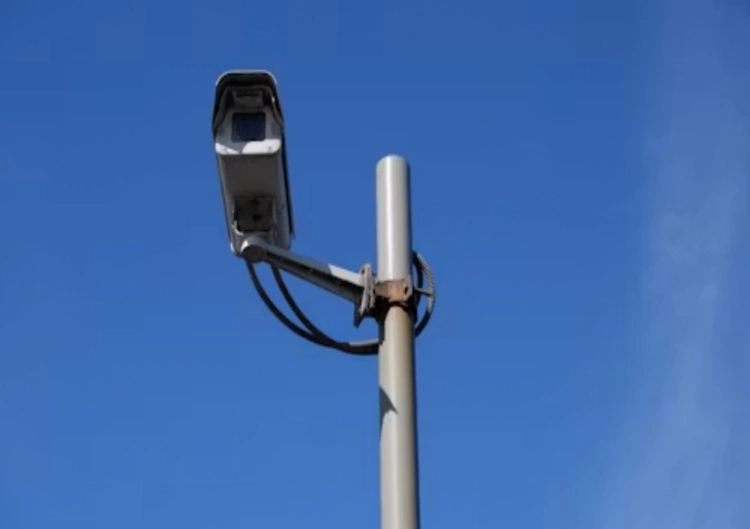
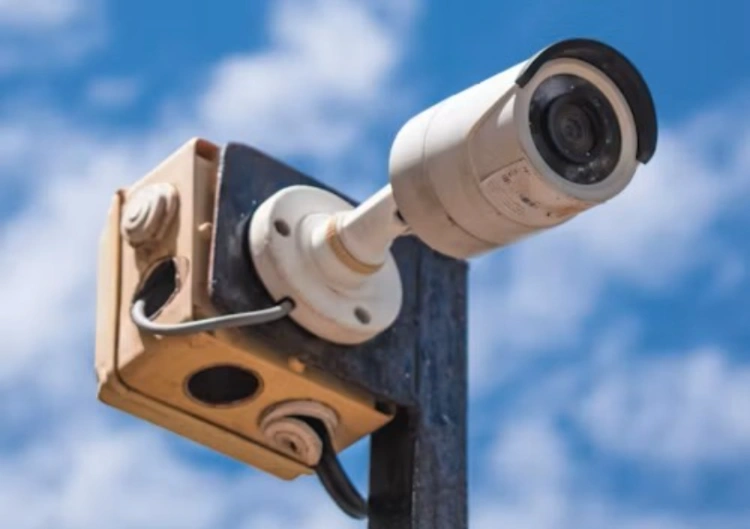
Both IP cameras and CCTV aim to keep spaces safe, but they work in totally different ways. IP cameras send digital video across the internet or a local network, letting users check footage from anywhere. CCTV, though, sticks to analog signals sent to a local recorder, keeping things more old-fashioned and limited.
Closed-Circuit Design
CCTV setups are “closed.” Footage stays in a private loop. You usually see it on a screen in a safety room. This can feel tight if you want to look while on a trip. IP cameras break this wall with cloud links and phone apps. For example, Jortan’s items let you peek from far away.
Digital Video Transmission
IP cameras grab video in digital form and send it over networks like Wi-Fi or 4G. This setup lets users watch live footage on a phone or laptop.
Jortan’s IP Camera Solutions
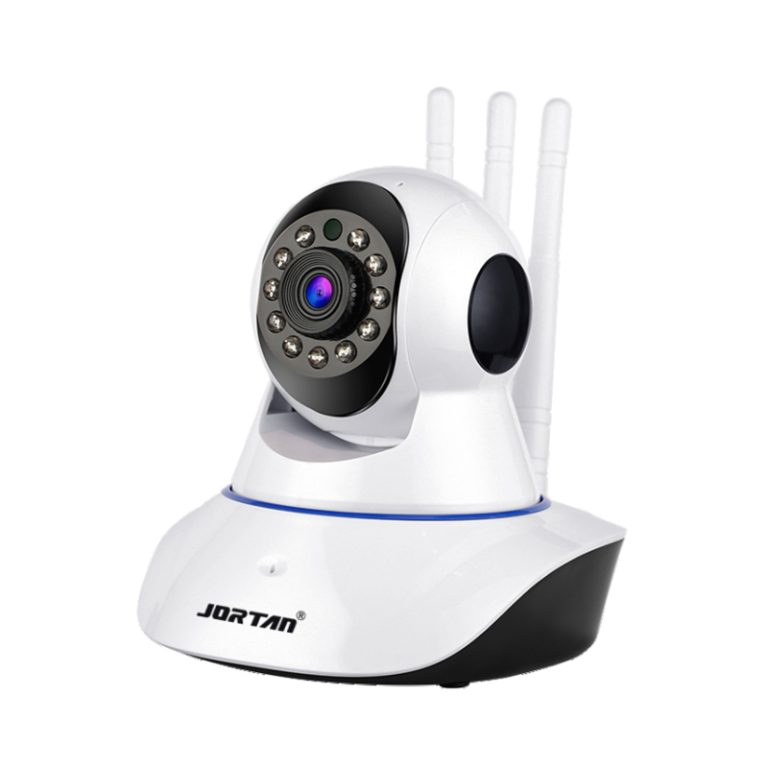
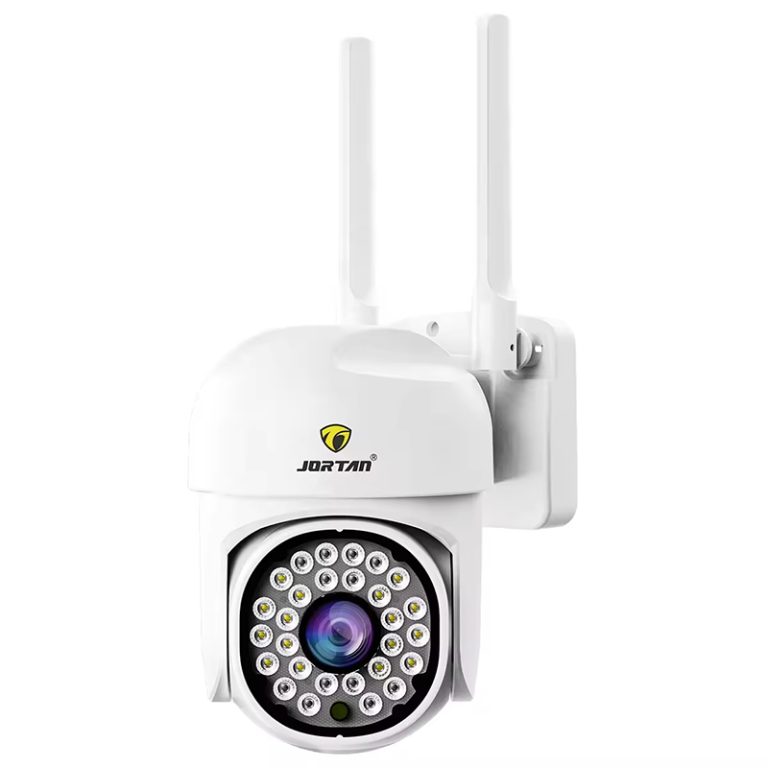
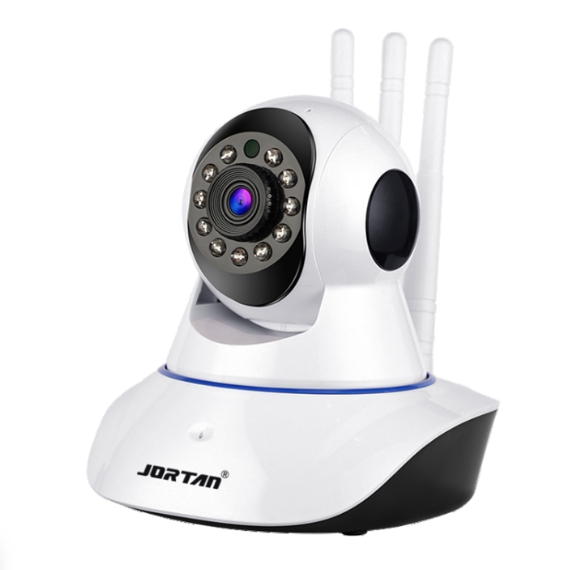
Jortan’s JTZ-160B and JT-9697QJ are standout IP cameras with 360-degree views and 8MP resolution. They use clever H.265AI encoding to keep videos sharp without hogging internet speed.
How Do IP Cameras and CCTV Differ in Technology?
Digital vs. Analog Processing
Digital processing in IP cameras allows cool features like spotting human shapes, which Jortan’s cameras use to catch intruders accurately.
Network Integration Capabilities
IP cameras hook up to networks, so they can work with smart home setups or be checked through apps like Super Look or ICSEE. CCTV systems, though, don’t mesh well with modern networks.
Why Is Image Quality Crucial for Surveillance?
IP cameras generally beat CCTV in this area, offering sharper images and smarter processing.
Superior Resolution in IP Cameras
IP cameras, like the JTZ-160B, deliver up to 6MP resolution, capturing tiny details even in crowded spots. This is huge for picking out faces or items in busy places like markets or parking lots. CCTV’s lower resolution often struggles here, leaving users squinting at grainy images.
Advanced Noise Reduction
IP cameras use 2D/3D noise reduction to keep pictures clear, even in low light. Jortan’s JT-9697QJ, for example, uses digital wide dynamic range to balance bright and dark spots, so every detail pops. CCTV images, by contrast, can get noisy and hard to read in dim settings.
Full-Color Night Vision
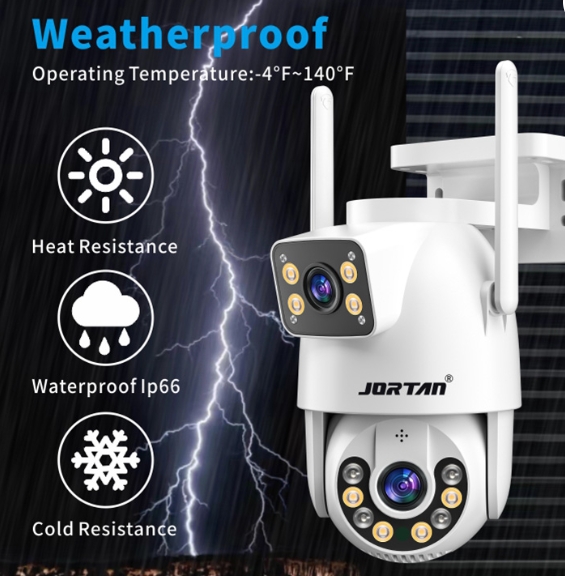
While CCTV often gives grainy black-and-white footage at night, Jortan’s cameras bring full-color night vision. The JTZ-160B uses four white lights and infrared LEDs to show clear visuals up to 50 meters, making nighttime as vivid as day.
How Does Installation and Scalability Compare?
People want something quick to install and easy to grow as needs change. IP cameras and CCTV differ a lot here, affecting how fast a system gets running and how simple it is to add more cameras later.
Scalability of IP Systems
Adding more IP cameras is as easy as linking a new device to Wi-Fi. Jortan’s cameras blend smoothly with existing setups, letting users expand without tearing up walls for new wires. CCTV, though, often needs fresh cables for each new camera, which can get messy and pricey.
What Are the Connectivity and Remote Access Benefits?
IP Camera Connectivity
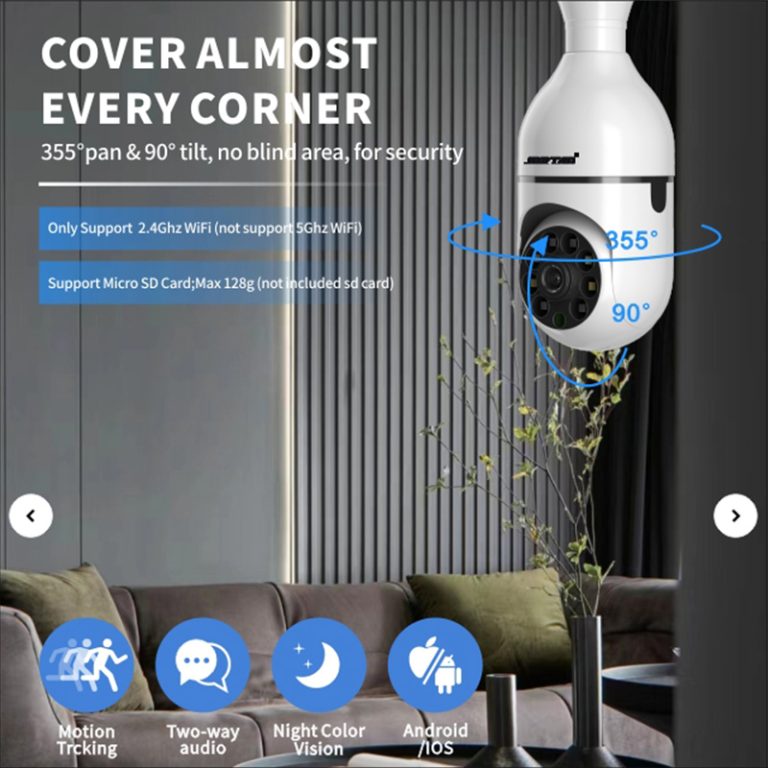
Jortan’s cameras, like the JTZ-160B, connect via Wi-Fi or 4G, so users can watch their property through apps like Super Look or ICSEE.
Real-Time Alerts and Tracking
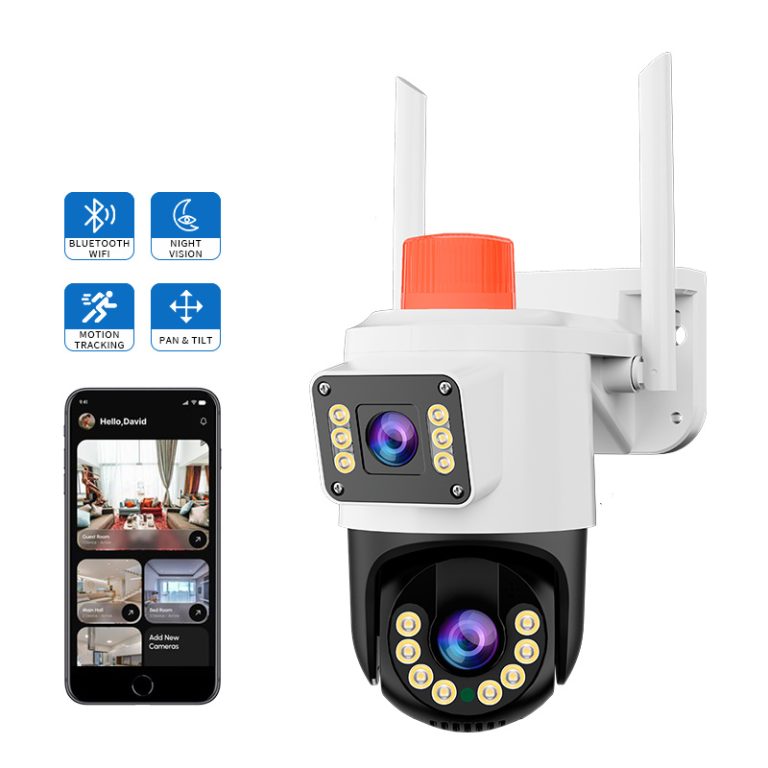
Jortan’s cameras step up with human-shape detection and motion alerts sent straight to a phone. The JT-9697QJ tracks movement up to 15 meters and pings users instantly.
Why Are IP Cameras More Cost-Effective in the Long Run?
Money matters, but so does getting value over time. A system shouldn’t drain wallets with constant fixes or upgrades. While CCTV might look cheaper at first, IP cameras often save cash in the long run, especially with smart features that cut ongoing costs.
Flexible Storage Solutions
With support for TF cards up to 128G and cloud storage, Jortan’s cameras make data storage affordable. The JT-9697QJ uses H.265AI encoding to cut storage needs by half, so users spend less on memory cards or cloud plans. It’s a small detail that adds up.
How Do Jortan’s Products Stand Out for Modern Security?
JTZ-160B’s Panoramic Coverage
The JTZ-160B offers a 360-degree view and IP66 waterproofing, so it works indoors or out. Its full-color night vision and two-way audio let users watch and talk in real time. It’s perfect for checking on kids or scaring off a prowler.
JT-9697QJ’s AI-Powered Precision
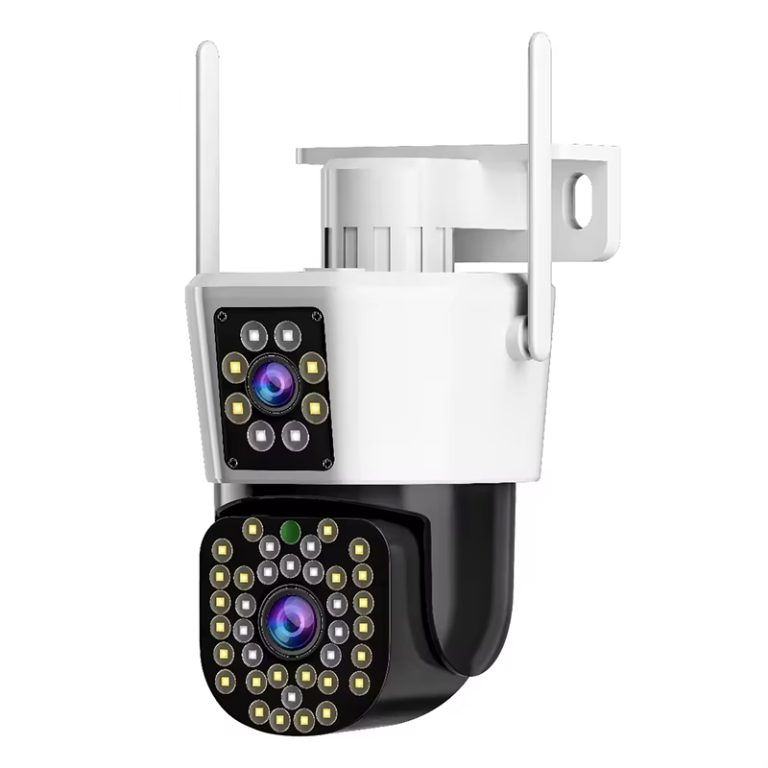
The JT-9697QJ has an 8MP dual-lens design and AI-driven human detection up to 30 meters. Its smart tracking catches every detail, giving footage that could hold up in court. This camera is a beast for businesses needing tough security.
Jortan’s Proven Expertise
With 17 years in the game, Jortan builds reliable cameras backed by global support. Their support page has setup guides, and the contact page helps customize systems. Their OEM/ODM services let users tweak solutions for specific needs, like a tailor-made suit for security.
FAQ
Q1: Can IP cameras work without an internet connection?
A: Yes, many IP cameras, like Jortan’s JTZ-160B, have built-in AP hotspots for monitoring within 20 meters without Wi-Fi. However, internet access is needed for remote viewing or cloud storage.
Q2: What storage options do IP cameras offer?
A: IP cameras like the JTZ-160B support TF cards up to 128G and cloud storage, with automatic overwrite to manage space efficiently.
Q3: How easy is it to install Jortan’s cameras?
A: Jortan’s cameras, like the JT-9697QJ, offer plug-and-play wireless setups. Simply connect to power, download the app, and follow prompts to start monitoring in minutes.